Schenectady Photographic Society

Menu

Tools and tips

How to Add Objects to Photos Using Photoshop's Generative Fill

How to Add Objects to Photos Using Photoshop's Generative Fill

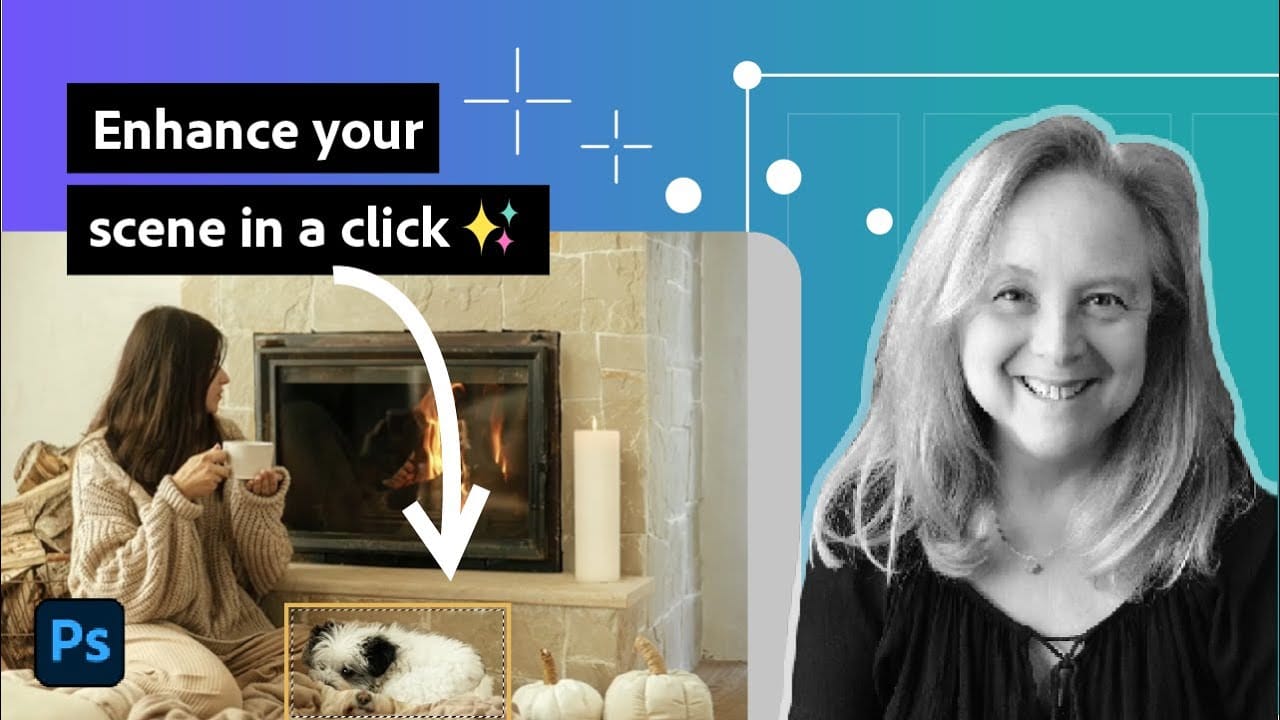
Photoshop's Generative Fill transforms photo editing by letting you add realistic objects using simple text descriptions. This AI-powered feature creates seamless additions that match your image's lighting, perspective, and style. The process requires just a basic selection and a descriptive prompt to generate professional-looking results in Read the full article here: How to Add Objects […]
Read more: How to Add Objects to Photos Using Photoshop's Generative Fill
Photoshop Generative Upscale with Topaz Models: GigaPixel vs Bloom Comparison

Photoshop Generative Upscale with Topaz Models: GigaPixel vs Bloom Comparison

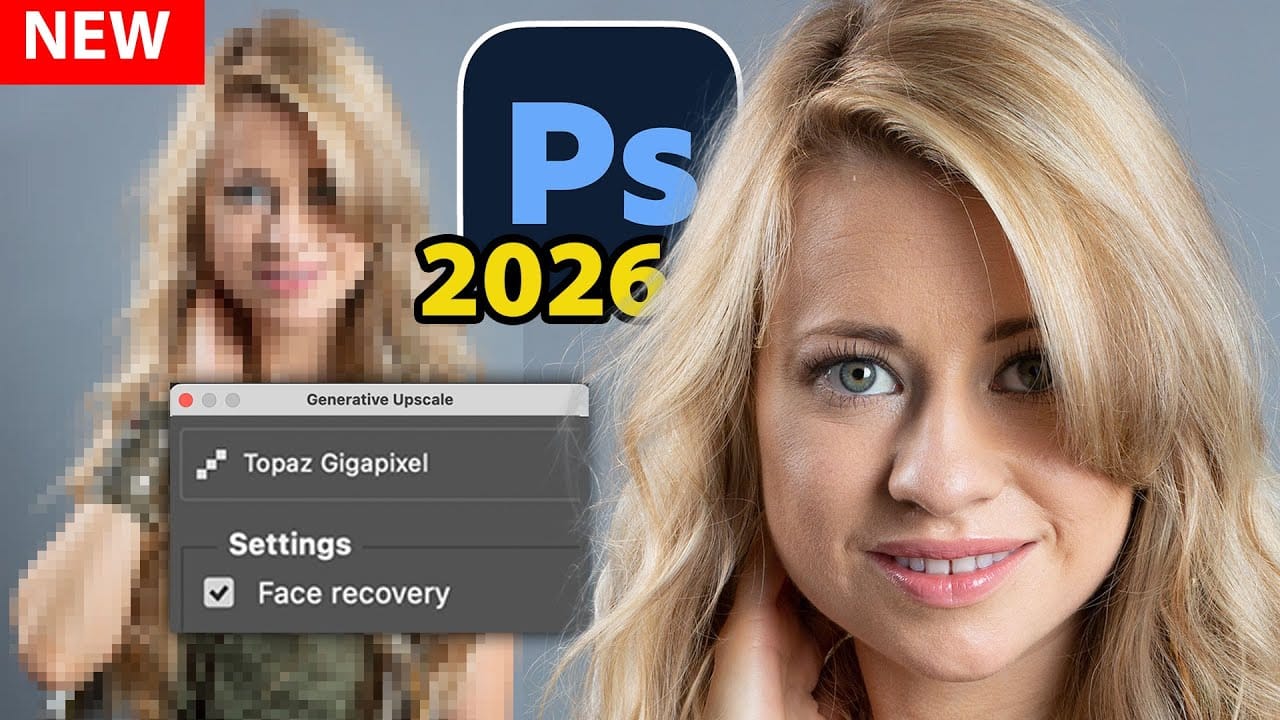
Photoshop 2026 now includes Topaz GigaPixel and Topaz Bloom models directly within its Generative Upscale feature. Instead of purchasing separate Topaz software, photographers can access these powerful AI upscaling tools using Adobe's premium credits. This integration offers two distinct approaches: GigaPixel maintains image realism while enlarging, and Bloom Read the full article here: Photoshop Generative […]

Read more: Photoshop Generative Upscale with Topaz Models: GigaPixel vs Bloom Comparison
Photoshop Workspace Basics: Navigation, Zooming, and Essential Interface Elements

Photoshop Workspace Basics: Navigation, Zooming, and Essential Interface Elements

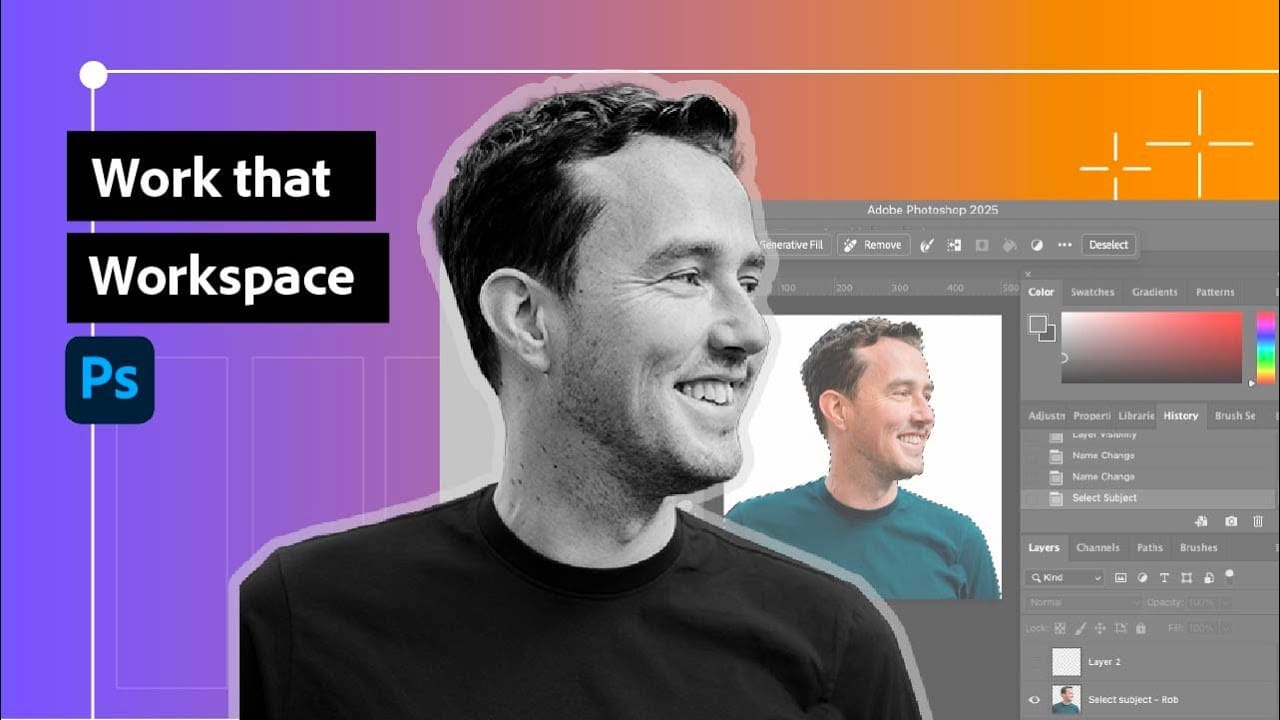
Photoshop's interface can feel overwhelming when you first open the program. Dozens of panels, tools, and menus compete for attention, making simple tasks feel complicated. This tutorial breaks down the essential workspace elements and teaches fundamental navigation skills that form the foundation of efficient Photoshop work. Watch the Read the full article here: Photoshop Workspace […]

Read more: Photoshop Workspace Basics: Navigation, Zooming, and Essential Interface Elements
How to Get Higher Quality Results from Photoshop's Generative Fill Tool

How to Get Higher Quality Results from Photoshop's Generative Fill Tool

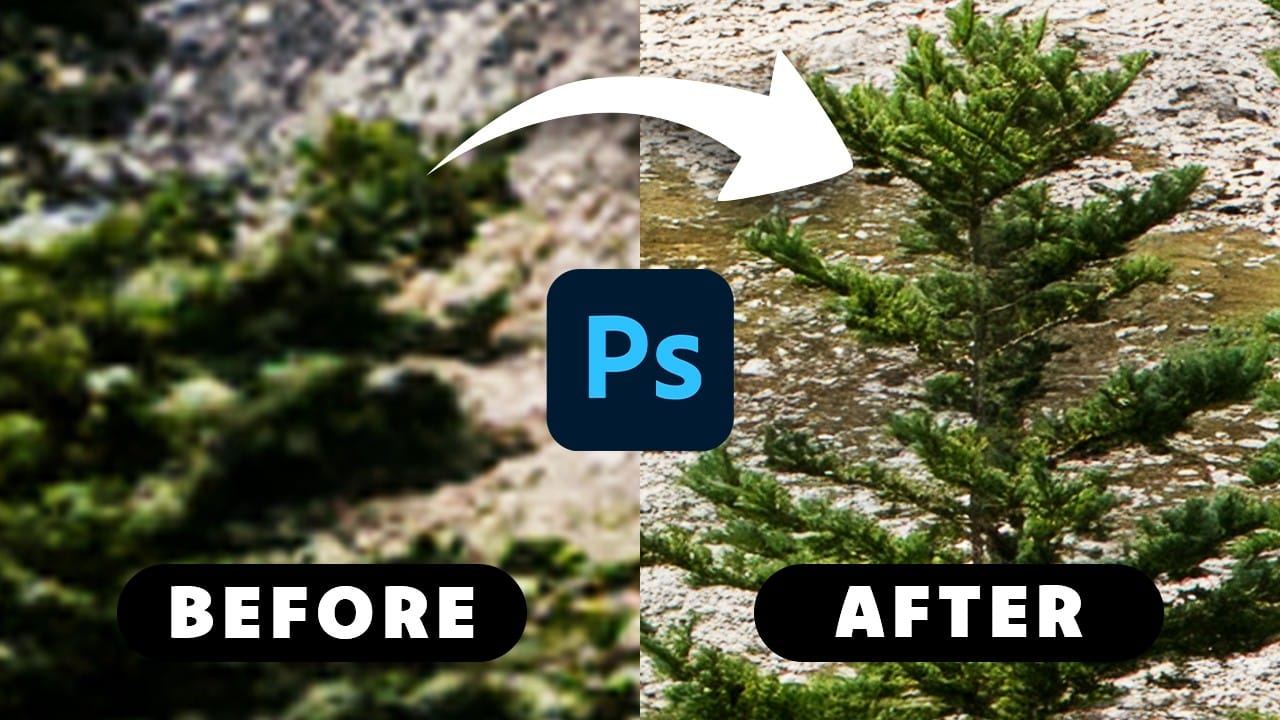
Photoshop's Generative Fill creates impressive AI extensions, but the results often look blurry and pixelated when viewed at full size. This quality limitation makes many AI-generated areas unusable for printing or large displays. This technique shows how to work around the 1024×1024 pixel quality limit to create much Read the full article here: How to […]

Read more: How to Get Higher Quality Results from Photoshop's Generative Fill Tool
How to Use Photoshop's Liquify Tool for Non-Destructive Portrait Retouching

How to Use Photoshop's Liquify Tool for Non-Destructive Portrait Retouching

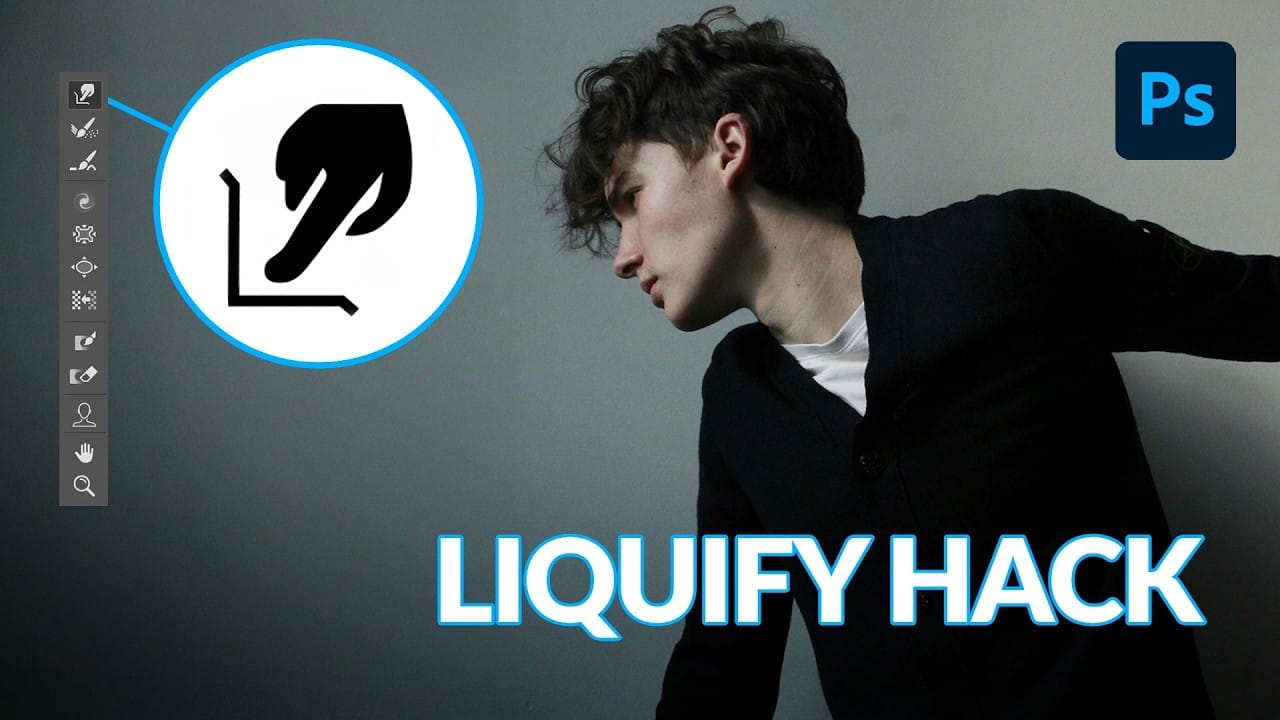
Clothing wrinkles, hair that lacks volume, and awkward fabric bunching can distract from an otherwise great portrait. Photoshop's Liquify tool offers a powerful solution for smoothing out these issues while preserving the natural look of your subject. This tutorial demonstrates how to use the Liquify tool non-destructively with Read the full article here: How to […]

Read more: How to Use Photoshop's Liquify Tool for Non-Destructive Portrait Retouching
Understanding White Balance in Photoshop: Temperature vs Tint Explained

Understanding White Balance in Photoshop: Temperature vs Tint Explained

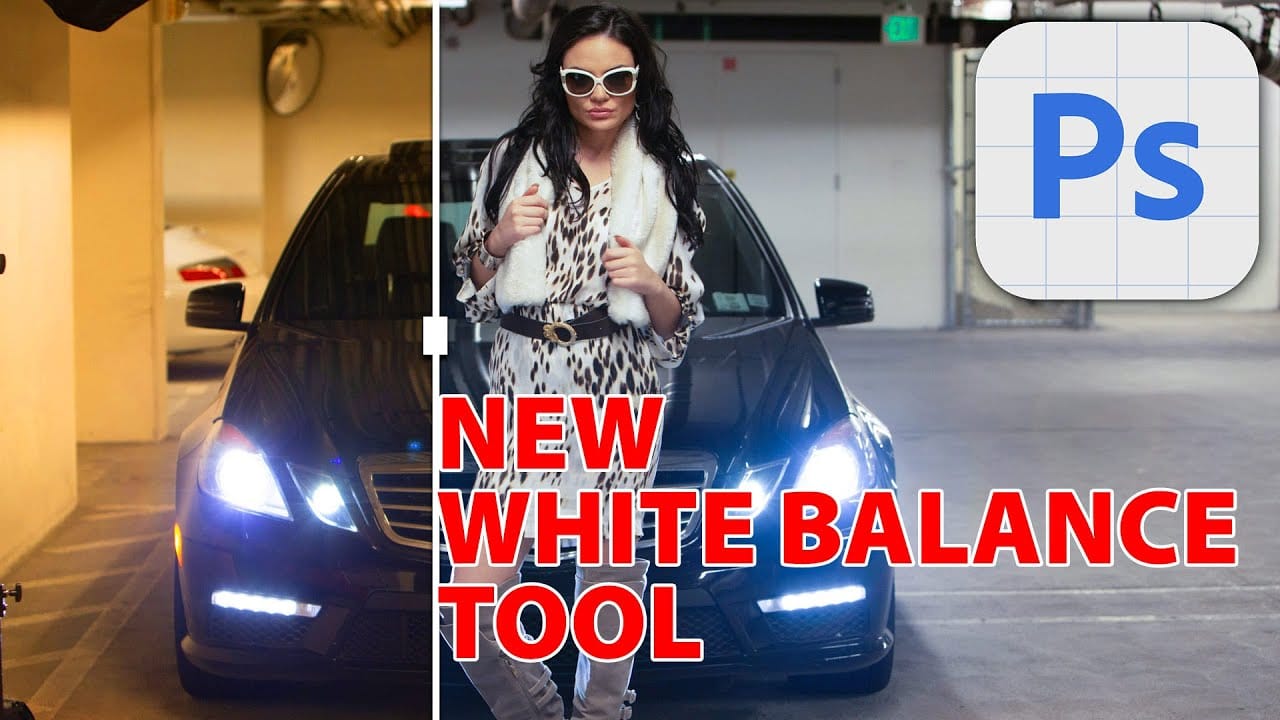
White balance confusion ends here. Temperature and tint work differently to fix color casts, and knowing when to use each tool transforms how you correct photos. Photoshop's new Color and Vibrance adjustment layer finally brings these essential controls natively into the workspace, eliminating the need to jump into Read the full article here: Understanding White […]

Read more: Understanding White Balance in Photoshop: Temperature vs Tint Explained
How to Create Perfect Black and White Photos Using Camera Raw Filter in Photoshop

How to Create Perfect Black and White Photos Using Camera Raw Filter in Photoshop

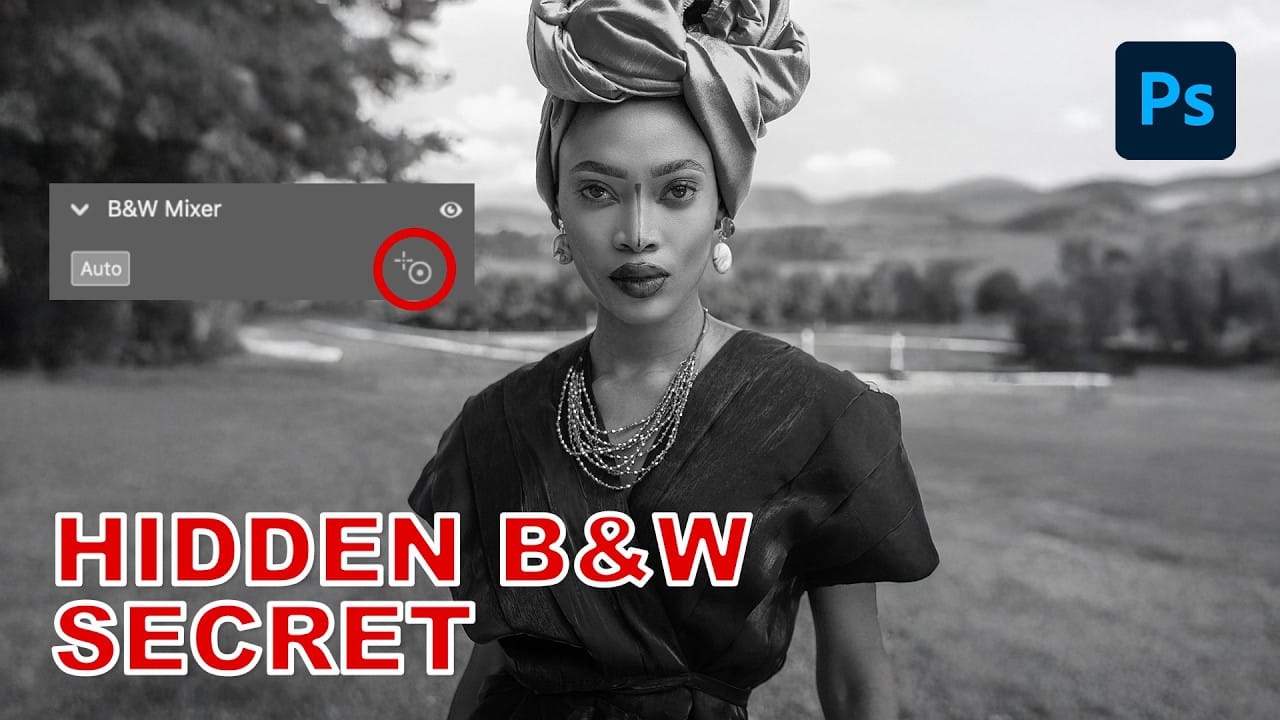
Camera Raw's black and white mixer transforms color photos into striking monochrome images with precision control. The built-in adjustment tool lets you click and drag directly on your image to lighten or darken specific tones. This non-destructive method preserves your original photo while giving you complete creative control Read the full article here: How to […]

Read more: How to Create Perfect Black and White Photos Using Camera Raw Filter in Photoshop
Master Photoshop Adjustment Layers for Non-Destructive Editing

Master Photoshop Adjustment Layers for Non-Destructive Editing

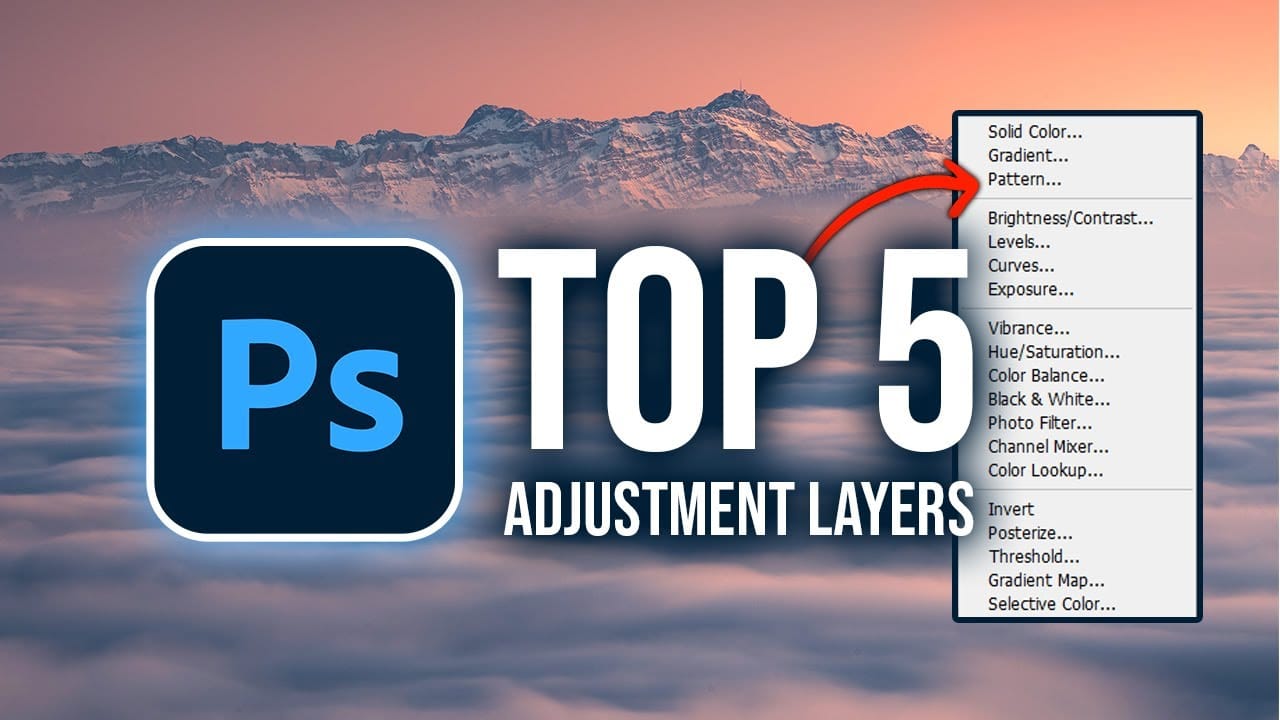
Fine-tuning images without destroying original pixel data transforms ordinary photos into compelling visuals. Adjustment layers provide the flexibility to experiment with colors, contrast, and tones while maintaining complete control over every edit. This comprehensive guide demonstrates how to harness Photoshop's most powerful adjustment layers for landscape photography, from Read the full article here: Master Photoshop […]

Read more: Master Photoshop Adjustment Layers for Non-Destructive Editing