Schenectady Photographic Society

Menu

Tools and tips

50+ Nano Banana Uses in Photoshop Beta for Advanced Image Editing

50+ Nano Banana Uses in Photoshop Beta for Advanced Image Editing

Google's Nano Banana AI model now integrates directly into Photoshop Beta, bringing powerful generative capabilities to image editing. The tool excels at maintaining subject likeness while transforming backgrounds, clothing, and entire scenes with simple text prompts. This integration offers professional-grade AI editing within Photoshop's familiar interface, Read the full article here: 50+ Nano Banana Uses […]
Read more: 50+ Nano Banana Uses in Photoshop Beta for Advanced Image Editing
Flux Kontext Pro vs Nano Banana: Comparing Photoshop's AI Models for Realistic Image Generation

Flux Kontext Pro vs Nano Banana: Comparing Photoshop's AI Models for Realistic Image Generation

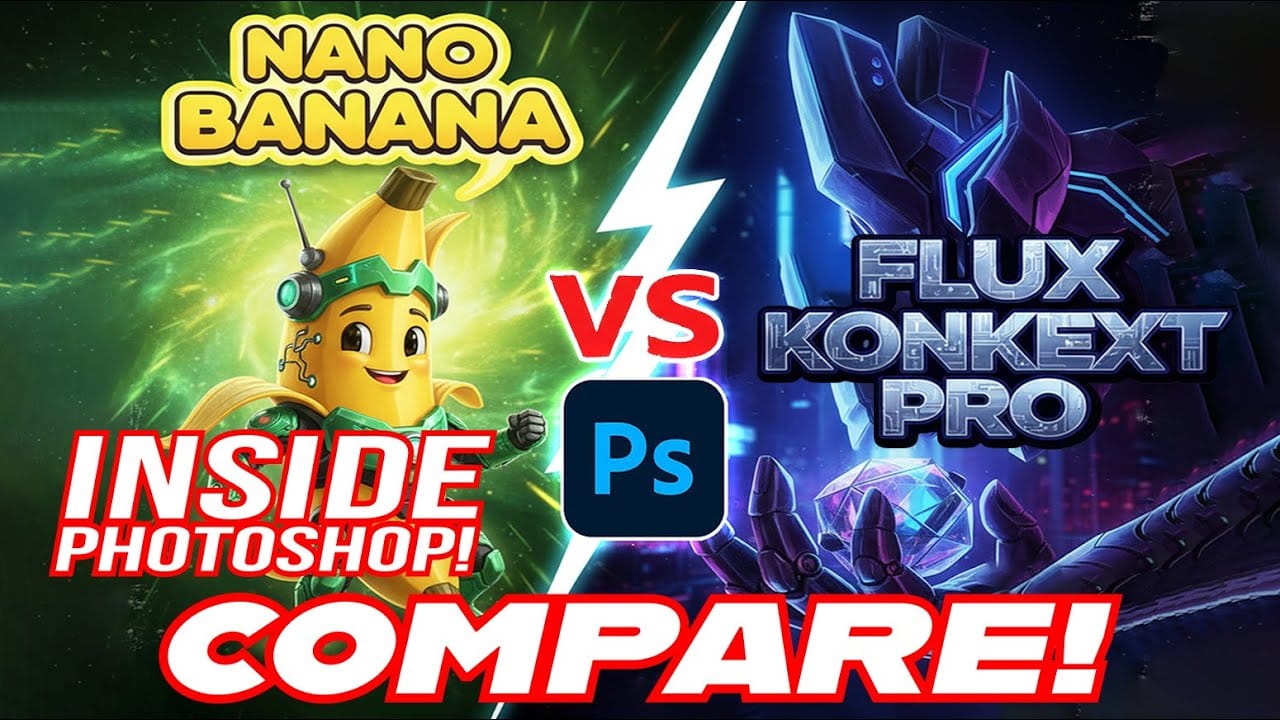
Photoshop Beta now includes two powerful AI partner models that handle image generation differently. Flux Kontext Pro excels at creating realistic, detailed results while maintaining original photo elements, making it ideal for natural-looking edits. This comparison reveals when to choose Flux over the popular Nano Banana model for your creative Read the full article here: […]

Read more: Flux Kontext Pro vs Nano Banana: Comparing Photoshop's AI Models for Realistic Image Generation
Photoshop Beta: How to Use Google's Nano Banana AI for Advanced Image Editing

Photoshop Beta: How to Use Google's Nano Banana AI for Advanced Image Editing

Google's Nano Banana AI model now integrates directly into Photoshop Beta, offering superior detail preservation and more realistic results than Adobe's Firefly. This powerful generative fill tool excels at maintaining subject likeness while transforming backgrounds, clothing, and entire scenes. The integration brings professional-grade AI editing capabilities Read the full article here: Photoshop Beta: How to […]

Read more: Photoshop Beta: How to Use Google's Nano Banana AI for Advanced Image Editing
Advanced Black and White Photo Editing with Selective Masking in Photoshop

Advanced Black and White Photo Editing with Selective Masking in Photoshop

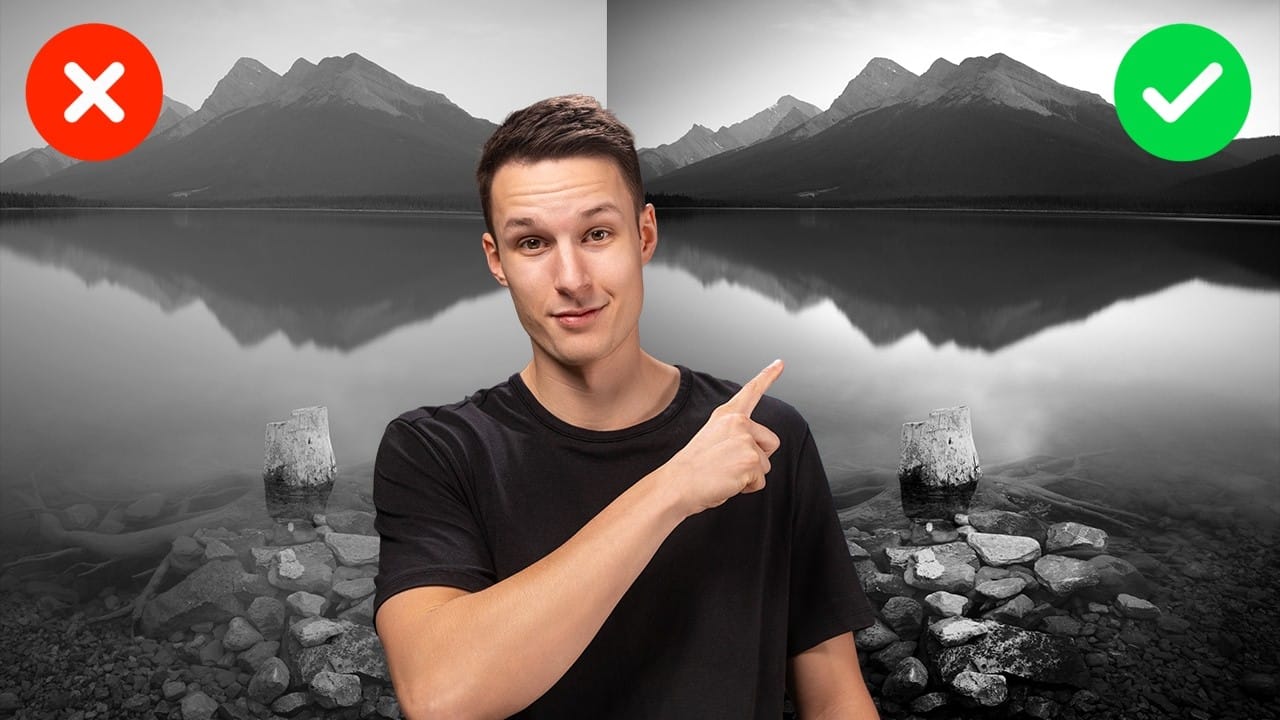
Most black and white conversions fall flat because they rely on simple global adjustments that treat the entire image uniformly. Professional-level dramatic black and white photos require selective contrast adjustments that target specific areas like skies, foregrounds, and tonal ranges independently. This approach transforms ordinary monochrome images into compelling, high-contrast Read the full article here: […]

Read more: Advanced Black and White Photo Editing with Selective Masking in Photoshop
Photoshop AI Comparison: Nano Banana vs Flux Kontext Pro Performance Test

Photoshop AI Comparison: Nano Banana vs Flux Kontext Pro Performance Test

Two powerful AI models now compete within Photoshop Beta: Nano Banana and Flux Kontext Pro. Each handles image generation differently, excelling in specific scenarios while struggling with others. This comprehensive comparison reveals which model performs better across various editing tasks, from facial expressions to text generation and seasonal transformations. Watch Read the full article here: […]

Read more: Photoshop AI Comparison: Nano Banana vs Flux Kontext Pro Performance Test
Using Photoshop's Harmonize Feature to Create Realistic Shadows for Human Composites

Using Photoshop's Harmonize Feature to Create Realistic Shadows for Human Composites

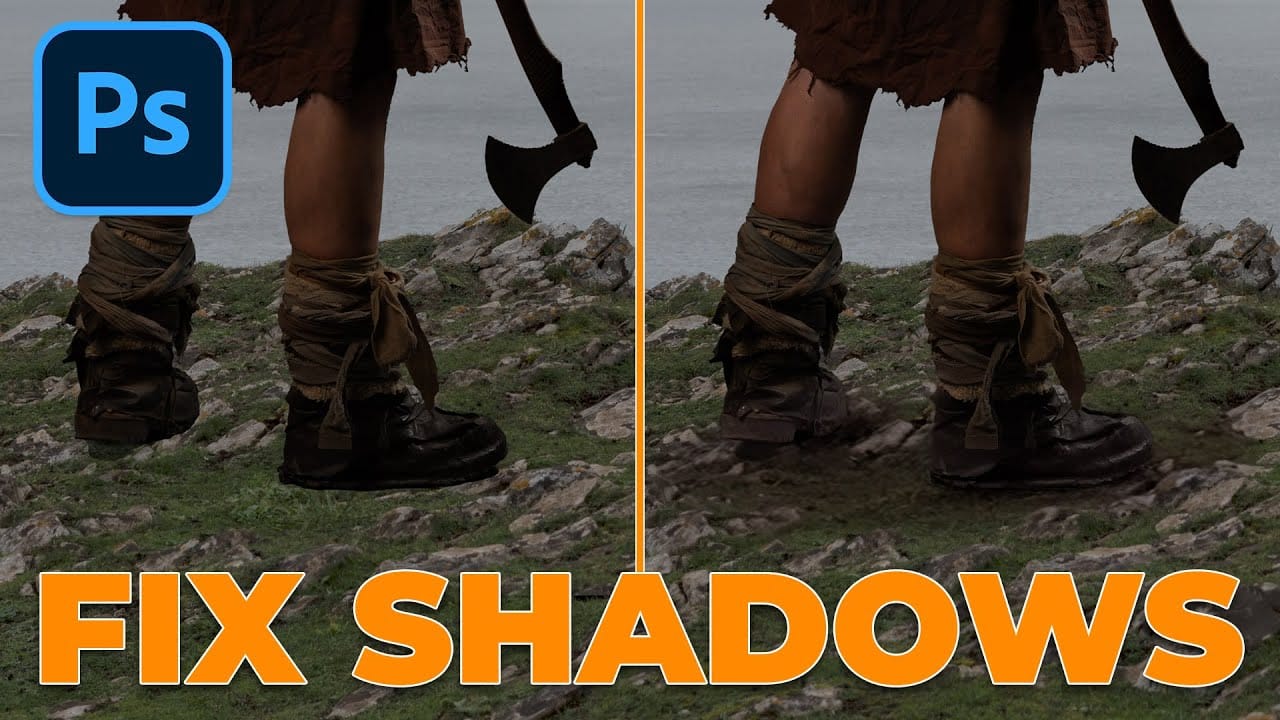
Photoshop's new Harmonize feature excels at compositing objects but struggles with human subjects. This clever workaround uses Harmonize specifically for creating realistic contact and cast shadows when compositing people into new backgrounds. The technique involves adding a fake light source to improve shadow generation, then isolating only the Read the full article here: Using Photoshop's […]

Read more: Using Photoshop's Harmonize Feature to Create Realistic Shadows for Human Composites
Testing Photoshop's New Generative Upscale Against Topaz Photo AI and AIT Image Enhancer

Testing Photoshop's New Generative Upscale Against Topaz Photo AI and AIT Image Enhancer

Photoshop's new generative upscale feature promises to compete with established AI upscaling tools like Topaz Photo AI and AIT Image Enhancer. This comparison reveals significant performance differences between these popular upscaling solutions. The test results show clear winners and losers when upscaling small 640×480 pixel images to four Read the full article here: Testing Photoshop's […]

Read more: Testing Photoshop's New Generative Upscale Against Topaz Photo AI and AIT Image Enhancer
How to Remove Backgrounds in Photoshop: 5 Essential Tools

How to Remove Backgrounds in Photoshop: 5 Essential Tools

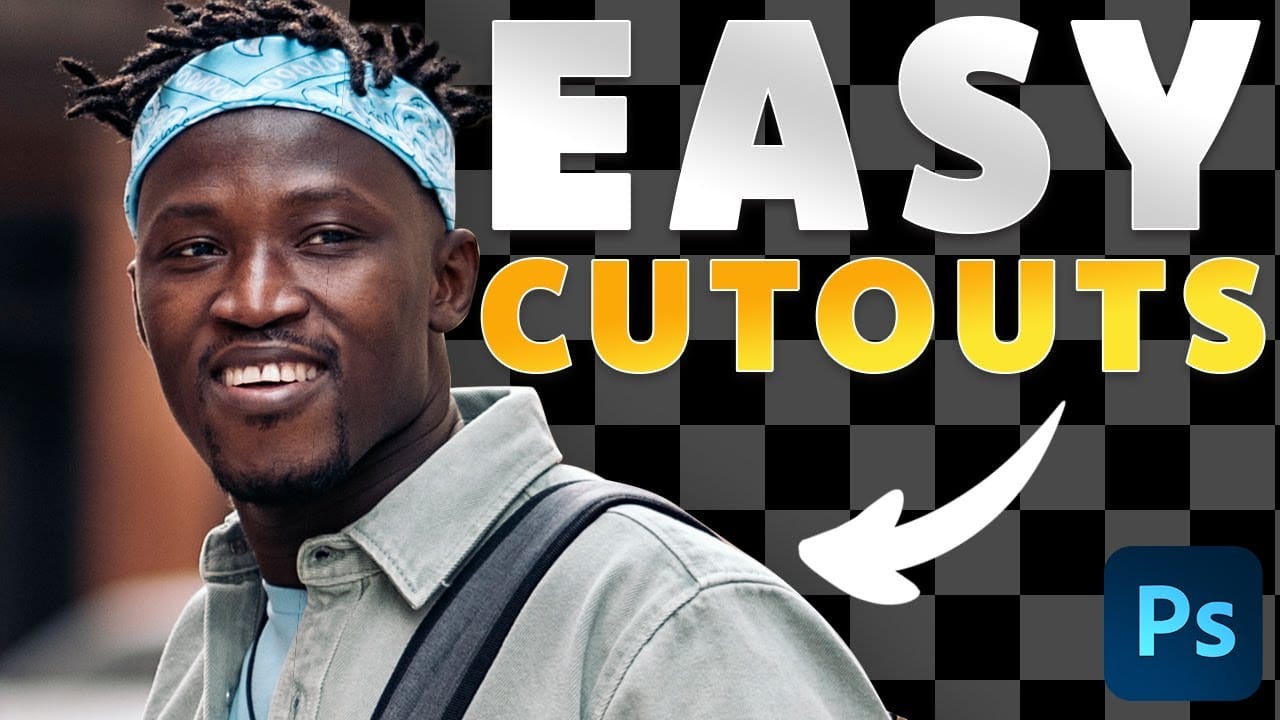
Background removal can make or break your image editing workflow. The right tool depends on your specific image: solid backgrounds need different approaches than complex hair details or high-contrast scenes. This tutorial covers five powerful Photoshop tools that handle different background removal challenges, from simple graphics to intricate details. Watch Read the full article here: […]

Read more: How to Remove Backgrounds in Photoshop: 5 Essential Tools