Schenectady Photographic Society

Menu

Tools and tips

How to Fix Photoshop's Scratch Disk Full Error Permanently

How to Fix Photoshop's Scratch Disk Full Error Permanently

Few things destroy creative momentum like Photoshop's dreaded "scratch disk full" error. This technical roadblock strikes at the worst possible moment—right when inspiration hits and your project is flowing perfectly. The error occurs when Photoshop runs out of temporary storage space for your work files. Read the full article here: How to Fix Photoshop's Scratch […]
Read more: How to Fix Photoshop's Scratch Disk Full Error Permanently
Create Deep Blue Skies Using Photoshop's Selective Color Tool

Create Deep Blue Skies Using Photoshop's Selective Color Tool

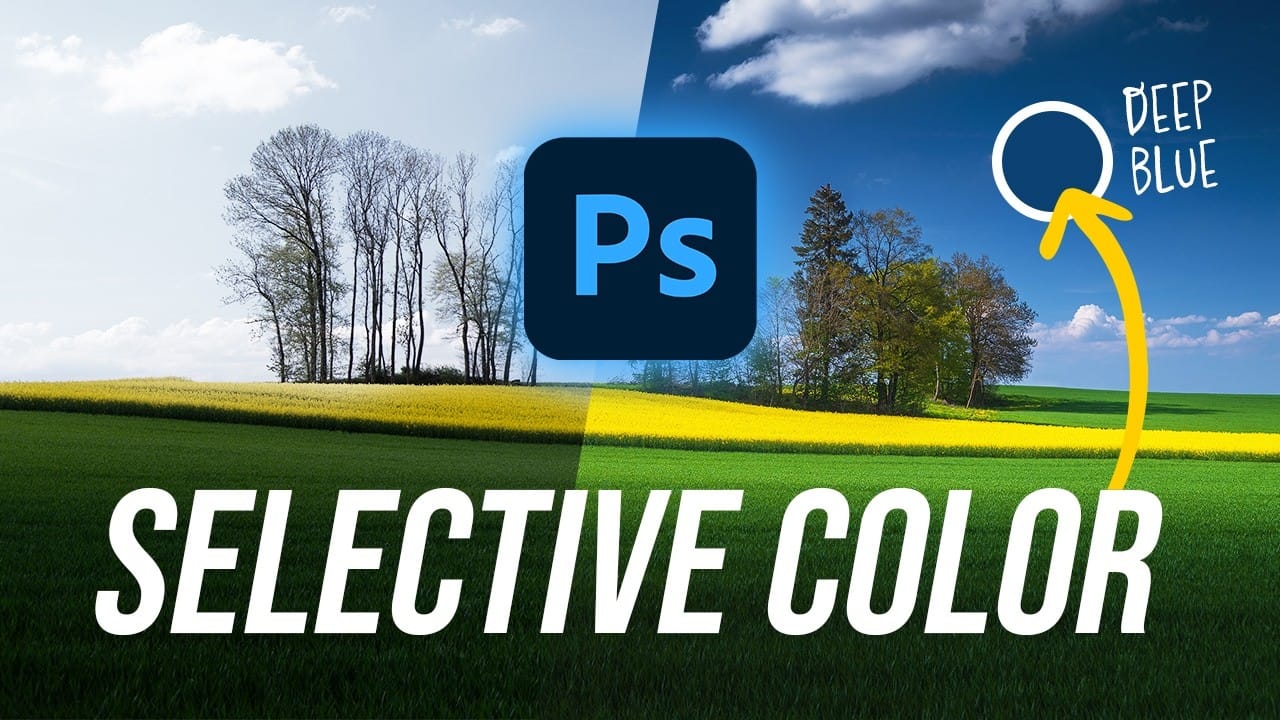
Blue skies can make or break a landscape photograph. When they appear too intense or cartoonish, they distract from the entire image. When they look flat and lifeless, the whole scene loses its impact. This video demonstrates how to create rich, dramatic skies using Photoshop's selective color adjustment Read the full article here: Create Deep […]

Read more: Create Deep Blue Skies Using Photoshop's Selective Color Tool
Photoshop Generative Expand and Composite Techniques Using AI-Generated Images

Photoshop Generative Expand and Composite Techniques Using AI-Generated Images

AI-generated imagery opens up endless creative possibilities, but the real magic happens when you know how to refine and enhance these digital creations. Raw AI images often need compositional adjustments, element removal, and seamless blending to reach their full potential. This tutorial demonstrates practical techniques for extending canvas space, removing Read the full article here: […]

Read more: Photoshop Generative Expand and Composite Techniques Using AI-Generated Images
How to Change Black and White to Any Color in Photoshop

How to Change Black and White to Any Color in Photoshop

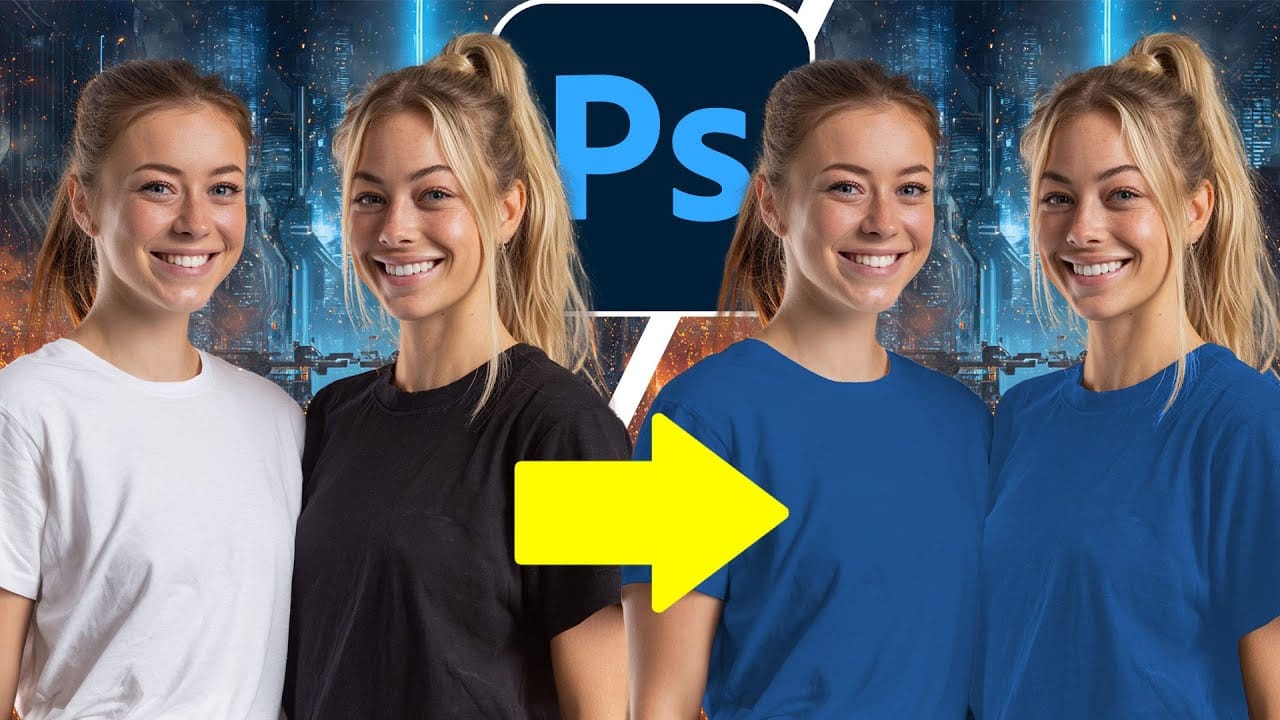
Standard color adjustment tools fail when you try to change pure black or white elements in your photos. These neutral tones lack the hue and saturation data that typical color replacement methods require. This technique uses Hue/Saturation adjustment layers with strategic lightness modifications to transform both black and white Read the full article here: How […]

Read more: How to Change Black and White to Any Color in Photoshop
How Photoshop's Updated Frame Tool Simplifies Layer Cropping

How Photoshop's Updated Frame Tool Simplifies Layer Cropping

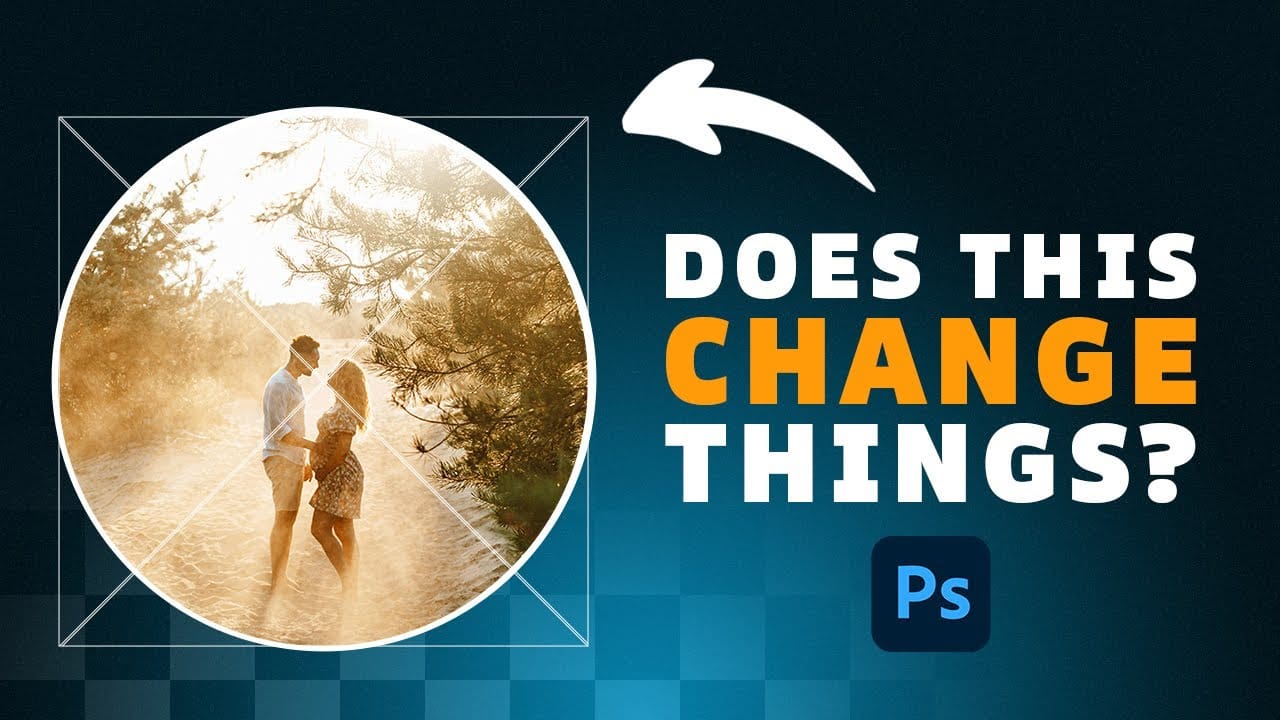
Cropping individual layers in Photoshop has traditionally required multiple complex steps involving selections, layer masks, or clipping masks. The updated Frame Tool now offers a streamlined drag-and-drop approach that eliminates confusion and reduces workflow steps. These improvements make layer cropping accessible to beginners while speeding up workflows for advanced users Read the full article here: […]

Read more: How Photoshop's Updated Frame Tool Simplifies Layer Cropping
Photoshop's Dynamic Text Feature: Automatic Text Alignment and Resizing

Photoshop's Dynamic Text Feature: Automatic Text Alignment and Resizing

Text alignment in Photoshop has long been a tedious process of manual adjustments, multiple layers, and constant realignment whenever you change font sizes or content. The traditional workflow forces designers to work with separate text layers and spend valuable time fine-tuning positions with transform tools and guides. Photoshop's Read the full article here: Photoshop's Dynamic […]

Read more: Photoshop's Dynamic Text Feature: Automatic Text Alignment and Resizing
How to Use Photoshop's New AI-Powered Actions Panel

How to Use Photoshop's New AI-Powered Actions Panel

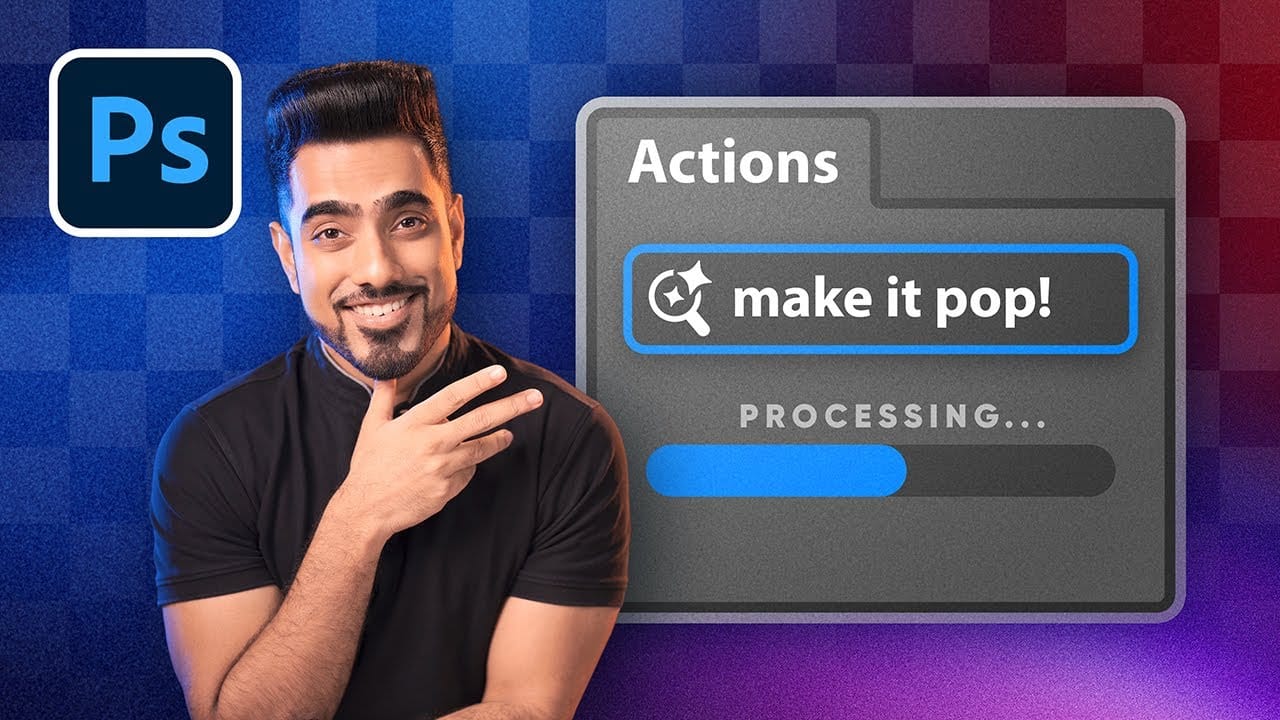
Photoshop's actions just became significantly smarter with AI integration. The new Actions panel understands natural language searches, automatically suggests relevant effects based on your image content, and provides live previews before you commit to changes. This revolutionary update transforms how designers work with automated processes. Instead of browsing Read the full article here: How to […]

Read more: How to Use Photoshop's New AI-Powered Actions Panel
How to Create Professional PSD Templates in Photoshop

How to Create Professional PSD Templates in Photoshop

PSD templates transform complex Photoshop effects into reusable presets that save hours of repetitive work. While many designers download templates online, creating your own gives you complete control over the final result and builds valuable technical skills. This tutorial demonstrates how to build a professional plastic texture effect template from Read the full article here: […]

Read more: How to Create Professional PSD Templates in Photoshop