Schenectady Photographic Society

Menu

Tools and tips

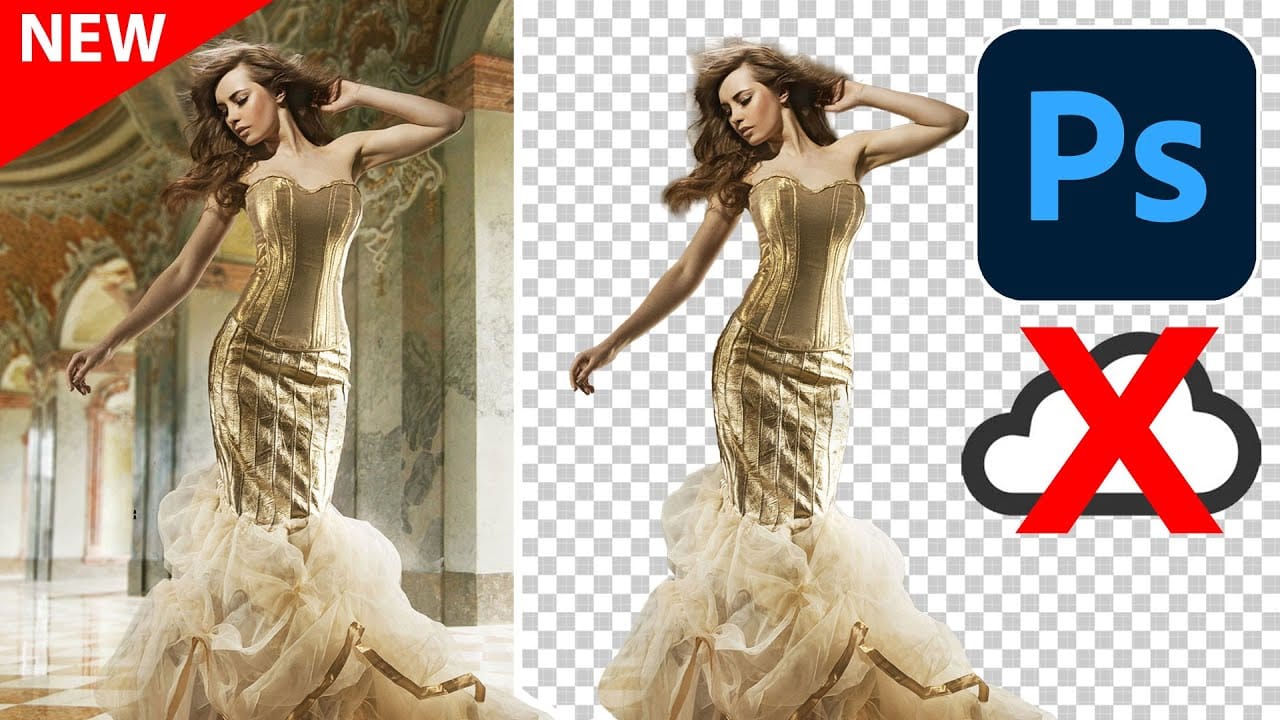
Photoshop's New On-Device Select Subject Tool Matches Cloud Quality

Photoshop's New On-Device Select Subject Tool Matches Cloud Quality

Photoshop's latest update brings cloud-quality selection algorithms directly to your device. This means precise subject selection without internet connectivity or sending images to Adobe's servers. The new on-device algorithm rivals the cloud version's accuracy, handling complex subjects like bicycle spokes, hair details, and backlit Read the full article here: Photoshop's New On-Device Select Subject Tool […]


Read more: Photoshop's New On-Device Select Subject Tool Matches Cloud Quality
Photoshop Dynamic Text Feature Tutorial: Auto-Fitting Typography Design

Photoshop Dynamic Text Feature Tutorial: Auto-Fitting Typography Design

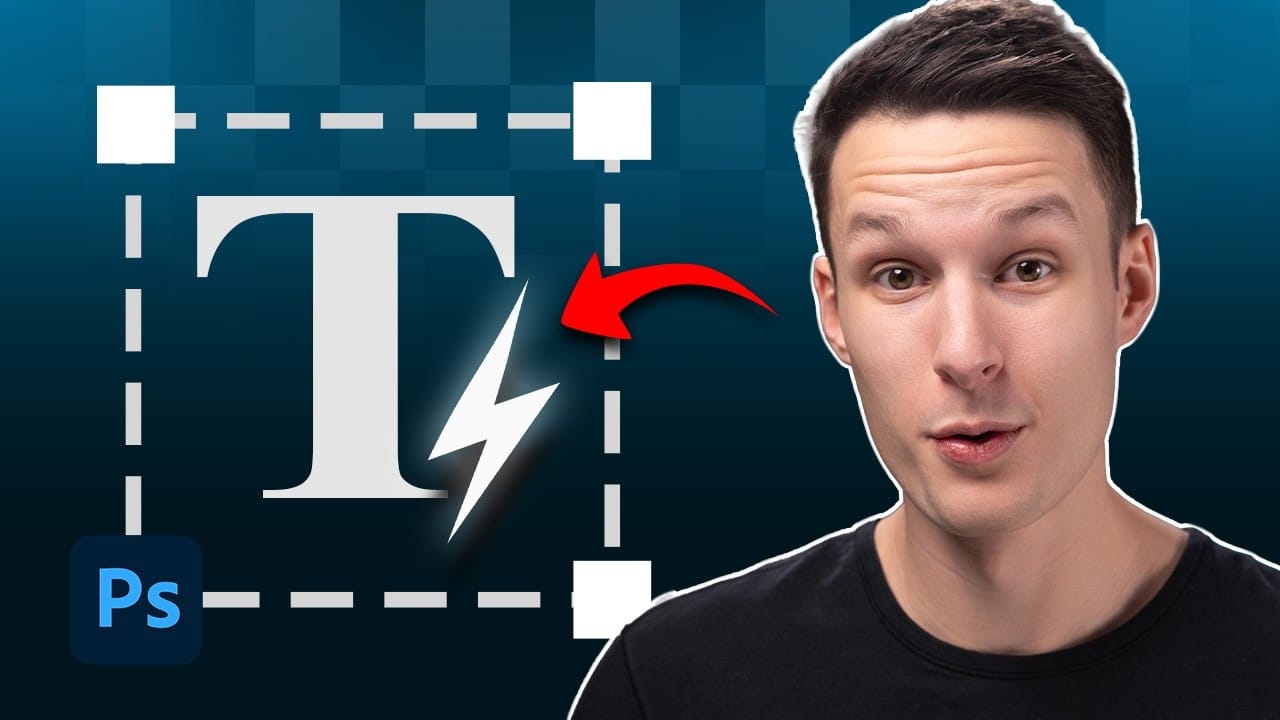
Typography design often involves endless manual adjustments to make text fit perfectly within defined spaces. Every resize means recalculating font sizes, line breaks, and spacing to maintain clean alignment and readability. Photoshop's new Dynamic Text feature automatically handles these calculations, creating pixel-perfect left and right margins while intelligently Read the full article here: Photoshop Dynamic […]

Read more: Photoshop Dynamic Text Feature Tutorial: Auto-Fitting Typography Design
Comparing Photoshop's Three AI Upscaling Tools: Generative Upscale vs Neural Filters vs Preserve Details

Comparing Photoshop's Three AI Upscaling Tools: Generative Upscale vs Neural Filters vs Preserve Details

Low-resolution images present a constant challenge for designers and photographers who need crisp, detailed prints or high-quality digital displays. Traditional upscaling methods often produce blurry, pixelated results that fail to meet professional standards. Photoshop now offers three distinct AI-powered upscaling options, each with unique strengths and limitations. This comprehensive comparison Read the full article here: […]

Read more: Comparing Photoshop's Three AI Upscaling Tools: Generative Upscale vs Neural Filters vs Preserve Details
5 Essential Pen Tool Tips for Better Photoshop Selections

5 Essential Pen Tool Tips for Better Photoshop Selections

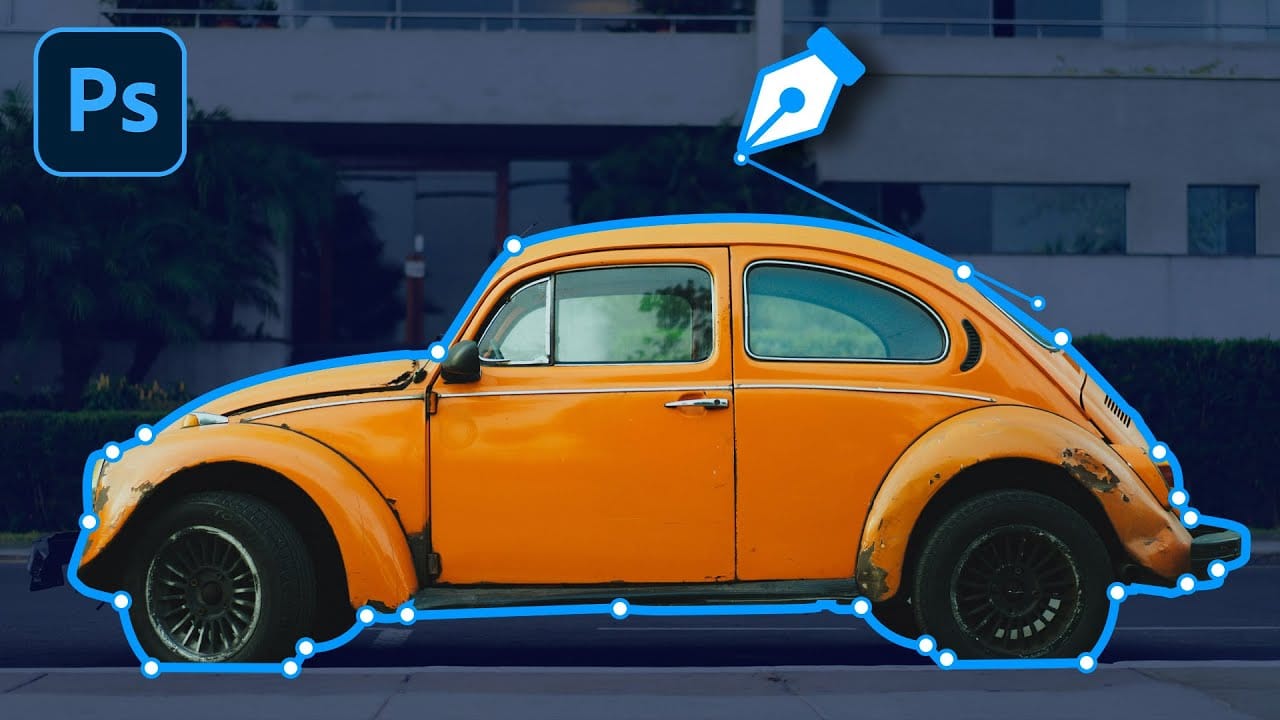
Perfect selections separate amateur work from professional results in Photoshop. When quick selection tools fail on complex subjects with curves and intricate edges, the Pen Tool becomes your most precise option for creating flawless cutouts. These five essential techniques transform the intimidating Pen Tool into a reliable selection method. Master Read the full article here: […]

Read more: 5 Essential Pen Tool Tips for Better Photoshop Selections
How to Use Photoshop's Alignment Tools for Perfect Object Placement

How to Use Photoshop's Alignment Tools for Perfect Object Placement

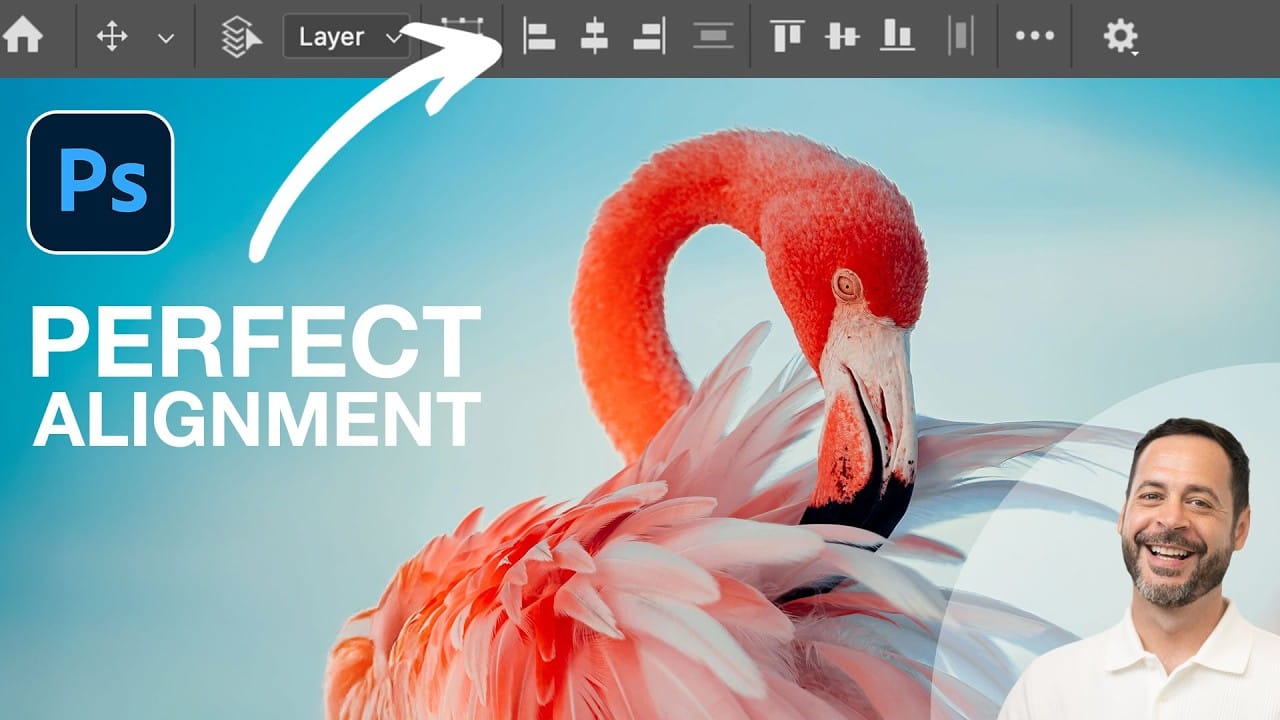
Perfect alignment transforms amateur-looking designs into polished, professional layouts. When text floats awkwardly or elements appear randomly scattered, the entire composition suffers. Photoshop's alignment tools eliminate guesswork and create visual harmony with mathematical precision. These tools work with individual layers, groups, and selections to position elements exactly where Read the full article here: How to […]

Read more: How to Use Photoshop's Alignment Tools for Perfect Object Placement
Dynamic Text Tool in Photoshop – Auto-Resizing Text Feature

Dynamic Text Tool in Photoshop – Auto-Resizing Text Feature

Text alignment and sizing across multiple layers can quickly turn into a time-consuming puzzle. Manually adjusting each text element, creating guides for alignment, and constantly repositioning elements whenever you make changes disrupts the creative flow. Photoshop's new Dynamic Text feature bridges the gap between point text and paragraph Read the full article here: Dynamic Text […]

Read more: Dynamic Text Tool in Photoshop – Auto-Resizing Text Feature
How to Create Seamless Patterns in Photoshop Using the Offset Filter

How to Create Seamless Patterns in Photoshop Using the Offset Filter

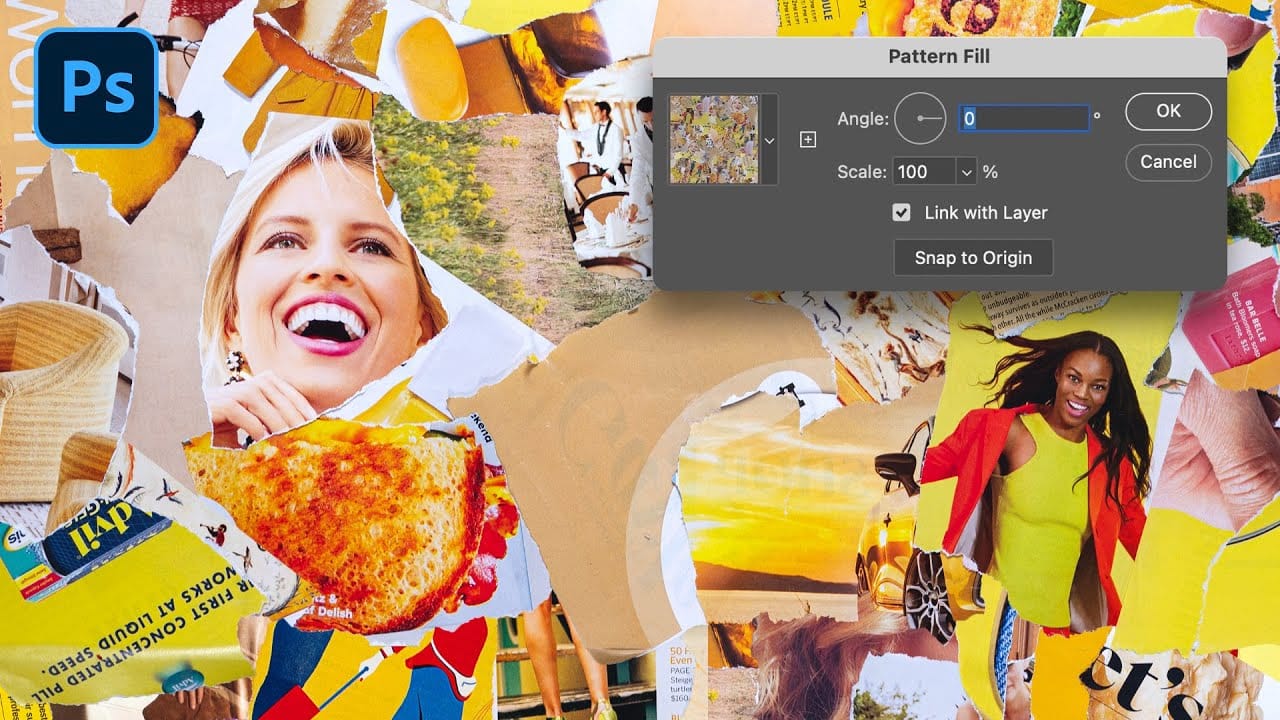
Transforming ordinary images into professional repeating patterns opens up endless creative possibilities. From custom backgrounds to textile designs, seamless patterns eliminate obvious cutting lines and repetitive elements that reveal themselves when an image tiles across a surface. This technique works with any type of image – from photographs to collages Read the full article here: […]

Read more: How to Create Seamless Patterns in Photoshop Using the Offset Filter
Strategic Guide to Photoshop's AI Tools: Which Tool, When, and Why

Strategic Guide to Photoshop's AI Tools: Which Tool, When, and Why

Over the past few years, Adobe has been strategically integrating AI-powered features that are redefining what's possible in image editing, positioning Photoshop at the forefront of the generative AI revolution. Rather than simply adding standalone AI tools, Adobe is thoughtfully weaving intelligence into Photoshop's core workflows, Read the full article here: Strategic Guide to Photoshop's […]

Read more: Strategic Guide to Photoshop's AI Tools: Which Tool, When, and Why