Schenectady Photographic Society

Menu

Tools and tips

How to Use Inverted Masks in Photoshop to Add Color Depth and Texture

How to Use Inverted Masks in Photoshop to Add Color Depth and Texture

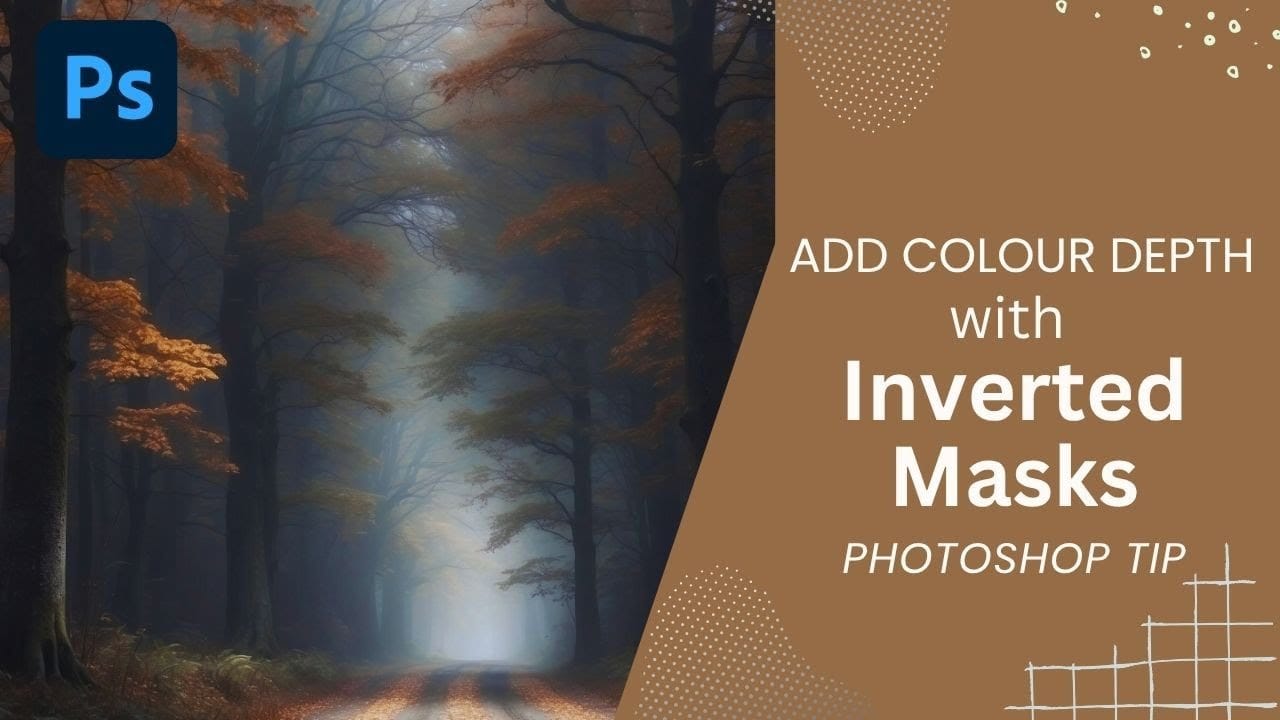
Forest photography often lacks the color depth and texture detail that makes images truly captivating. Flat foliage and monotone tree trunks can leave your landscape photos feeling lifeless, no matter how carefully composed. Inverted mask offer a precise solution for selectively enhancing specific areas of your images. This technique allows Read the full article here: […]
Read more: How to Use Inverted Masks in Photoshop to Add Color Depth and Texture
Two Simple Color Grading Techniques Using Photoshop Curves and Levels

Two Simple Color Grading Techniques Using Photoshop Curves and Levels

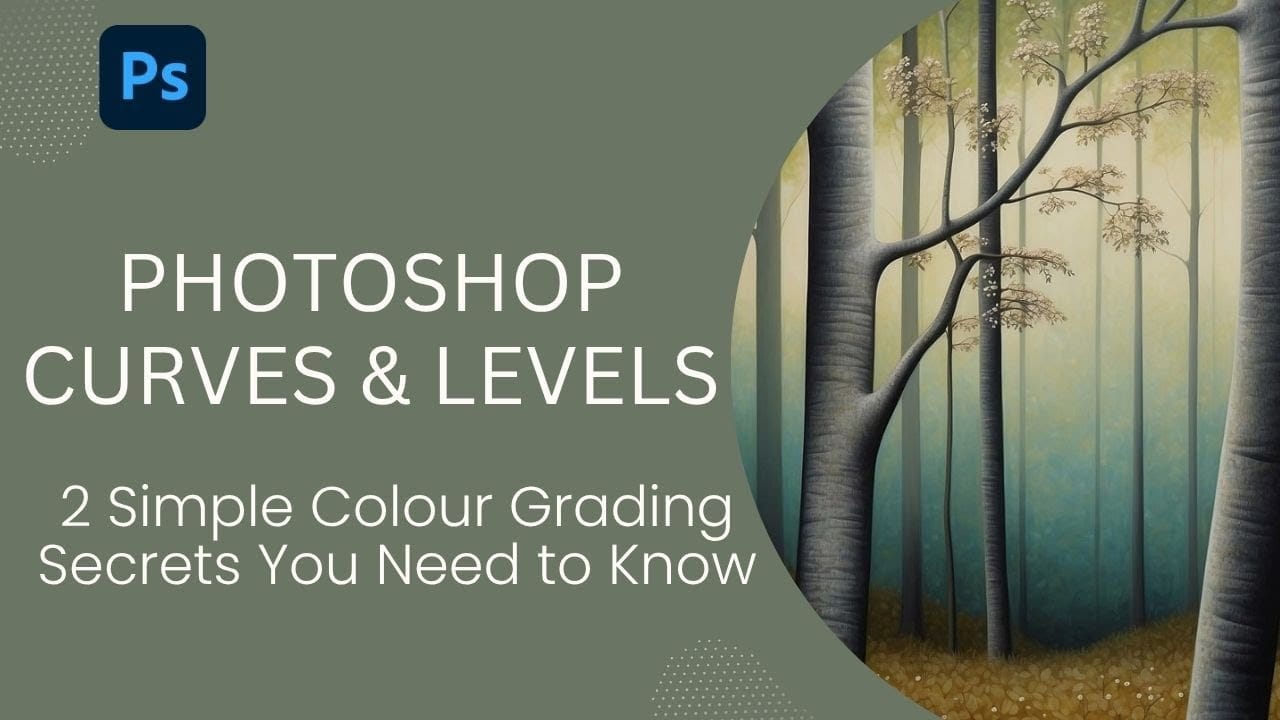
Color grading transforms flat images into vibrant, cinematic visuals that capture attention and convey mood. The difference between an ordinary photo and one with professional depth often comes down to how well shadows, midtones, and highlights work together to create visual interest. These two Photoshop techniques using Curves and Levels Read the full article here: […]

Read more: Two Simple Color Grading Techniques Using Photoshop Curves and Levels
How to Cut Out Complex Hair and Fur in Photoshop Without Fringing

How to Cut Out Complex Hair and Fur in Photoshop Without Fringing

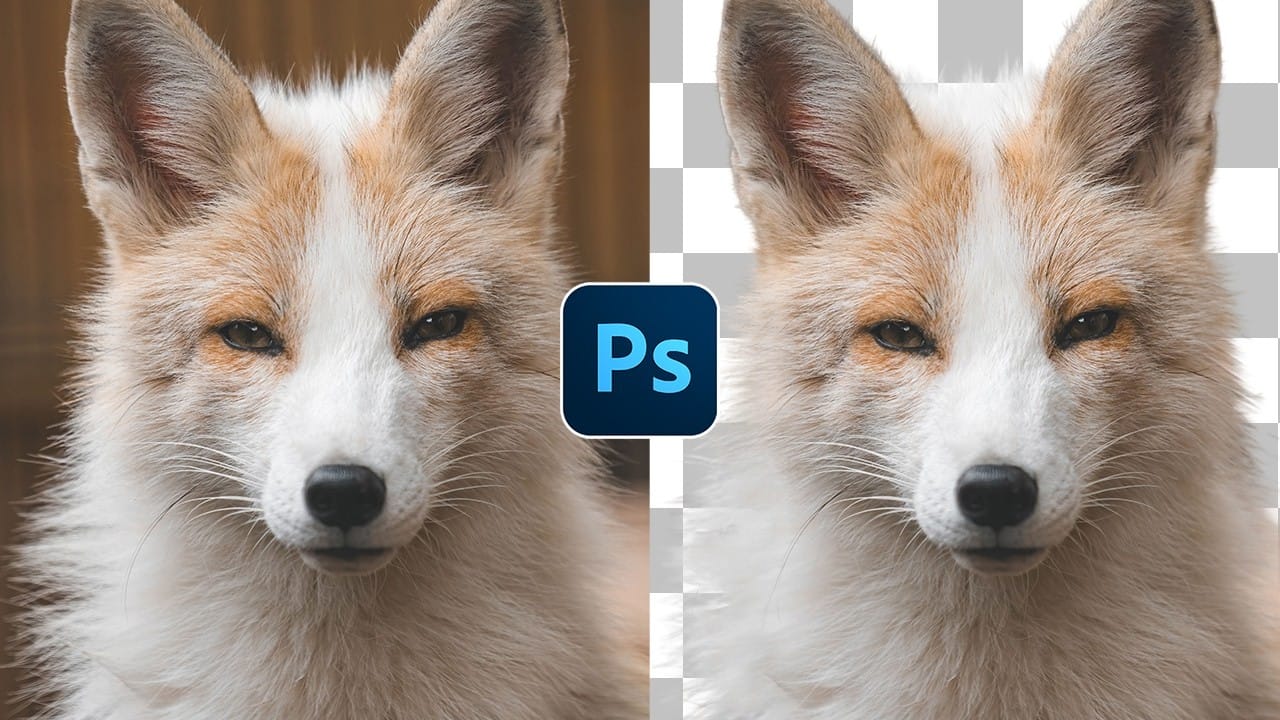
Sharp, clean cutouts separate amateur photo edits from professional composites. Subjects with hair or fur challenge even experienced Photoshop users because standard selection tools often leave noticeable color fringing around delicate edges. This tutorial demonstrates a complete workflow that combines Photoshop's cloud-powered selection tools with manual refinement techniques Read the full article here: How to […]

Read more: How to Cut Out Complex Hair and Fur in Photoshop Without Fringing
Creative Uses of Photoshop's Difference Blending Mode

Creative Uses of Photoshop's Difference Blending Mode

The Difference blending mode often gets overlooked in Photoshop, dismissed as too unpredictable or harsh for creative work. Most designers know it as a utility tool for layer alignment, but this powerful mode can create striking effects when used thoughtfully. From grungy texture overlays to vintage solarized looks, Difference mode Read the full article here: […]

Read more: Creative Uses of Photoshop's Difference Blending Mode
Essential Type Tool Techniques in Photoshop

Essential Type Tool Techniques in Photoshop

Text in Photoshop offers far more creative potential than basic typing and font selection. Advanced type tool techniques unlock professional-level text manipulation, from precise warping control to custom character distortion and knockout effects. These methods transform ordinary text into dynamic design elements that integrate seamlessly with complex compositions and visual Read the full article here: […]

Read more: Essential Type Tool Techniques in Photoshop
Complete Guide to AI Photo Editing with Photoshop's Generative Fill

Complete Guide to AI Photo Editing with Photoshop's Generative Fill

Modern photo editing has entered a new era where artificial intelligence can solve complex visual problems in seconds. Tasks that once required hours of manual work—removing unwanted objects, changing skies, adding realistic elements—can now be accomplished with simple selections and text prompts. This comprehensive tutorial demonstrates 37 practical Read the full article here: Complete Guide […]

Read more: Complete Guide to AI Photo Editing with Photoshop's Generative Fill
10 little-known Photoshop features you should really learn (2025 Update)

10 little-known Photoshop features you should really learn (2025 Update)

Photoshop's true power isn't just in its headline features—it's in the hidden gems that can transform your workflow overnight. While everyone knows about layers and the healing brush, these lesser-known capabilities can save you hours and open up creative possibilities you never knew Read the full article here: 10 little-known Photoshop features you should really […]

Read more: 10 little-known Photoshop features you should really learn (2025 Update)
Advanced Color Grading with Apply Image Layer Masks in Photoshop

Advanced Color Grading with Apply Image Layer Masks in Photoshop

Professional color grading can transform ordinary photos into cinematic masterpieces, but heavy adjustments often create that obvious "filtered" look that screams amateur editing. The difference between natural-looking color enhancement and overdone processing lies in how the adjustments interact with your image's existing tonal structure. This advanced Read the full article here: Advanced Color Grading with […]

Read more: Advanced Color Grading with Apply Image Layer Masks in Photoshop