Schenectady Photographic Society

Menu

Tools and tips

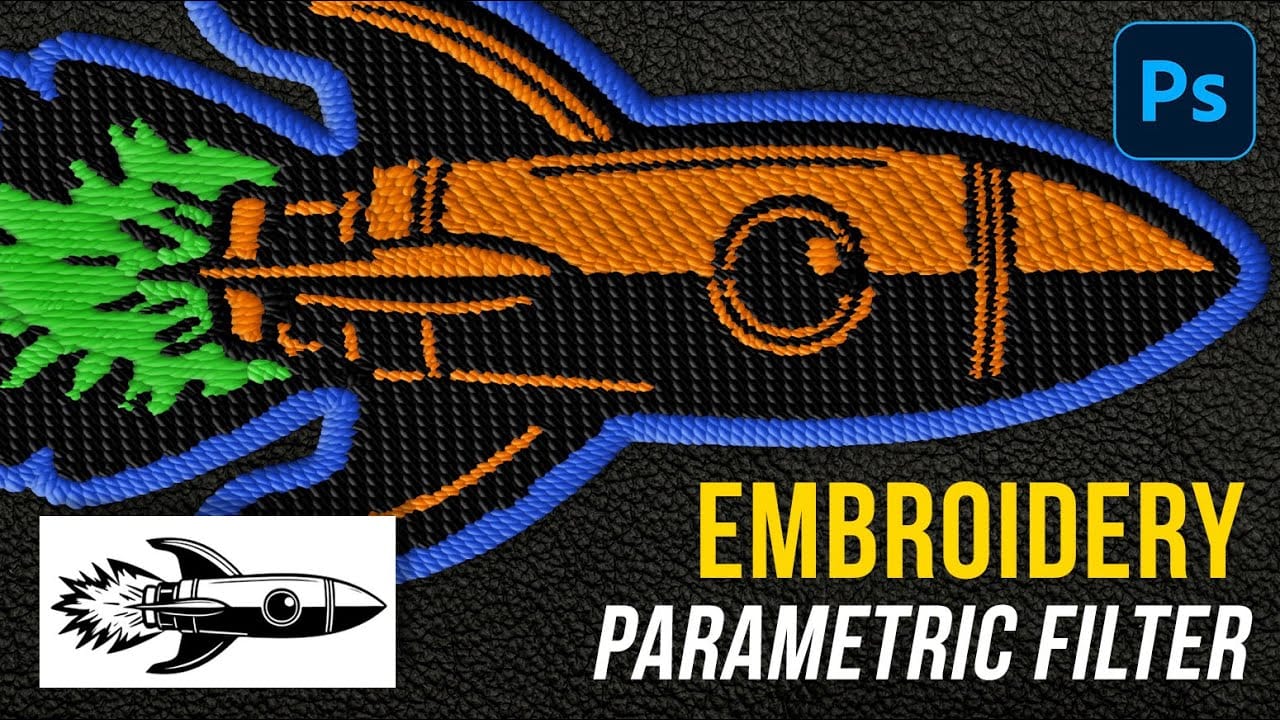
How to Create Realistic Embroidery Effects Using Photoshop's Parametric Embroidery Filter

How to Create Realistic Embroidery Effects Using Photoshop's Parametric Embroidery Filter

Adobe's introduction of parametric filters in Photoshop beta has opened up new possibilities for creating realistic textile effects without complex manual techniques. The embroidery filter stands out as particularly powerful for transforming logos, graphics, and text into convincing stitched designs with remarkable detail and customization options. This tutorial Read the full article here: How to […]

Read more: How to Create Realistic Embroidery Effects Using Photoshop's Parametric Embroidery Filter
How to Use the Eyedropper Tool in Photoshop

How to Use the Eyedropper Tool in Photoshop

The eyedropper tool remains one of Photoshop's most fundamental utilities for color selection and matching. This seemingly simple tool offers sophisticated sampling options and workflow shortcuts that can significantly improve color accuracy and creative control in photo editing projects. This tutorial demonstrates the eyedropper tool's core Read the full article here: How to Use the […]

Read more: How to Use the Eyedropper Tool in Photoshop
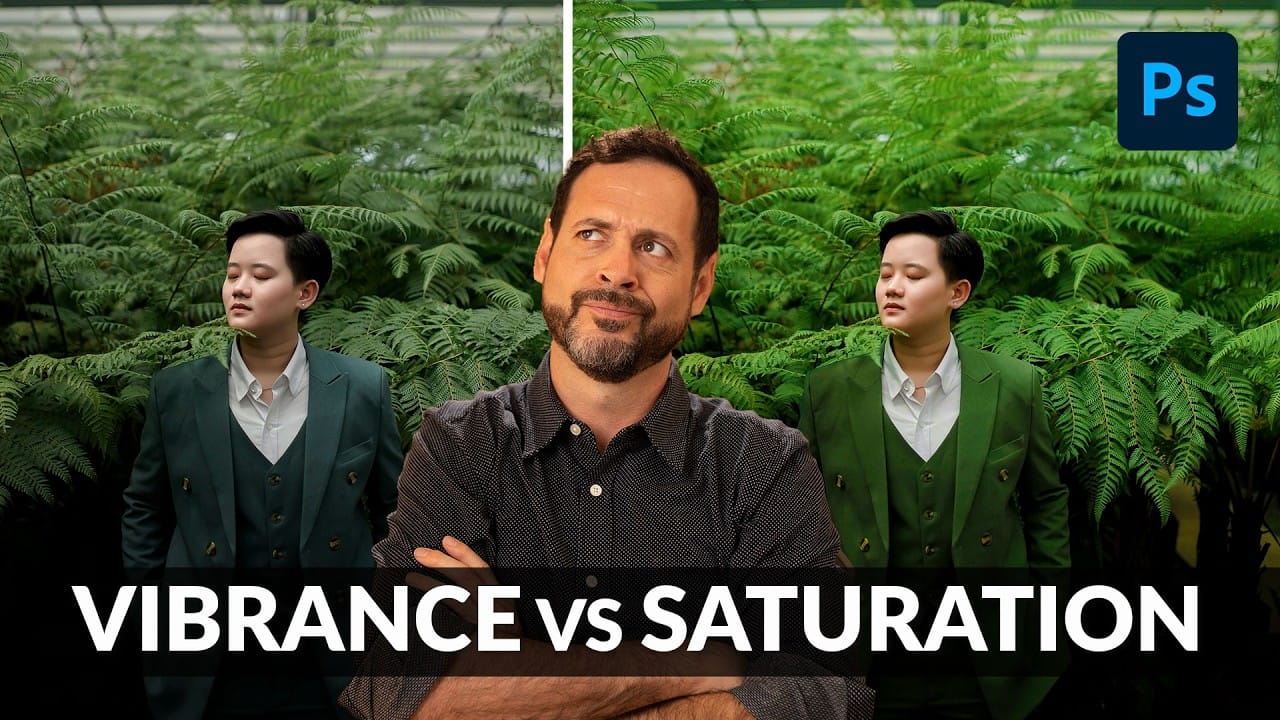
Understanding Vibrance vs Saturation in Photoshop and When to Use Each Tool

Understanding Vibrance vs Saturation in Photoshop and When to Use Each Tool

Color enhancement is one of the most fundamental aspects of photo editing, yet many Photoshop users struggle with knowing when to use vibrance versus saturation. Both tools can boost the intensity of colors in your images, but they work in dramatically different ways and produce very different results. Learning the Read the full article here: […]

Read more: Understanding Vibrance vs Saturation in Photoshop and When to Use Each Tool
Convert Low-Resolution Graphics to High Resolution in Photoshop

Convert Low-Resolution Graphics to High Resolution in Photoshop

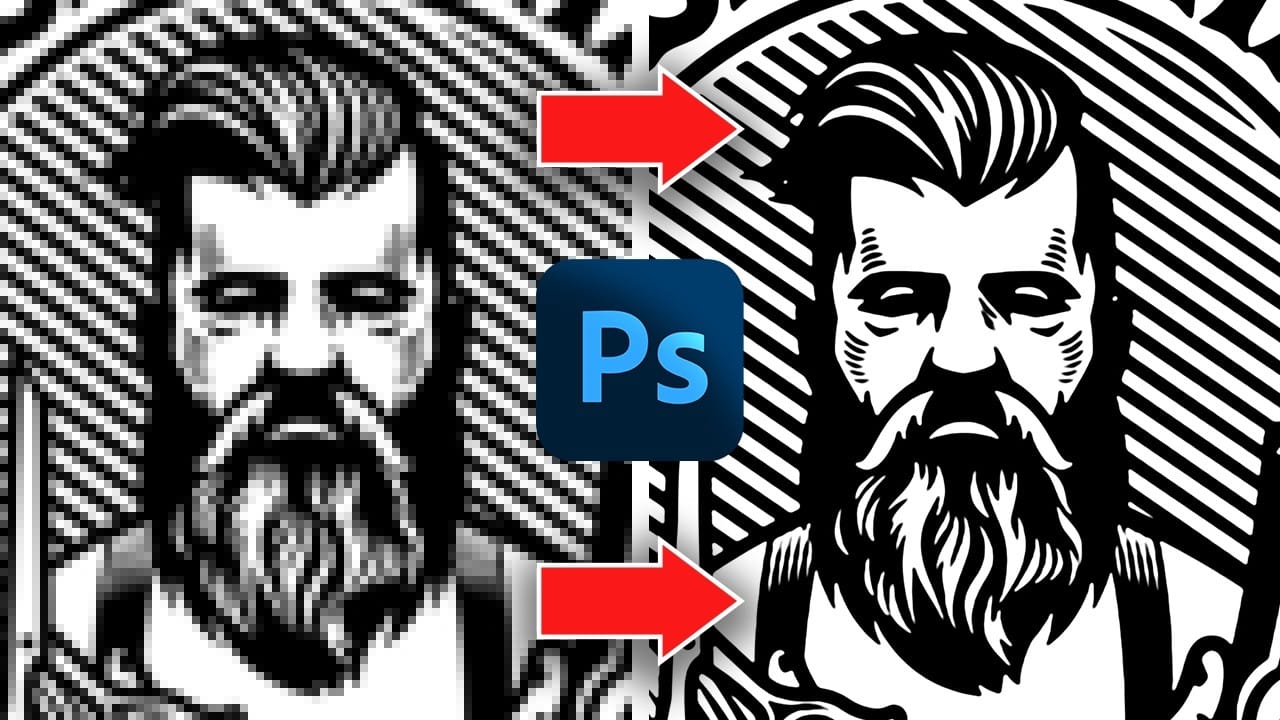
Low-resolution graphics often limit design projects, especially when you need to scale logos, icons, or simple illustrations for print or large-format displays. While vector formats offer infinite scalability, many graphics exist only as pixelated bitmap files that become unusable when enlarged. This tutorial demonstrates two effective methods for converting low-resolution Read the full article here: […]

Read more: Convert Low-Resolution Graphics to High Resolution in Photoshop
Exploring the Latest Features in Photoshop 2025

Exploring the Latest Features in Photoshop 2025

Designers and digital artists frequently encounter challenges with precise selections, efficient object manipulation, and keeping workflows streamlined. As creative software evolves, staying current with the latest features can be daunting, yet it is essential for enhancing productivity and expanding creative possibilities. This article and accompanying video delve into the significant new features introduced in the […]

Read more: Exploring the Latest Features in Photoshop 2025
Rotate and Flip Images and Layers with Precision in Photoshop

Rotate and Flip Images and Layers with Precision in Photoshop

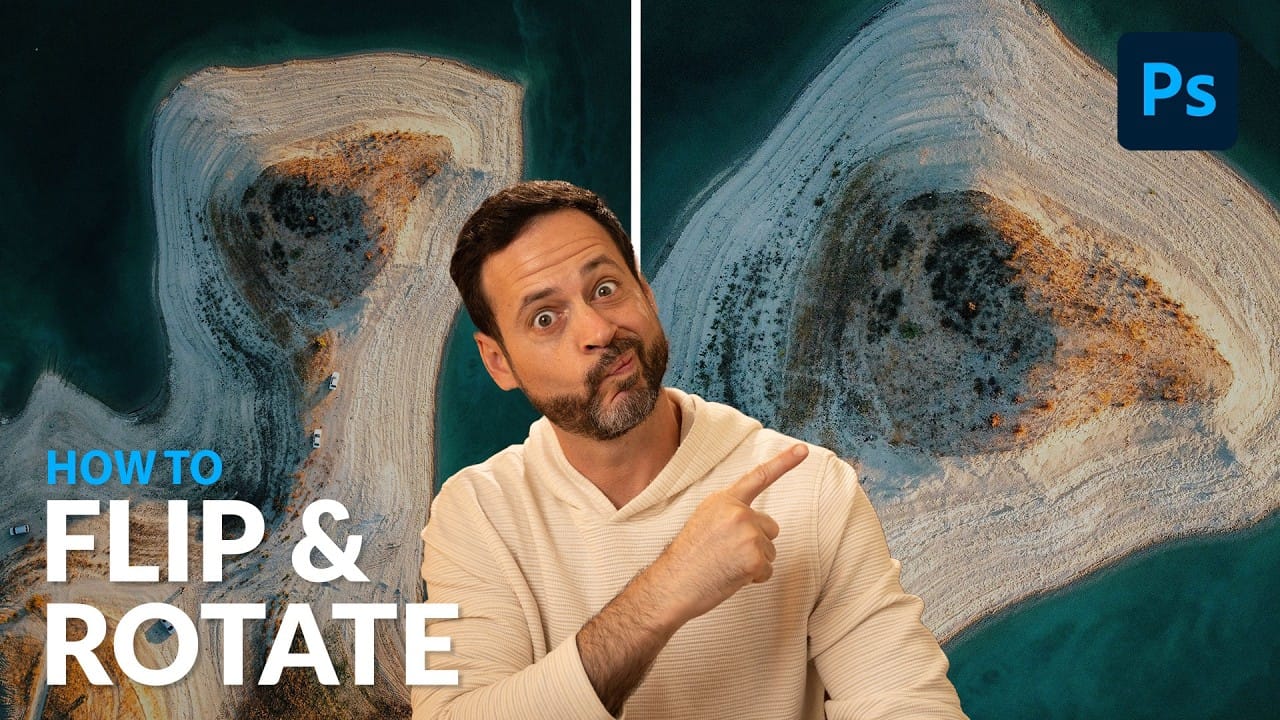
Often in image editing, photographs or design elements are not oriented correctly or require a creative re-orientation for a new composition. This common challenge can be frustrating when simple rotation tools affect the entire canvas, disrupting other layers, or when precise control over individual elements is needed. This tutorial demonstrates two distinct methods for rotating […]

Read more: Rotate and Flip Images and Layers with Precision in Photoshop
The only Photohop Sharpening Tool You Need

The only Photohop Sharpening Tool You Need

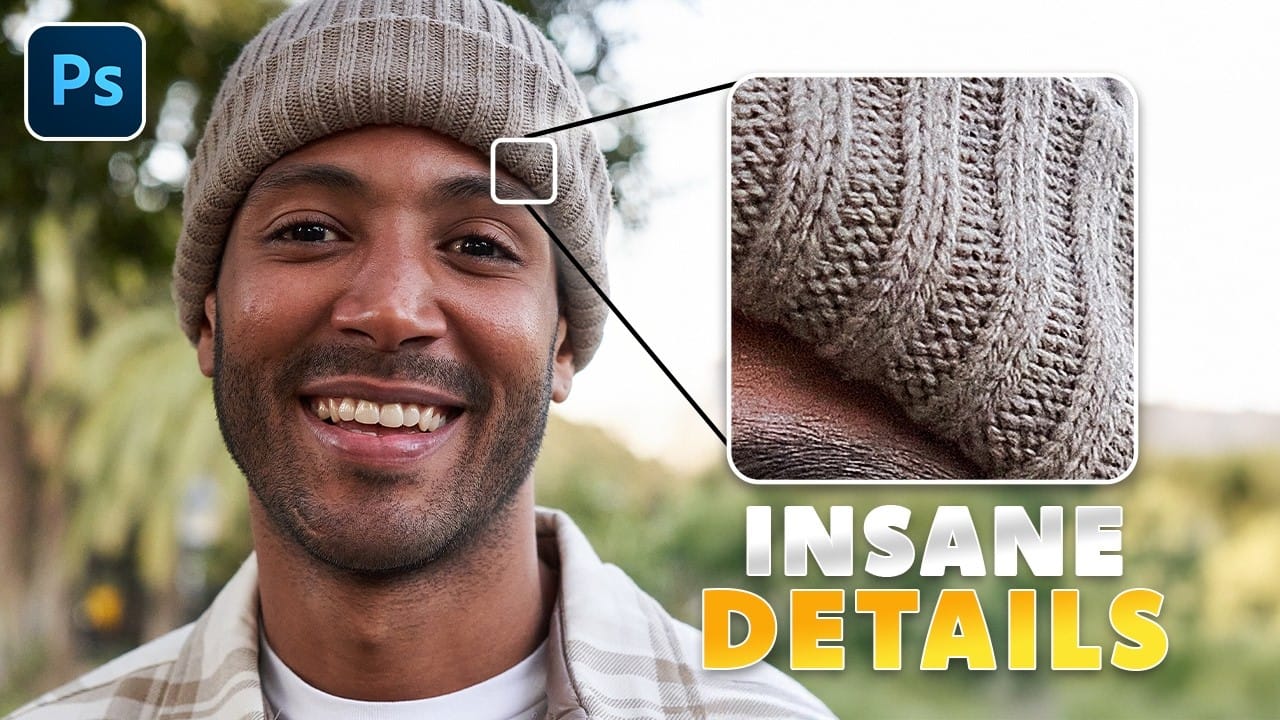
Sharpening images in Photoshop doesn’t have to be complicated. The High Pass Filter offers a simple yet powerful way to enhance details without over-processing your photos. Unlike traditional sharpening tools, it gives you precise control over edge definition while keeping the edit non-destructive. This method works well for portraits, landscapes, and product shots—anywhere you need […]

Read more: The only Photohop Sharpening Tool You Need