Schenectady Photographic Society

Menu

Tools and tips

Photoshop August 2025 Update: 6 New Features Including Enhanced Remove Tool and Harmonize

Photoshop August 2025 Update: 6 New Features Including Enhanced Remove Tool and Harmonize

Adobe continues to transform Photoshop with powerful AI-driven features that streamline complex editing tasks. The August 2025 update introduces six significant enhancements, from an improved Remove Tool that creates cleaner selections to the revolutionary Harmonize feature that automatically matches lighting and shadows across composite elements. These updates address common workflow Read the full article here: […]

Read more: Photoshop August 2025 Update: 6 New Features Including Enhanced Remove Tool and Harmonize
Photoshop 2025 New Features: Harmonize, Improved Remove Tool, and Model Picker

Photoshop 2025 New Features: Harmonize, Improved Remove Tool, and Model Picker

Photoshop 2025 introduces ambitious new features that promise to streamline complex editing tasks. The latest update brings automated compositing through the new Harmonize feature, significant improvements to the Remove tool, and enhanced collaboration options for creative teams. These updates represent Adobe's push toward AI-assisted workflows that handle technical Read the full article here: Photoshop 2025 […]

Read more: Photoshop 2025 New Features: Harmonize, Improved Remove Tool, and Model Picker
Hair Selection in Photoshop: Modern AI Tools vs Traditional Techniques

Hair Selection in Photoshop: Modern AI Tools vs Traditional Techniques

Hair selection remains one of Photoshop's most challenging tasks, even with AI-powered tools. The new Select Subject feature with cloud processing offers impressive results, but often sacrifices fine hair details that make selections look natural. This comprehensive comparison reveals when to use modern AI tools versus traditional channel-based Read the full article here: Hair Selection […]

Read more: Hair Selection in Photoshop: Modern AI Tools vs Traditional Techniques
How to Smooth Pixelated Selection Edges in Photoshop

How to Smooth Pixelated Selection Edges in Photoshop

Automatic selections in Photoshop often create jagged, pixelated edges that look unprofessional when zoomed in. These blocky borders can ruin an otherwise perfect cutout, making your work appear amateurish regardless of how carefully you made the initial selection. Three simple sliders in Photoshop's Select and Mask workspace can Read the full article here: How to […]

Read more: How to Smooth Pixelated Selection Edges in Photoshop
How to Use Photoshop's New Harmonize Feature to Blend Images Automatically

How to Use Photoshop's New Harmonize Feature to Blend Images Automatically

Photoshop's latest AI feature promises to solve one of compositing's biggest challenges: making cut-out objects look naturally integrated into new backgrounds. The new Harmonize tool automatically matches lighting, creates shadows, and adds reflections with a single click. This breakthrough technology eliminates hours of manual work that Read the full article here: How to Use Photoshop's […]

Read more: How to Use Photoshop's New Harmonize Feature to Blend Images Automatically
Complete Guide to Photoshop's Hue/Saturation Tool: Mastering Color Adjustments

Complete Guide to Photoshop's Hue/Saturation Tool: Mastering Color Adjustments

Color correction and creative color grading often come down to mastering a single, powerful tool in Photoshop: the Hue/Saturation adjustment. While newer features like Camera Raw filters and advanced color wheels grab attention, the fundamentals of hue, saturation, and lightness remain the backbone of professional color work. Understanding these Read the full article here: Complete […]

Read more: Complete Guide to Photoshop's Hue/Saturation Tool: Mastering Color Adjustments
Why Your Photoshop Brush Creates a Caterpillar Effect (And How to Fix It)

Why Your Photoshop Brush Creates a Caterpillar Effect (And How to Fix It)

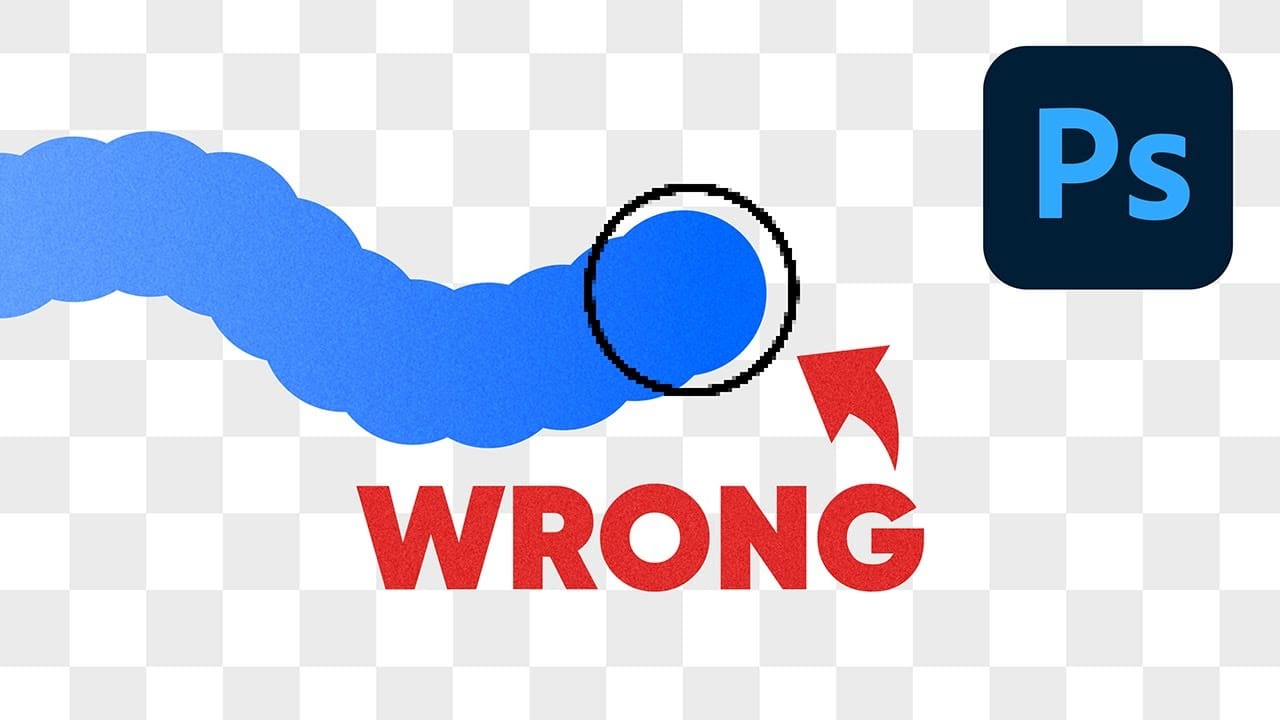
One of the most frustrating issues Photoshop users encounter is when their brush strokes suddenly become uneven or thicker than expected. You might start painting with a smooth brush only to see a jagged "caterpillar" effect appear, or notice your soft brush creating strokes that are much thicker Read the full article here: Why Your […]

Read more: Why Your Photoshop Brush Creates a Caterpillar Effect (And How to Fix It)