Schenectady Photographic Society

Menu

Author: Webmaster

The 2020-2021 Season Begins!

The 2020-2021 Season Begins!

Fellow members, In a time of disarray, we enter our 89th year, the 2020-2021 season of the Schenectady Photographic Society. Photography is our comfort zone, and while this season will necessarily be different, it will mirror much of what we have been doing for our society’s existence: a way to share and reflect on our […]

Read more: The 2020-2021 Season Begins!
Special Offer for New Members!

Special Offer for New Members!

We’re making you an offer you can’t refuse. Join the Schenectady Photographic Society for our 89th year with full membership for $20, and $30 for a family (all residing at the same address). This lets you enter our twice-monthly judged competitions, and participate in our event nights with video presentations by skilled photographers. You will […]

Read more: Special Offer for New Members!
Explore the New Hue Controls in the Local Adjustment Tools

Explore the New Hue Controls in the Local Adjustment Tools

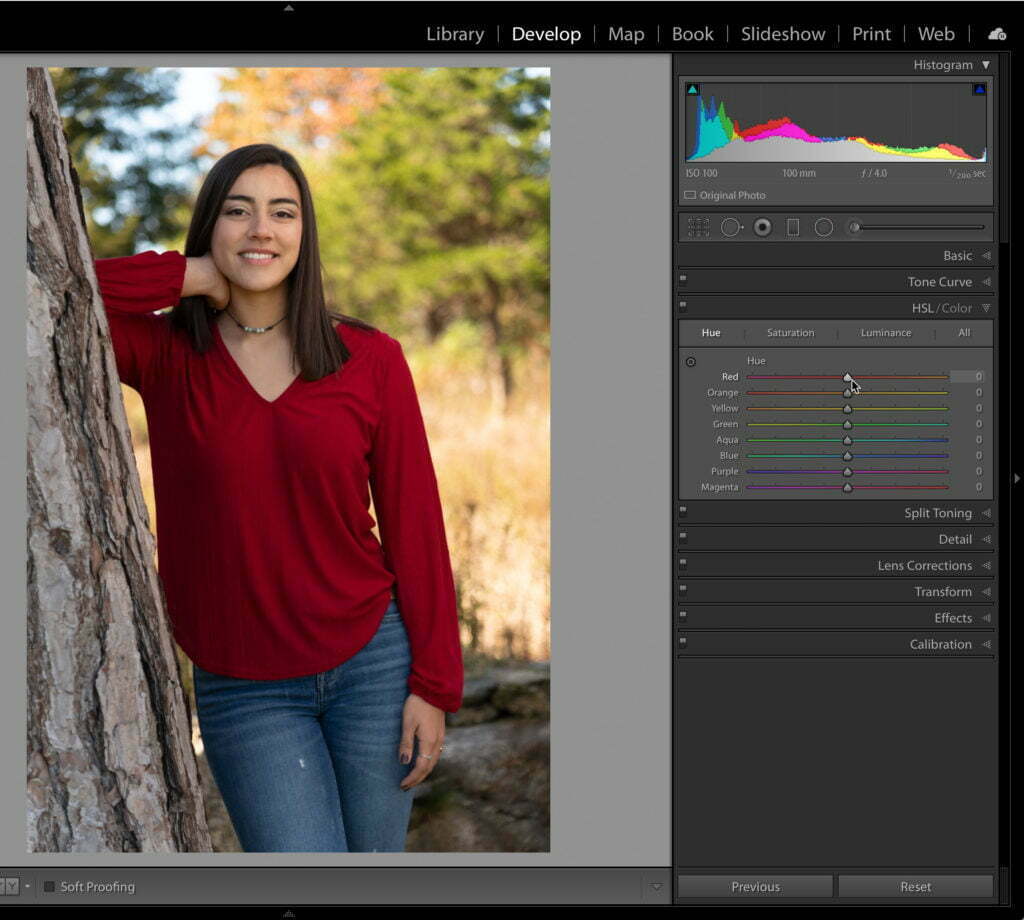
Adjusting, enhancing, and correcting color is often a necessary part of editing in Lightroom Classic. While we have been able to modify hue, saturation, and lightness (HSL) on a global level (using the HSL/Color panel), and adjust saturation and lightness (exposure) on a local level (using the Graduated Filter, Radial Filter or Adjustment Brush), we […]

Read more: Explore the New Hue Controls in the Local Adjustment Tools
How to Apply a Develop Preset Automatically When You Import Your Images

How to Apply a Develop Preset Automatically When You Import Your Images

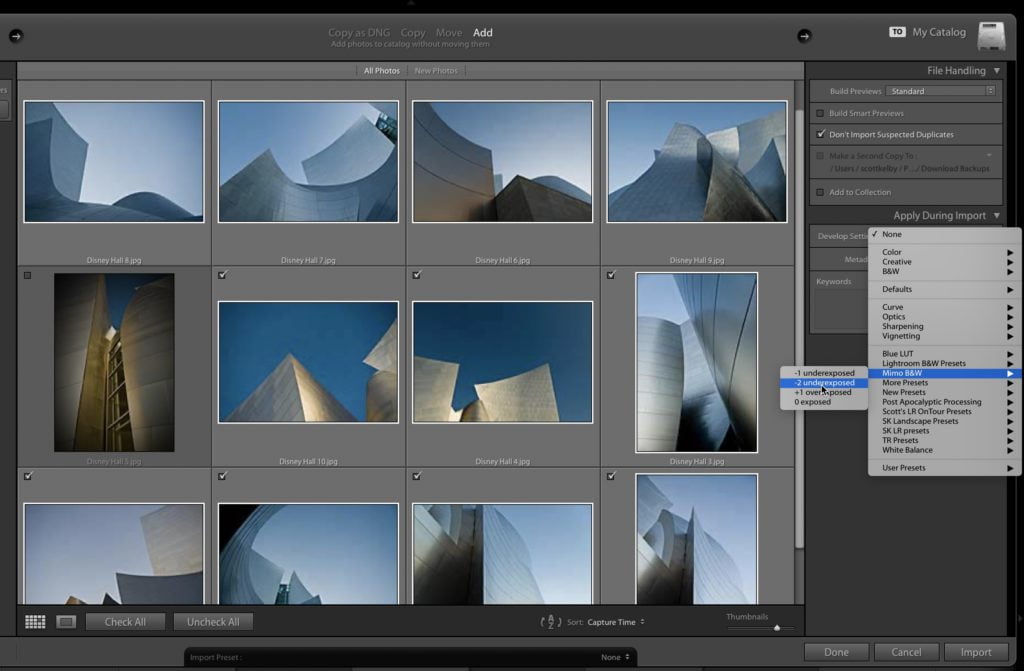
We’re heading into the weekend with a simple to use, but powerful time-saving technique — applying the Develop module preset of your choice automatically when you import your images, so when they appear in Lightroom; they already have the preset applied. Here how to set it up (it’s easy). STEP ONE: In the Import window of […]

Read more: How to Apply a Develop Preset Automatically When You Import Your Images