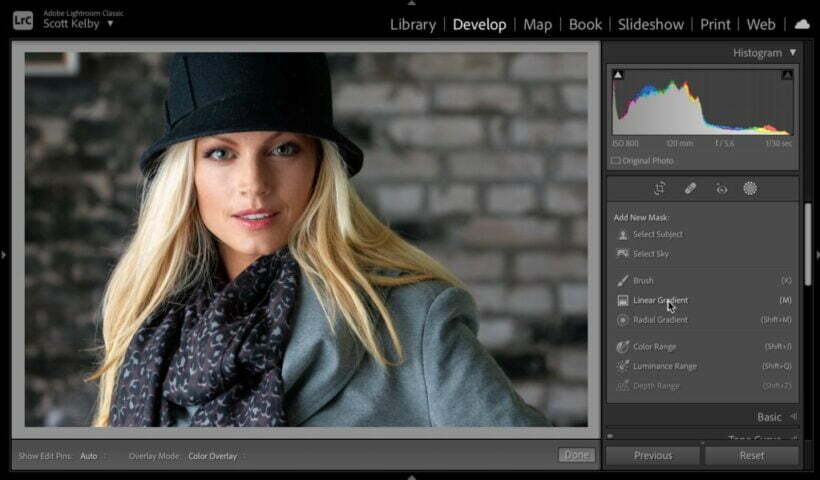
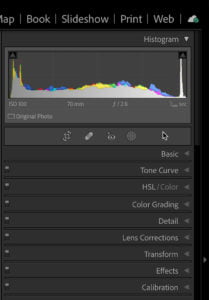
Following up from last week’s post on the changes to the Metadata panel, I wanted to look into how the Default view can be customized to fit your workflow. Switching back to the Default view,…
View More Customizing the Metadata PanelBlog
How to use Luminosity Masks in Photoshop tutorial
Luminosity masks allow us to target precise tones in your photograph, so you can adjust exactly where you want without the need for selections, because it works on image tones. For example, you can lighten…
View More How to use Luminosity Masks in Photoshop tutorialHow To See The Sharpening Mask Preview Using Lightroom on Mobile
First, what is the “Sharpening Mask?” It is when you’re applying Sharpening, but you don’t want the sharpening to affect the entire image. For example, if you’re sharpening a bridal portrait and you don’t want…
View More How To See The Sharpening Mask Preview Using Lightroom on MobileDigital Competition Results for December 2021 – General & Monochrome
Congratulations to our winners from this month’s Digital Image Night competition for the General and Monochrome categories. ** Judge: Jeanine Cummings ** COMPETITION REPLAY /
View More Digital Competition Results for December 2021 – General & MonochromeDigital Competition Results for December 2021 – Assigned Topics
Congratulations to our winners from this month’s Digital Image Night competition for the Assigned Topic categories. ** Judge: Angela Jorkzak | Assigned Topic #1: Masks| Assigned Topic #2: Animals ** COMPETITION REPLAY
View More Digital Competition Results for December 2021 – Assigned TopicsCloser Look at the Metadata Panel Update
I mentioned the changes to the Metadata panel when the update was released, but I thought it deserved a deeper dive. [Editor’s note, this first appeared in the December issue of Photoshop User.] At first…
View More Closer Look at the Metadata Panel UpdateSelectively remove shadows in a photo with reverse dodge and burn in Photoshop
Show detail in shadows and highlights selectively in Photoshop with Reverse Dodge and Burn tutorial. This Photoshop tutorial will show you how to remove the shadows exactly where you need them and recover blown out…
View More Selectively remove shadows in a photo with reverse dodge and burn in PhotoshopYouโre Two-Clicks Away From Fixing Lens Correction Problems
This is one of those things that’s so easy to fix, but makes such a big difference โ especially if you shoot wide angle lenses a lot (though it helps with longer lenses big time, too.…
View More Youโre Two-Clicks Away From Fixing Lens Correction Problems