Trees with complex branching patterns challenge traditional selection tools, often leaving messy edges and incomplete cutouts. The Blend If feature offers a powerful alternative for extracting trees from contrasting backgrounds by targeting specific color channels…
View More How to Cut Out Trees Using Blend If in PhotoshopCategory: News
Should You Use Photoshop's New AI Credit System or Stick to Traditional Tools
Adobe's credit-based AI system is creating a dilemma for photographers and digital artists. With 250 monthly credits that can disappear after just a few generative fill operations, many are questioning whether these new tools are…
View More Should You Use Photoshop's New AI Credit System or Stick to Traditional ToolsHow to Use Point Color in Photoshop's Camera Raw Filter for Precise Color Adjustments
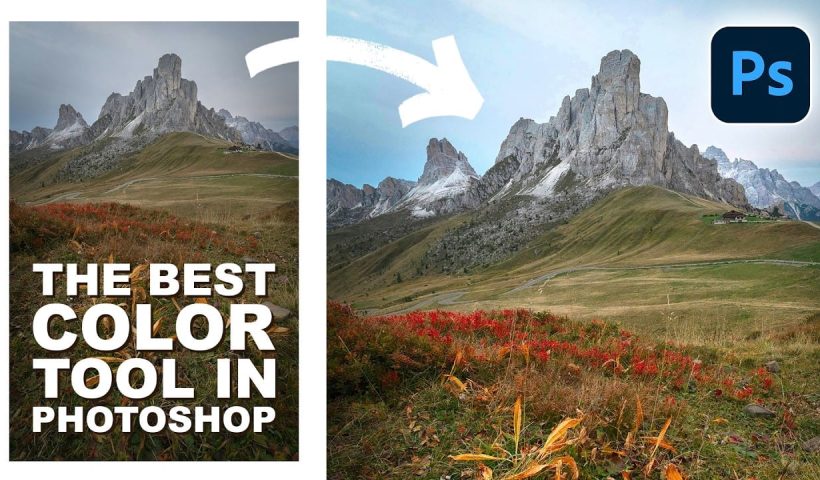
Point Color, hidden within Photoshop's Camera Raw filter, offers unprecedented control over individual colors in your images. This powerful tool lets you target specific color ranges with precision, adjusting hue, saturation, luminance, variance, and range…
View More How to Use Point Color in Photoshop's Camera Raw Filter for Precise Color AdjustmentsHow to Convert Raster Images to Vector Paths in Photoshop
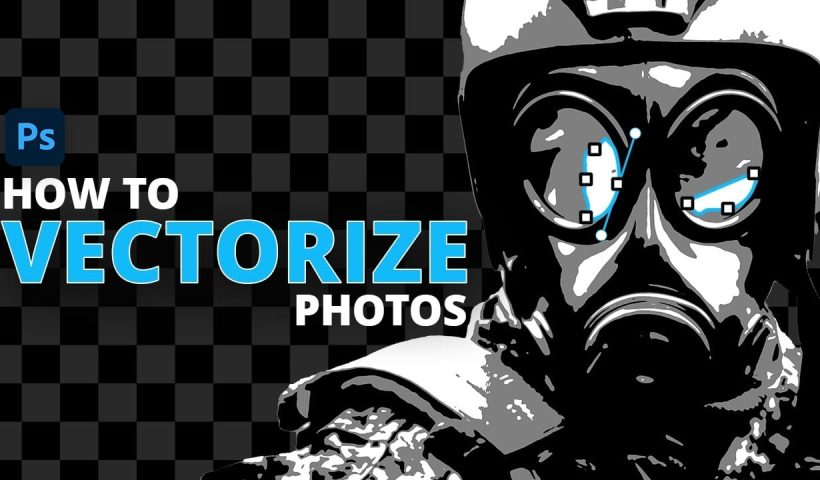
Converting photographs into scalable vector graphics opens up endless possibilities for logos, stencils, and graphic design projects. This workflow transforms any raster image into clean vector paths that maintain crisp edges at any size, perfect…
View More How to Convert Raster Images to Vector Paths in PhotoshopCreate a Grainy Threshold Effect in Photoshop
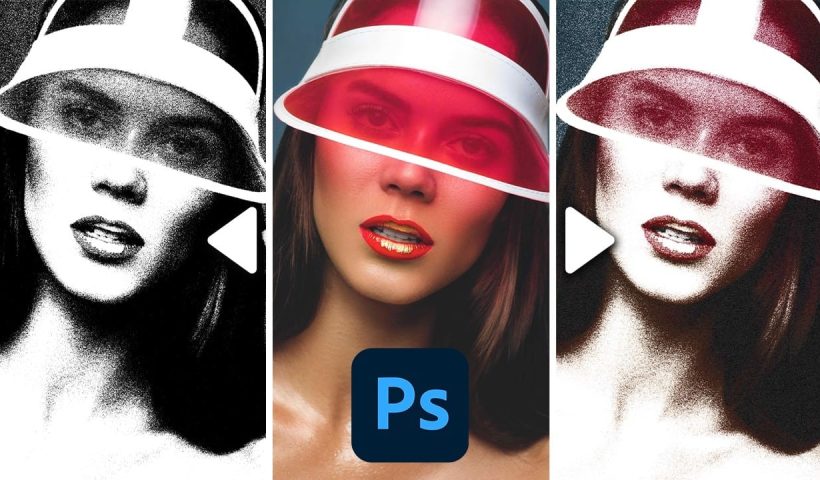
The threshold effect transforms photos into bold black-and-white graphics, but harsh edges can make results look digital and flat. Adding grain before applying threshold adjustments creates smoother transitions and authentic vintage texture that mimics classic…
View More Create a Grainy Threshold Effect in Photoshop27 Retro Photoshop Effects to Fix Your Painfully Boring Designs
At some point, most designs start to feel a little too familiar. Clean layouts, safe color choices, the same effects over and over… everything works, but nothing really stands out. It’s not bad design—it’s just…
View More 27 Retro Photoshop Effects to Fix Your Painfully Boring DesignsRetro Photo Toolkit Actions and Overlays
The Retro Photo Toolkit is a collection of actions and overlays made to give your images a classic, film-inspired look. It combines color presets with textures and light effects, so you can shape both the…
View More Retro Photo Toolkit Actions and OverlaysFilm Burn & Grain Overlay Effect
This collection includes 52 film burn and grain overlays designed to give your photos a more natural, analog feel. The overlays add light leaks, subtle grain, and soft imperfections that can bring warmth and mood…
View More Film Burn & Grain Overlay Effect