This is how to use “Solo Mode” (one of my favorite Lightroom settings) to speed up your workflow. In Solo Mode, only the panel you’re currently working within is visible, while all the rest are…
View More How To Keep From Scrolling Again and Again Through Your Lightroom PanelsCategory: News
The Little Lightroom Finishing Move That Makes a Big Difference
This is a simple move – one where I use the same setting every time – and I do this to nearly all of my images as a finishing move after all the rest of my editing…
View More The Little Lightroom Finishing Move That Makes a Big DifferenceHow to Create an Eclipse Sequence in Photoshop, complete guide
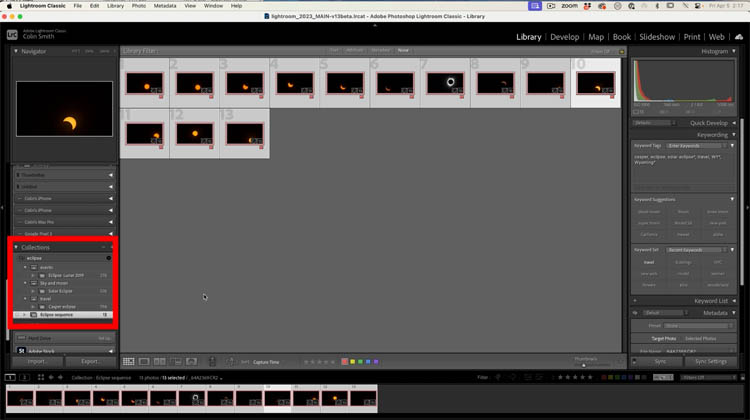
Complete guide to making an eclipse sequence in Photoshop 2024 Just in time for the April 8th 2024 American Total Solar Eclipse. You have captured your eclipse photos, now what? Here is how you can…
View More How to Create an Eclipse Sequence in Photoshop, complete guideLightroom Tip Tuesday: How to Reorder (or Hide) Your Panels in the Develop Module
You can make your workflow more efficient by putting your panels in the order you want them (most often used to least used) and hiding the ones you don’t use at all. Check out this…
View More Lightroom Tip Tuesday: How to Reorder (or Hide) Your Panels in the Develop ModuleHow To Remove Darkening in the Corners of Your Image
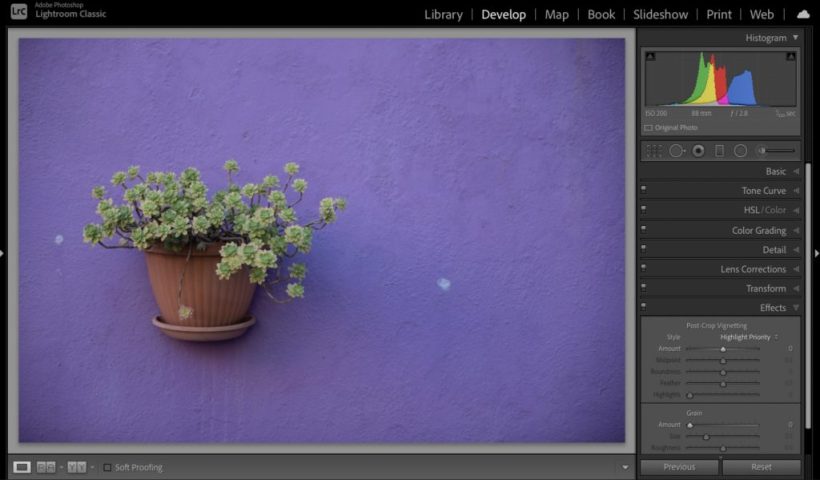
Hi, gang – hope you had an awesome Easter (and maybe checked out some UFL football, which was actually really fun). I know we talk a lot here about adding subtle edge darkening to our…
View More How To Remove Darkening in the Corners of Your ImageHow to photograph a Solar Eclipse
How to Photograph and view April 8th 2024 Total Solar Eclipse I’m sure you are probably aware a total Solar Eclipse is going to occur on April 8 2024 in North America. Maybe you have…
View More How to photograph a Solar EclipseGenerative ai now Matches your photo or sketch, Structure Reference in Adobe Firefly
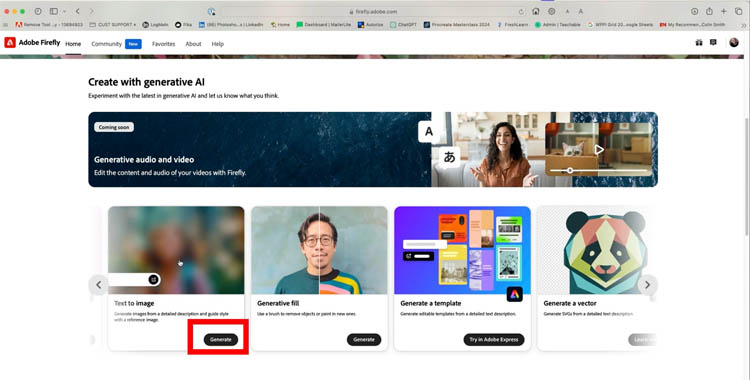
How to use Structure Reference in Adobe Firefly A new Edition has been added to Adobe Firefly. This is called Structure Reference. It allows you to upload a photo or a sketch to help guide…
View More Generative ai now Matches your photo or sketch, Structure Reference in Adobe FireflyThe Quick Trick For Sharpening Women’s or Children’s Skin
This is how to use one very powerful slider in Lightroom’s Detail panel to apply sharpening just to your subject’s detail areas (eyes, eyebrows, lips, etc.) without making their skin harsh and grainy (it’s okay…
View More The Quick Trick For Sharpening Women’s or Children’s Skin