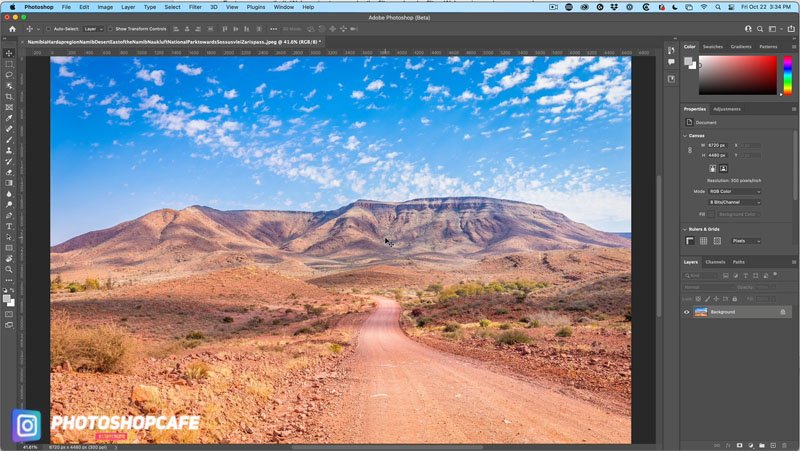
How to use the amazing Landscape Mixer in Photoshop 2022 Right now, I’m going to show you an amazing feature inside of Photoshop that does terraforming or changes the season or maps one environment on…
View More Amazing Adobe AI Photoshop 1-click Season change on your photosCategory: News
The November 2021 Issue of Photoshop User Is Now Available!
The November 2021 issue of Photoshop User is now live on the KelbyOne site and KelbyOne Mags for iOS and Android. It’s that time of year again when Adobe rolls out a bunch of new features in Photoshop and Lightroom at…
View More The November 2021 Issue of Photoshop User Is Now Available!Intersect Mask
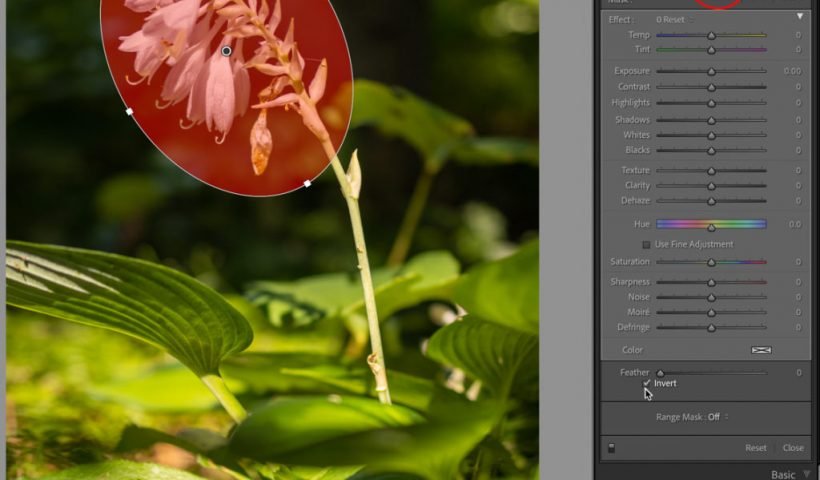
The new/upgraded Masking functionality in Lightroom Classic (and friends) has been very positively received so far. There’s one aspect, Intersect Mask, that seems be a little harder to understand on first look, so I thought…
View More Intersect MaskThis magic texture creates an engraved money effect in Photoshop
Create this strange and simple texture in Photoshop to apply an engraved Illustrated look to your photos and artwork. In this tutorial, we’ll run through the basics of getting it set up, then take a…
View More This magic texture creates an engraved money effect in PhotoshopCreate painterly backgrounds in Photoshop FAST!
Painting in Photoshop doesn’t have to be so FLAT. Take advantage of color dynamics to add life to your backgrounds – watch this 1-minute video to learn how! • Don’t have Photoshop yet? Download a…
View More Create painterly backgrounds in Photoshop FAST!What Lightroom’s “Depth Range” Feature Does (and how it works)
PROGRAMMING NOTE: Today I’m kicking off my pre-conference workshop for the Portrait Photography Conference, and if you want to join us (the official conference kicks off tomorrow and runs through Wednesday – two tracks, all online,…
View More What Lightroom’s “Depth Range” Feature Does (and how it works)Automatically Match colors to the background of an image with harmonize in Photoshop
Match color and tone on background to layer in photoshop 2022 Use object selection to cut out 2 people from the background. Drop them onto a new background and use Harmonize Neural filter to make the…
View More Automatically Match colors to the background of an image with harmonize in PhotoshopEpic gradient trick for beautiful light rays in Photoshop
Learn how to easily create light rays in Photoshop.This effect will use a Gradient Fill layer in a unique way to create the light ray effect. This tutorial is part of my Photoshop in-app tutorials.…
View More Epic gradient trick for beautiful light rays in Photoshop