A lot of people don’t realize just how flexible Photoshop is. Let’s do a whole ton of tips really fast on customizing the interface, tools and much more. Here is the time stamp for the…
View More How to Customize the appearance of Photoshop, 20 Tips

A lot of people don’t realize just how flexible Photoshop is. Let’s do a whole ton of tips really fast on customizing the interface, tools and much more. Here is the time stamp for the…
View More How to Customize the appearance of Photoshop, 20 Tips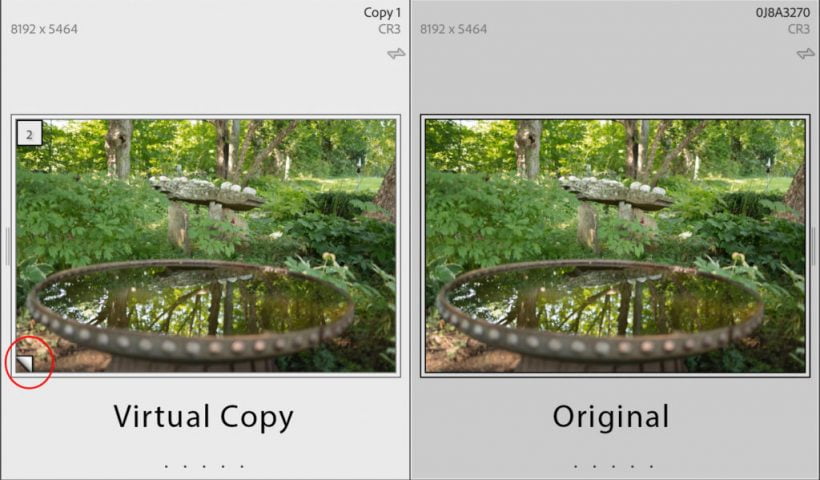
Lightroom Classic (LrC) has three important tools to help you explore different editing looks, create different versions of your photos, to go back in time, and to compare where you are now to where you…
View More Virtual Copies and Snapshots and History, oh my!
Lighting Effects to Create Drama in Photoshop. I will show you how to use the lighting effects filters, lens flare, smart objects and luts to change the way this image looks. If you would like…
View More Lighting Effects to Create Drama in Photoshop
Watercolor Painting Effect Its Easy! This is an easy but really fun follow along tutorial in Adobe Photoshop. I will show you how to create a water color painting effect with any images. You…
View More Easy Watercolor Painting Effects in Photoshop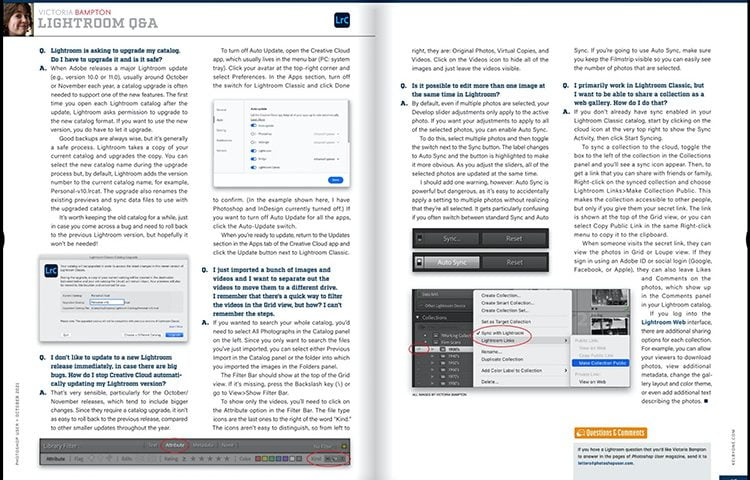
Today I thought I’d run the Lightroom Q&A column (from the Lightroom Queen herself, Victoria Bampton) from the October 2021 issue of Photoshop User magazine. Here ya go: Q. Lightroom is asking to upgrade my…
View More Lightroom Room Q&A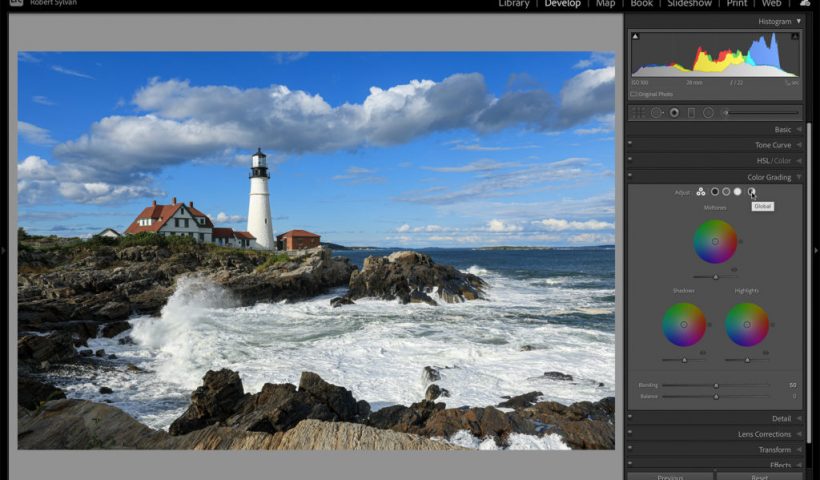
For the most part, when it comes to editing in Lightroom Classic, Lightroom, and Camera Raw, we can find almost all of the same features and tools. However, every now and then you’ll come across…
View More A Color Grading Feature Only in Lightroom Classic
Everyone dreads cutting out hair and fur inside of Photoshop. There’s a slight adjustment that you can make to the way you do it’s going to give you much better results. Let’s have a look…
View More How to getting fur + hair cut outs in Photoshop by making a small change.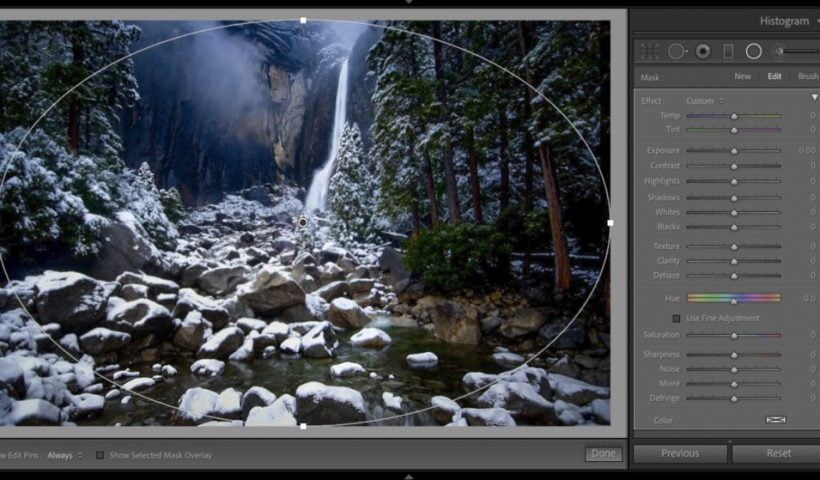
This is one of those tips you might not use everyday, but when you need it, it’s really quick and handy. Get the Radial filter; hold the Command key on Mac (Ctrl-key on PC), and…
View More Cool Little Tip For Lightroom’s Radial Filter