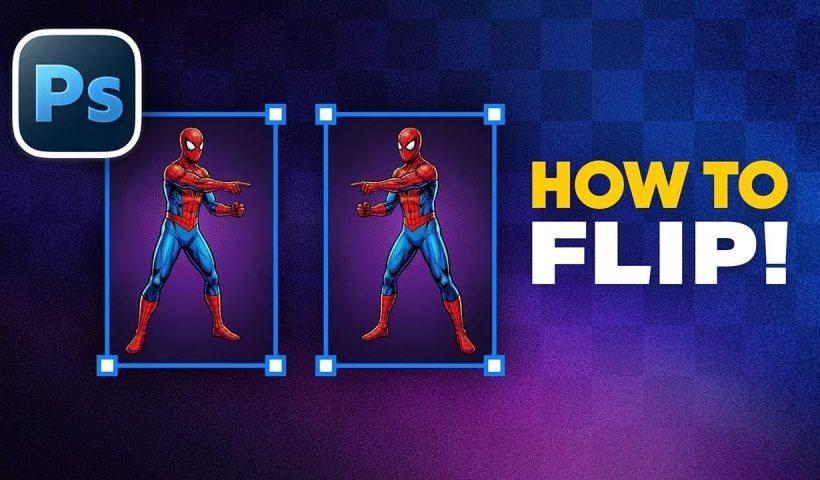
Flipping images is a fundamental technique that can dramatically change the composition and impact of your photos. Whether you need to correct the orientation of a subject, create mirror effects, or simply improve the visual…
View More How to Flip Images Horizontally and Vertically in PhotoshopCategory: News
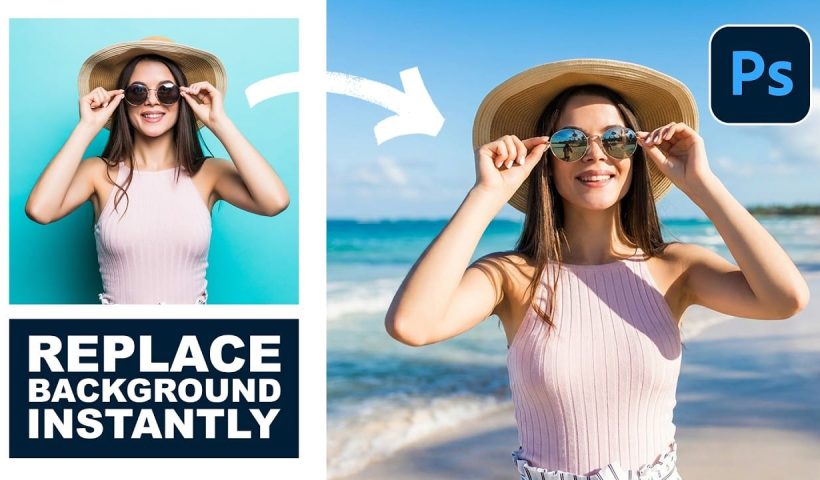
How to Use Nano Banana Pro in Photoshop for Background Replacement and Scene Changes
Nano Banana Pro transforms how you place subjects into new environments in Photoshop. This advanced AI model maintains perfect subject likeness while seamlessly integrating them into any background you can imagine. The tool excels at…
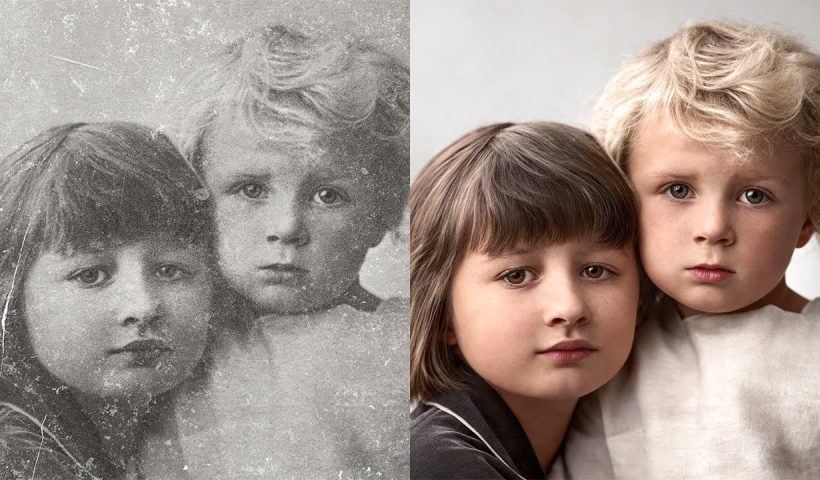
View More How to Use Nano Banana Pro in Photoshop for Background Replacement and Scene ChangesHow to Restore Old Photos Using AI and Photoshop While Preserving Original Details
Traditional AI photo restoration tools often change facial features, alter poses, or distort important details when enhancing old photographs. This hybrid workflow combines AI enhancement with precise manual alignment techniques to restore vintage images while…
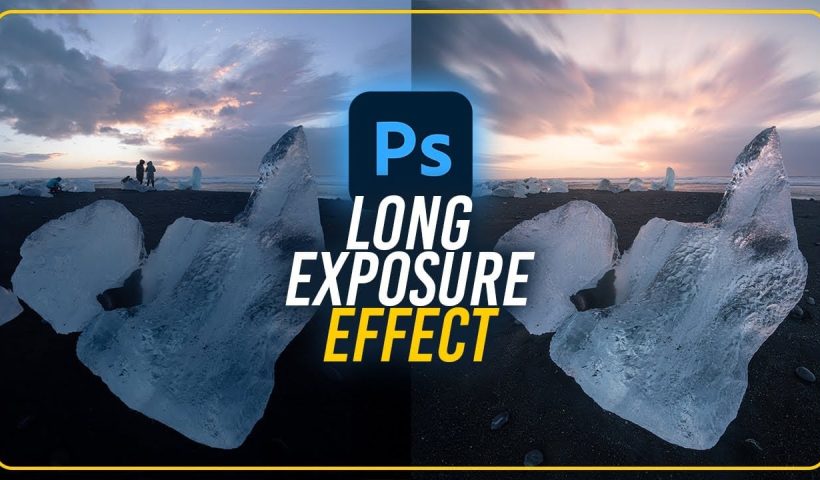
View More How to Restore Old Photos Using AI and Photoshop While Preserving Original DetailsHow to Create Fake Long Exposure Effects Using Radial Blur in Photoshop
Long exposure photography creates ethereal, dreamy images with flowing cloud movement and soft pastel tones. This technique shows how to recreate that coveted look digitally using radial blur filters, transforming static landscape photos into dynamic…
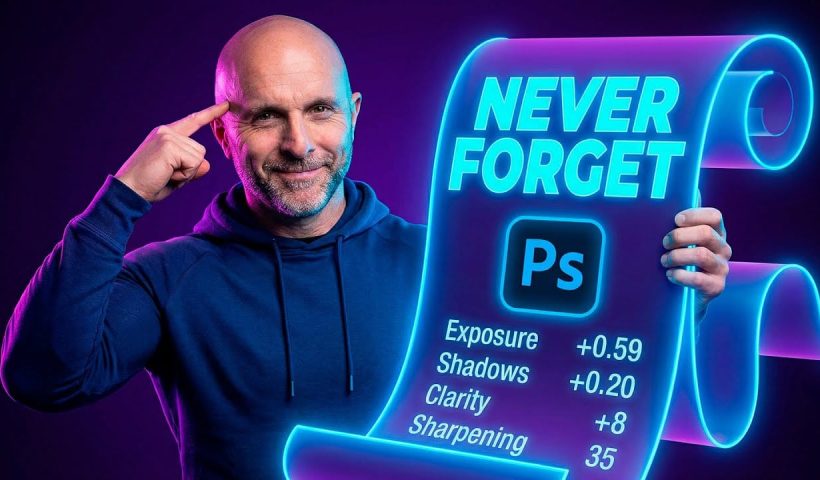
View More How to Create Fake Long Exposure Effects Using Radial Blur in PhotoshopHow to Use Photoshop History Log with AI to Track Your Editing Steps
Ever finish editing an image in Photoshop and struggle to remember exactly what you did? When you want to recreate those edits on another photo, the steps become a blur of adjustments, deletions, and changes.…
View More How to Use Photoshop History Log with AI to Track Your Editing StepsCreate a Surreal Portrait Scene Using Generative Fill in Photoshop
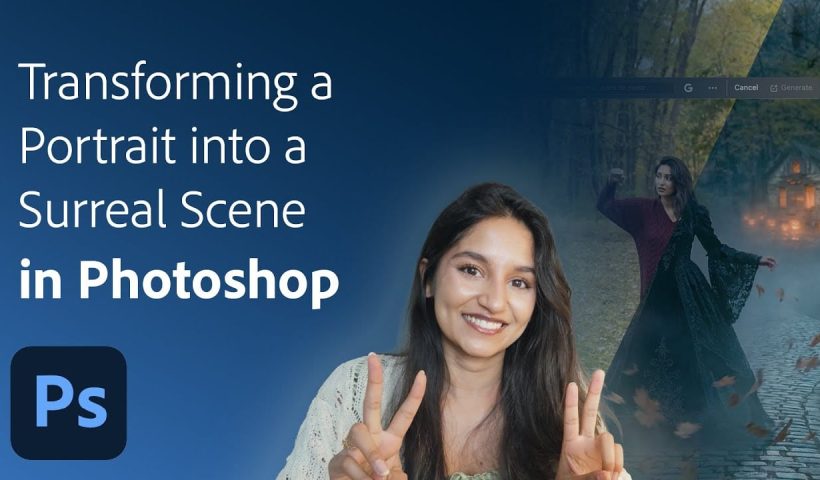
Transforming an ordinary portrait into a magical nighttime scene traditionally requires advanced compositing skills and multiple stock images. This tutorial demonstrates how to create an entire surreal portrait using only Generative Fill, converting a simple…
View More Create a Surreal Portrait Scene Using Generative Fill in PhotoshopStyle Transfer Creation Using Firefly Boards
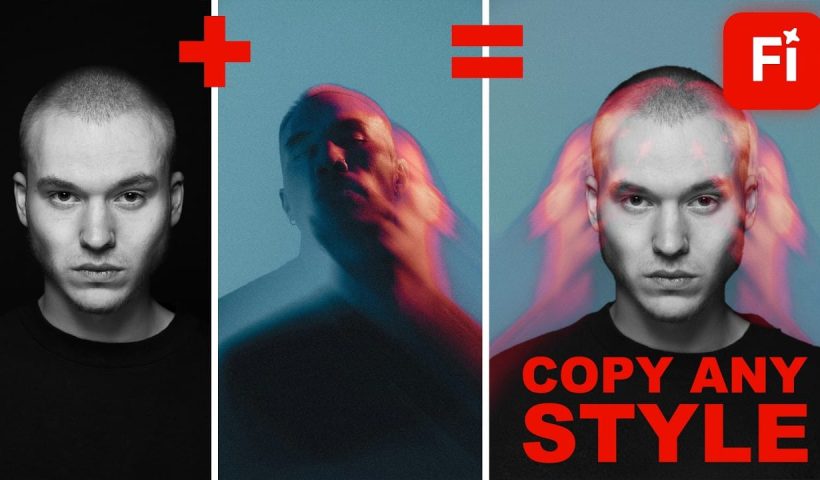
Firefly Boards offers a unified workspace where you can transfer photographic styles from reference images to your own photos, then transform those styled images into animated videos. This workflow combines multiple AI models in one…
View More Style Transfer Creation Using Firefly BoardsHow to Use Clarity and Dehaze Adjustments in Photoshop
Two of the most popular adjustments from Camera Raw—Clarity and Dehaze—are now available as adjustment layers in Photoshop beta. These tools work on different image frequencies to enhance contrast and cut through atmospheric haze, giving…
View More How to Use Clarity and Dehaze Adjustments in Photoshop