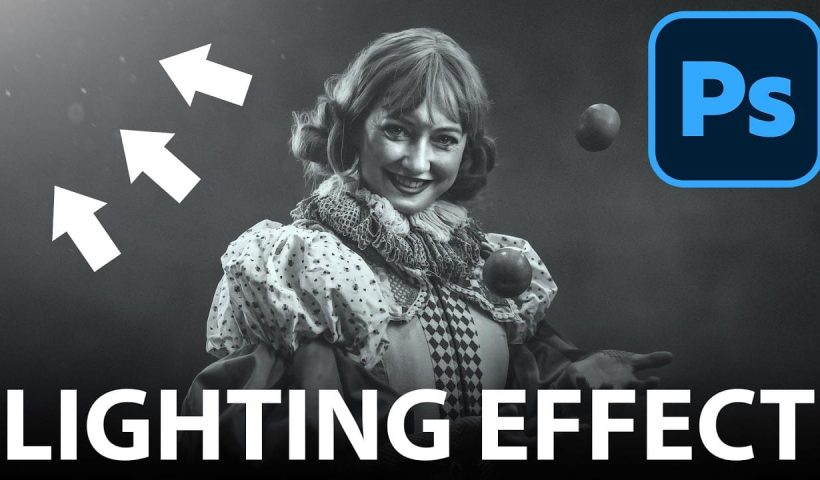
Creating convincing lighting effects requires more than just adding a bright spot to your image. The key to realism lies in ensuring your subject already has highlights that match the direction of your artificial light…
View More How to Create Realistic Lighting Effects and Dust Particles in PhotoshopCategory: News
How to Set Up Mouse Scroll Zoom in Photoshop for Faster Navigation
Constantly reaching for the magnify tool or right-clicking to access zoom options disrupts your creative flow and slows down detailed work. Most users don't realize that Photoshop includes powerful scroll wheel zoom features that aren't…
View More How to Set Up Mouse Scroll Zoom in Photoshop for Faster NavigationHow to Fix Layer Panel Thumbnails Showing the Full Canvas in Photoshop
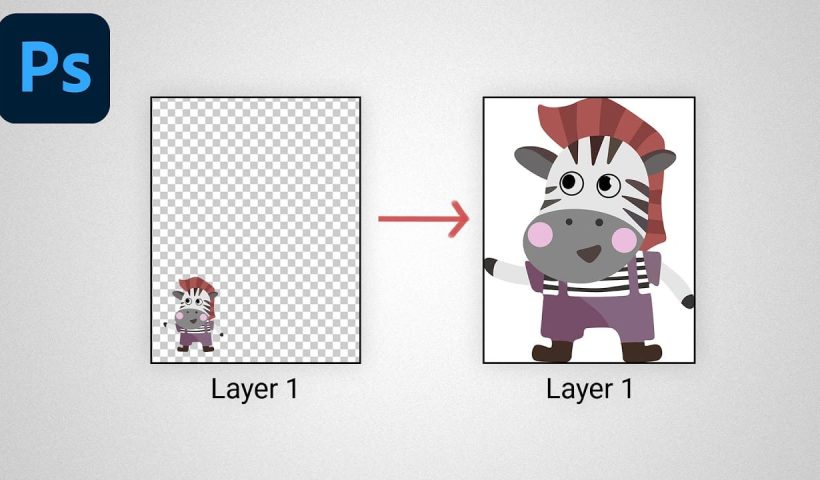
When working with complex layered files, layer thumbnails that display the entire canvas instead of just the layer content make it difficult to identify specific layers at a glance. This common issue occurs when the…
View More How to Fix Layer Panel Thumbnails Showing the Full Canvas in PhotoshopGame Boy Pixel Effect Tutorial in Photoshop
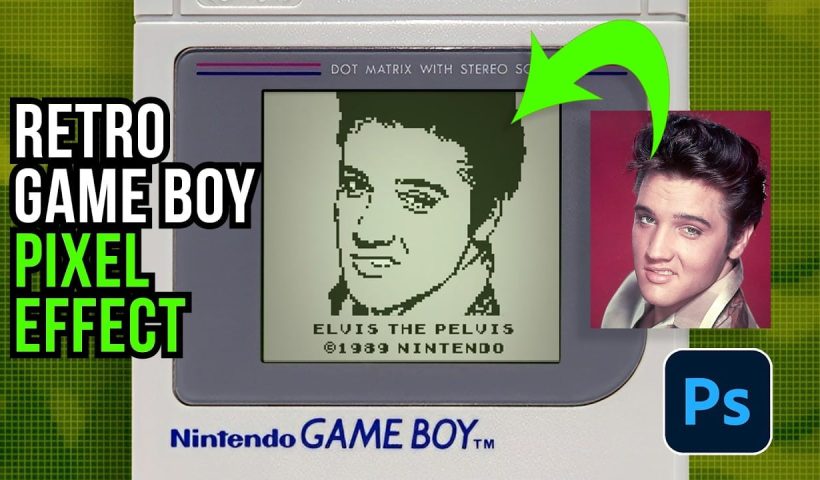
The distinctive monochrome pixelated aesthetic of the original Game Boy has become an iconic visual style that evokes powerful nostalgia for classic handheld gaming. This technique transforms ordinary photographs into high-contrast, pixelated artwork that mimics…
View More Game Boy Pixel Effect Tutorial in PhotoshopHow to Cut Out Trees Using Blend If in Photoshop
Trees with complex branching patterns challenge traditional selection tools, often leaving messy edges and incomplete cutouts. The Blend If feature offers a powerful alternative for extracting trees from contrasting backgrounds by targeting specific color channels…
View More How to Cut Out Trees Using Blend If in PhotoshopShould You Use Photoshop's New AI Credit System or Stick to Traditional Tools
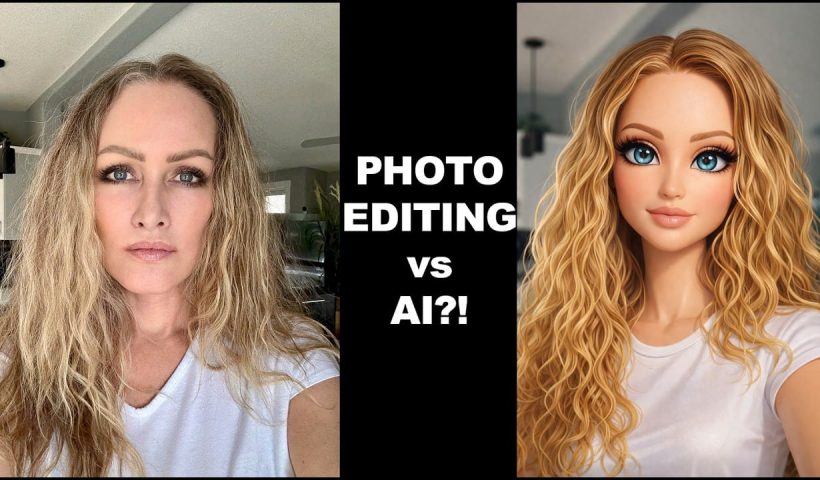
Adobe's credit-based AI system is creating a dilemma for photographers and digital artists. With 250 monthly credits that can disappear after just a few generative fill operations, many are questioning whether these new tools are…
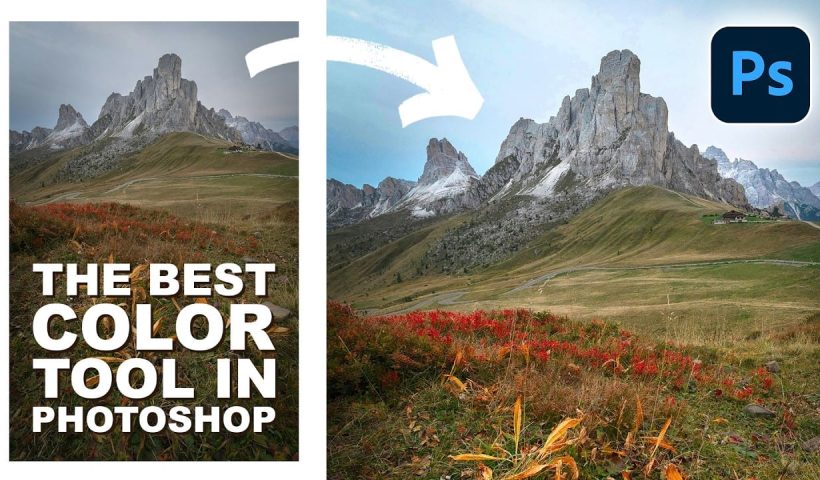
View More Should You Use Photoshop's New AI Credit System or Stick to Traditional ToolsHow to Use Point Color in Photoshop's Camera Raw Filter for Precise Color Adjustments
Point Color, hidden within Photoshop's Camera Raw filter, offers unprecedented control over individual colors in your images. This powerful tool lets you target specific color ranges with precision, adjusting hue, saturation, luminance, variance, and range…
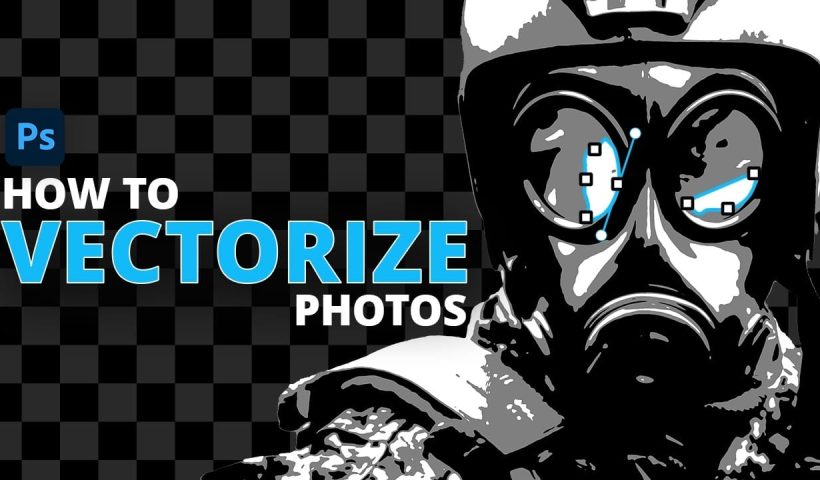
View More How to Use Point Color in Photoshop's Camera Raw Filter for Precise Color AdjustmentsHow to Convert Raster Images to Vector Paths in Photoshop
Converting photographs into scalable vector graphics opens up endless possibilities for logos, stencils, and graphic design projects. This workflow transforms any raster image into clean vector paths that maintain crisp edges at any size, perfect…
View More How to Convert Raster Images to Vector Paths in Photoshop