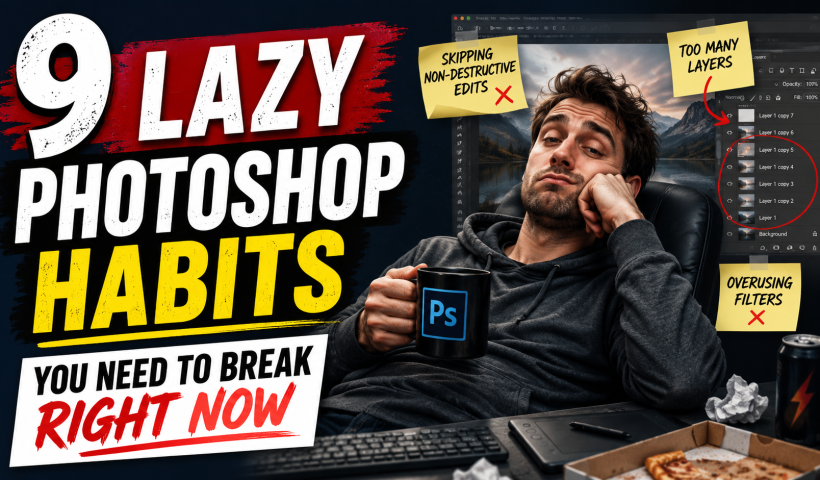
Photoshop has added incredible AI features and smarter workflows over the last few years to save you time. Yet, you might still be stuck using clunky, manual workarounds you learned years ago. If you are…
View More 9 Lazy Photoshop Habits You Need to Break Right NowCategory: News
The Photographer’s Editorial Marketplace with Moose Peterson
A lot of photographers assume getting published is something reserved for professionals with connections. Moose Peterson would disagree. In his latest class, Moose shares what he’s learned from being published in more than 143 magazines…
View More The Photographer’s Editorial Marketplace with Moose PetersonHow to choose the best Generative ai Model in Photoshop
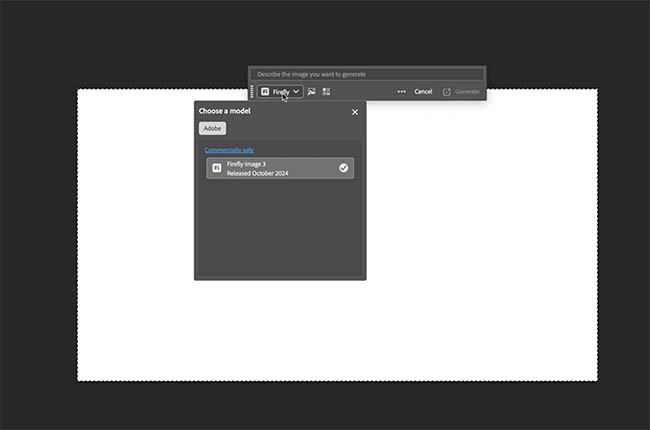
Stop wasting Generative Credits and use the correct Model in Photoshop the first time Here is a simple guide for the different Photoshop ai models. I think you’ll find it very helpful. Before you Generate,…
View More How to choose the best Generative ai Model in PhotoshopAnnouncing the Photographing People Conference
We’ve got a brand new online conference coming up, and I think a lot of you are going to love this one. Registration is officially open for the Photographing People Conference, happening July 20–22, and…
View More Announcing the Photographing People ConferenceProfessional Portrait Retouching with the B.S.T. Method in Photoshop
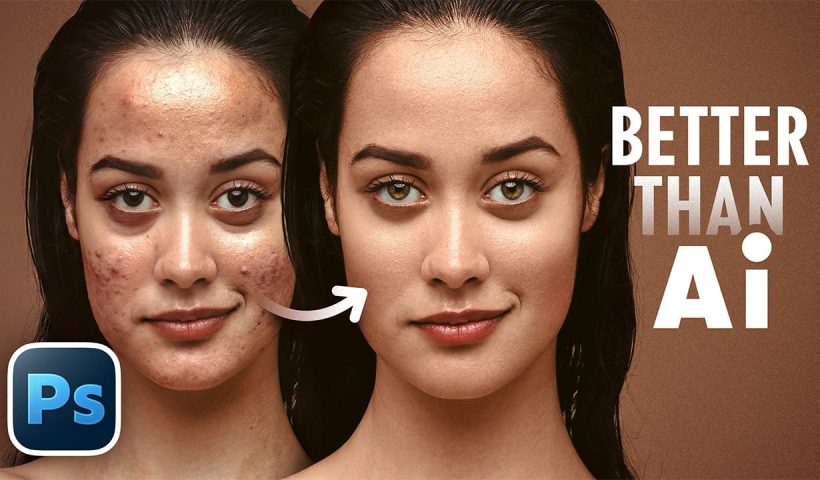
Professional portrait retouching requires artistic choices that automated tools can't make. The B.S.T. method breaks retouching into three focused steps: removing blemishes with precision, smoothing skin while preserving natural texture, and equalizing skin tones throughout…
View More Professional Portrait Retouching with the B.S.T. Method in PhotoshopCreate Motion Blur Light Effects in Photoshop
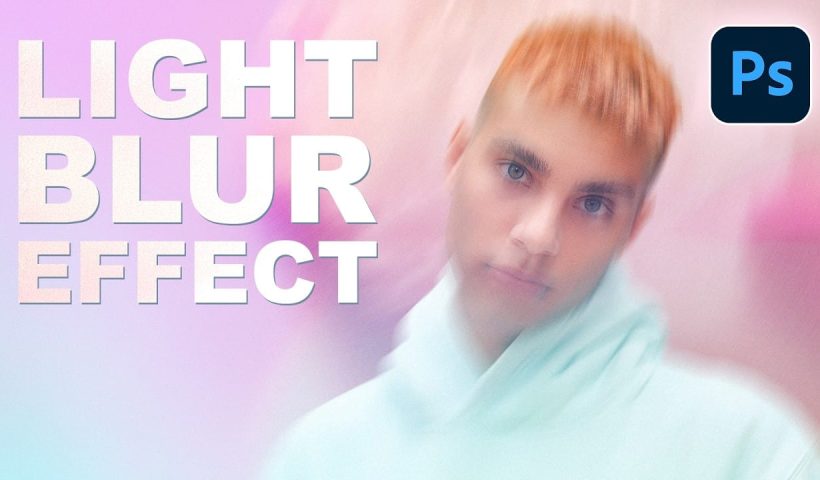
Transform ordinary portraits into dynamic, cinematic images by combining path blur effects with creative background textures. This technique creates the illusion of camera movement while maintaining focus on key elements like the subject's eyes, resulting…
View More Create Motion Blur Light Effects in PhotoshopHow to Paint Realistic Jewelry on Portraits in Photoshop
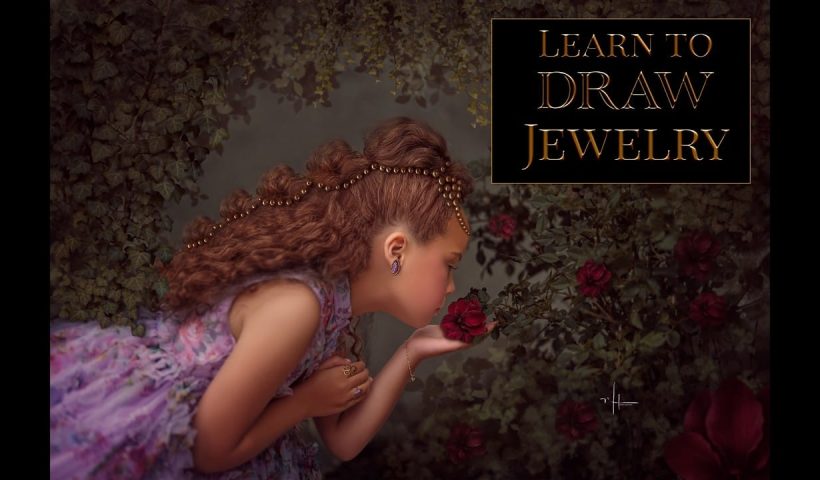
Adding painted jewelry to portraits transforms ordinary photos into fantasy portraits with ornate accessories that never existed. This digital painting technique uses careful layering, proper lighting, and realistic shadows to create convincing rings, earrings, and…
View More How to Paint Realistic Jewelry on Portraits in PhotoshopHow to Sharpen Images Using the High Pass Filter in Photoshop
The High Pass filter method remains one of the most versatile sharpening techniques in Photoshop, offering precise control over which image areas receive enhancement. This non-destructive approach works by identifying edge details and allowing you…
View More How to Sharpen Images Using the High Pass Filter in Photoshop