Skip to content
Schenectady Photographic Society

Schenectady Photographic Society

Established 1932
Schenectady Photographic Society
Menu
  • Home
  • Downloads
    • The Focus
    • Annual Reports
    • New Member Info
  • Competitions
    • Assigned Topics for 2026-2028
    • Print
      • Competition Galleries
      • Competition Results
        • 2024-2025
        • 2023-2024
        • 2019-2020
        • 2018-2019
        • 2017-2018
        • 2016-2017
        • 2015-2016
      • Competition Rules
      • Submission Card Creator
    • Digital Image
      • Submit Images
      • Submissions
        • 2024-2025
        • 2023-2024
        • 2022-2023
        • 2021-2022
        • 2020-2021
        • 2019-2020
        • 2018-2019
        • 2017-2018
        • 2016-2017
        • 2015-2016
      • Competition Results
        • 2025-2026
        • 2024-2025
        • 2023-2024
        • 2022-2023
        • 2021-2022
        • 2020-2021
        • 2019-2020
        • 2018-2019
        • 2017-2018
        • 2016-2017
        • 2015-2016
      • Preparation Guidelines
      • Competition Rules
    • Photo Essay
      • Competition Rules
  • Programs
    • Mentoring
    • Field Trips
    • Traveling Exhibits
  • Events
    • Full Events Calendar
    • Luba Ricket Creativity Award
      • Submission Form
  • News
    • Announcements
    • Photoshop
    • Lightroom
  • Links
  • About SPS
    • Our FAQ
    • Directions
    • By-Laws
    • Constitution
    • Board of Directors
    • Betty Barker Award
    • Liability Waiver and Safety Requirements Agreement
    • SPS In the News
      • Heritage of Vision - 518 Profiles Magazine
      • 80th Anniversary - Daily Gazette
  • Join Us
CLOSE
Schenectady Photographic Society

Upcoming Events

Nothing from June 8, 2026 to June 8, 2027.

Category: News

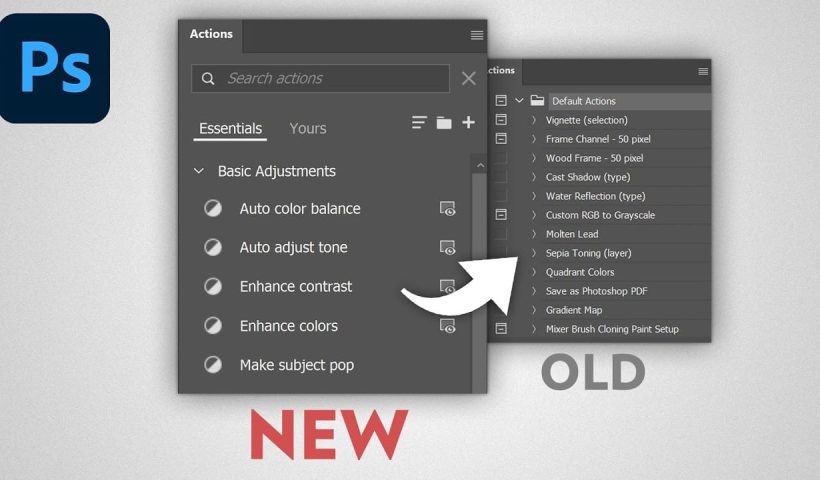
How to Find Missing Actions in the New Photoshop Actions Panel

The redesigned Actions panel in Photoshop can catch users off guard when their custom actions seem to disappear. With the new tabbed interface, your previously created actions are still there—they're just located in a different…

View More How to Find Missing Actions in the New Photoshop Actions Panel

Fast Portrait Retouching: Remove Stray Hairs, Clothing Wrinkles, and Fix Backgrounds

Every portrait photographer knows the feeling: you've captured a beautiful shot, but stray hairs, wrinkled clothing, and messy backgrounds turn editing into hours of tedious work. These common retouching challenges can drain your time and…

View More Fast Portrait Retouching: Remove Stray Hairs, Clothing Wrinkles, and Fix Backgrounds

How to Use the New Rotate Object Feature in Photoshop Beta

Photoshop's latest beta introduces a revolutionary feature that transforms flat 2D images into rotatable 3D objects. The new Rotate Object tool uses generative AI to create new angles and perspectives from a single image, then…

View More How to Use the New Rotate Object Feature in Photoshop Beta

Essential New Photoshop Features for Professional Retouchers with Lisa Carney

Professional retoucher Lisa Carney demonstrates the latest Photoshop features that streamline common editing tasks without the flashy headlines. These updates focus on practical workflow improvements—from automated distraction removal to intelligent layer cleanup—that save significant time…

View More Essential New Photoshop Features for Professional Retouchers with Lisa Carney

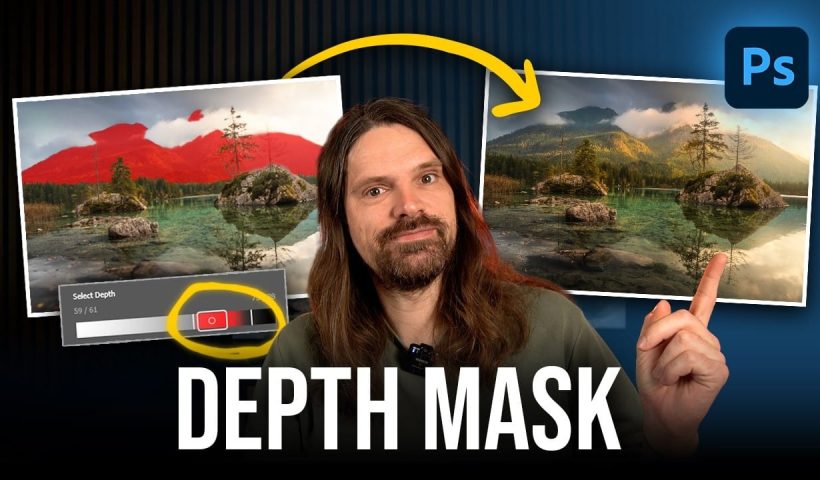
How to Use the New Depth Mask in Adobe Camera Raw for Landscape Photography

Adobe's latest Camera Raw update introduces a powerful depth mask that works with any image, not just smartphone photos with depth data. This new masking tool analyzes distance information in your photos to create precise…

View More How to Use the New Depth Mask in Adobe Camera Raw for Landscape Photography

Creating Whimsical AI Composites with New Photoshop Tools

AI-generated imagery becomes truly compelling when combined with traditional compositing techniques. This behind-the-scenes look explores how to transform AI-created elements into cohesive, whimsical scenes using both classic methods and Photoshop's newest features. The tutorial demonstrates…

View More Creating Whimsical AI Composites with New Photoshop Tools

How to Choose the Right AI Model in Photoshop for Every Task

Photoshop now includes eight different AI models from three providers, but knowing which one to use for specific tasks can save you both generative credits and frustration. Each model excels at different types of work—from…

View More How to Choose the Right AI Model in Photoshop for Every Task

Hazy Blooms: Beautiful Dreamy Floral Backgrounds

Hazy Blooms: Dreamy Floral Backgrounds is a collection of 50 ai-generated soft-focus floral images filled with pastel gradients, glowing light, and delicate atmospheric blur. Each image was created with a dreamy, ethereal aesthetic inspired by…

View More Hazy Blooms: Beautiful Dreamy Floral Backgrounds

Posts pagination

Previous page Page 1 … Page 4 Page 5 Page 6 … Page 270 Next page
Schenectady Photographic Society
Established 1931
Site design by Sean P Sullivan
Copyright © SPS|Concepts
Terms of Service/Privacy Policy