Photoshop's latest update introduces an offline AI-powered Remove tool that works without internet connectivity or generative credits. This on-device feature processes a 4-5GB AI model locally, enabling fast object removal while maintaining complete privacy since…
View More How to Use Photoshop's New Offline AI Remove Tool (No Credits Required)Category: Photoshop

Photoshop News and Updates
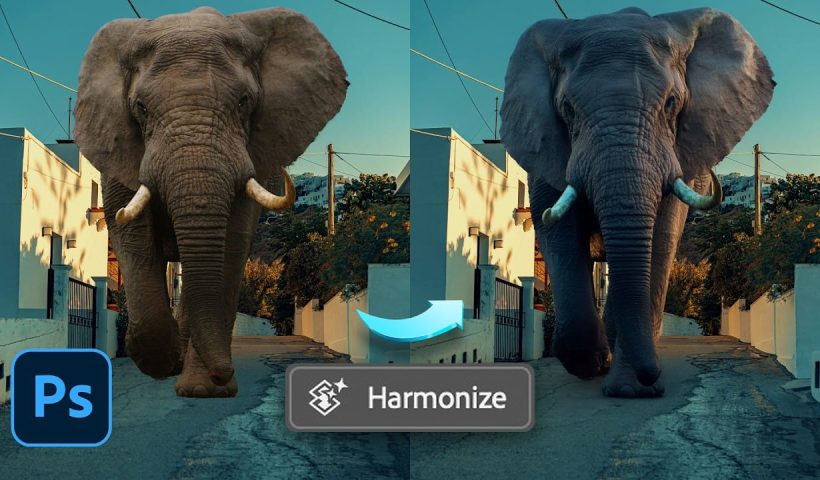
How to Use the Harmonize Tool for Advanced Photo Compositing in Photoshop 2026
The Harmonize tool transforms compositing by automatically adjusting lighting, color, and shadows to blend objects seamlessly into new backgrounds. This AI-powered feature analyzes both your subject and background, then creates realistic color bleed, reflections, and…
View More How to Use the Harmonize Tool for Advanced Photo Compositing in Photoshop 2026How to Use Split Toning and Enhanced AI Masks in Camera Raw
Adobe's latest Camera Raw update brings two powerful enhancements that transform how photographers work with masks and color grading. Split toning is now available directly within individual masks, allowing precise color control over shadows, midtones,…
View More How to Use Split Toning and Enhanced AI Masks in Camera RawHow to Use Harmonize and Rotate Object Tools for Better Composites in Photoshop
Creating believable composites traditionally required hours of manual perspective adjustments and color matching. Two new AI-powered tools in Photoshop change this workflow dramatically. The Rotate Object tool lets you adjust positioning and perspective with interactive…
View More How to Use Harmonize and Rotate Object Tools for Better Composites in PhotoshopCamera Raw Feathering and Color Grading Features (May 2026 Update)
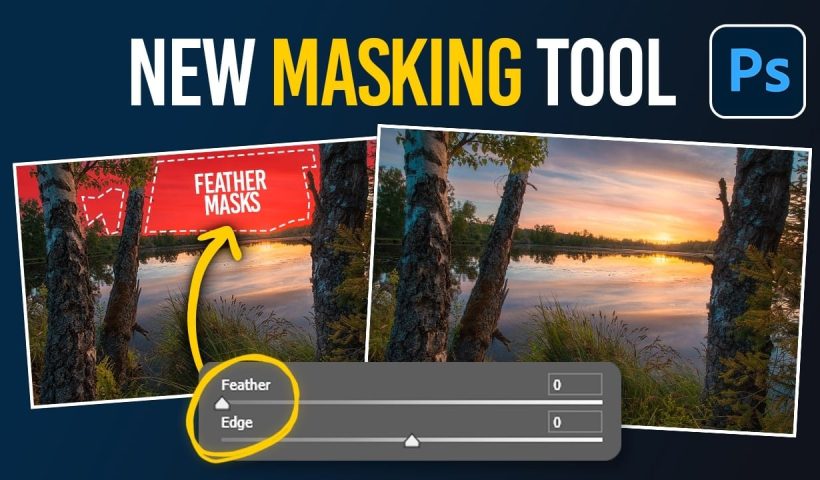
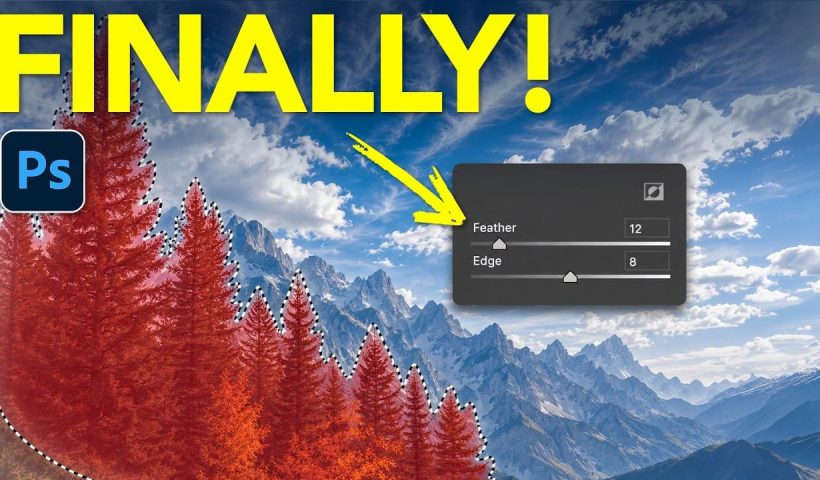
Adobe Camera Raw's latest update introduces two powerful masking features that solve common editing problems. The new feather and edge controls help create cleaner selections around complex shapes like trees, while color grading within masks…
View More Camera Raw Feathering and Color Grading Features (May 2026 Update)Paper Relics: 8 Vintage Paper Backgrounds
Paper Relics is a collection of 8 free ai-generated vintage paper backgrounds featuring natural folds, worn edges, subtle stains, decorative borders, and beautifully weathered surfaces. Each texture captures the character of old documents, forgotten letters,…
View More Paper Relics: 8 Vintage Paper BackgroundsCreate an Old Masters Painting Effect from a Studio Portrait in Photoshop
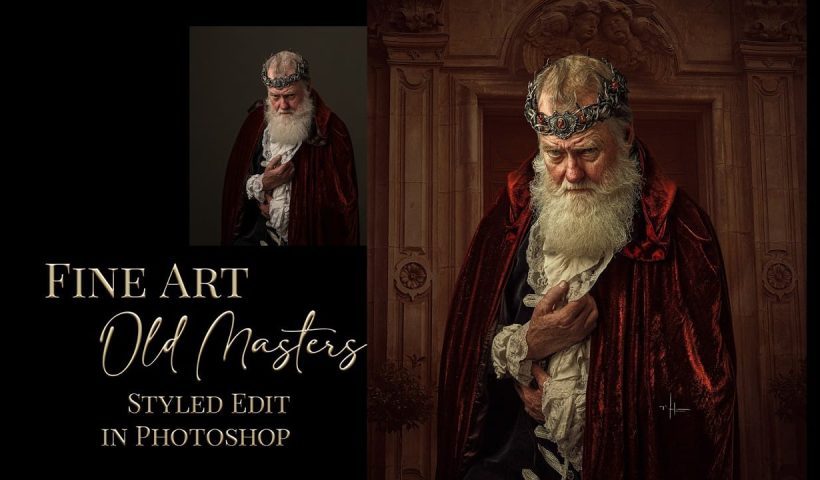
Old Masters paintings capture drama and character through rich textures, dramatic lighting, and warm color palettes. By combining strategic dodging and burning with selective color adjustments and composite backgrounds, you can transform a simple studio…
View More Create an Old Masters Painting Effect from a Studio Portrait in PhotoshopHow to Use AI Depth Masking in Photoshop for Targeted Subject and Background Editing
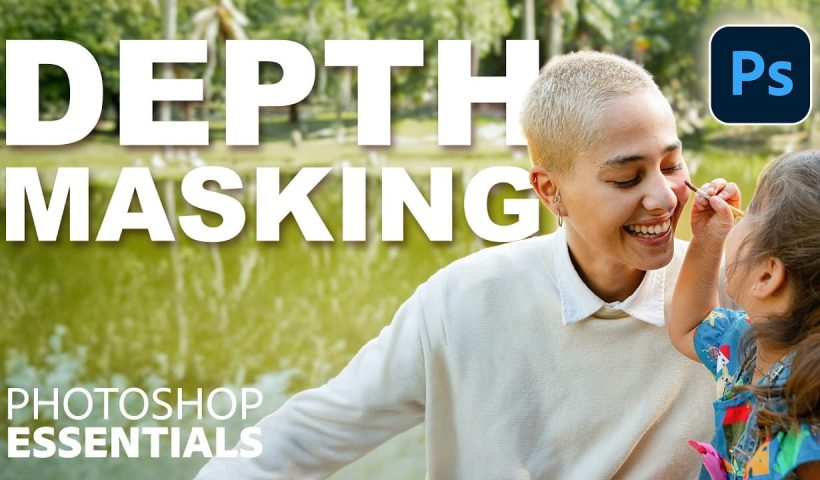
AI depth masking revolutionizes how you select and edit specific areas of your photos by analyzing three-dimensional space rather than shapes or colors. This powerful feature uses artificial intelligence to calculate depth layers, allowing you…
View More How to Use AI Depth Masking in Photoshop for Targeted Subject and Background Editing