
Schenectady Photographic Society

Menu

Photoshop

Photoshop News and Updates

Photoshop refine Mask Tricks in 2022

Photoshop refine Mask Tricks in 2022

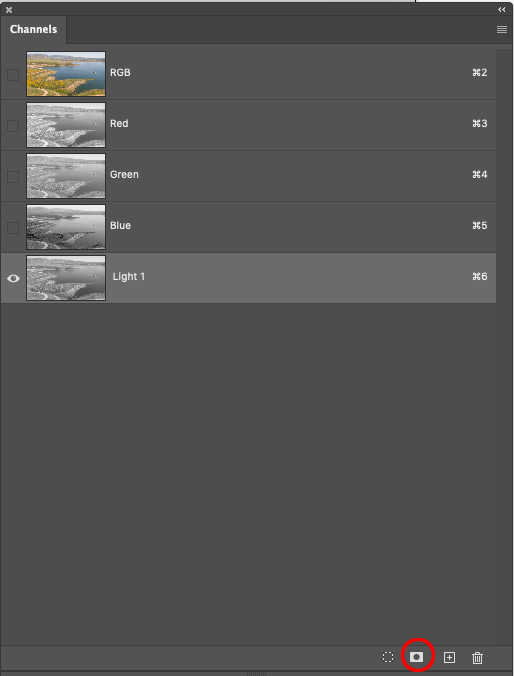
  Making a selection in Photoshop with Color Range This is the starting image, of course, you will be using the images you are working on. If you already have a selection, skip to the mask tricks in step 2. To make a selection of the sky area, choose Selection>Color Range. (Remove background with Photoshop […]

Read more: Photoshop refine Mask Tricks in 2022
The January 2022 Issue of Photoshop User Is Now Available!

The January 2022 Issue of Photoshop User Is Now Available!

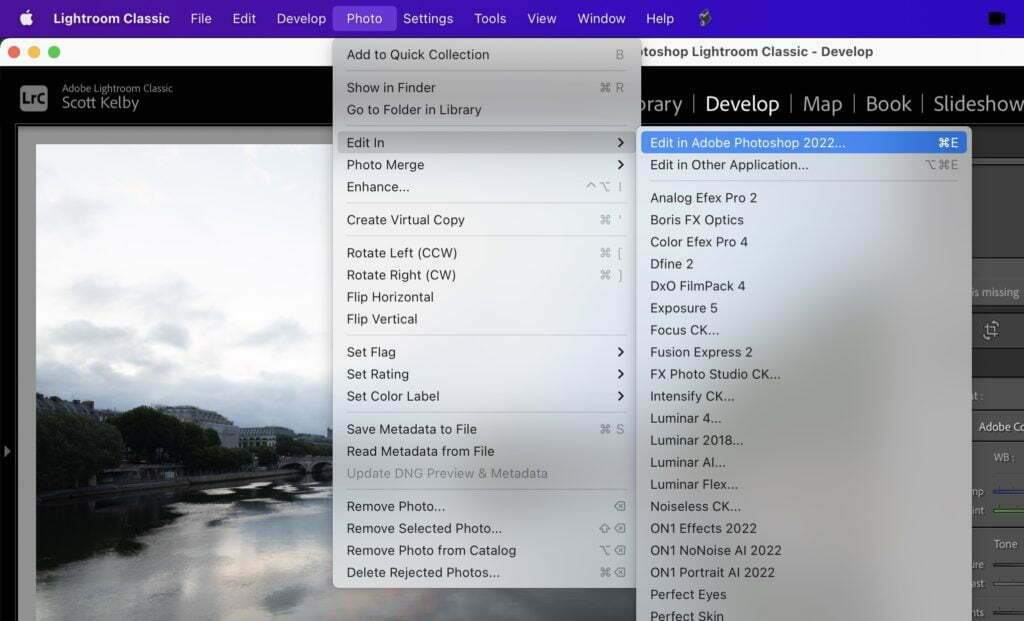
Happy New Year, everyone! The January 2022 issue of Photoshop User is now live on the KelbyOne site and KelbyOne Mags for iOS and Android. In this issue, learn how to streamline the process of opening images in Photoshop from Lightroom Classic, plus getting inspiration from both AI and real people in Lightroom, using profiles and Color Grading for unique color […]

Read more: The January 2022 Issue of Photoshop User Is Now Available!
Selectively remove shadows in a photo with reverse dodge and burn in Photoshop

Selectively remove shadows in a photo with reverse dodge and burn in Photoshop

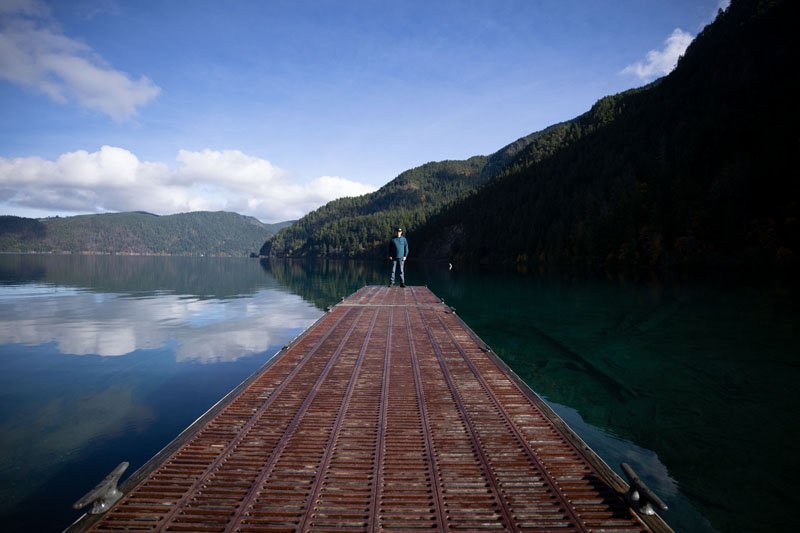
Show detail in shadows and highlights selectively in Photoshop with Reverse Dodge and Burn tutorial. This Photoshop tutorial will show you how to remove the shadows exactly where you need them and recover blown out details in the highlights. I call the process “Reverse” Dodge and Burn. Normally you dodge and burn to add highlights […]

Read more: Selectively remove shadows in a photo with reverse dodge and burn in Photoshop