New Clarity and Dehaze adjustment layers in Photoshop Adobe has added some new Adjustment layers in Photoshop. The most significant are Clarity and Dehaze. As of now, they are only available in the best version,…
View More Clarity and Dehaze adjustment layers in PhotoshopTag: adjustment layer
Photoshop tip. Change Adjustment Layer type in Photoshop
There used to be a feature in Photoshop where you could change the type of adjustment layer by right-clicking and choosing change Adjustment type. This feature has been missing from Photoshop since before CS6. But…
View More Photoshop tip. Change Adjustment Layer type in PhotoshopDodge and Burn Photos in Photoshop with the Adjustment Brush
Advanced tutorial for Photoshop Adjustment Brush, Dodge and Burn To dodge and burn is to paint with light and shadow. By doing this, we can add depth to photos. We can also use it to…
View More Dodge and Burn Photos in Photoshop with the Adjustment BrushNew Adjustment Brush in Photoshop
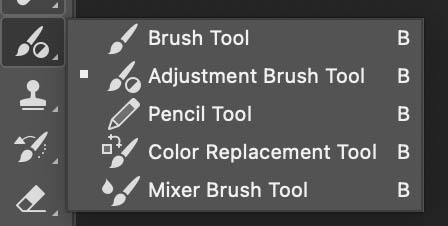
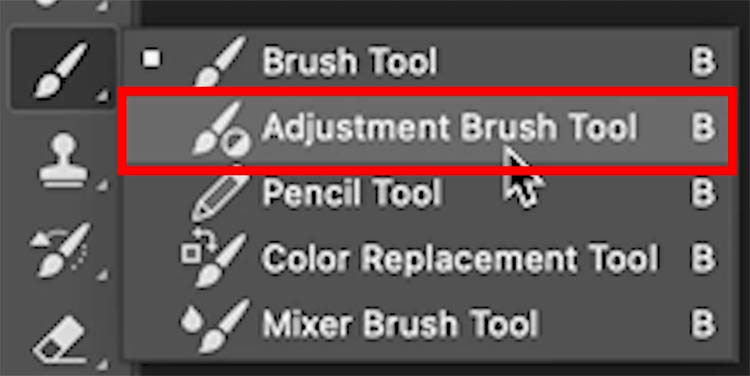
How to use the Adjustment Brush in Photoshop There is a new feature in Photoshop, which is only available in the public beta of Photoshop 2024 at the time of this writing. How to get…
View More New Adjustment Brush in Photoshop6 ways to change Colors in Photoshop. Photoshop color replacement tutorial.
1. Partial Color Change in Photoshop This technique will change the color, but we will blend the color change gradually. Start with a photo (This is from Adobe Stock, like all the images…
View More 6 ways to change Colors in Photoshop. Photoshop color replacement tutorial.