Schenectady Photographic Society

Menu

Develop

More Tips for Managing Profiles

More Tips for Managing Profiles

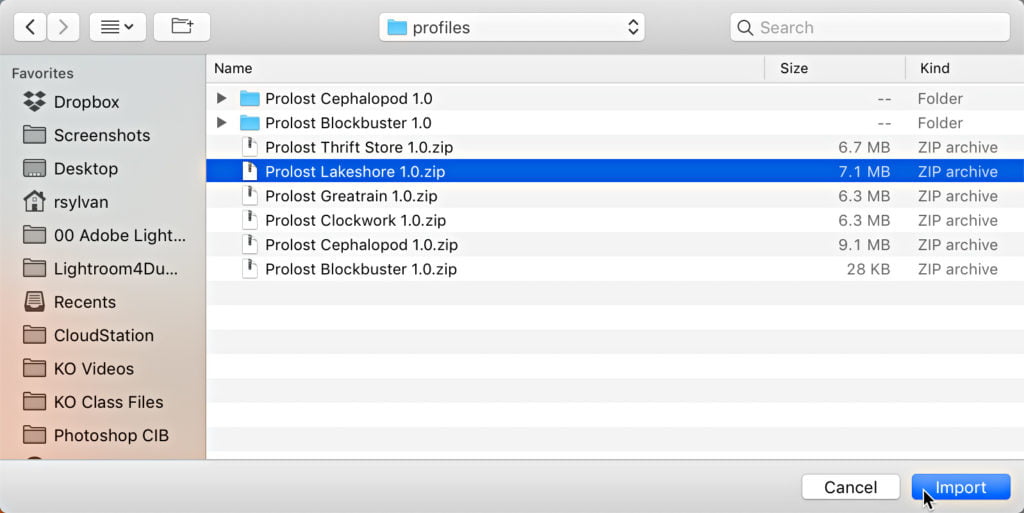
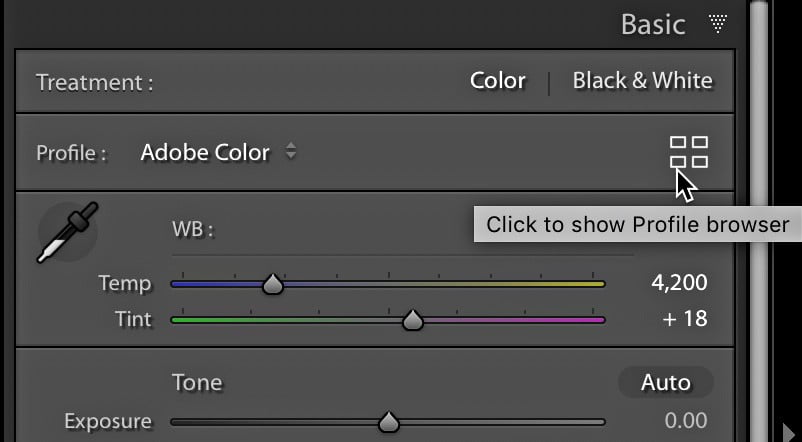
Last week we looked at some ways to help us manage existing profiles in the Profile browser. We also learned that changes we make to profiles in Lightroom Classic are also reflected in the Camera Raw plug-in (and vice versa). Let’s look at some other useful things to know. Importing New Profiles From the moment […]
Read more: More Tips for Managing Profiles
Tips For Managing Profiles

Tips For Managing Profiles

Awhile back, Adobe revamped the entire functionality behind applying camera profiles to our photos in Lightroom Classic, Camera Raw, and the cloud-based Lightroom. They really took it up a few notches by giving us the ability to create custom profiles as well as install profiles from third-party suppliers. If you’re like me, you’ve probably explored […]

Read more: Tips For Managing Profiles
Fun Auto Straightening Tip

Fun Auto Straightening Tip

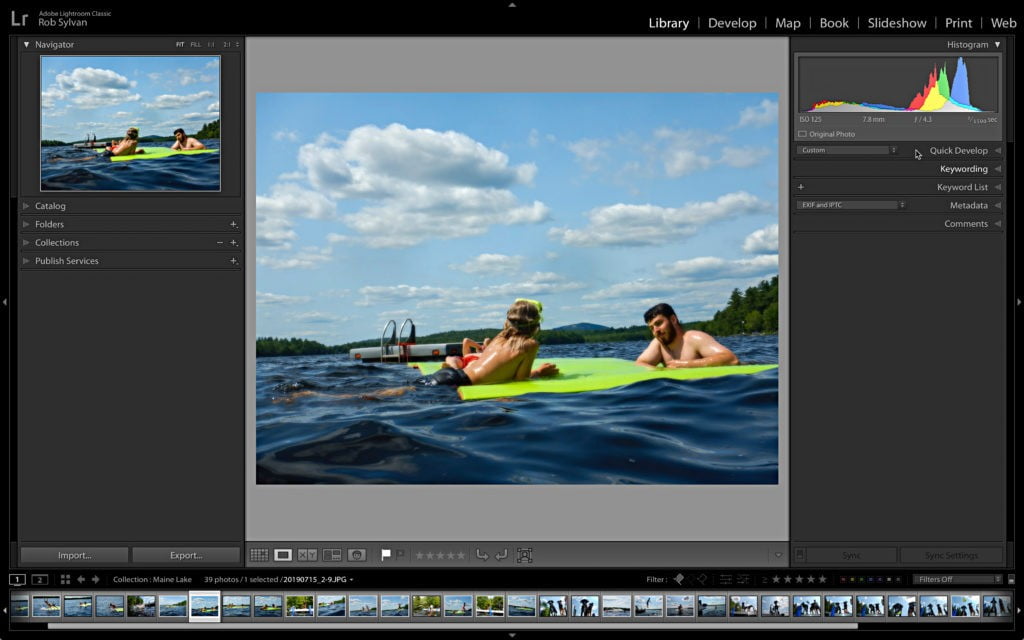
Happy summer to all fellow northern hemisphere inhabitants. I hope you are finding fun ways to beat the heat and enjoy whatever summer has in store for you. I was grateful to get to spend some time in a lake up in Maine last week with friends and family, and editing some of the photos […]

Read more: Fun Auto Straightening Tip
How to Use Lightroom’s Color Mixer

How to Use Lightroom’s Color Mixer

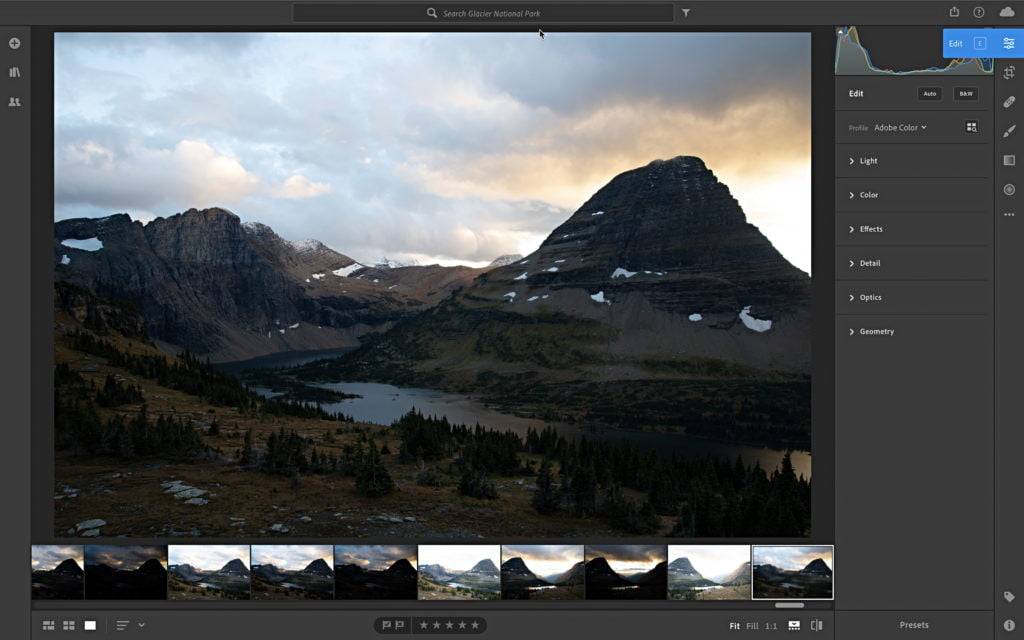
It’s named the Color Mixer in Lightroom CC (the Cloud version), and simply the Color Panel in Lightroom Classic, and the video above (from Adobe’s own Michelle Wei & Josh Haftel), shows how to adjust individual colors using the panel. NOTE: Their tutorial is using Lightroom CC (the cloud version), but the HSL / Color […]

Read more: How to Use Lightroom’s Color Mixer