Schenectady Photographic Society

Menu

Featured

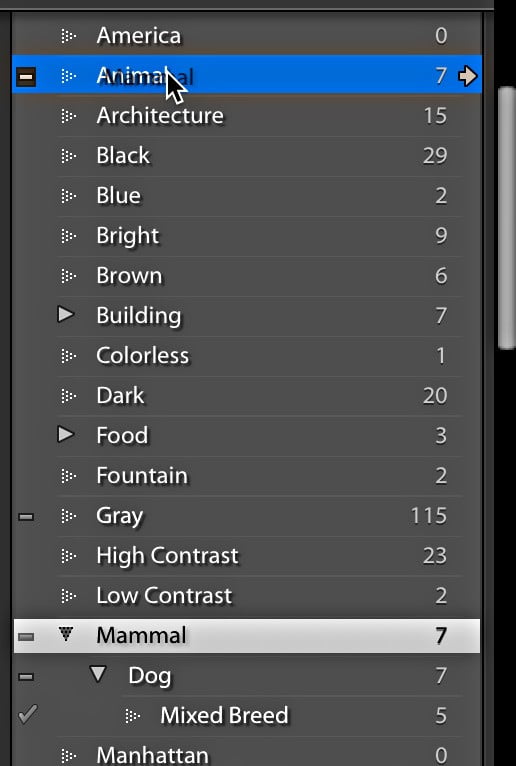
Controlling Keywords

Controlling Keywords

I don’t often get questions about how to apply keywords to photos, but I do hear from people who are struggling to regain a bit of order over an unruly keyword list. Unfortunately, there is no magic wand to wave and automatically fix a disorganized keyword list, you’ll need to roll up your sleeves, put […]

Read more: Controlling Keywords
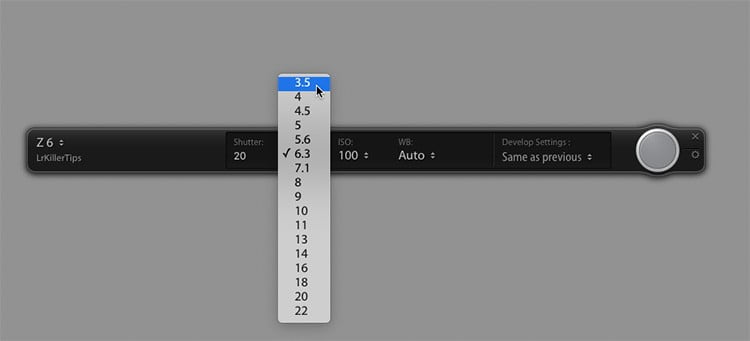
How To Change Your Camera’s Settings Directly From Lightroom’s Tether Bar

How To Change Your Camera’s Settings Directly From Lightroom’s Tether Bar

Buried in all the big news about Lightroom Classic’s much faster and more stable tethering is a feature that people have been asking for since the beginning, and that is — the ability to change the camera’s settings right from the floating tethering bar (also known as the “Tethering HUD”). To change the settings, and click […]

Read more: How To Change Your Camera’s Settings Directly From Lightroom’s Tether Bar
How to Recover Shadows and Highlights Like a Pro—A Guide to Maximizing Details for Any Photograph Using Aurora HDR

How to Recover Shadows and Highlights Like a Pro—A Guide to Maximizing Details for Any Photograph Using Aurora HDR

By Richard Harrington We’ve all faced the same problem: photographs that lack contrast; images where the shadows and highlights look flat and the details are muddy. While the problem is common, the solutions are many. In this article, I want to show you several easy fixes (using built-in tools) — including some uncommon ones — […]

Read more: How to Recover Shadows and Highlights Like a Pro—A Guide to Maximizing Details for Any Photograph Using Aurora HDR
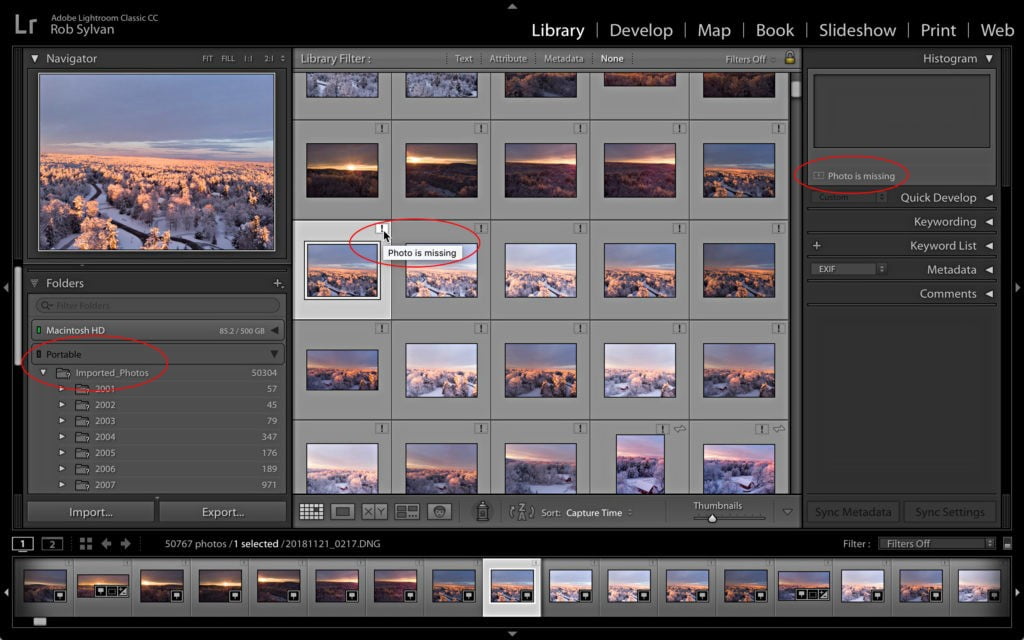
When Photos Go Missing

When Photos Go Missing

An often overlooked aspect of the import process into Lightroom Classic is that the exact location of where to find those photos on your system is written into the catalog file at that time. The path to that location is stored inside the catalog along with all the metadata embedded in each imported photo, and […]

Read more: When Photos Go Missing
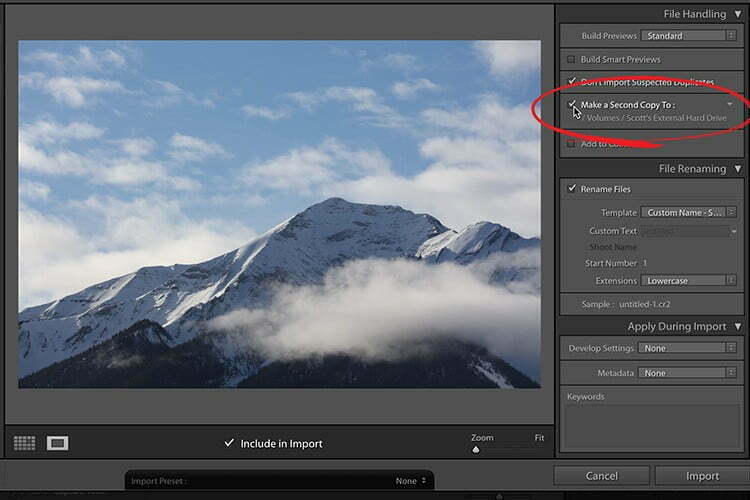
Lightroom Classic: What You Need To Know About Backing Up to a Secondary Drive

Lightroom Classic: What You Need To Know About Backing Up to a Secondary Drive

Backing up to a secondary drive on Import? Absolutely. Highly Recommended. However, here’s where people have told me they’ve gotten burned by not really understanding what that means. For example, they imported some images say…three or four months ago. They made collections, edited a bunch of images, added keywords, the whole nine yards. One day […]

Read more: Lightroom Classic: What You Need To Know About Backing Up to a Secondary Drive