The other day Scott shared a great post on Auto Hiding local adjustment pins in Lightroom Classic, and that’s my preferred way to use them too. However, in the comments, Dave and Al asked if…
View More Tips For Finding Those Adjustment Pins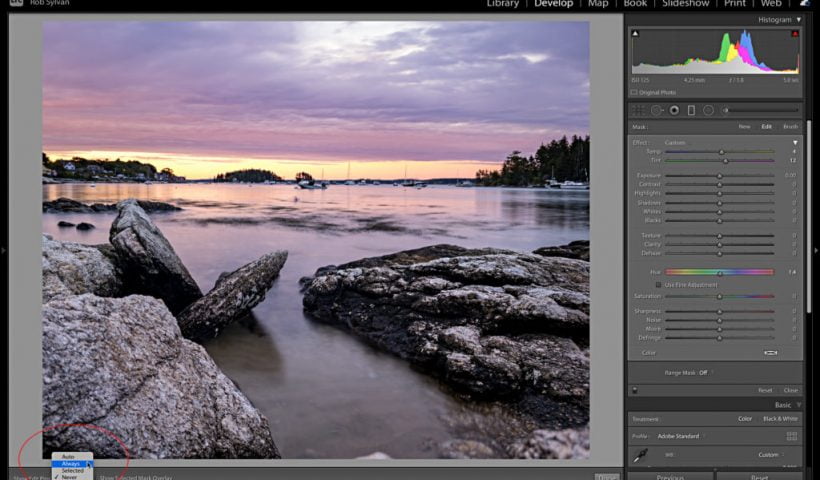

The other day Scott shared a great post on Auto Hiding local adjustment pins in Lightroom Classic, and that’s my preferred way to use them too. However, in the comments, Dave and Al asked if…
View More Tips For Finding Those Adjustment Pins
It’s September (yo!) and I’m back with more Lightroom in 60-seconds videos, and this one is incredibly handy (I use it daily). Check it out: Hope you found that helpful. Don’t forget to come back…
View More Lightroom in 60-Seconds: Drawing Straight Lines With The Adjustment Brush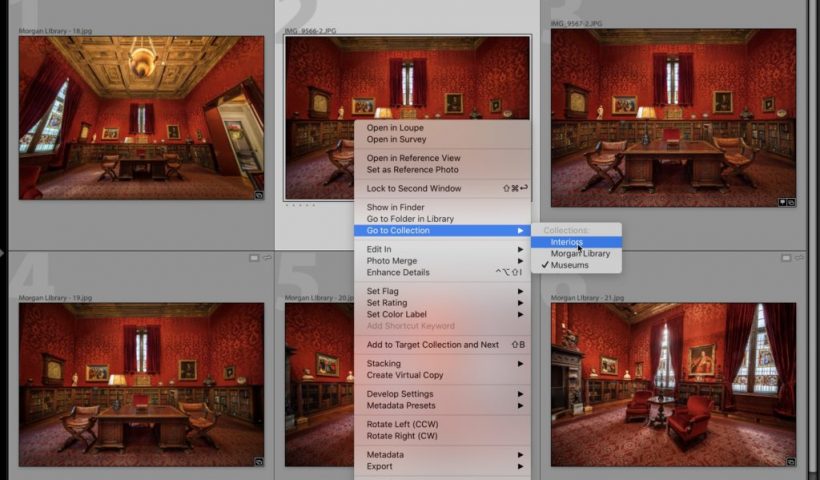
Kim, my book editor, would kill me if I ended a sentence like I did that headline above, so I’m counting on her not stopping here today. Anyway, this is a quick tip on how…
View More Lightroom: How To Find Out Which Collections a Photo Is In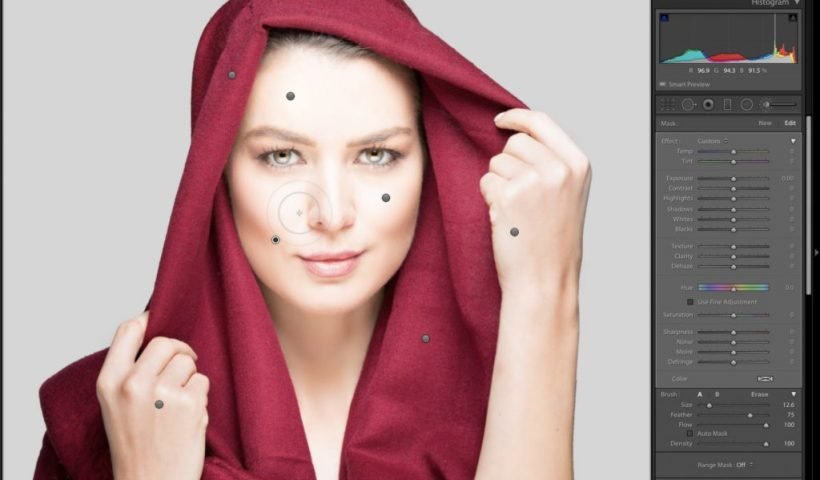
This is just a quickie, but it’s really handy for those times when you’re using one of the Brush tools (Adjustment Brush, Radial Tool, Gradated Filter), and your screen is cluttered with Adjustment Pins like…
View More Lightroom Quick Tip: Auto-Hiding Your Adjustment Pins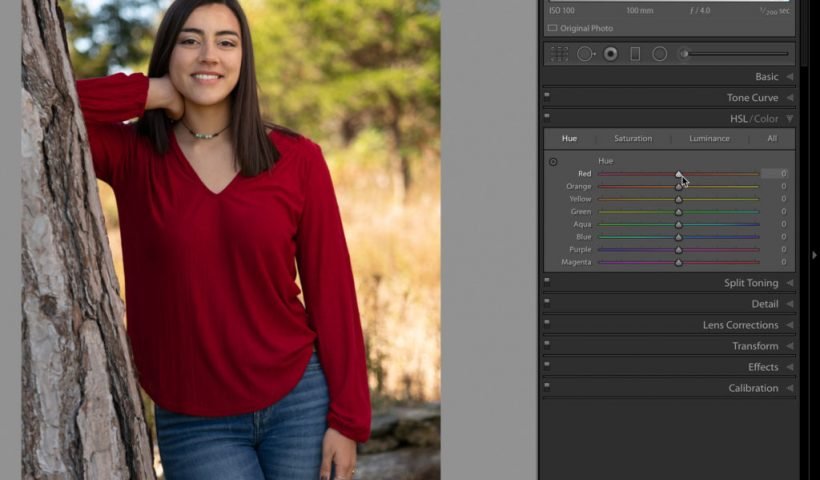
Adjusting, enhancing, and correcting color is often a necessary part of editing in Lightroom Classic. While we have been able to modify hue, saturation, and lightness (HSL) on a global level (using the HSL/Color panel),…
View More Explore the New Hue Controls in the Local Adjustment Tools
It’s been about two years since we covered this topic, and it’s still one of those “most asked” Lightroom Classic questions, so I wanted to cover it here again today. Getting all your catalog combined…
View More How to Combine All Your Lightroom Catalogs Into Just One Catalog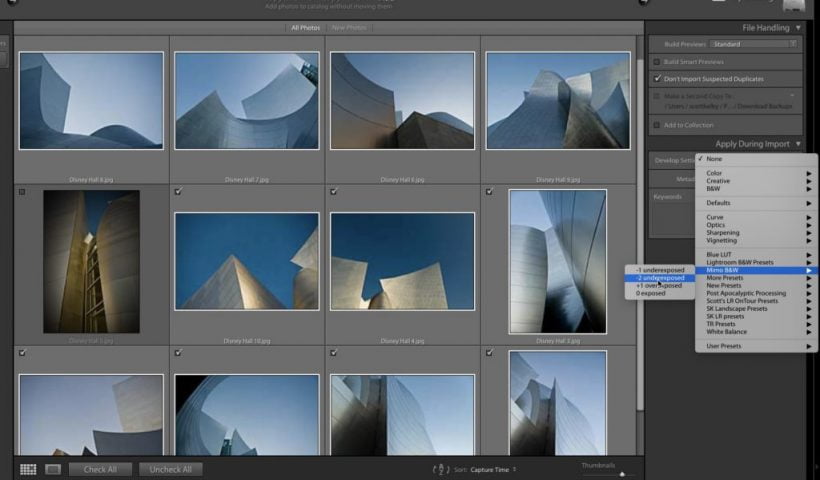
We’re heading into the weekend with a simple to use, but powerful time-saving technique — applying the Develop module preset of your choice automatically when you import your images, so when they appear in Lightroom; they…
View More How to Apply a Develop Preset Automatically When You Import Your Images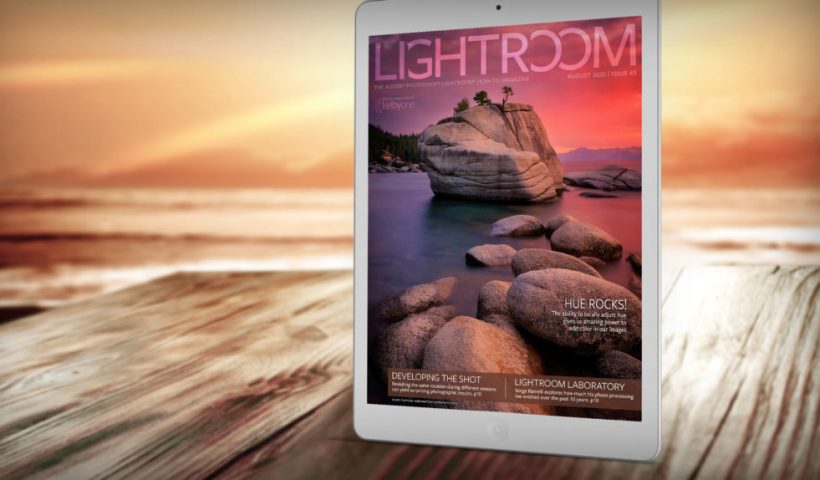
Issue 63 of Lightroom Magazine is now available for KelbyOne members on the KelbyOne site and on the KelbyOne Mags app for iOS and Android. In this issue, we explore how the new ability to locally adjust hue gives us…
View More Issue 63 of Lightroom Magazine Is Now Available!