Schenectady Photographic Society

Menu

Photo compositing

How to Use Reference Images with Generative Fill in Photoshop 2026

How to Use Reference Images with Generative Fill in Photoshop 2026

Photoshop 2026 introduces reference image support for Generative Fill, letting you show AI exactly what object you want instead of describing it with text. This feature transforms how you swap clothing, add accessories, or replace objects by using actual photographs as your guide. The tool intelligently adapts your reference objects Read the full article here: […]

Read more: How to Use Reference Images with Generative Fill in Photoshop 2026
How to Create Professional Photo Composites in Photoshop

How to Create Professional Photo Composites in Photoshop

Creating compelling photo composites requires more than simply placing images together. This comprehensive tutorial demonstrates how to blend multiple elements seamlessly, from matching lighting and color to painting realistic shadows and highlights. The project showcases a dramatic scene inspired by Stranger Things, combining buildings, characters, and atmospheric effects with precise Read the full article here: […]

Read more: How to Create Professional Photo Composites in Photoshop
How to Create High-Converting YouTube Thumbnails with AI and Photoshop

How to Create High-Converting YouTube Thumbnails with AI and Photoshop

YouTube thumbnails serve as the first handshake between your content and potential viewers. A well-crafted thumbnail can mean the difference between a scroll-past and a click, directly impacting your video's success regardless of content quality. This comprehensive workflow combines AI image generation with traditional design principles to create Read the full article here: How to […]

Read more: How to Create High-Converting YouTube Thumbnails with AI and Photoshop
Essential Photo Compositing Tips for Better Image Blending

Essential Photo Compositing Tips for Better Image Blending

Professional photo compositing requires more than just combining images—it demands understanding how light, perspective, and color work together. These fundamental techniques separate amateur collages from convincing, professional-quality composites that tell compelling visual stories. Mastering composition rules, shadow behavior, and color matching creates seamless blends that viewers accept as natural. Read the full article here: Essential […]

Read more: Essential Photo Compositing Tips for Better Image Blending
How to Use Reference Images with Generative Fill in Photoshop

How to Use Reference Images with Generative Fill in Photoshop

Reference images revolutionize how Generative Fill works, letting you guide AI with actual photos instead of text prompts. This feature enables precise clothing swaps, object replacements, and realistic additions by showing the AI exactly what you want rather than describing it. The technique works with everything from custom t-shirts and Read the full article here: […]

Read more: How to Use Reference Images with Generative Fill in Photoshop
How to Wrap Designs Around Complex Objects Using Displacement Maps in Photoshop

How to Wrap Designs Around Complex Objects Using Displacement Maps in Photoshop

Professional mockups require more than simply placing a design onto an object. Complex surfaces like crushed aluminum cans demand advanced techniques to achieve realistic wrapping that follows every contour and deformation. This process combines displacement mapping, smart objects, and blending modes to create reusable templates that automatically conform any design Read the full article here: […]

Read more: How to Wrap Designs Around Complex Objects Using Displacement Maps in Photoshop
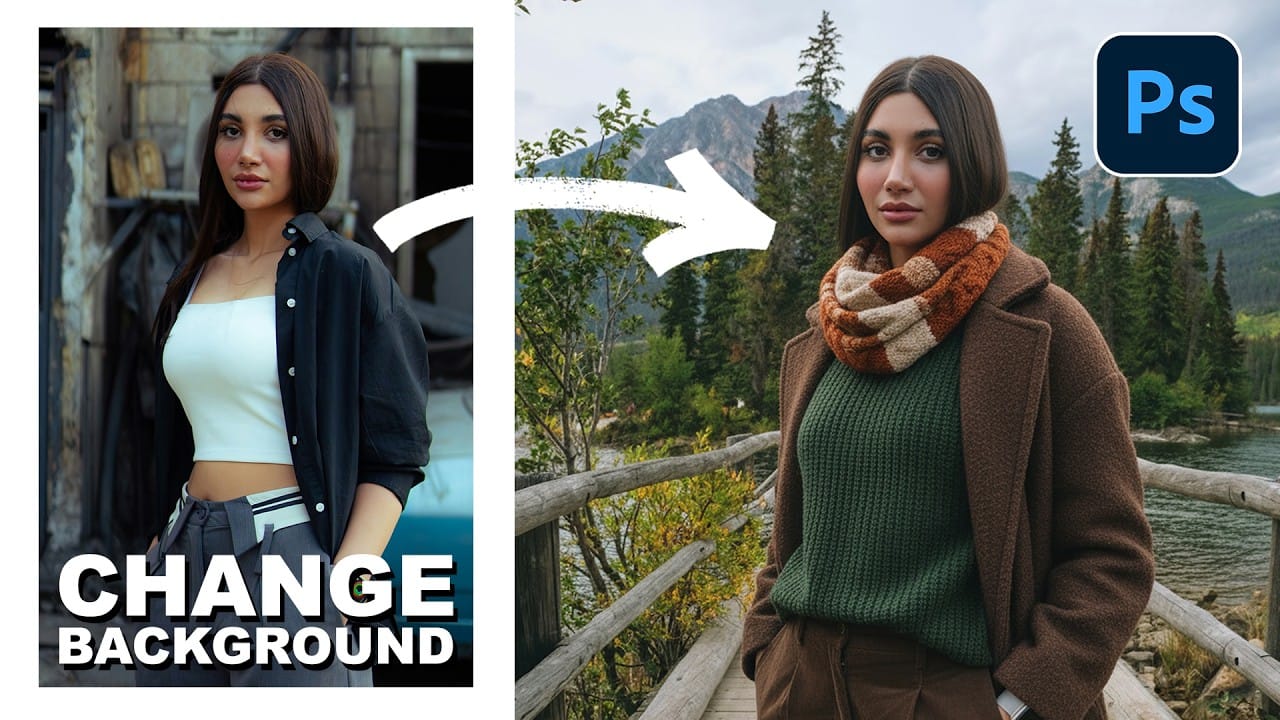
How to Change Backgrounds and Match Lighting in Photoshop

How to Change Backgrounds and Match Lighting in Photoshop

Creating seamless background replacements requires more than just cutting out your subject. The real challenge lies in making the new composition look natural through proper lighting, color matching, and depth of field consistency. Modern Photoshop tools have simplified this process significantly, allowing you to achieve professional results with automated background Read the full article here: […]

Read more: How to Change Backgrounds and Match Lighting in Photoshop
How to Use Harmonize and Generative Upscale Tools in Photoshop

How to Use Harmonize and Generative Upscale Tools in Photoshop

Creating realistic photo composites requires matching lighting and color between different images—a traditionally time-consuming process. Two new AI-powered tools in Photoshop solve these challenges: Harmonize automatically adjusts lighting and shadows to blend subjects seamlessly into backgrounds, while Generative Upscale enlarges small images without losing detail. These tools work together Read the full article here: How […]

Read more: How to Use Harmonize and Generative Upscale Tools in Photoshop