Schenectady Photographic Society

Menu

Photo compositing

How to Create Convincing Scale Effects in Photoshop Composites

How to Create Convincing Scale Effects in Photoshop Composites

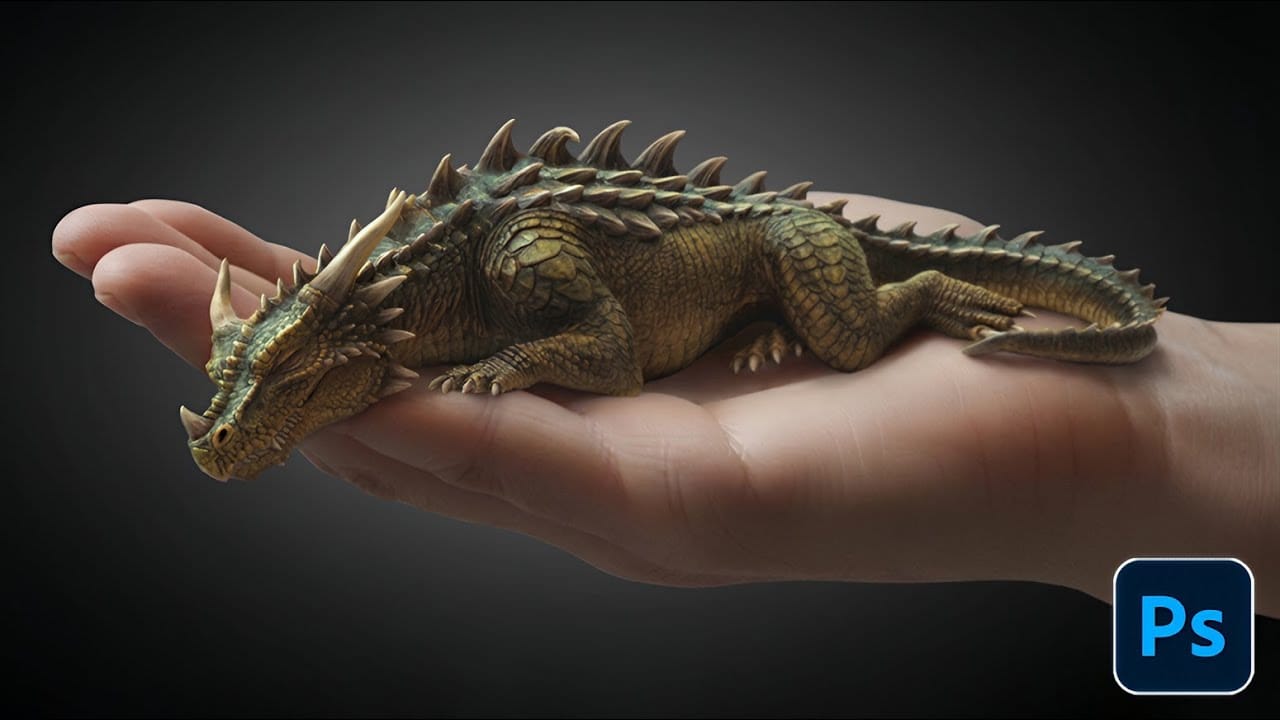
Creating believable scale effects requires more than simply resizing objects—it demands understanding how light, perspective, and atmospheric conditions change with distance. When tiny subjects appear massive or giant objects seem miniature, viewers should feel the illusion is completely natural. This technique combines careful attention to lighting consistency, depth cues, Read the full article here: How […]

Read more: How to Create Convincing Scale Effects in Photoshop Composites
Create a Surreal Portrait Scene Using Generative Fill in Photoshop

Create a Surreal Portrait Scene Using Generative Fill in Photoshop

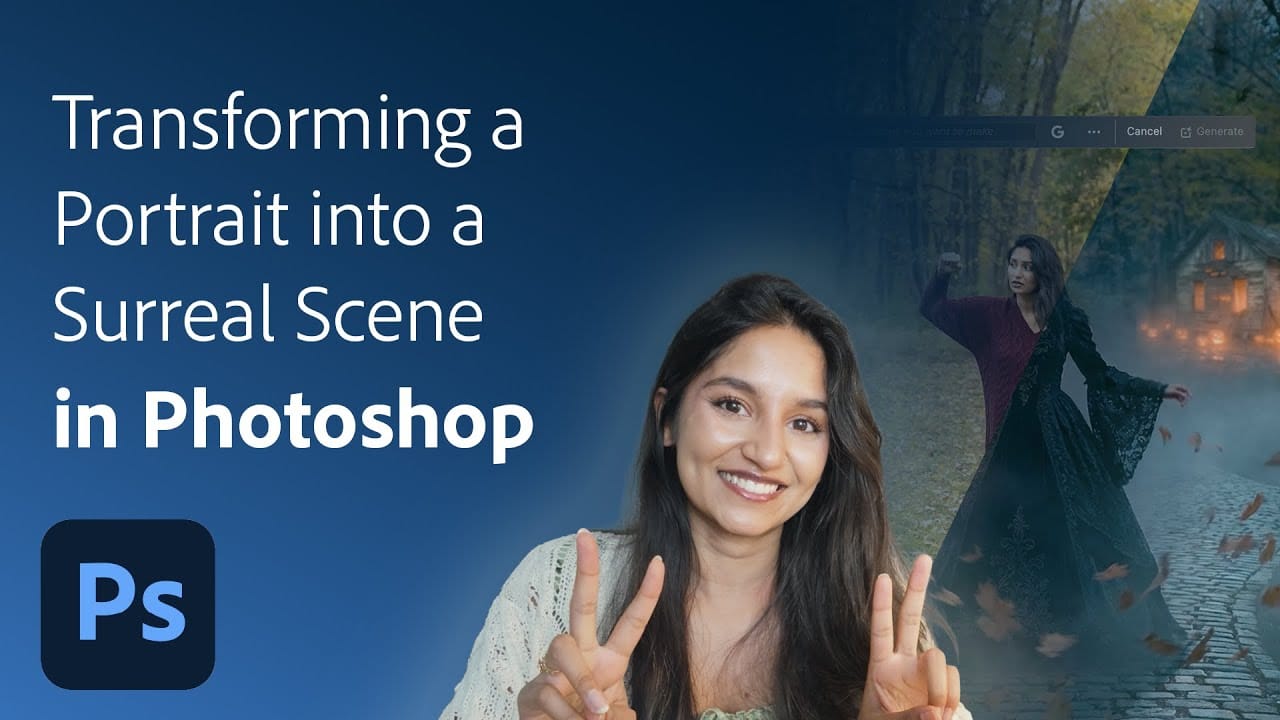
Transforming an ordinary portrait into a magical nighttime scene traditionally requires advanced compositing skills and multiple stock images. This tutorial demonstrates how to create an entire surreal portrait using only Generative Fill, converting a simple daylight photo into an atmospheric Gothic scene complete with Victorian clothing, glowing lanterns, and mystical Read the full article here: […]

Read more: Create a Surreal Portrait Scene Using Generative Fill in Photoshop
How to Edit Text in Images Using Generative Fill

How to Edit Text in Images Using Generative Fill

Changing text within existing images has traditionally required complex masking and reconstruction techniques. Modern AI-powered tools now make it possible to seamlessly replace words and phrases in photographs while maintaining realistic typography, lighting, and perspective that matches the original scene. This technique works particularly well for signs, storefronts, billboards, and Read the full article here: […]

Read more: How to Edit Text in Images Using Generative Fill
Create Realistic Water Reflections Using Generative Fill in Photoshop

Create Realistic Water Reflections Using Generative Fill in Photoshop

Traditional reflection techniques in photo editing often produce unrealistic results because they simply flip and copy existing image elements. Real reflections show different viewing angles and reveal surfaces not visible in the original photograph—like the underside of vehicles or objects viewed from below water level. Generative fill technology solves Read the full article here: Create […]

Read more: Create Realistic Water Reflections Using Generative Fill in Photoshop
How to Create Product Mockups Using New Generative Fill Partner Models in Photoshop

How to Create Product Mockups Using New Generative Fill Partner Models in Photoshop

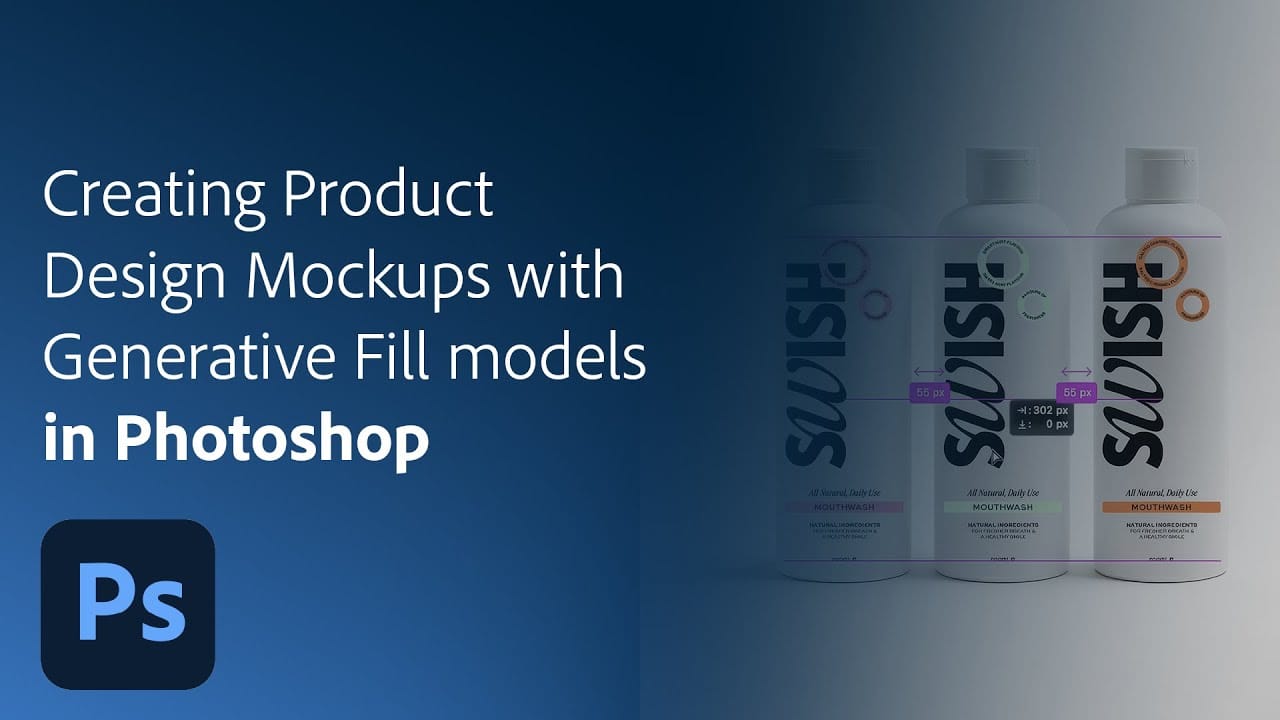
Low-quality product photos from clients can make creating professional mockups challenging. With Photoshop's new Generative Fill partner models, you can transform rough sample images into polished product mockups in minutes rather than hours. This workflow demonstrates how Nano Banana and Flux Context Pro streamline the entire process from Read the full article here: How to […]

Read more: How to Create Product Mockups Using New Generative Fill Partner Models in Photoshop
How to Create Digital Scrapbook Carousels in Photoshop

How to Create Digital Scrapbook Carousels in Photoshop

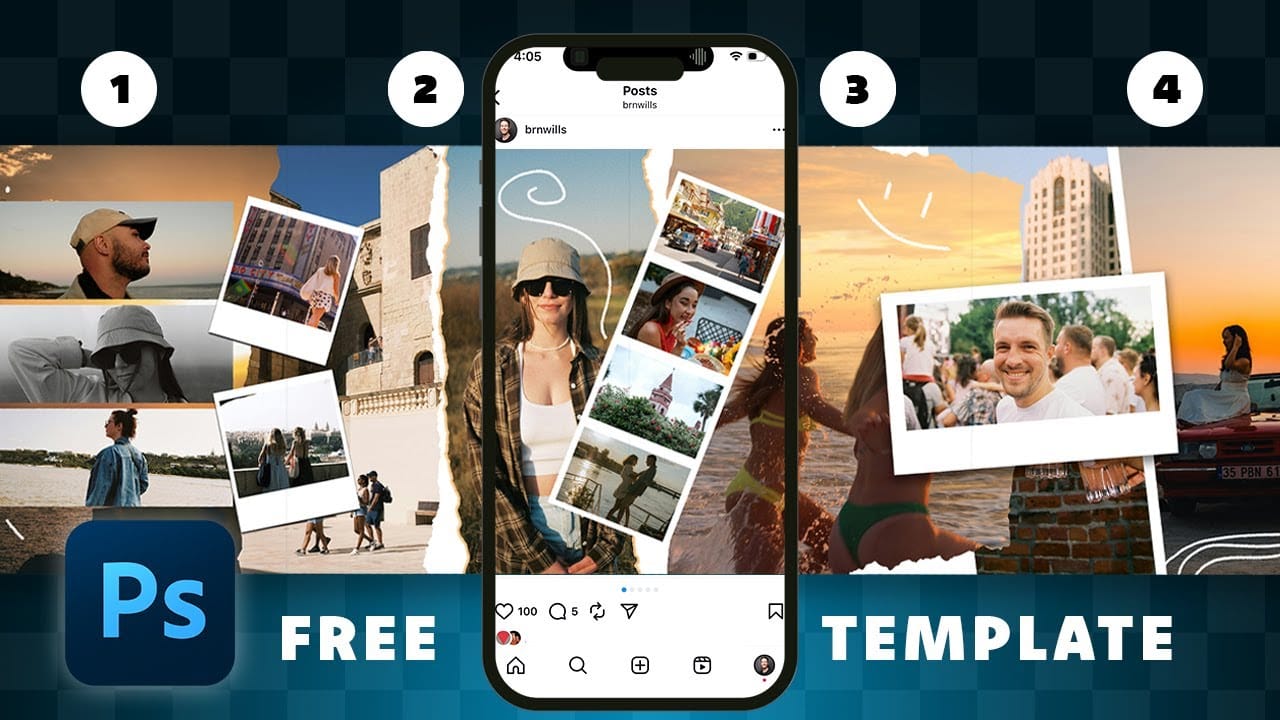
Digital scrapbook pages capture memories beautifully, but a single page limits your storytelling. Creating a carousel format lets you design multiple connected panels that work together as one cohesive piece while giving viewers more content to explore. This technique uses frames, custom shapes, and smart export settings to build templates Read the full article here: […]

Read more: How to Create Digital Scrapbook Carousels in Photoshop
How to Access Adobe's Free Stock Photos in Photoshop and Create Photo Collages

How to Access Adobe's Free Stock Photos in Photoshop and Create Photo Collages

Adobe now includes thousands of free stock photos directly in Photoshop, making it easier than ever to find professional images for your projects. These royalty-free images work perfectly for creating dynamic photo collages without leaving the application. This tutorial covers three different methods to access these free stock images and Read the full article here: […]

Read more: How to Access Adobe's Free Stock Photos in Photoshop and Create Photo Collages
Adding Atmospheric Texture Layers in Photoshop for Moody Images

Adding Atmospheric Texture Layers in Photoshop for Moody Images

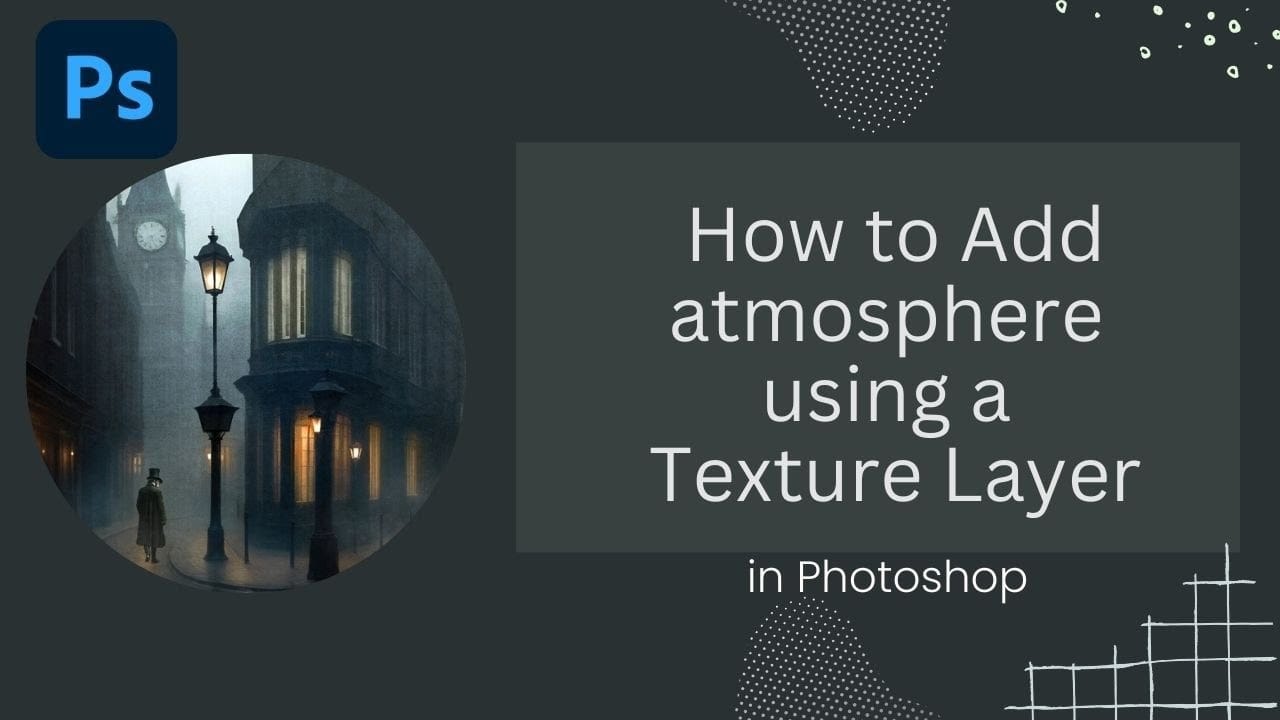
Victorian London emerges from fog-shrouded streets in classic Sherlock Holmes films, where every shadow tells a story and atmosphere becomes a character itself. The interplay of light, mist, and aged textures creates that unmistakable cinematic mood that draws viewers into another world. This video demonstrates how texture layers transform ordinary Read the full article here: […]

Read more: Adding Atmospheric Texture Layers in Photoshop for Moody Images