Schenectady Photographic Society

Menu

Photo compositing

How to Create a Can Mockup in Photoshop Using Smart Objects and Masks

How to Create a Can Mockup in Photoshop Using Smart Objects and Masks

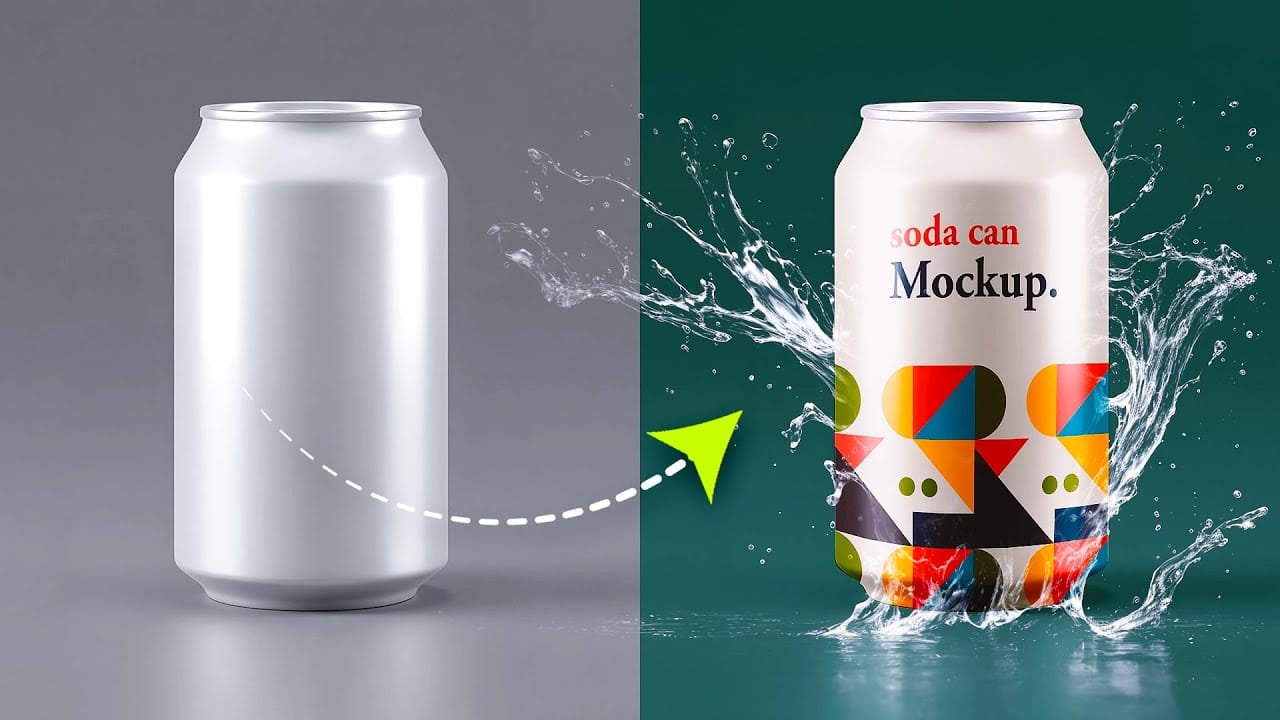
Professional can mockups transform flat designs into realistic product presentations that clients can instantly visualize. This technique combines precise measurement, smart object workflow, and blending modes to wrap your graphics seamlessly around curved surfaces. The process creates reusable templates that automatically apply proper perspective and lighting effects to any design Read the full article here: […]
Read more: How to Create a Can Mockup in Photoshop Using Smart Objects and Masks
Time-Blending Photography: Combine Photos from Different Times of Day

Time-Blending Photography: Combine Photos from Different Times of Day

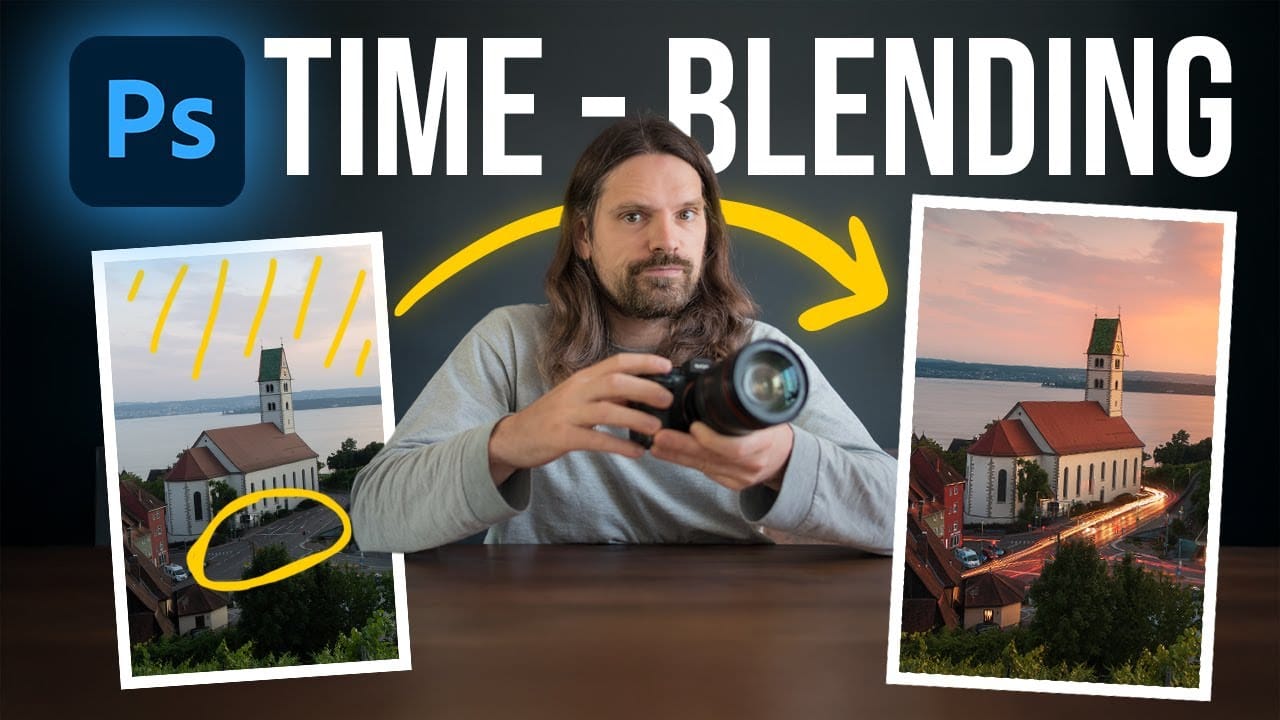
Empty streets and dark buildings can ruin an otherwise perfect sunset shot. Time-blending photography solves this problem by combining the best elements from different times of day — the vibrant sky from golden hour with the dynamic light trails from nighttime traffic. This technique transforms static daytime or sunset scenes into Read the full article […]

Read more: Time-Blending Photography: Combine Photos from Different Times of Day
How to Create Reusable Drag & Drop Mockup Templates in Photoshop

How to Create Reusable Drag & Drop Mockup Templates in Photoshop

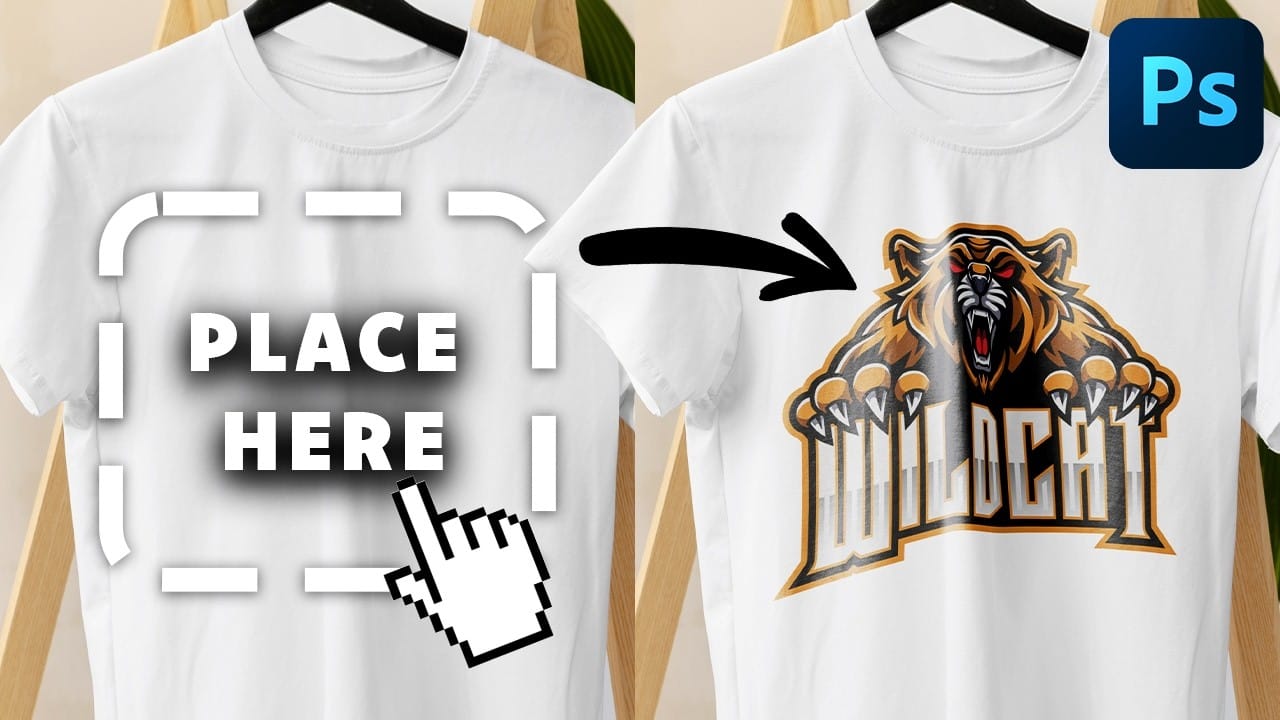
Manually warping and blending logos onto product photos takes 15-30 minutes each time. Smart objects in Photoshop transform this repetitive process into a one-time setup that creates reusable templates. This technique lets you drag and drop any design into a pre-configured mockup that automatically applies warping, blending, and lighting effects. Read the full article here: […]

Read more: How to Create Reusable Drag & Drop Mockup Templates in Photoshop
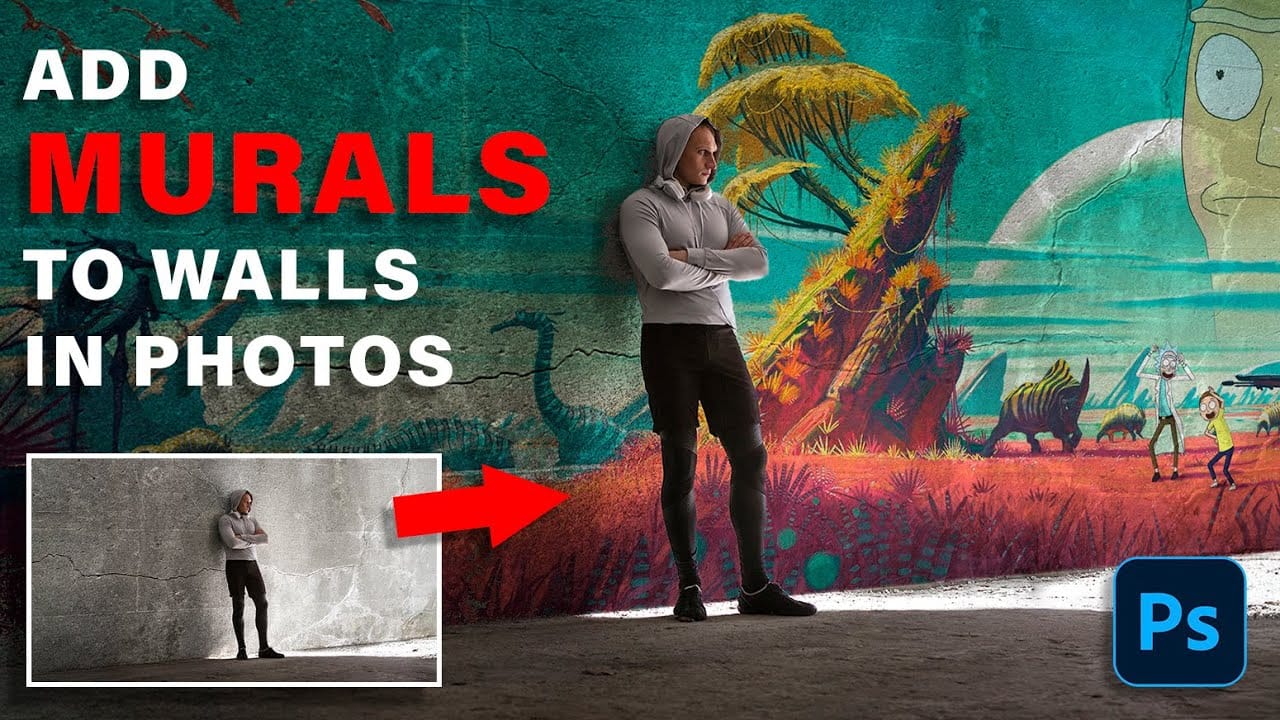
How to Add Realistic Murals to Angled Walls in Photos

How to Add Realistic Murals to Angled Walls in Photos

Wall murals can transform any space, but adding them convincingly to angled walls in photos requires precise perspective matching. The key lies in creating realistic depth and natural blending that makes the artwork appear genuinely painted on the surface. This technique uses smart objects and perspective warping to achieve professional Read the full article here: […]

Read more: How to Add Realistic Murals to Angled Walls in Photos
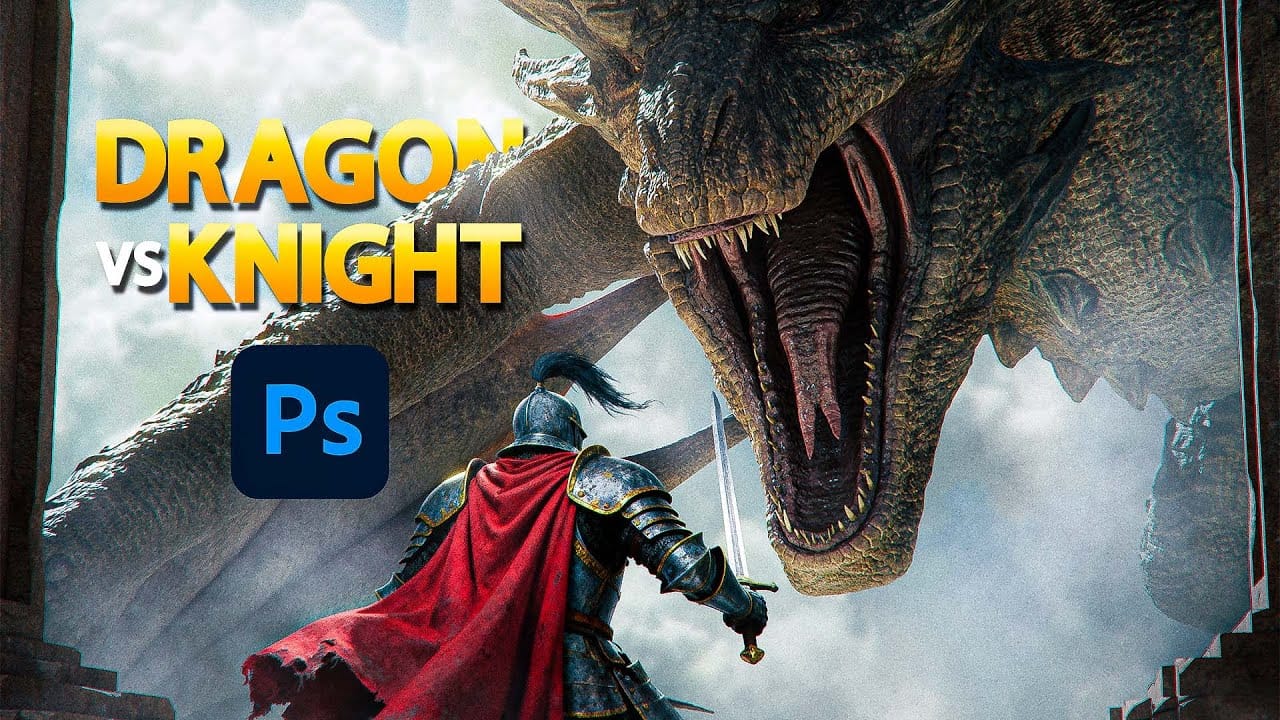
Create an Epic Knight vs Dragon Scene in Photoshop

Create an Epic Knight vs Dragon Scene in Photoshop

Epic fantasy scenes capture the imagination through dramatic confrontations between legendary figures. This tutorial transforms simple photographs into a cinematic knight versus dragon battle scene. You'll learn professional photo manipulation techniques including subject extraction, lighting adjustments, atmospheric effects, and color grading to create compelling fantasy artwork. Watch the Read the full article here: Create an […]

Read more: Create an Epic Knight vs Dragon Scene in Photoshop
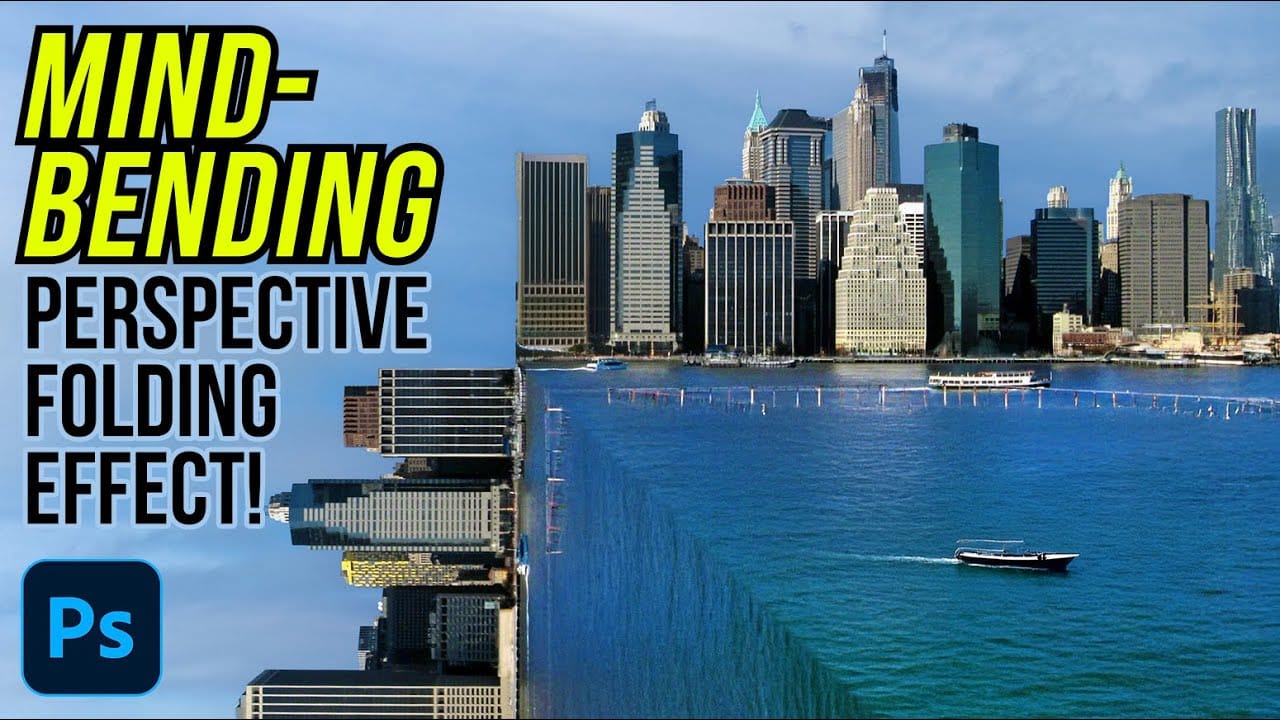
How to Create a Mind-Bending Perspective Effect in Photoshop

How to Create a Mind-Bending Perspective Effect in Photoshop

Transform an ordinary cityscape into a surreal architectural illusion that defies reality. This perspective-bending technique creates the visual impact of two worlds colliding at impossible angles. Master the art of rotating, masking, and blending images to achieve cinematic effects that captivate viewers and challenge their perception of space. Watch the Read the full article here: […]

Read more: How to Create a Mind-Bending Perspective Effect in Photoshop
Creating AI-Enhanced Autumn Fantasy Images in Photoshop

Creating AI-Enhanced Autumn Fantasy Images in Photoshop

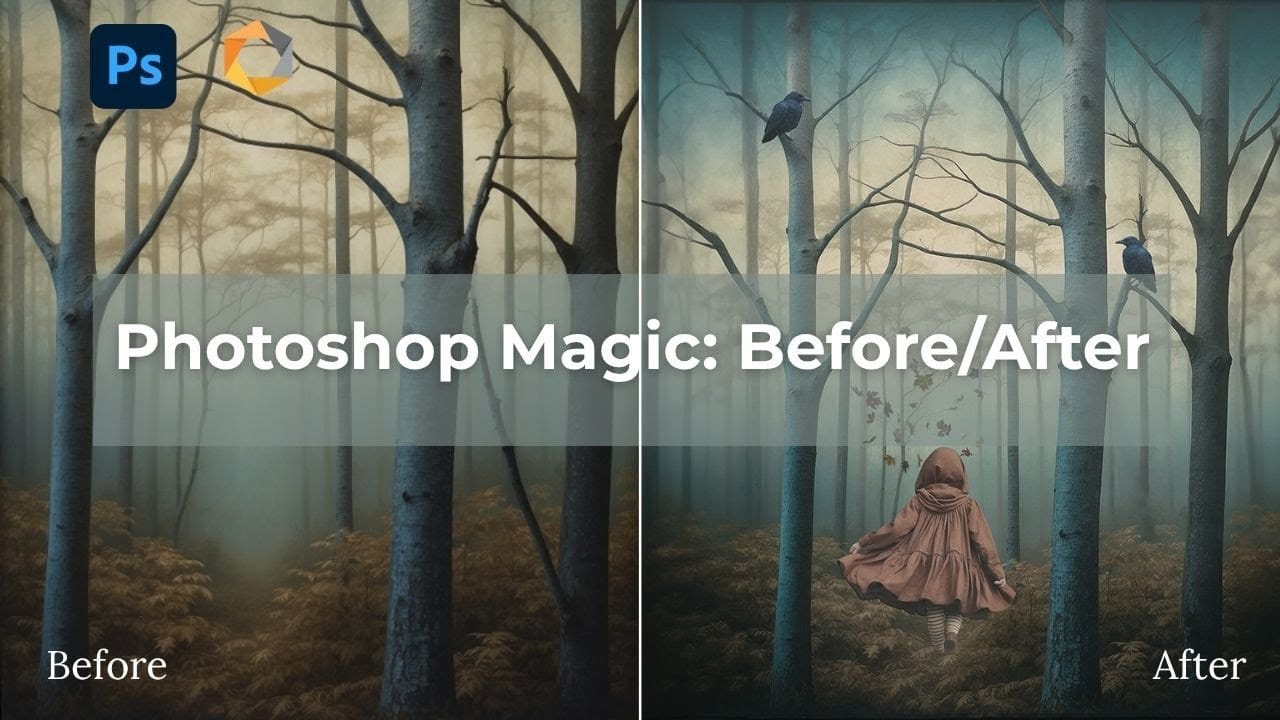
Fantasy imagery comes alive when artificial intelligence meets traditional photo manipulation techniques. AI-generated backgrounds provide the perfect foundation for creating moody, atmospheric scenes that would be difficult or impossible to capture with a camera alone. This approach combines the creative potential of AI image generation with Photoshop's precise Read the full article here: Creating AI-Enhanced […]

Read more: Creating AI-Enhanced Autumn Fantasy Images in Photoshop