Schenectady Photographic Society

Menu

Photo retouching

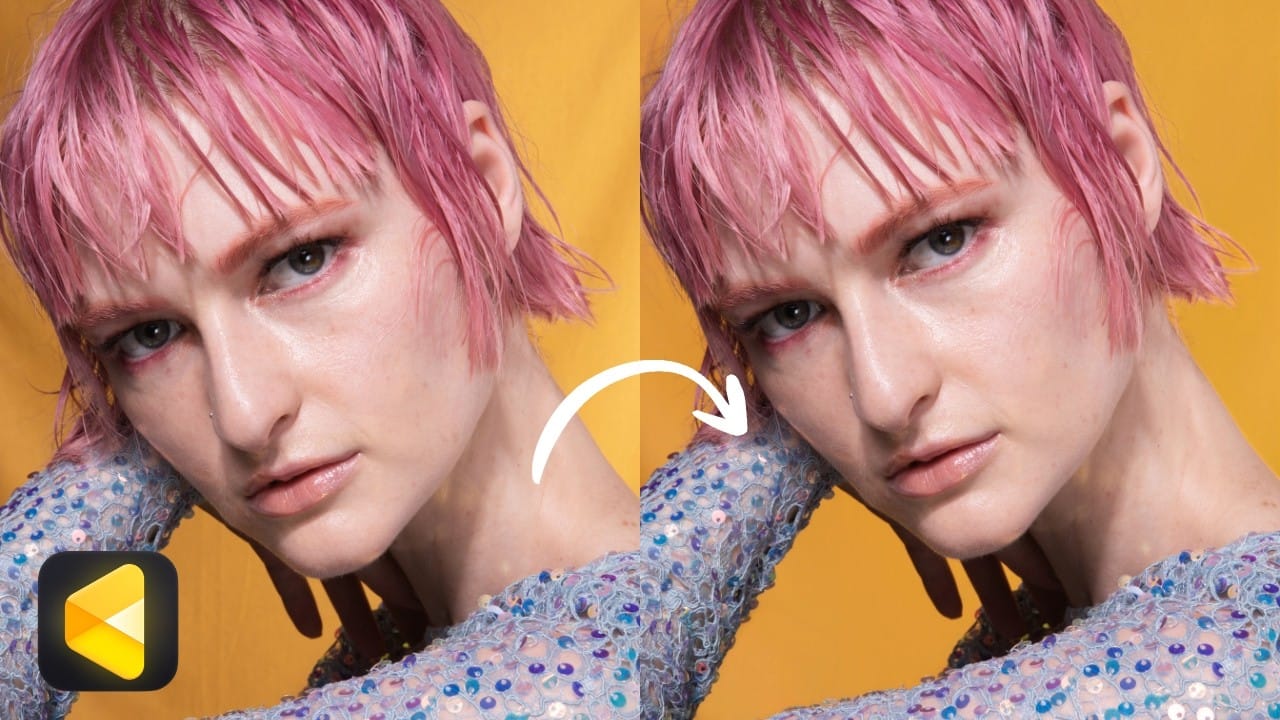
How to Remove Wrinkles and Replace Backdrops in Post-Production

How to Remove Wrinkles and Replace Backdrops in Post-Production

Wrinkled fabric backdrops, uneven lighting, and backgrounds that don't quite fill the frame are common problems when shooting on a budget. Fixing them manually through dodge and burn, frequency separation, or content-aware fill can eat up significant editing time — especially across a full shoot's worth Read the full article here: How to Remove Wrinkles […]

Read more: How to Remove Wrinkles and Replace Backdrops in Post-Production
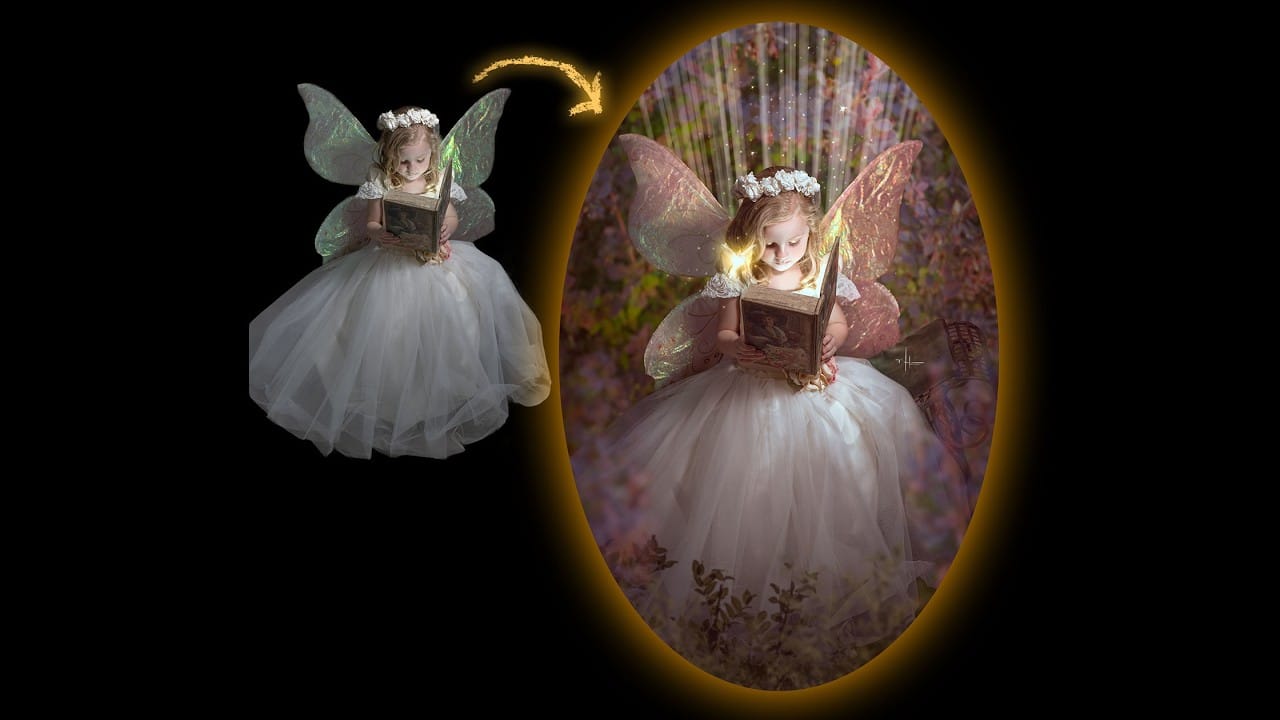
How to Add Glowing Light Effects to Fantasy Portraits in Photoshop

How to Add Glowing Light Effects to Fantasy Portraits in Photoshop

Fantasy and fairy-tale portraits rely heavily on light to feel convincing. These five techniques cover the full range of glow effects — from soft blend mode tints and dynamic highlight recovery to face lighting, radial light beams, and hand-placed fairy dust — giving you a repeatable toolkit for any magical Read the full article here: […]

Read more: How to Add Glowing Light Effects to Fantasy Portraits in Photoshop
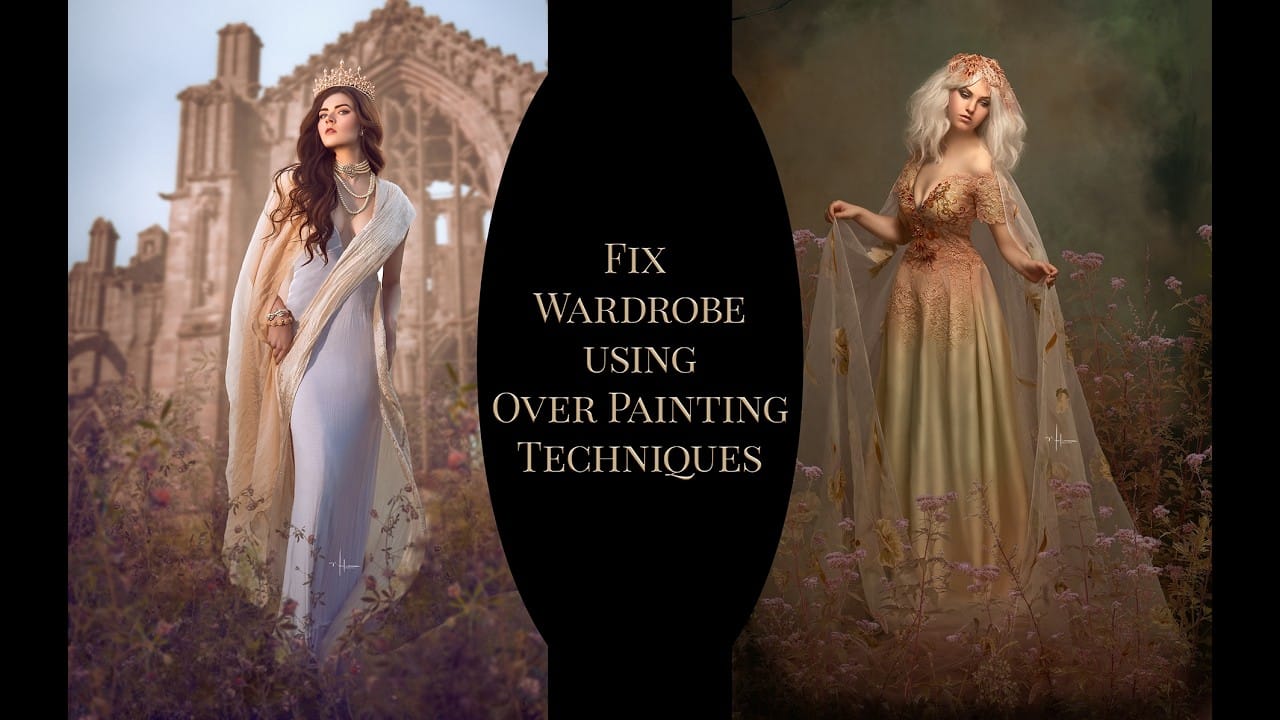
How to Fix Wardrobe Problems in Portraits by Overpainting in Photoshop

How to Fix Wardrobe Problems in Portraits by Overpainting in Photoshop

A poorly fitting dress, an unflattering sash, or a neckline that just doesn't work can ruin an otherwise strong portrait. Rather than reshooting, overpainting with a brush lets you reshape clothing, slim silhouettes, and even paint an entirely new neckline — all without touching an AI tool. Watch the Read the full article here: How […]
Read more: How to Fix Wardrobe Problems in Portraits by Overpainting in Photoshop
Professional Retouching and Compositing Workflow Using Generative Fill in Photoshop

Professional Retouching and Compositing Workflow Using Generative Fill in Photoshop

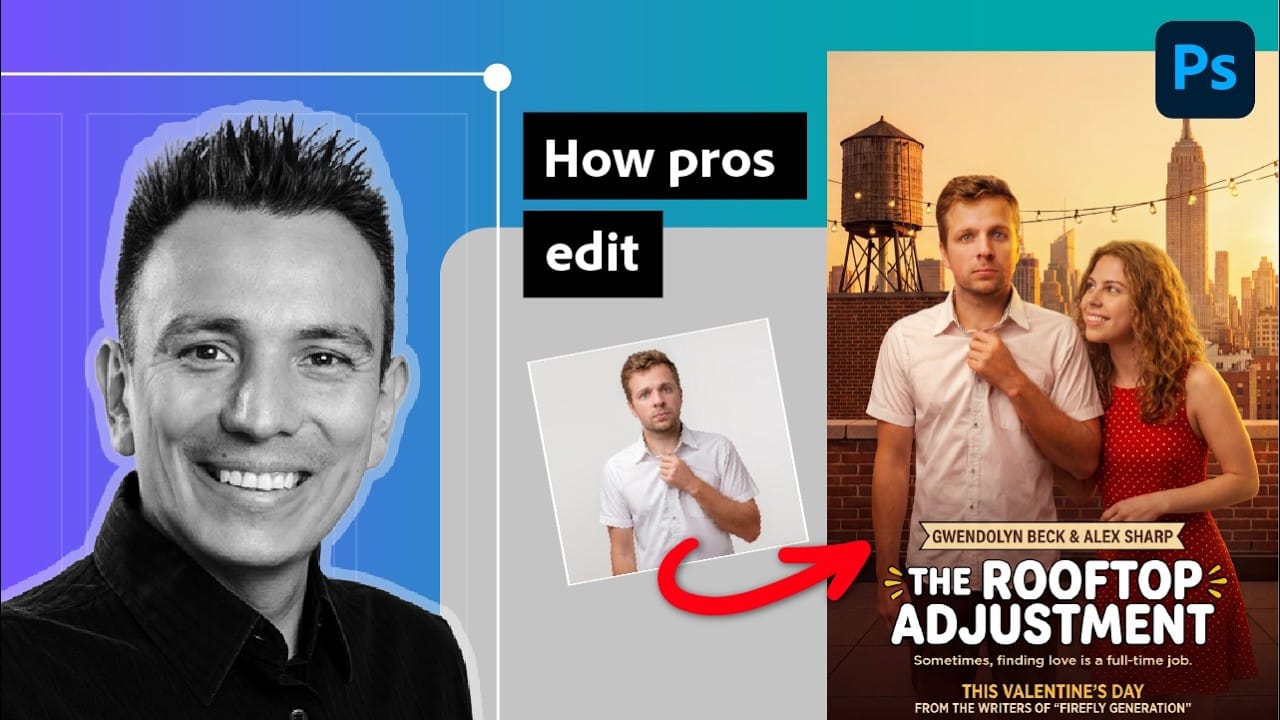
Entertainment retoucher Jesús Ramirez walks through the Generative Fill workflow he applies to every TV and movie poster project. The approach handles hair cleanup, skin blemishes, clothing fit, and full compositing without frequency separation or complex manual techniques. Watch the Video Practical Tips Here are key techniques from the workflow Read the full article here: […]

Read more: Professional Retouching and Compositing Workflow Using Generative Fill in Photoshop
AI Reflection Removal in Photoshop 2026: Complete Workflow with Masking and Generative Fill

AI Reflection Removal in Photoshop 2026: Complete Workflow with Masking and Generative Fill

Photoshop 2026 introduces built-in AI reflection removal for the first time, bringing a capability previously limited to Lightroom and Camera Raw directly into a layer-based workflow. The key advantage here is control: results appear on a separate layer, which means you can mask out problem areas where the Read the full article here: AI Reflection […]

Read more: AI Reflection Removal in Photoshop 2026: Complete Workflow with Masking and Generative Fill
How to Remove Distractions, Expand Borders, and Polish a Portrait in Photoshop

How to Remove Distractions, Expand Borders, and Polish a Portrait in Photoshop

A cluttered background, tight framing, and flat lighting can undermine an otherwise strong portrait. This workflow covers the full process of cleaning up a photo using Photoshop's AI-powered Remove Tool, extending the canvas with Generative Expand, replacing the sky, and finishing with Camera Raw adjustments for grain, Read the full article here: How to Remove […]

Read more: How to Remove Distractions, Expand Borders, and Polish a Portrait in Photoshop