Schenectady Photographic Society

Menu

Photo retouching

How to Remove Objects Using Photoshop's Updated Remove Tool Without Credits

How to Remove Objects Using Photoshop's Updated Remove Tool Without Credits

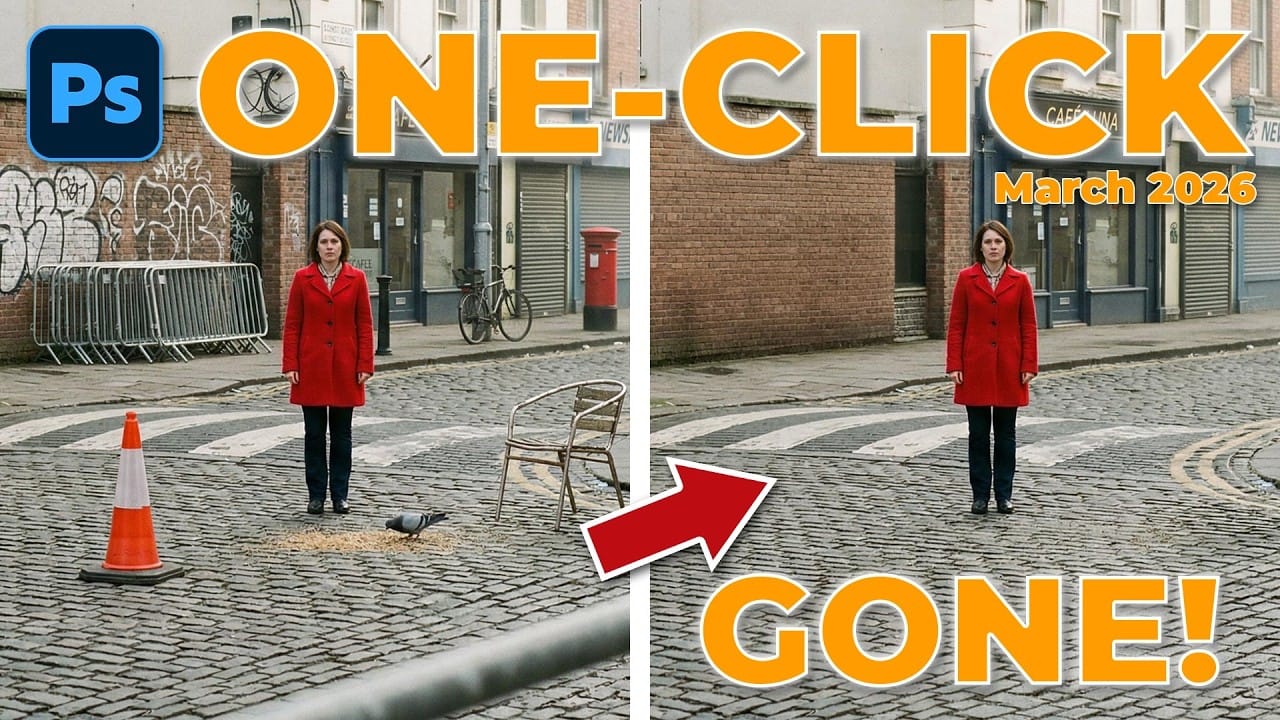
Photoshop's updated Remove tool offers powerful AI-powered object removal without consuming any generative credits, regardless of your subscription plan. The tool features automated distraction detection that categorizes different types of visual clutter—from trash and people to urban elements and blemishes—making it easy to selectively remove unwanted Read the full article here: How to Remove Objects […]
Read more: How to Remove Objects Using Photoshop's Updated Remove Tool Without Credits
How to Create Realistic Trees from Digital Stamp Brushes in Photoshop

How to Create Realistic Trees from Digital Stamp Brushes in Photoshop

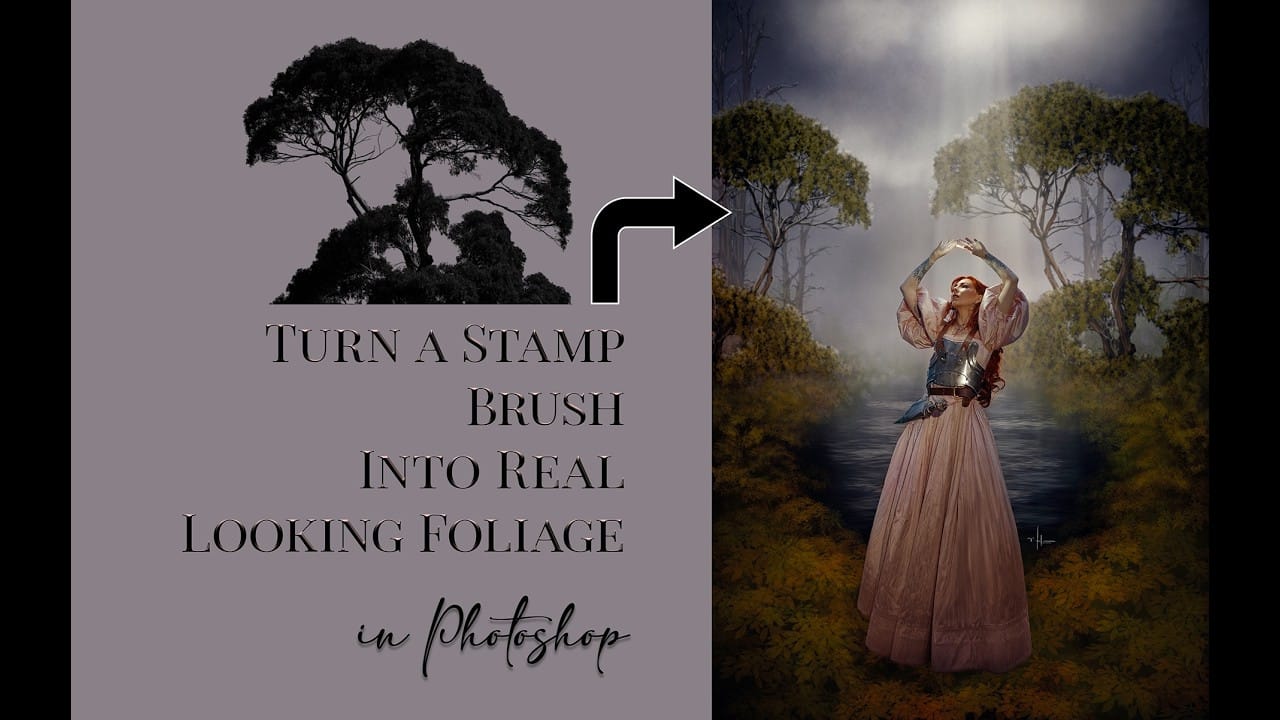
Tree stamp brushes provide an efficient starting point for digital landscapes, but transforming flat stamps into convincing natural elements requires specific layering and painting techniques. This comprehensive tutorial demonstrates how to build complete environmental scenes by combining background creation, water effects, and detailed tree painting methods that add depth and Read the full article here: […]

Read more: How to Create Realistic Trees from Digital Stamp Brushes in Photoshop
How to Use the New Remove Tool to Automatically Find and Remove Image Distractions

How to Use the New Remove Tool to Automatically Find and Remove Image Distractions

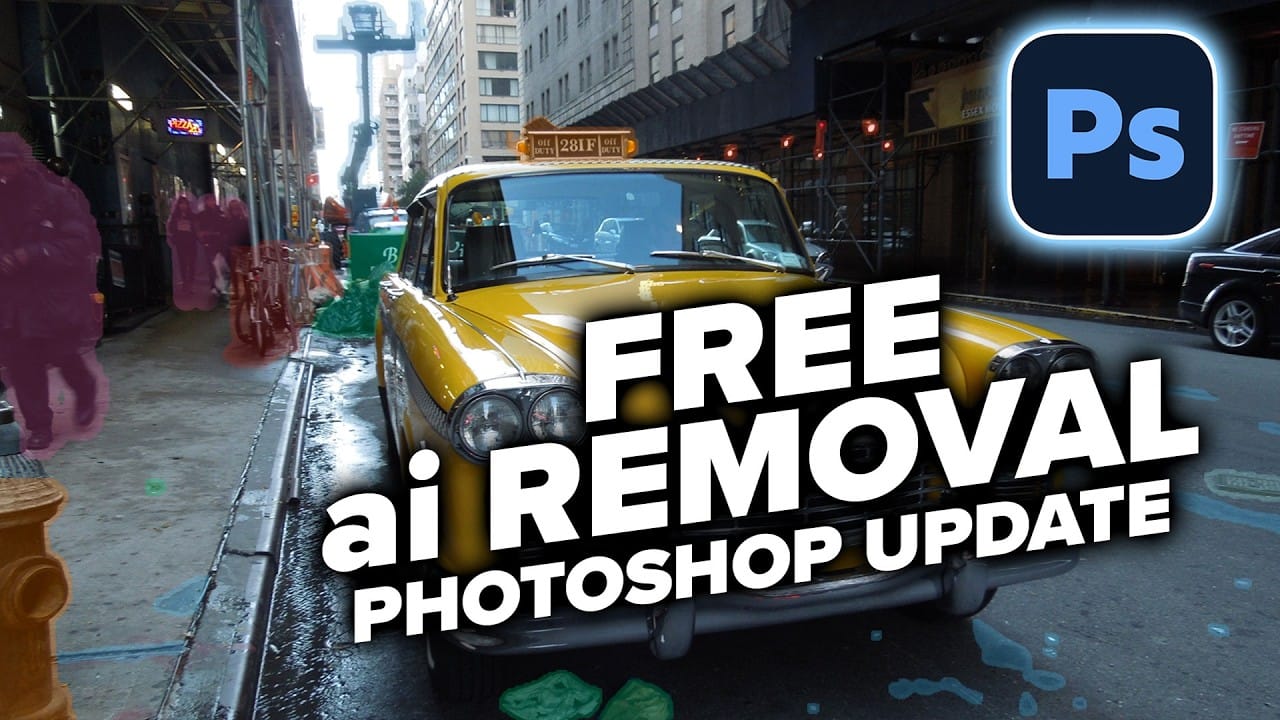
The updated Remove Tool now features AI-powered distraction detection that automatically identifies and categorizes unwanted elements in your photos. This new "Find Distractions" feature can locate cars, poles, fixtures, and visual clutter, then remove everything with a single click. The tutorial also demonstrates how to combine this automated Read the full article here: How to […]

Read more: How to Use the New Remove Tool to Automatically Find and Remove Image Distractions
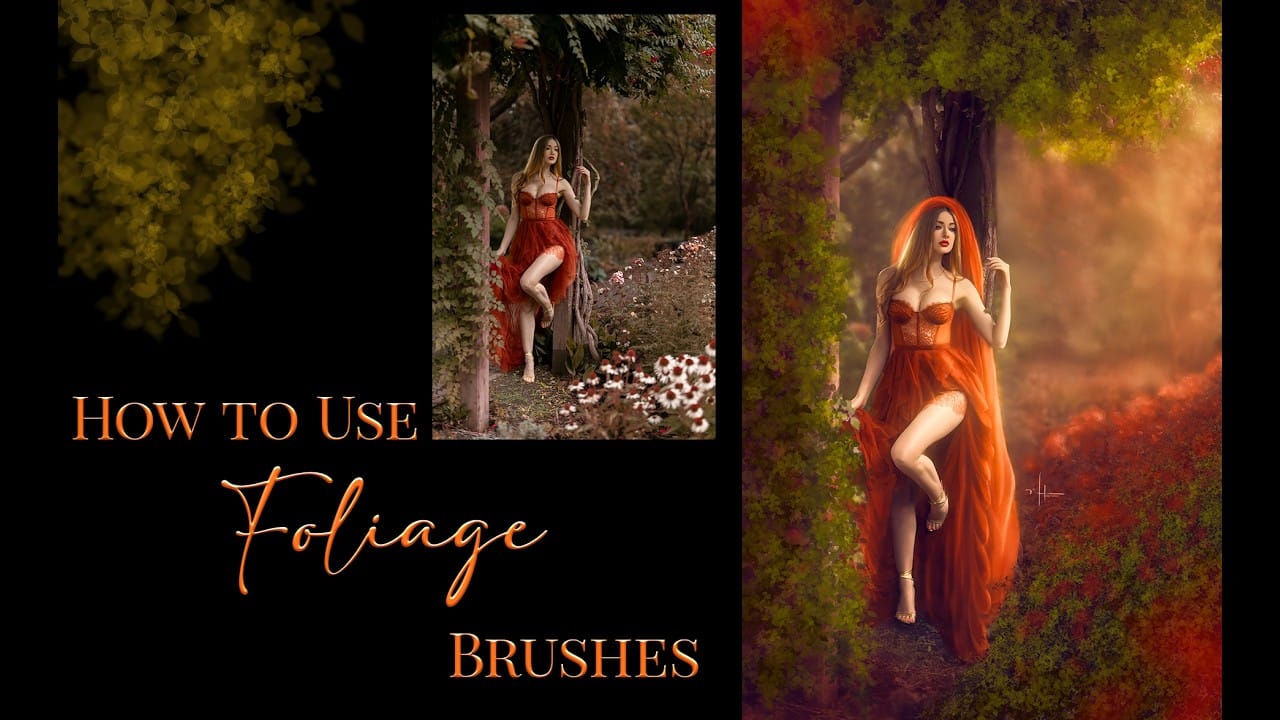
Using Foliage Brushes for Photo Enhancement and Digital Art

Using Foliage Brushes for Photo Enhancement and Digital Art

Transforming ordinary photographs into whimsical, romantic scenes often requires replacing or enhancing natural environments. Foliage brushes offer photographers and digital artists a powerful way to overpaint backgrounds, create dimensional leaf structures, and build entirely new environmental elements that feel both surreal and believable. The key to realistic foliage work lies Read the full article here: […]

Read more: Using Foliage Brushes for Photo Enhancement and Digital Art
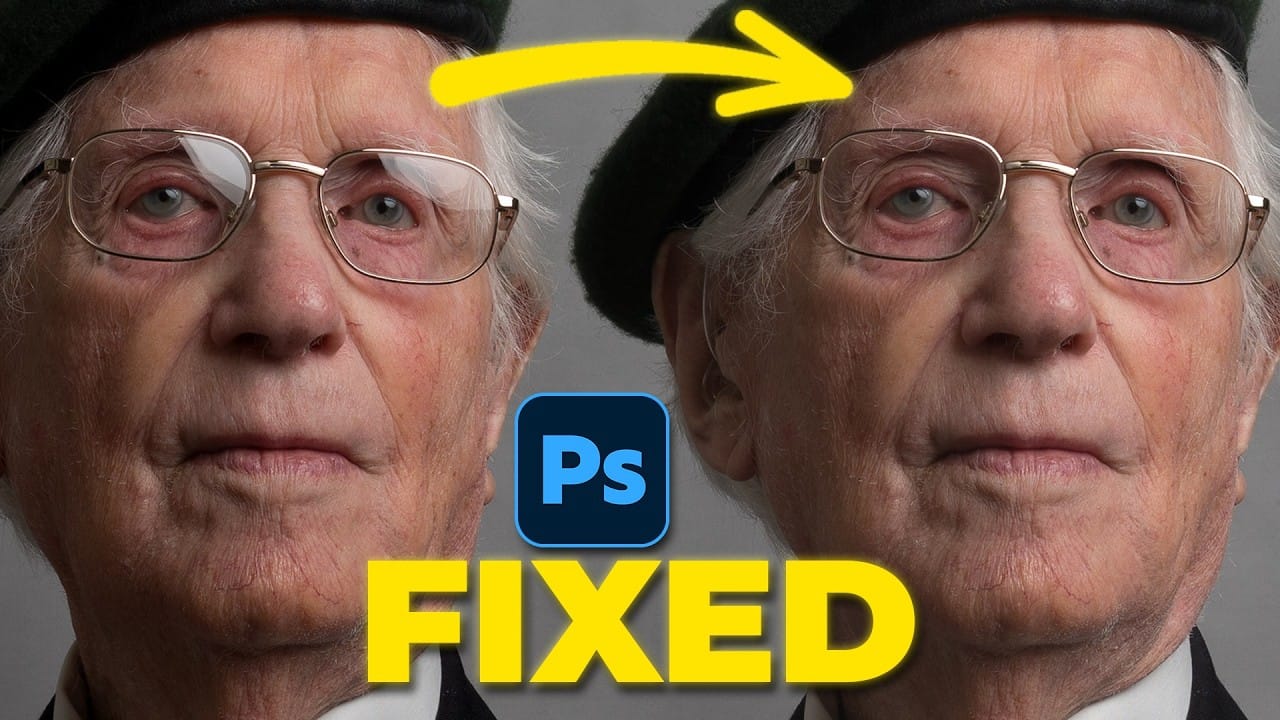
How to Remove Glasses Reflections with Firefly Image Model 5 in Photoshop

How to Remove Glasses Reflections with Firefly Image Model 5 in Photoshop

Glasses reflections can ruin otherwise perfect portraits, obscuring your subject's eyes and creating distracting bright spots. While traditional AI models can remove these reflections, they often alter facial features and frame details in the process. Photoshop's new Firefly Image Model 5 changes this by preserving facial Read the full article here: How to Remove Glasses […]

Read more: How to Remove Glasses Reflections with Firefly Image Model 5 in Photoshop
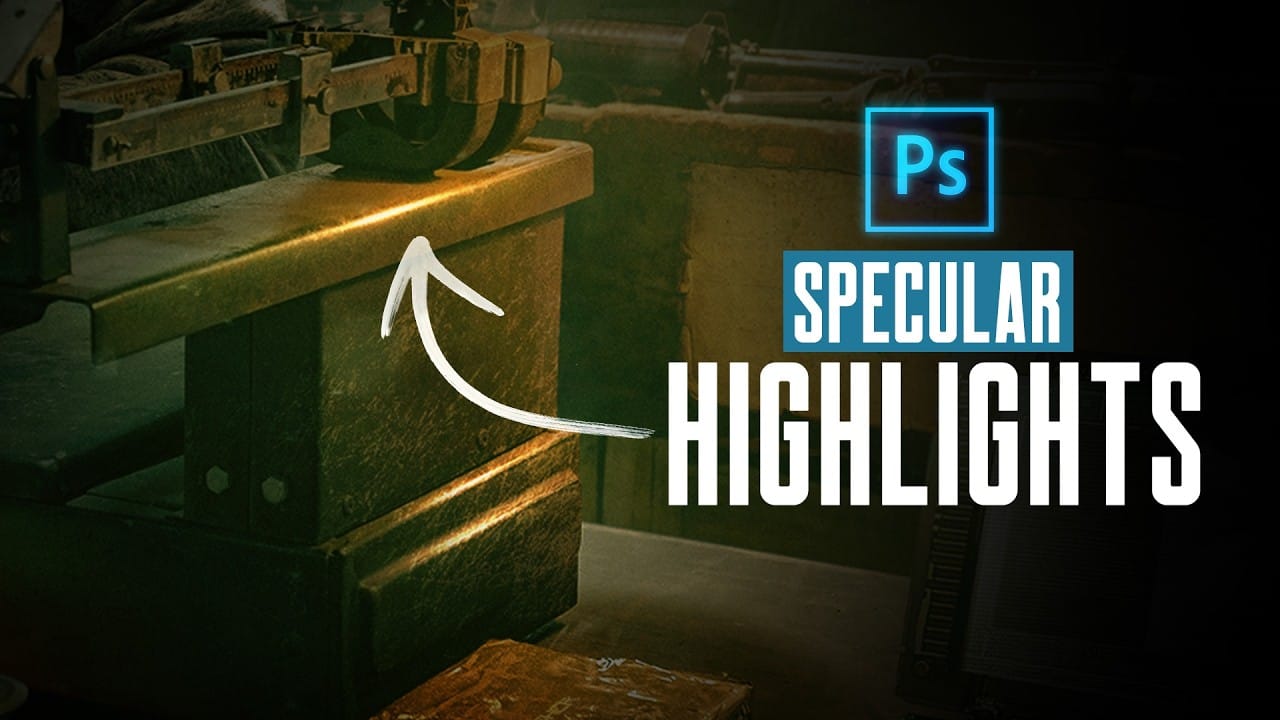
How to Create Realistic Specular Highlights Using Basic Brush Techniques

How to Create Realistic Specular Highlights Using Basic Brush Techniques

Specular highlights bring objects to life by simulating how light reflects off surfaces. These bright spots of reflected light add dimension and realism to your digital artwork, making flat surfaces appear three-dimensional and convincing. This technique uses simple brush strokes combined with strategic blending modes to create professional-looking highlights that Read the full article here: […]

Read more: How to Create Realistic Specular Highlights Using Basic Brush Techniques
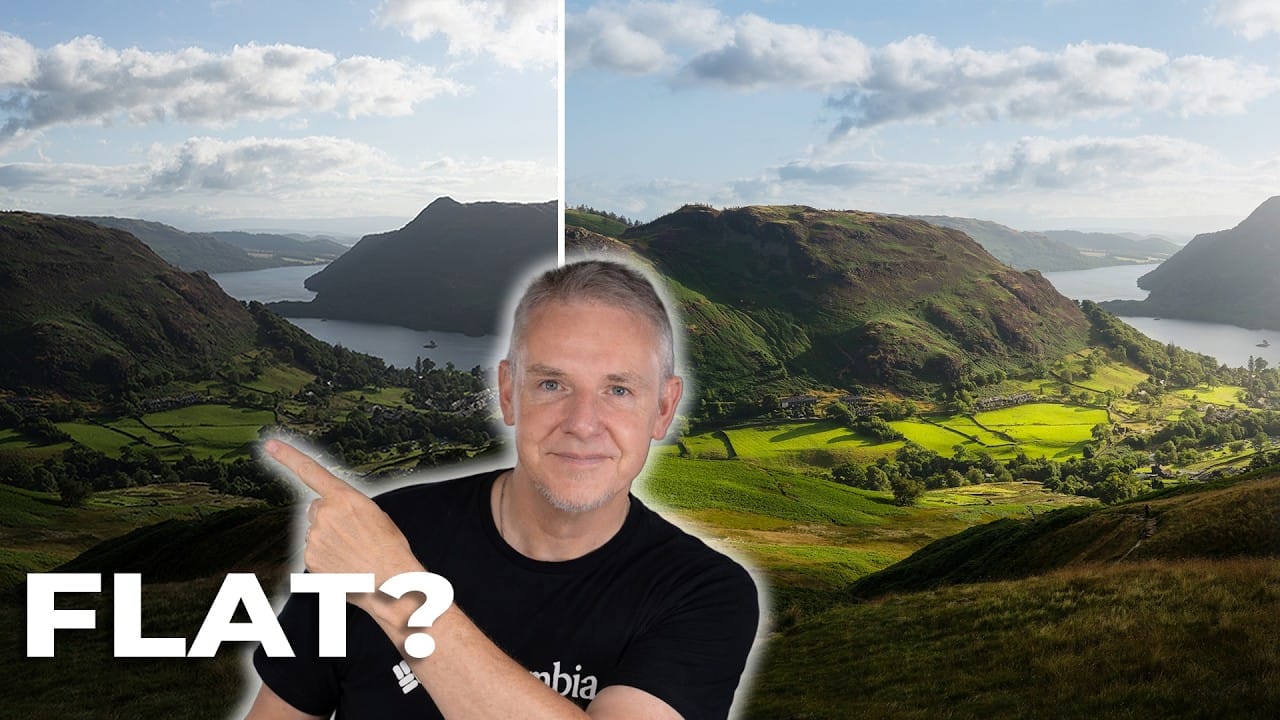
How to Add Depth to Flat Landscape Photos Using Layer-Based Editing

How to Add Depth to Flat Landscape Photos Using Layer-Based Editing

Landscape photos often lose their three-dimensional impact when viewed as flat files, even when the original scene had beautiful depth and lighting. The key to restoring that sense of depth lies in understanding how to work with different layers of your composition—foreground, midground, and background—rather than simply adding Read the full article here: How to […]

Read more: How to Add Depth to Flat Landscape Photos Using Layer-Based Editing
How to Use Photoshop's Auto Distraction Removal Tool

How to Use Photoshop's Auto Distraction Removal Tool

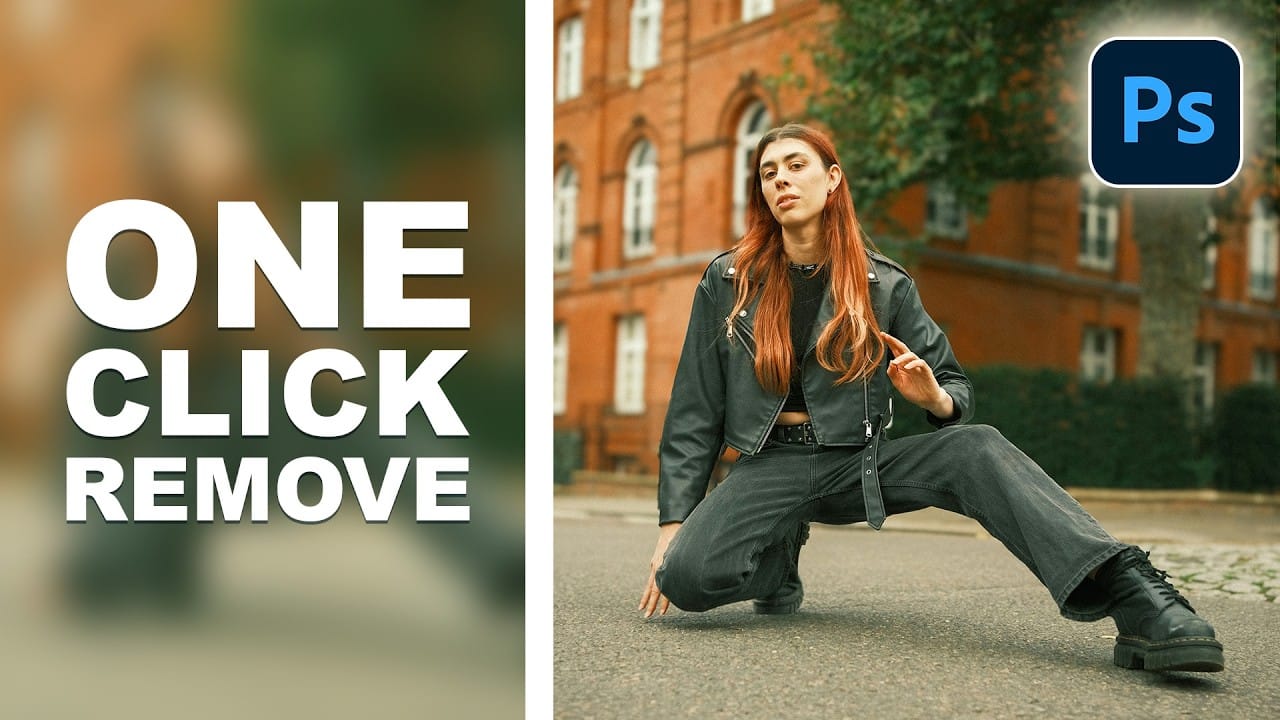
Removing unwanted elements from photos used to require hours of careful work with clone stamps and healing brushes. The new General Distractions feature in Photoshop's Remove Tool changes this completely by automatically detecting and eliminating distractions across 26 different categories with a single click. This AI-powered upgrade can Read the full article here: How to […]

Read more: How to Use Photoshop's Auto Distraction Removal Tool