Schenectady Photographic Society

Menu

Photo retouching

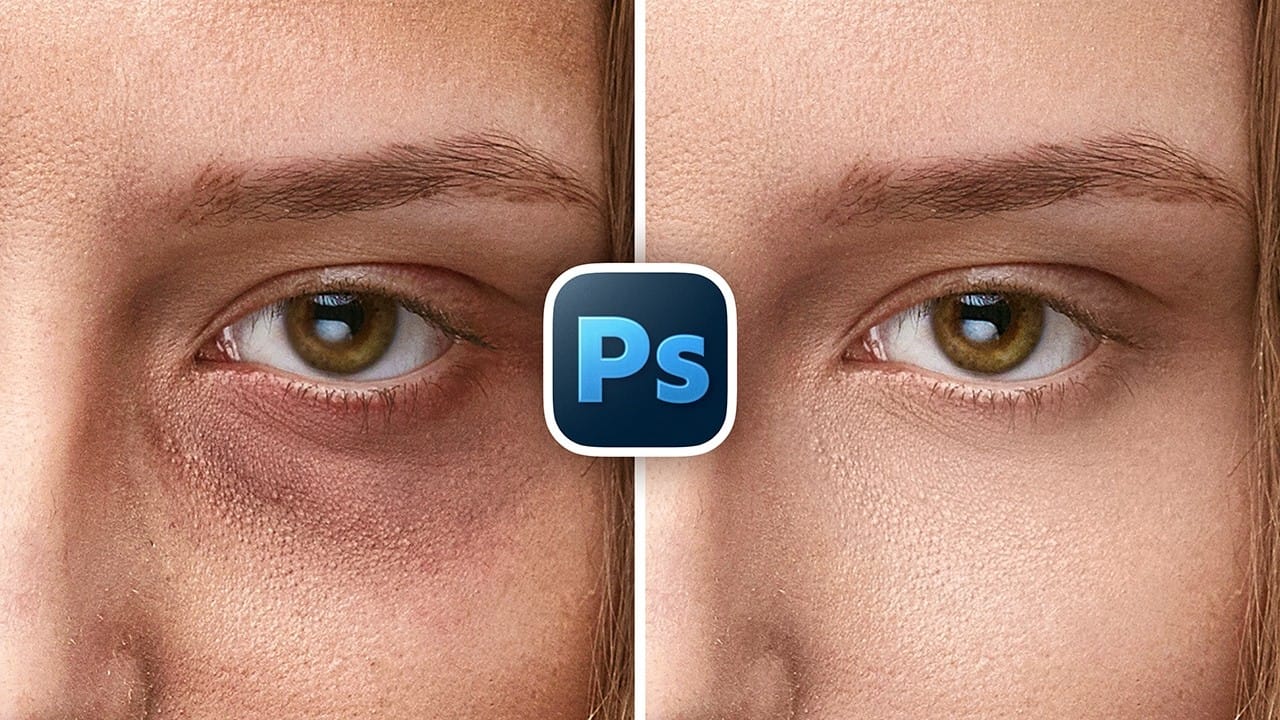
How to Remove Eye Bags Using Dodge and Burn in Photoshop

How to Remove Eye Bags Using Dodge and Burn in Photoshop

Eye bags can dramatically age a portrait, making subjects appear tired or unhealthy. Traditional removal methods often destroy skin texture or create unnatural results that look obviously retouched. This professional dodge and burn technique removes even severe eye bags while preserving every detail of natural skin texture. The method uses Read the full article here: […]
Read more: How to Remove Eye Bags Using Dodge and Burn in Photoshop
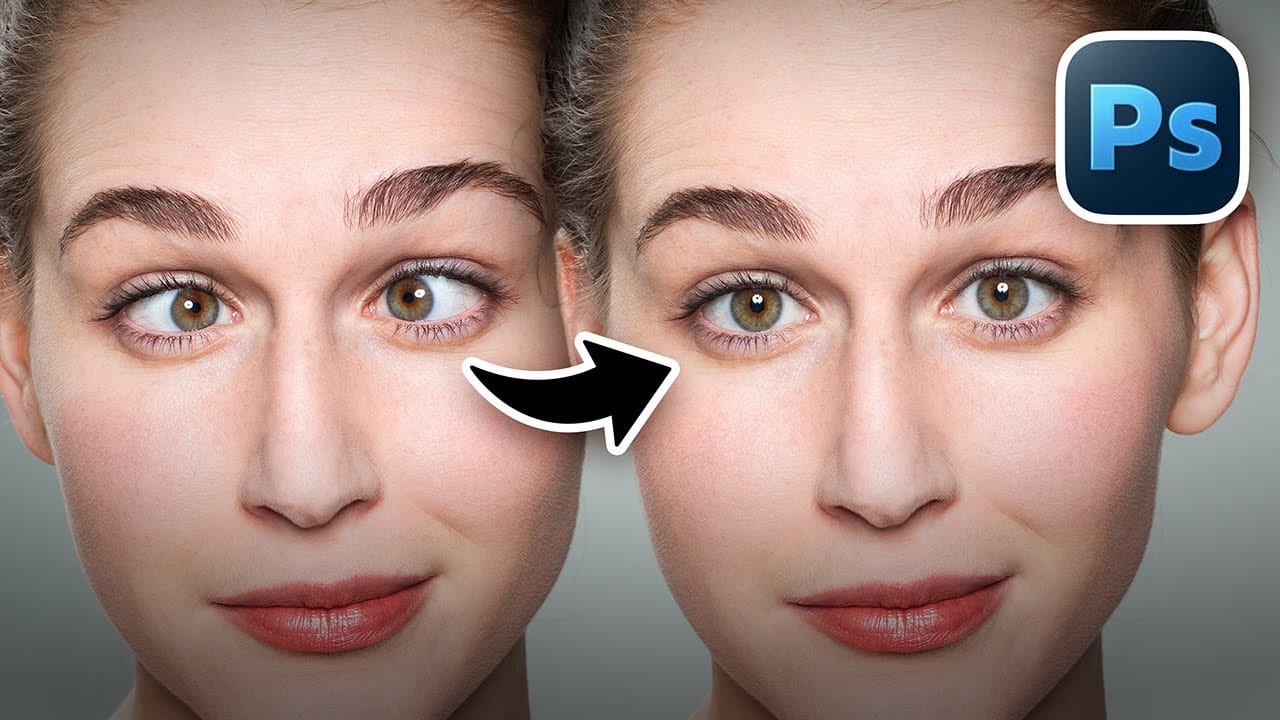
How to Fix Crossed Eyes and Lazy Eyes in Photoshop

How to Fix Crossed Eyes and Lazy Eyes in Photoshop

Portrait photographers and retouchers often encounter images where subjects have crossed or lazy eyes, which can distract from an otherwise great shot. Whether caused by timing, lighting, or natural eye alignment issues, these problems can be corrected effectively without compromising image quality. This tutorial demonstrates two practical approaches: using AI-powered Read the full article here: […]

Read more: How to Fix Crossed Eyes and Lazy Eyes in Photoshop
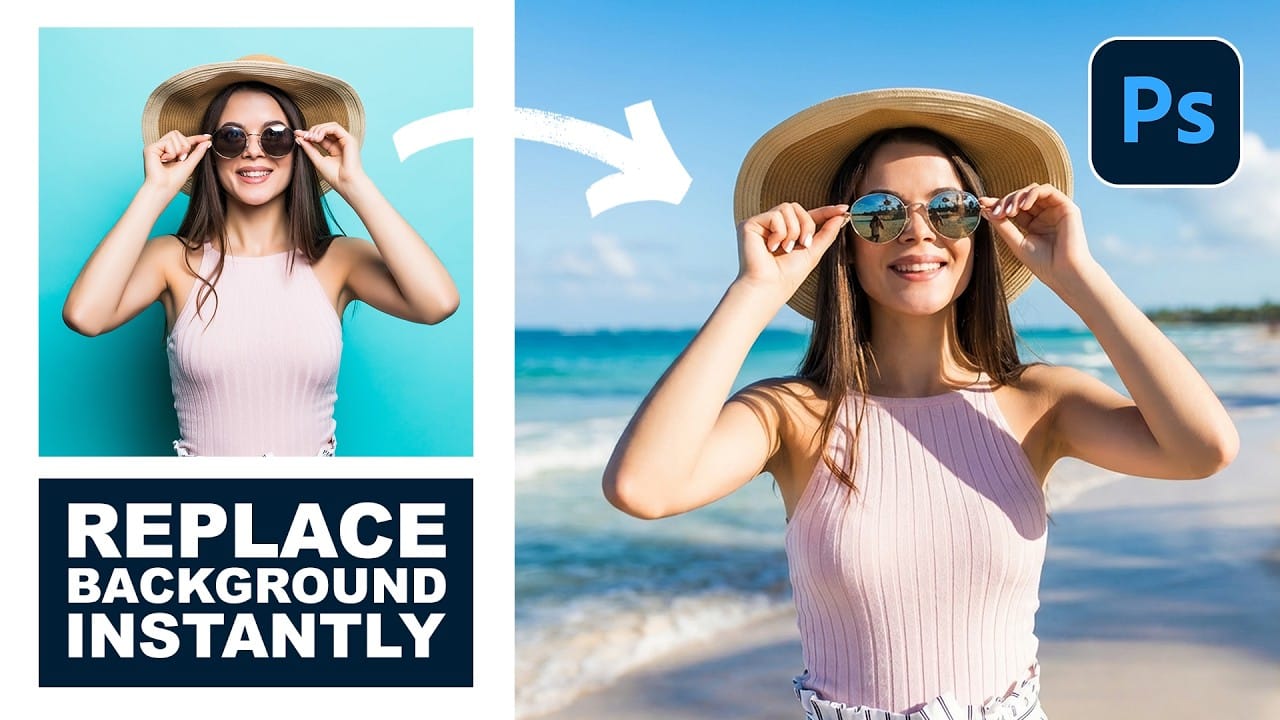
How to Use Nano Banana Pro in Photoshop for Background Replacement and Scene Changes

How to Use Nano Banana Pro in Photoshop for Background Replacement and Scene Changes

Nano Banana Pro transforms how you place subjects into new environments in Photoshop. This advanced AI model maintains perfect subject likeness while seamlessly integrating them into any background you can imagine. The tool excels at matching lighting, preserving facial features, and even adapting clothing to complement new scenes, all through Read the full article here: […]

Read more: How to Use Nano Banana Pro in Photoshop for Background Replacement and Scene Changes
How to Restore Old Photos Using AI and Photoshop While Preserving Original Details

How to Restore Old Photos Using AI and Photoshop While Preserving Original Details

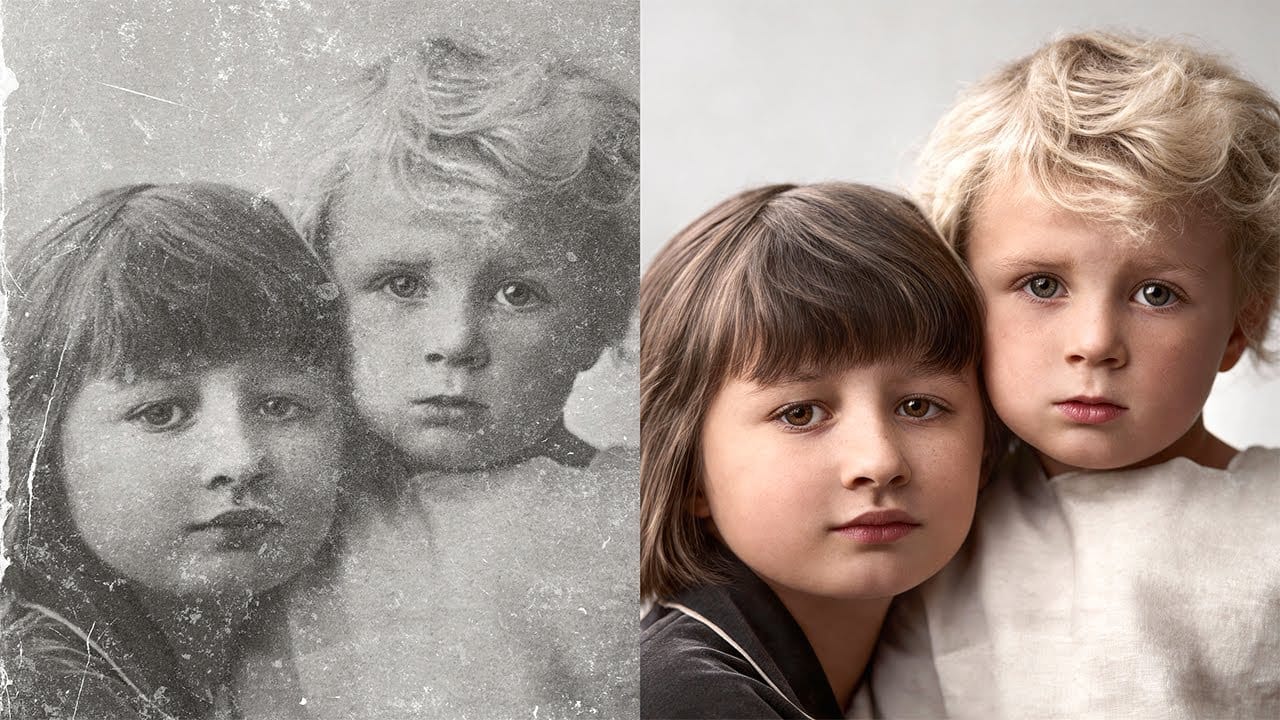
Traditional AI photo restoration tools often change facial features, alter poses, or distort important details when enhancing old photographs. This hybrid workflow combines AI enhancement with precise manual alignment techniques to restore vintage images while keeping every original detail intact. The method uses strategic cropping, AI processing with specific prompts, Read the full article here: […]

Read more: How to Restore Old Photos Using AI and Photoshop While Preserving Original Details
How to Create Studio-Style Black and White Portraits in Photoshop

How to Create Studio-Style Black and White Portraits in Photoshop

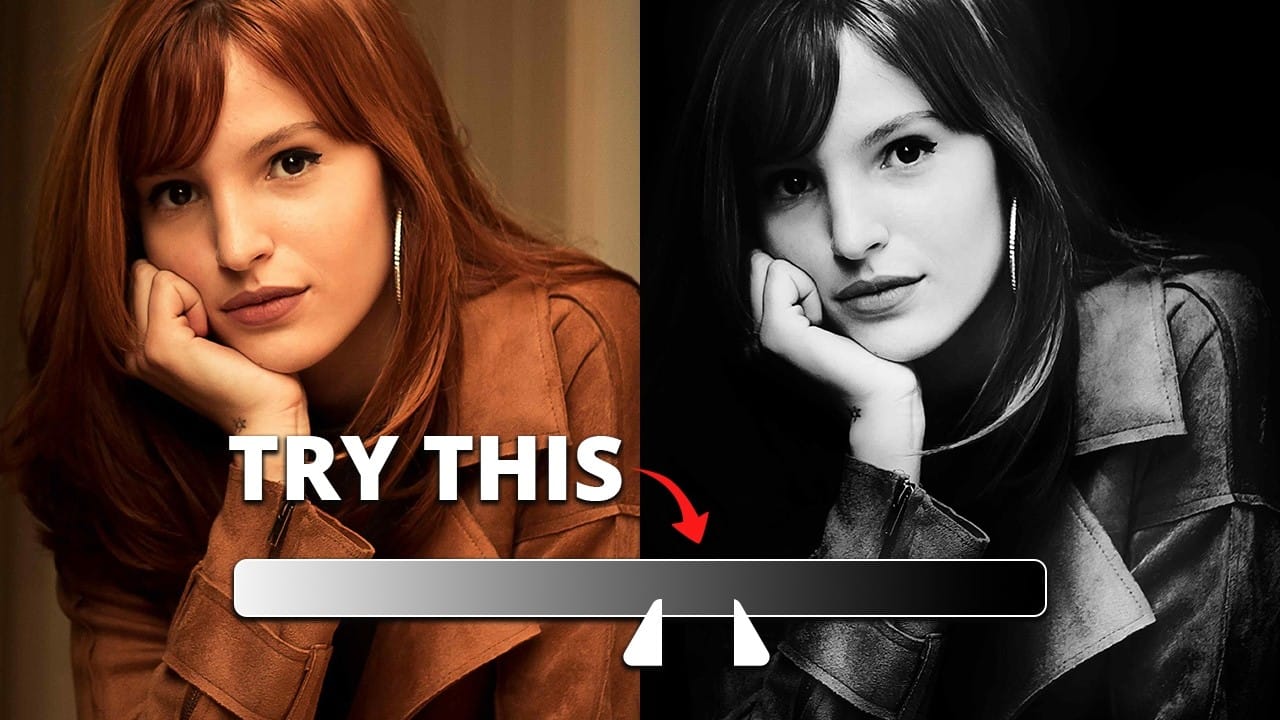
Professional studio portraits achieve their dramatic impact through carefully controlled lighting that creates striking contrast between subject and background. This technique transforms ordinary photos into compelling black and white portraits by using the existing highlights and shadows in your image to blend seamlessly with a dark background. The method relies Read the full article here: […]

Read more: How to Create Studio-Style Black and White Portraits in Photoshop
How to Fix Skin Tones in Photoshop – Complete Guide

How to Fix Skin Tones in Photoshop – Complete Guide

Skin tones can make or break a portrait, yet color casts and uneven lighting often leave subjects looking unnatural or flat. Whether dealing with mixed lighting conditions, camera white balance issues, or post-processing mishaps, getting skin colors right requires a systematic approach that works consistently across different scenarios. This comprehensive Read the full article here: […]

Read more: How to Fix Skin Tones in Photoshop – Complete Guide
How to Colorize Black and White Photos in Photoshop Without AI

How to Colorize Black and White Photos in Photoshop Without AI

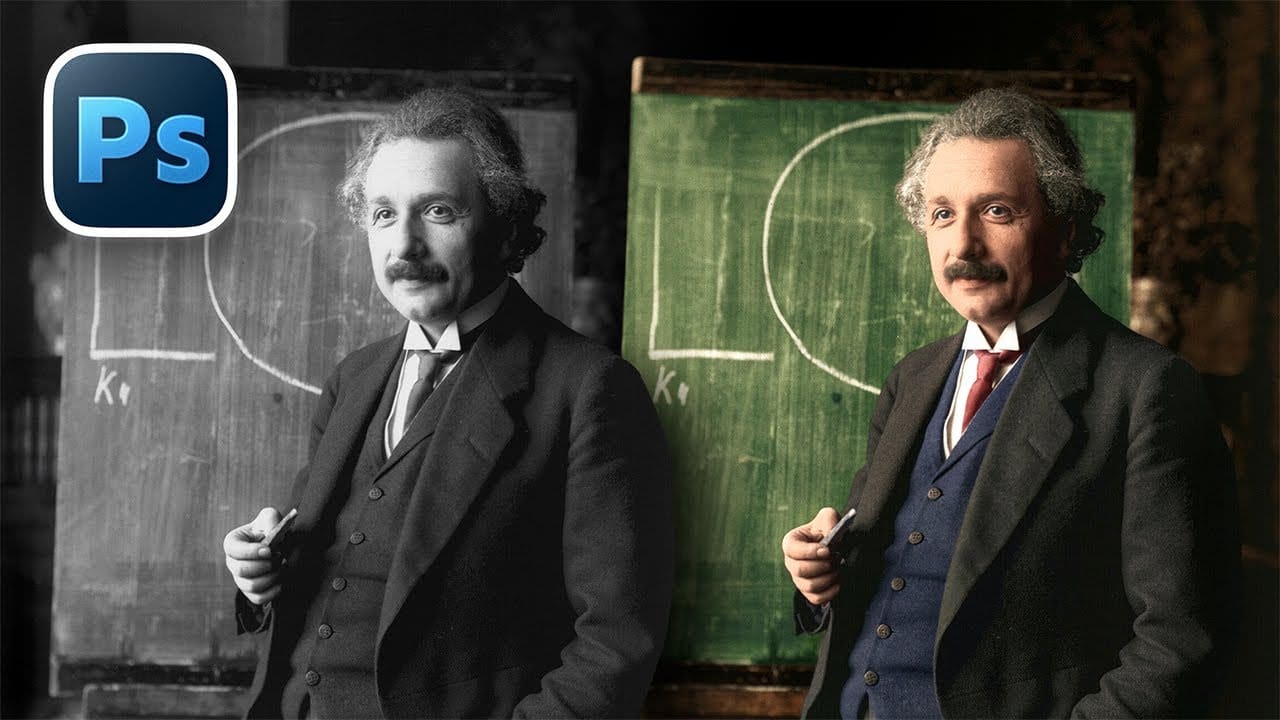
Transforming black and white photographs into vibrant color images requires precision and technique to achieve natural-looking results. This manual colorization method preserves image quality while giving you complete control over every color choice, avoiding the unpredictable results that AI tools often produce. The non-destructive workflow shown here maintains the original Read the full article here: […]

Read more: How to Colorize Black and White Photos in Photoshop Without AI