
Schenectady Photographic Society

Menu

Photoshop Tutorials

Understanding RGB, Curves, and Color Adjustment Tools in Photoshop

Understanding RGB, Curves, and Color Adjustment Tools in Photoshop

Every color adjustment tool in Photoshop — Curves, Color Balance, Selective Color — operates on the same underlying logic: the RGB color model. Understanding how red, green, and blue light combine, and how tonal values are distributed across highlights, midtones, and shadows, gives you the foundation to use any of these tools Read the full […]
Read more: Understanding RGB, Curves, and Color Adjustment Tools in Photoshop
How to Use Adjustment Layers in Photoshop: Whole Image, Selected Area, and Clipping Mask

How to Use Adjustment Layers in Photoshop: Whole Image, Selected Area, and Clipping Mask

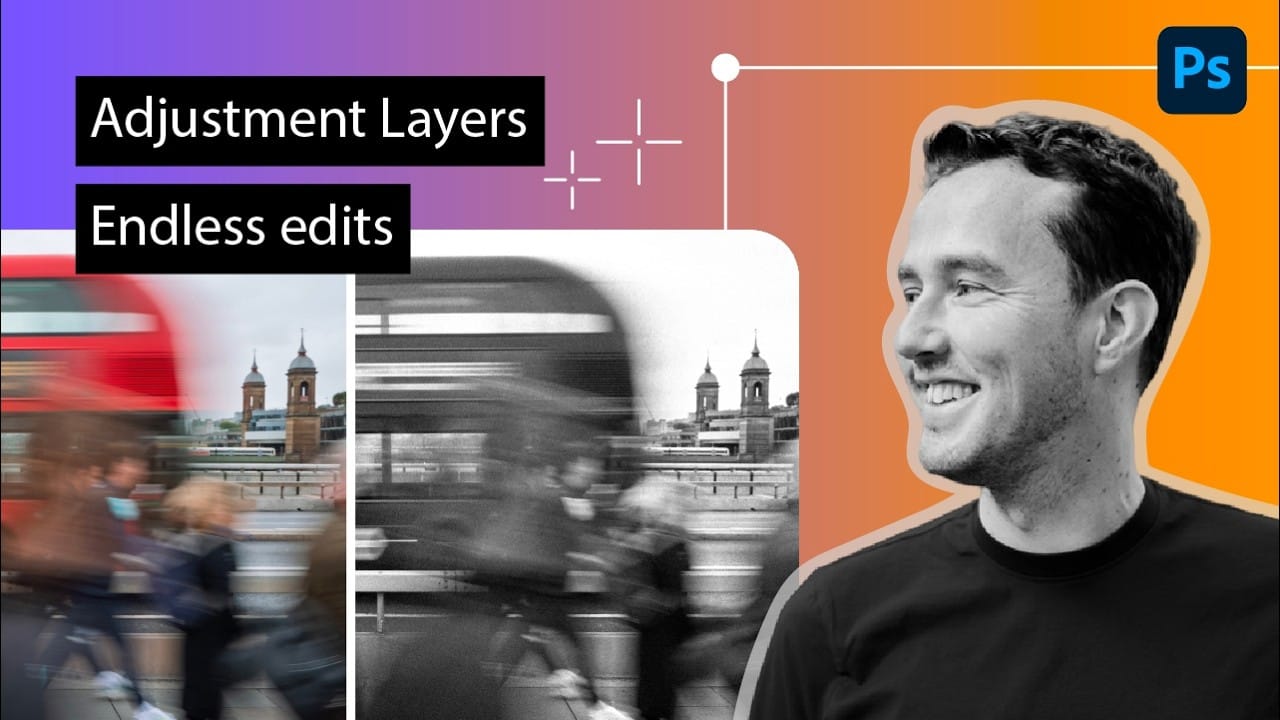
Adjustment layers let you change colors, contrast, tone, and more without touching a single original pixel. Stack them, tweak them, or discard them entirely — the photo underneath stays intact. This tutorial covers three distinct ways to apply them: across the full image, within a specific selection, and clipped to a Read the full article […]

Read more: How to Use Adjustment Layers in Photoshop: Whole Image, Selected Area, and Clipping Mask
How to Fix Wardrobe Problems in Portraits by Overpainting in Photoshop

How to Fix Wardrobe Problems in Portraits by Overpainting in Photoshop

A poorly fitting dress, an unflattering sash, or a neckline that just doesn't work can ruin an otherwise strong portrait. Rather than reshooting, overpainting with a brush lets you reshape clothing, slim silhouettes, and even paint an entirely new neckline — all without touching an AI tool. Watch the Read the full article here: How […]

Read more: How to Fix Wardrobe Problems in Portraits by Overpainting in Photoshop
7 Practical Photoshop Tips for 2026: Selections, AI Tools, and Generative Fill

7 Practical Photoshop Tips for 2026: Selections, AI Tools, and Generative Fill

Several of Photoshop's most useful tools have hidden options that most users overlook — small settings that make a real difference in how accurately and efficiently you work. This tutorial covers seven practical techniques built around newer features, including smarter selection subtraction, refined color adjustments, non-destructive object removal, Read the full article here: 7 Practical […]

Read more: 7 Practical Photoshop Tips for 2026: Selections, AI Tools, and Generative Fill
5 Recent Photoshop Features Worth Adding to Your Workflow

5 Recent Photoshop Features Worth Adding to Your Workflow

Photoshop has been receiving a steady stream of updates, and a handful of genuinely useful features have quietly slipped past most users. From one-click lighting harmonization to AI-powered object removal and automatic layer naming, these tools can meaningfully reduce the time spent on repetitive editing tasks. Watch the Read the full article here: 5 Recent […]

Read more: 5 Recent Photoshop Features Worth Adding to Your Workflow
How to Combine AI Tools and Traditional Techniques for Realistic Composites in Photoshop

How to Combine AI Tools and Traditional Techniques for Realistic Composites in Photoshop

AI background removal gets you most of the way to a clean cutout, but fur, hair, and fine edges demand hands-on refinement. This tutorial by Jesús Ramirez walks through a complete compositing workflow — building a custom fur brush, refining a layer mask, harmonizing lighting with generative AI, and applying Read the full article here: […]

Read more: How to Combine AI Tools and Traditional Techniques for Realistic Composites in Photoshop
Professional Retouching and Compositing Workflow Using Generative Fill in Photoshop

Professional Retouching and Compositing Workflow Using Generative Fill in Photoshop

Entertainment retoucher Jesús Ramirez walks through the Generative Fill workflow he applies to every TV and movie poster project. The approach handles hair cleanup, skin blemishes, clothing fit, and full compositing without frequency separation or complex manual techniques. Watch the Video Practical Tips Here are key techniques from the workflow Read the full article here: […]

Read more: Professional Retouching and Compositing Workflow Using Generative Fill in Photoshop