Schenectady Photographic Society

Menu

Photoshop Tutorials

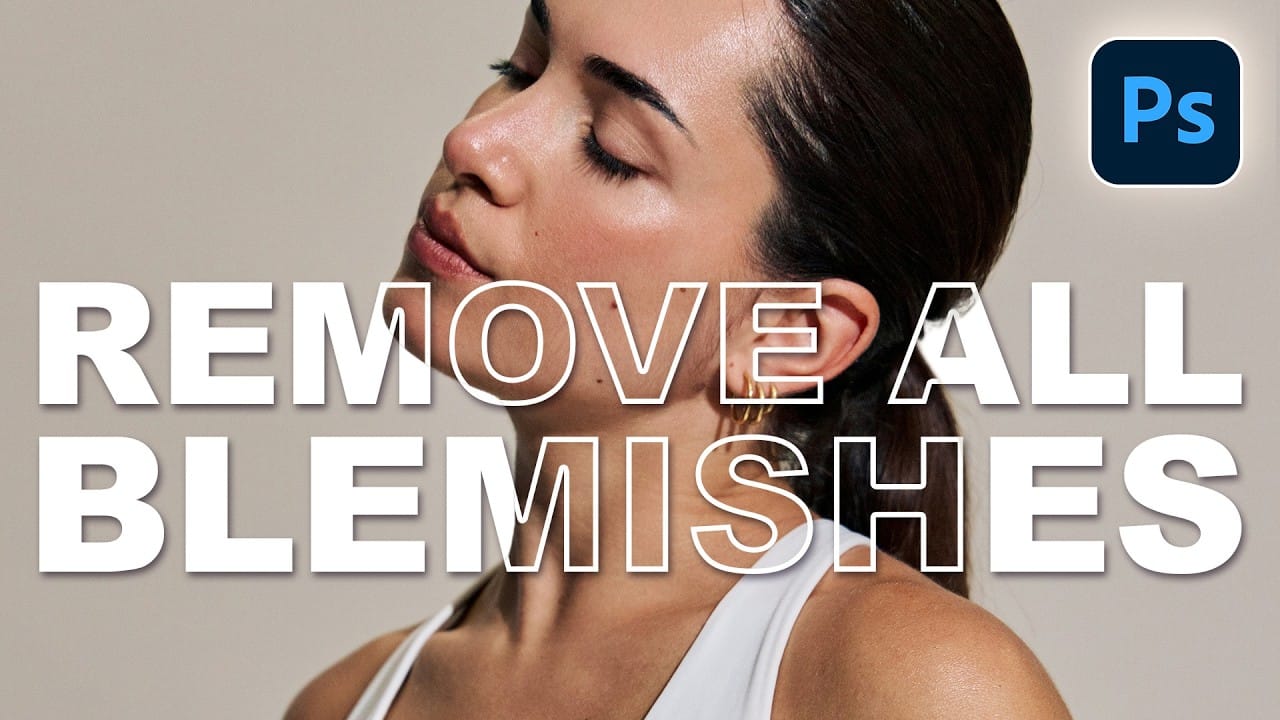
How to Use the Automatic Blemish Removal Tool in Adobe Camera Raw

How to Use the Automatic Blemish Removal Tool in Adobe Camera Raw

Adobe Camera Raw's blemish removal tool scans a portrait and cleans skin imperfections in seconds, without any manual selection. The workflow stays entirely non-destructive when the layer is converted to a smart object first, and a fade slider lets you control how much retouching is actually applied Read the full article here: How to Use […]

Read more: How to Use the Automatic Blemish Removal Tool in Adobe Camera Raw
How to Use a Grey Layer to Spot and Fix Mask Edges in Photoshop

How to Use a Grey Layer to Spot and Fix Mask Edges in Photoshop

Edge halos and stray artifacts are easy to miss when masking a subject, especially with AI-generated selections. Placing a neutral grey layer beneath your masked subject forces those problem areas into plain view, making cleanup faster and more precise. Practical Tips These steps cover the core workflow shown in Read the full article here: How […]

Read more: How to Use a Grey Layer to Spot and Fix Mask Edges in Photoshop