Schenectady Photographic Society

Menu

Photoshop Tutorials

Photoshop Layers: A Beginner’s Guide

Photoshop Layers: A Beginner’s Guide

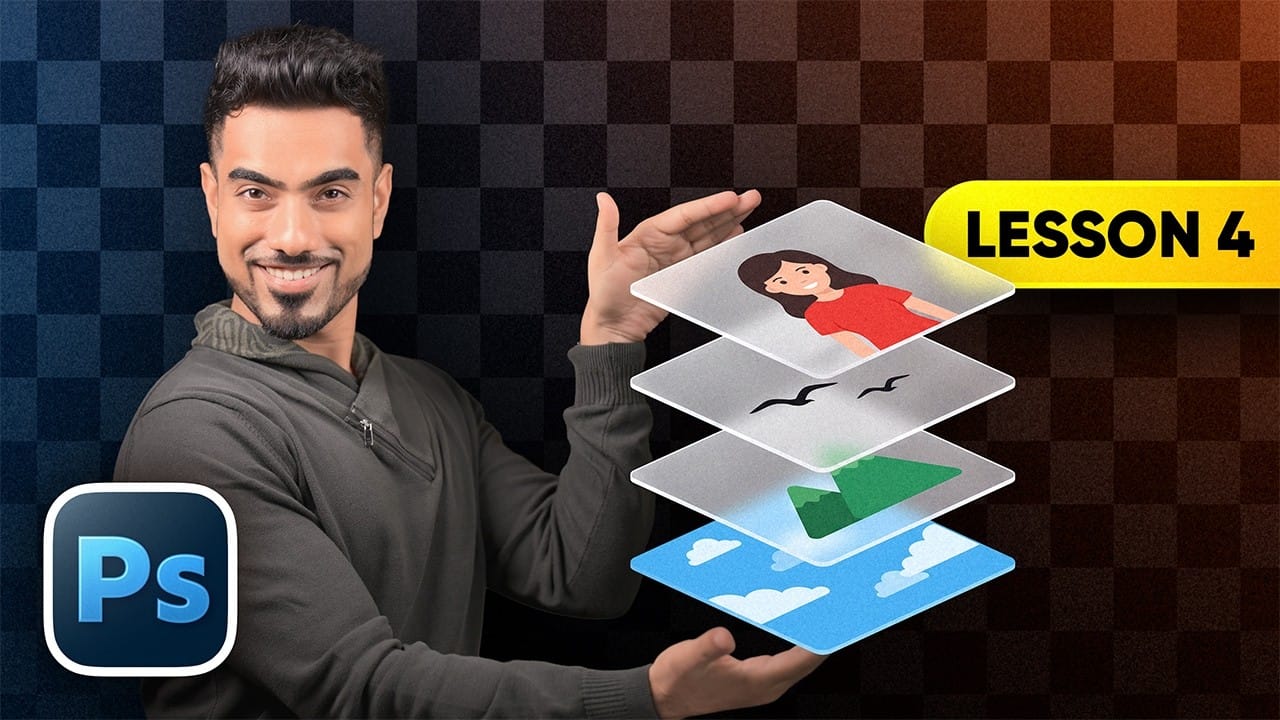
Layers let you edit, arrange, and combine parts of an image without flattening everything into one fixed result. This beginner-friendly guide explains how to work with the Layers panel, control opacity, organize elements, and use different layer types. It also introduces practical techniques such as clipping masks, layer styles, Read the full article here: Photoshop […]

Read more: Photoshop Layers: A Beginner’s Guide
Restore Old Photos with Photoshop’s Photo Restoration Neural Filter

Restore Old Photos with Photoshop’s Photo Restoration Neural Filter

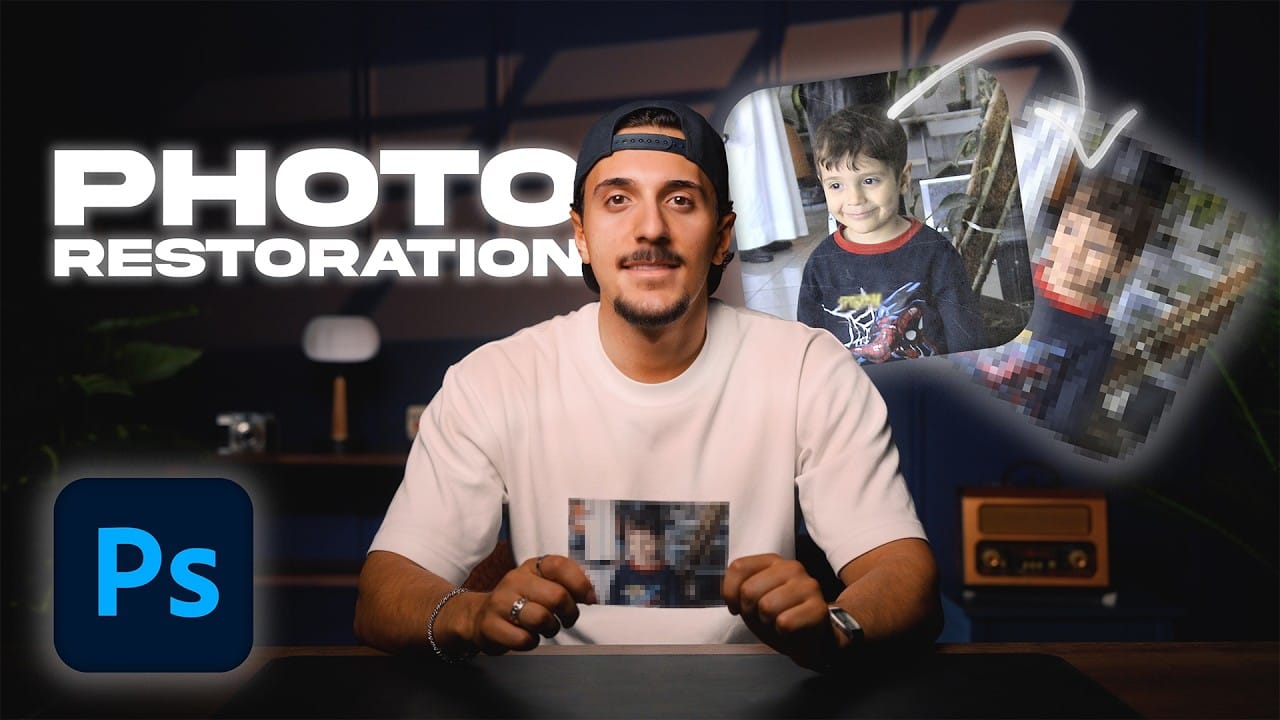
Scratches, faded color, and soft details can make an old family photograph difficult to enjoy. Photoshop’s Photo Restoration neural filter can help repair visible damage, followed by subtle color and clarity adjustments to bring the image back to life while keeping it natural. Watch the Video Practical Tips Use Read the full article here: Restore […]

Read more: Restore Old Photos with Photoshop’s Photo Restoration Neural Filter
Use Photoshop’s Black & White Adjustment Layer for Amazing Color Grading

Use Photoshop’s Black & White Adjustment Layer for Amazing Color Grading

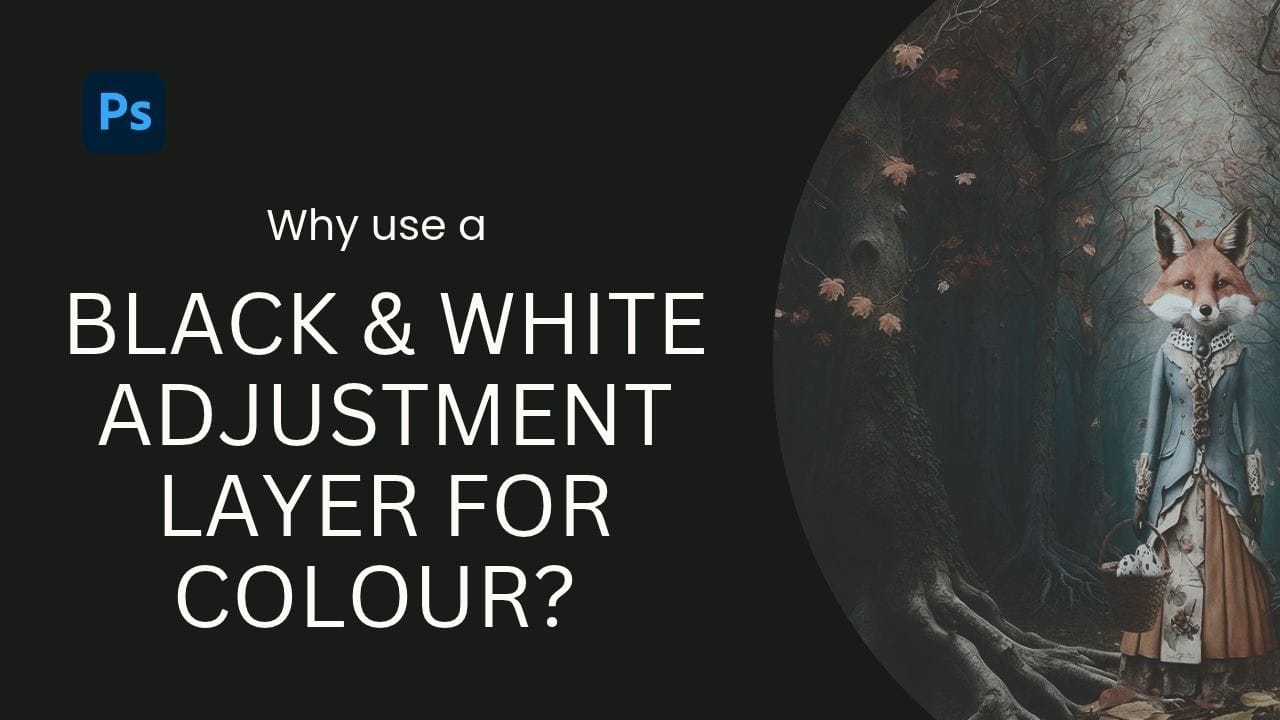
Photoshop’s Black & White adjustment layer can do more than create monochrome images. Its color sliders reshape how different hues translate into light and dark, letting you shift tonal depth while keeping the image in color. Combine the adjustment with blend modes and opacity to explore subtle changes in Read the full article here: Use […]

Read more: Use Photoshop’s Black & White Adjustment Layer for Amazing Color Grading
Remove Objects and Related Elements with Photoshop’s Remove Tool

Remove Objects and Related Elements with Photoshop’s Remove Tool

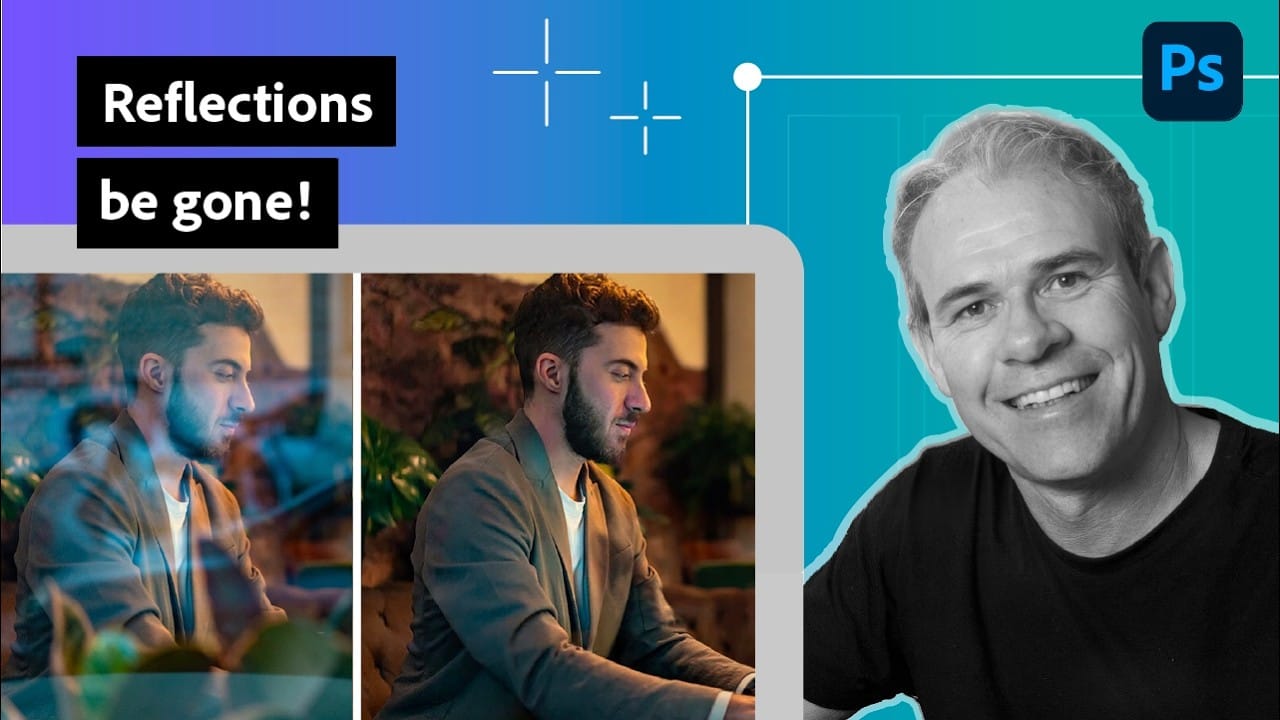
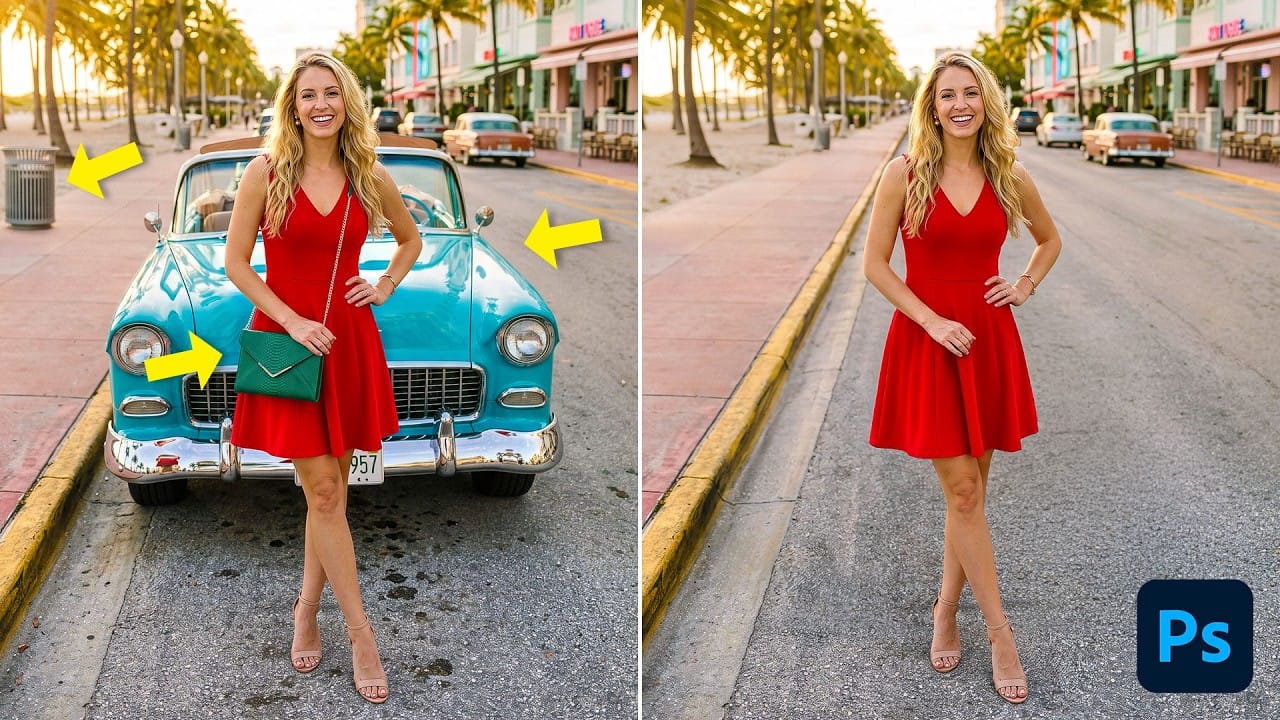
Photoshop’s Remove Tool can clear unwanted objects, but its Related Elements option can also target traces such as shadows, reflections, and lens flare. This guide explains how to set up a non-destructive workflow, choose between automatic and generative processing, and refine results when the first pass falls short. Read the full article here: Remove Objects […]

Read more: Remove Objects and Related Elements with Photoshop’s Remove Tool
How to Use ChatGPT to Control Photoshop: Color Correction, Long Exposure Effects, and Hair Masking

How to Use ChatGPT to Control Photoshop: Color Correction, Long Exposure Effects, and Hair Masking

ChatGPT can now take direct control of Photoshop, selecting tools, building adjustment layers, and applying filters without any manual input. This walkthrough tests that capability across three practical tasks: fixing a color cast, simulating a long exposure effect on clouds, and cutting out a subject with fine hair detail. Watch Read the full article here: […]

Read more: How to Use ChatGPT to Control Photoshop: Color Correction, Long Exposure Effects, and Hair Masking