Schenectady Photographic Society

Menu

Photoshop Tutorials

How to Restore Old Damaged Photos Using Nano Banana in Photoshop

How to Restore Old Damaged Photos Using Nano Banana in Photoshop

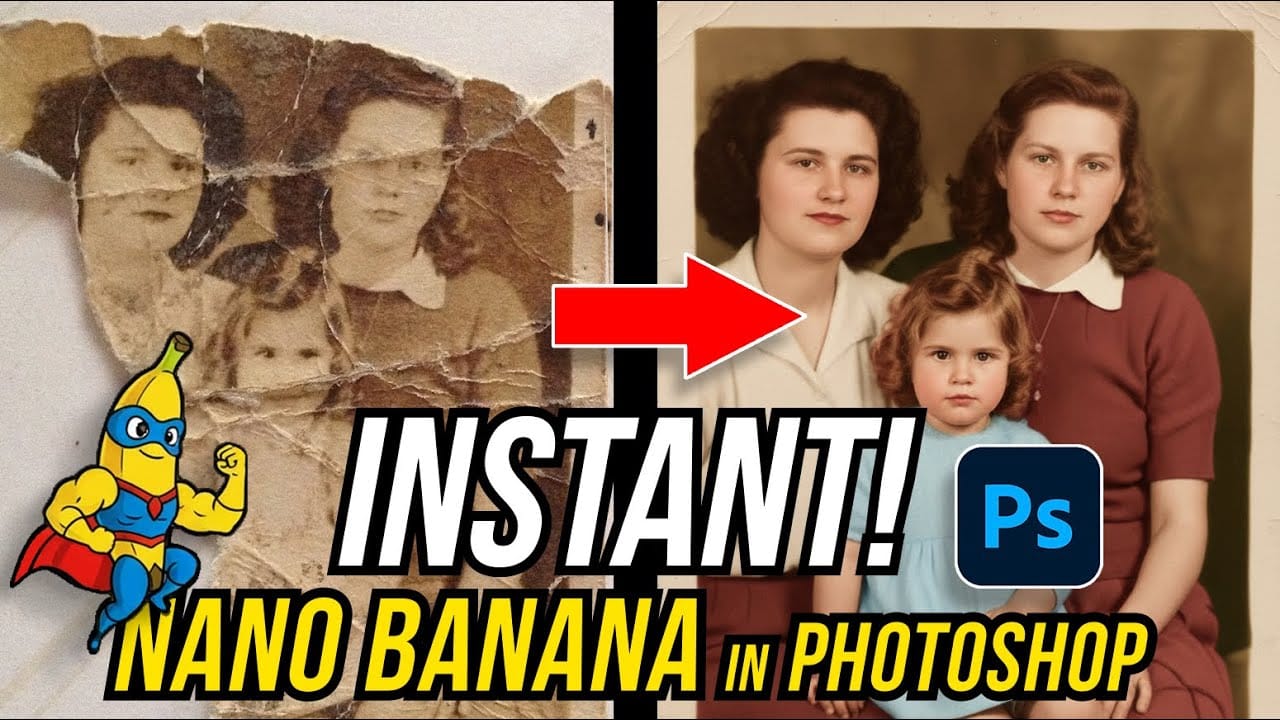
Old family photos with scratches, tears, and missing sections can seem beyond repair. Google's Nano Banana AI model, now integrated into Photoshop, makes full restoration possible in minutes rather than hours. This powerful tool excels at maintaining facial characteristics while automatically filling in damaged areas and adding realistic Read the full article here: How to […]
Read more: How to Restore Old Damaged Photos Using Nano Banana in Photoshop
How to Get Higher Quality Results from Photoshop's Generative Fill Tool

How to Get Higher Quality Results from Photoshop's Generative Fill Tool

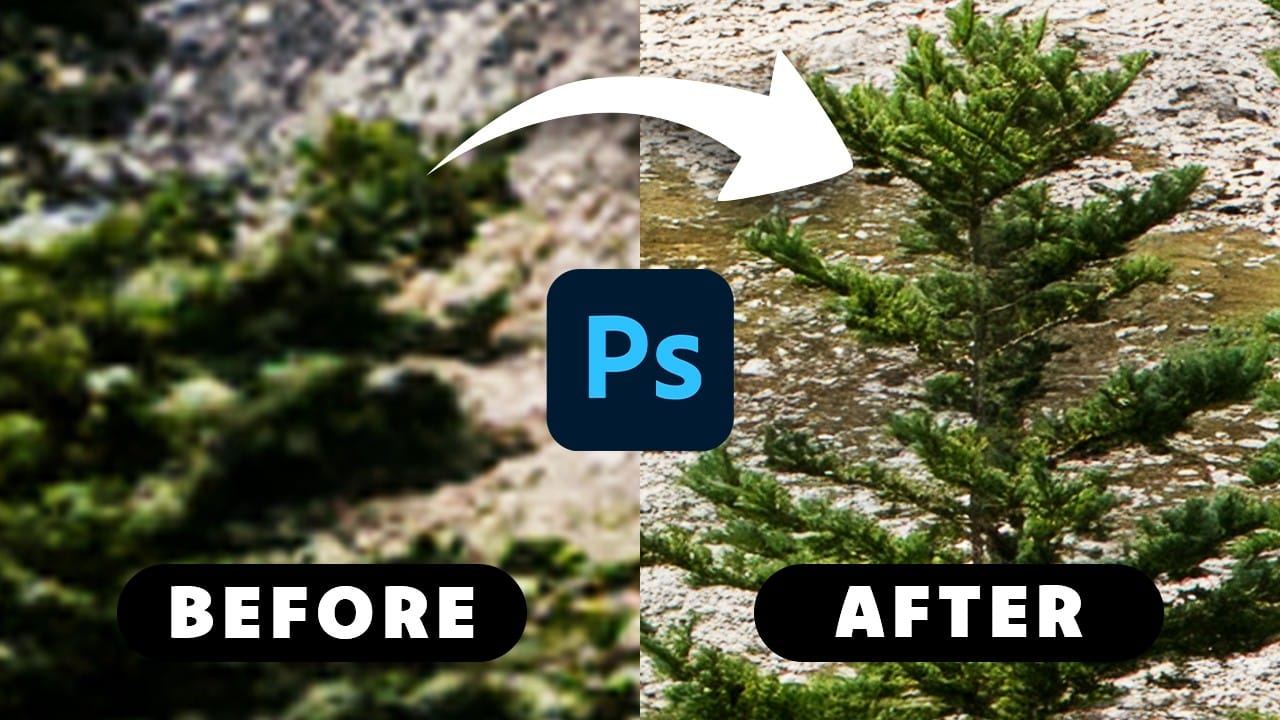
Photoshop's Generative Fill creates impressive AI extensions, but the results often look blurry and pixelated when viewed at full size. This quality limitation makes many AI-generated areas unusable for printing or large displays. This technique shows how to work around the 1024×1024 pixel quality limit to create much Read the full article here: How to […]
Read more: How to Get Higher Quality Results from Photoshop's Generative Fill Tool
How to Use Photoshop's Liquify Tool for Non-Destructive Portrait Retouching

How to Use Photoshop's Liquify Tool for Non-Destructive Portrait Retouching

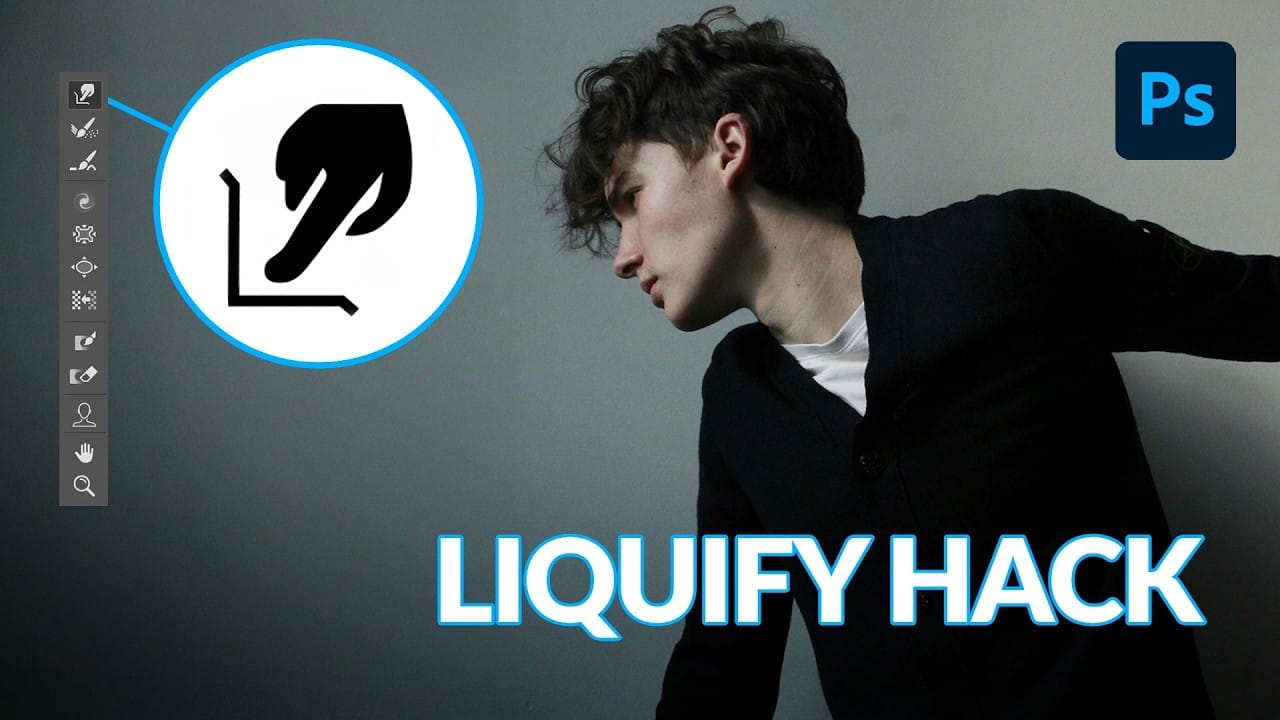
Clothing wrinkles, hair that lacks volume, and awkward fabric bunching can distract from an otherwise great portrait. Photoshop's Liquify tool offers a powerful solution for smoothing out these issues while preserving the natural look of your subject. This tutorial demonstrates how to use the Liquify tool non-destructively with Read the full article here: How to […]

Read more: How to Use Photoshop's Liquify Tool for Non-Destructive Portrait Retouching
The Beauty of Digital Mistakes: Glitch Effects and Visual Aberrations in Photoshop

The Beauty of Digital Mistakes: Glitch Effects and Visual Aberrations in Photoshop

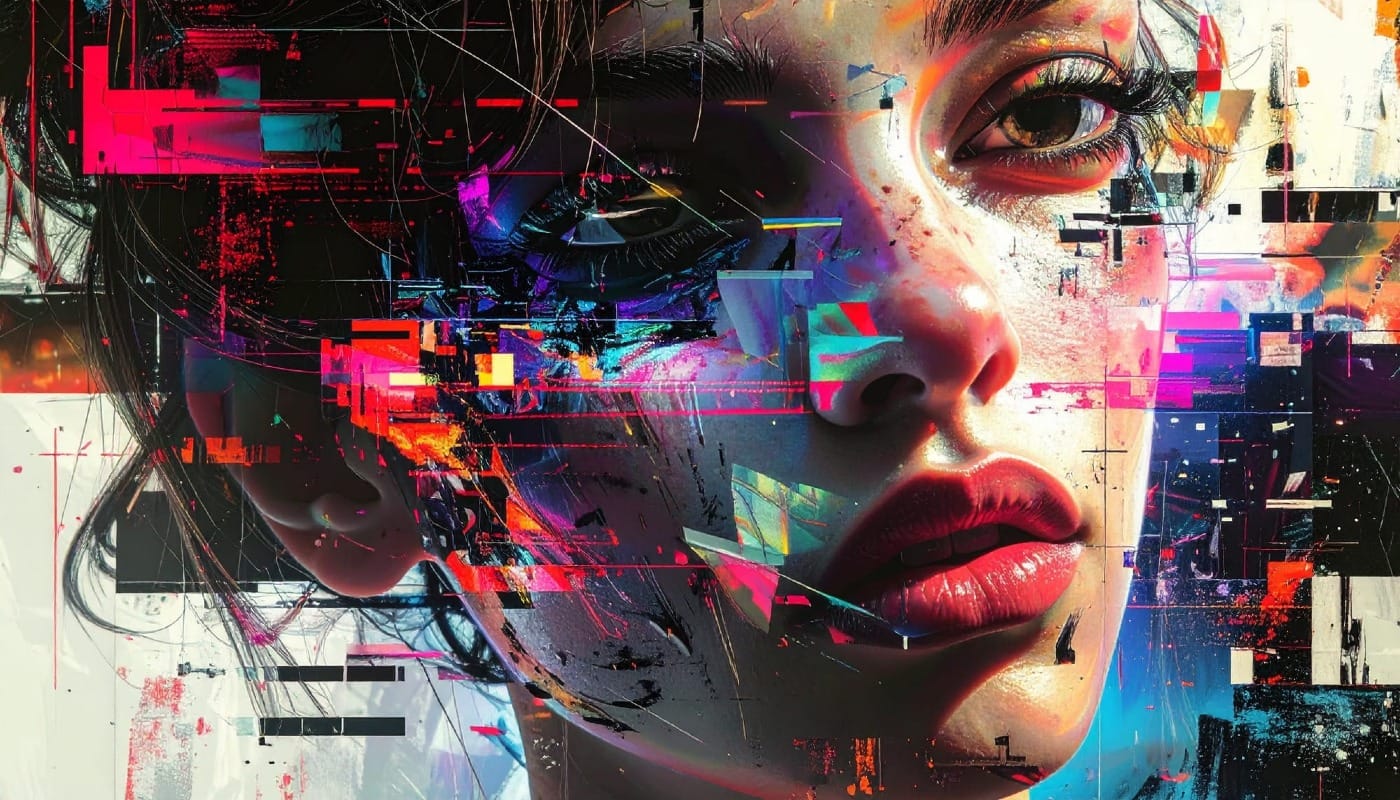
Once, a broken image or pixelated frame meant something had gone wrong. Now, those same visual errors are a creative choice. Designers and digital artists are using glitch effects to turn imperfections into style — bending pixels, breaking color channels, and distorting shapes until they feel alive again. Maybe it’s Read the full article here: […]

Read more: The Beauty of Digital Mistakes: Glitch Effects and Visual Aberrations in Photoshop
How to Create Textured Portrait Collages in Photoshop

How to Create Textured Portrait Collages in Photoshop

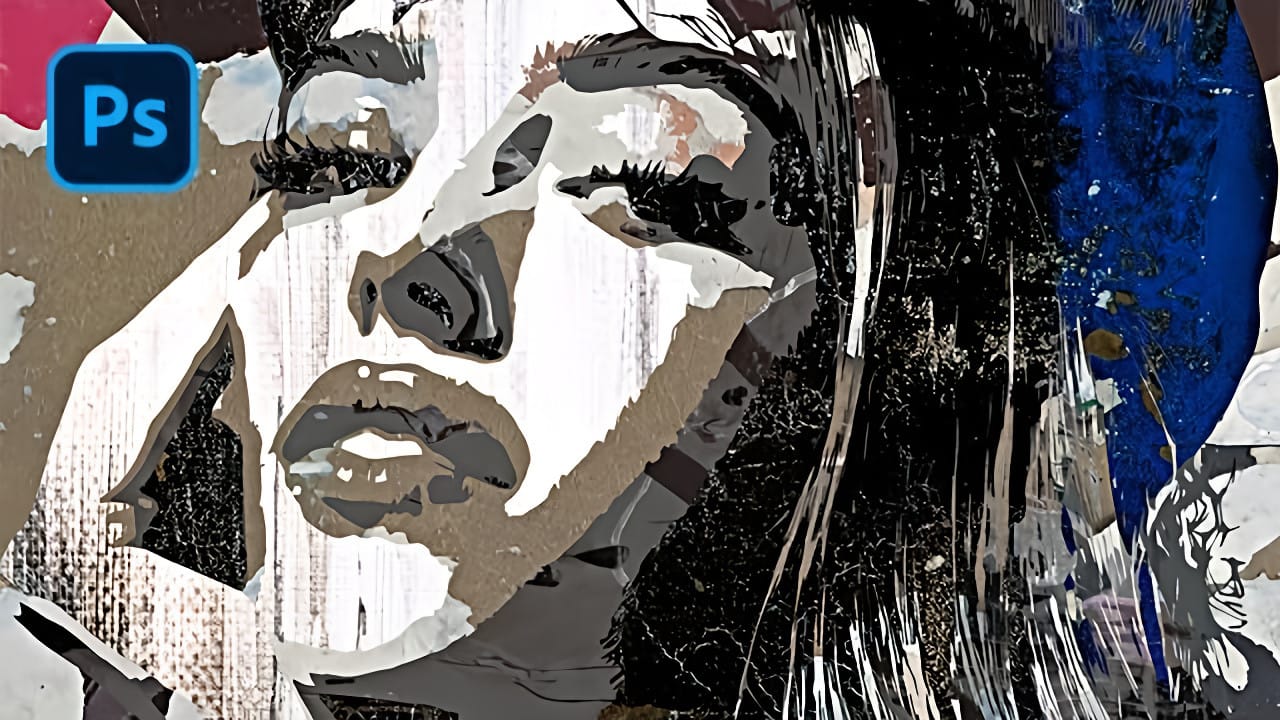
Portrait collages open up creative possibilities that go far beyond traditional photo editing. By combining artistic filters, color manipulation, and texture mapping, you can transform ordinary portraits into striking visual compositions that blend photography with graphic design elements. This technique breaks down complex imagery into simplified color zones, then maps Read the full article here: […]

Read more: How to Create Textured Portrait Collages in Photoshop
Time-Blending Photography: Combine Photos from Different Times of Day

Time-Blending Photography: Combine Photos from Different Times of Day

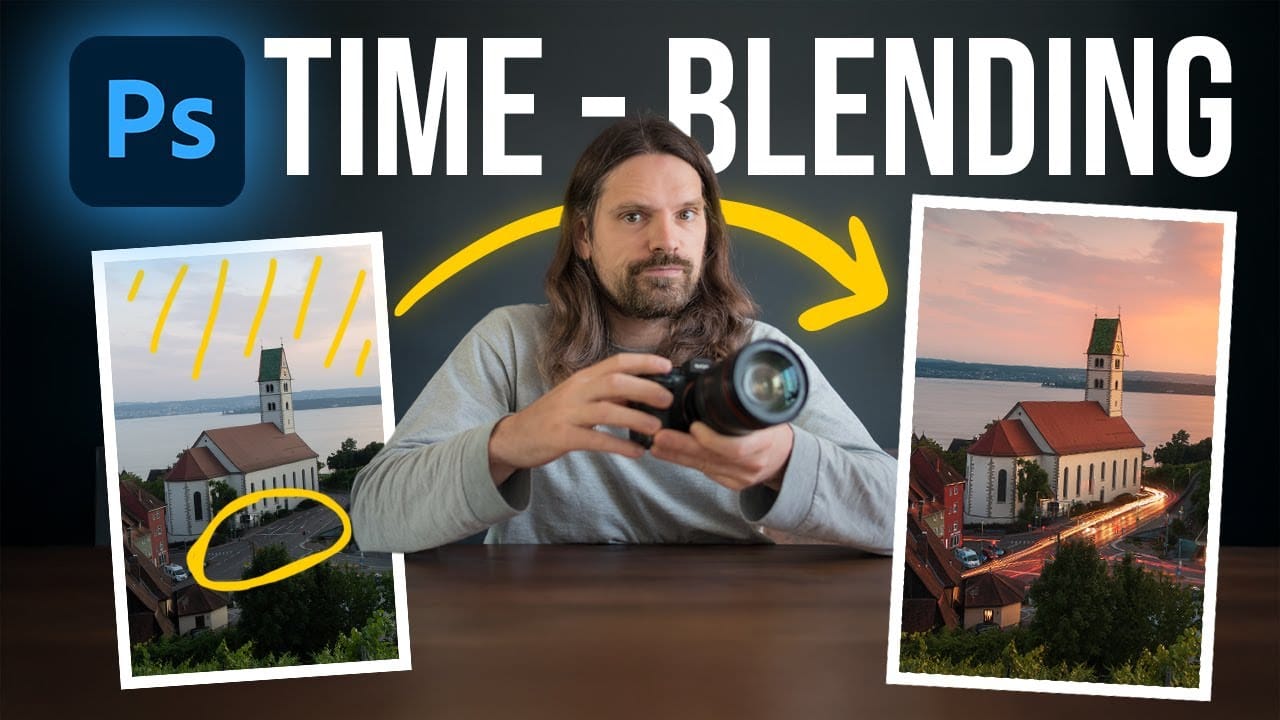
Empty streets and dark buildings can ruin an otherwise perfect sunset shot. Time-blending photography solves this problem by combining the best elements from different times of day — the vibrant sky from golden hour with the dynamic light trails from nighttime traffic. This technique transforms static daytime or sunset scenes into Read the full article […]

Read more: Time-Blending Photography: Combine Photos from Different Times of Day
Understanding White Balance in Photoshop: Temperature vs Tint Explained

Understanding White Balance in Photoshop: Temperature vs Tint Explained

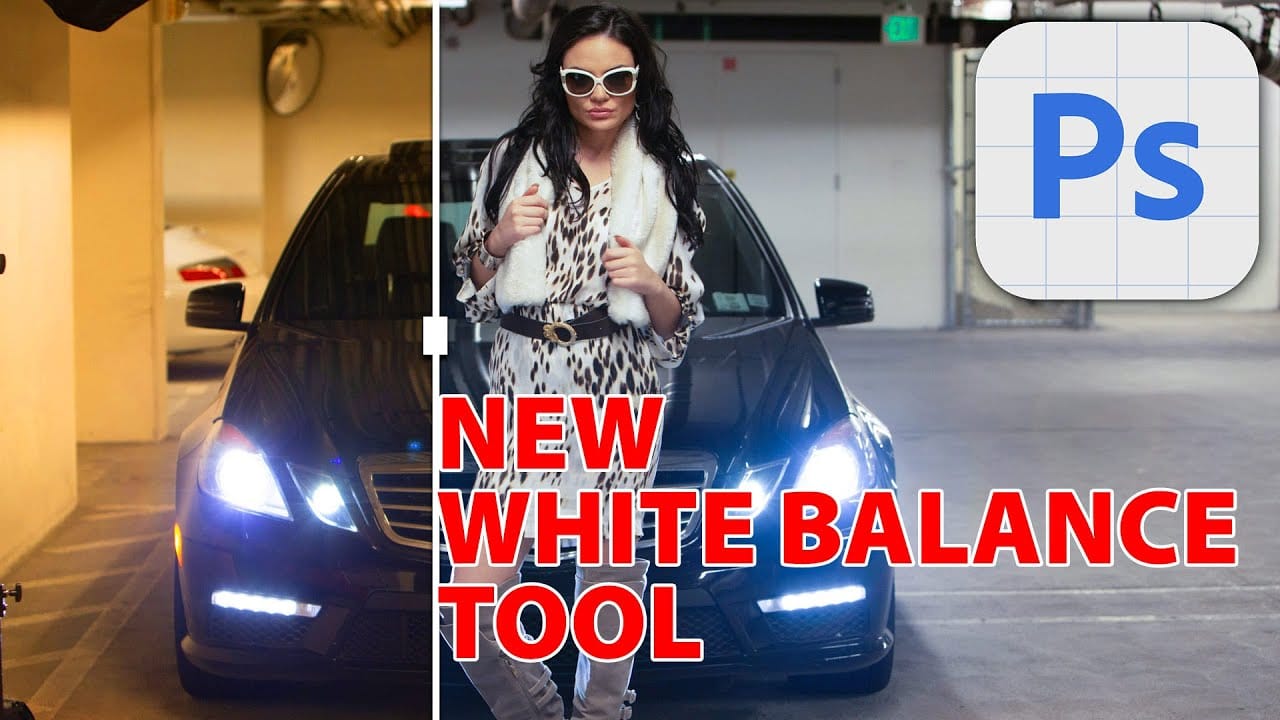
White balance confusion ends here. Temperature and tint work differently to fix color casts, and knowing when to use each tool transforms how you correct photos. Photoshop's new Color and Vibrance adjustment layer finally brings these essential controls natively into the workspace, eliminating the need to jump into Read the full article here: Understanding White […]

Read more: Understanding White Balance in Photoshop: Temperature vs Tint Explained