Schenectady Photographic Society

Menu

Photoshop Tutorials

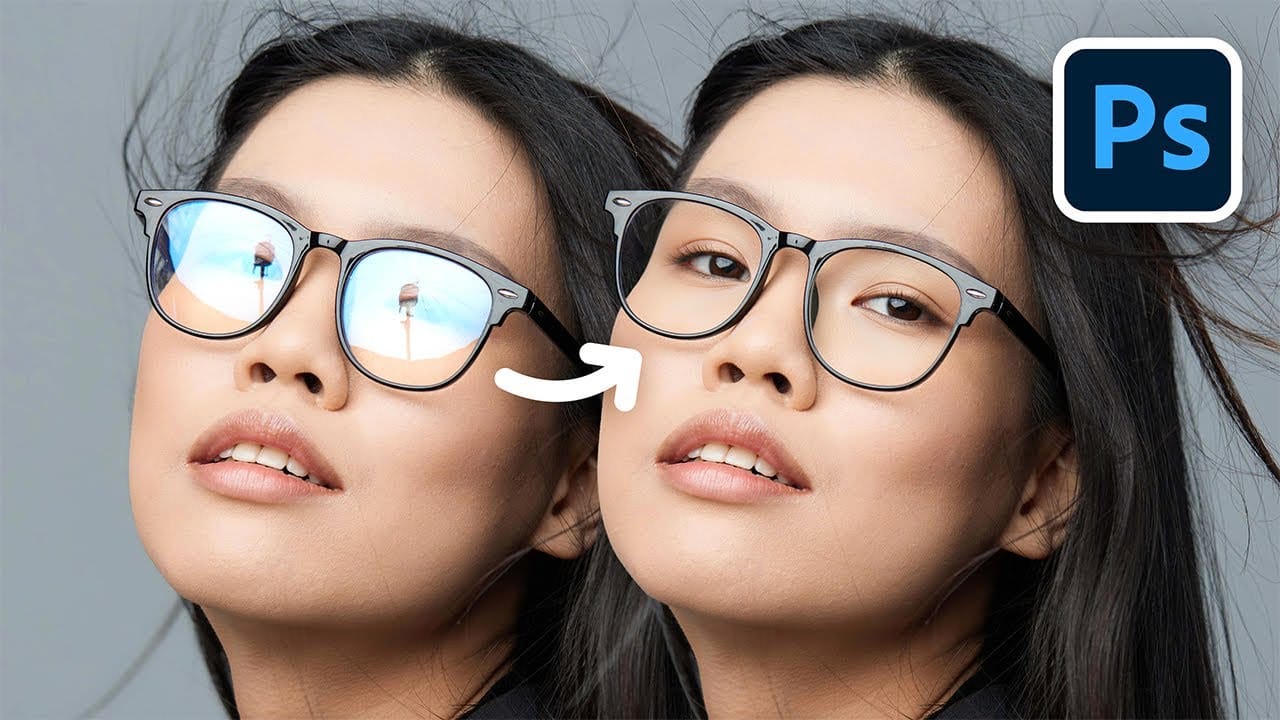
How to Remove Reflections and Glare from Glasses in Photoshop Using AI

How to Remove Reflections and Glare from Glasses in Photoshop Using AI

Eyeglass glare can ruin an otherwise perfect portrait, obscuring the subject's eyes with bright reflections. Photoshop's AI tools now offer powerful solutions for removing even the most stubborn reflections while preserving natural eye details. This tutorial demonstrates proven techniques using multiple AI models and strategic masking Read the full article here: How to Remove Reflections […]
Read more: How to Remove Reflections and Glare from Glasses in Photoshop Using AI
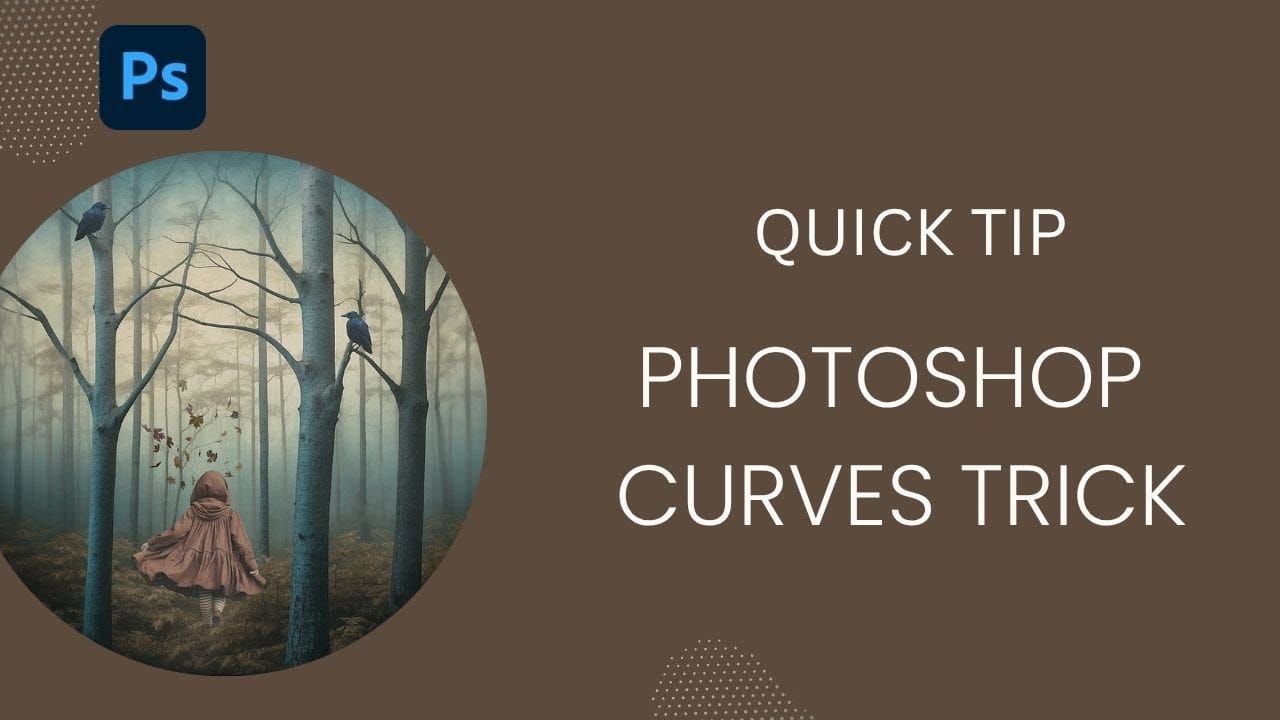
How to Use Photoshop Curves Auto Options for Color Grading

How to Use Photoshop Curves Auto Options for Color Grading

Professional color grading transforms ordinary images into visually striking compositions with rich depth and atmosphere. Hidden curves auto options in Photoshop let you assign custom colors to shadows, midtones, and highlights for dramatic enhancement. This technique goes beyond basic adjustments to create cinematic looks that bring images to life with Read the full article here: […]

Read more: How to Use Photoshop Curves Auto Options for Color Grading
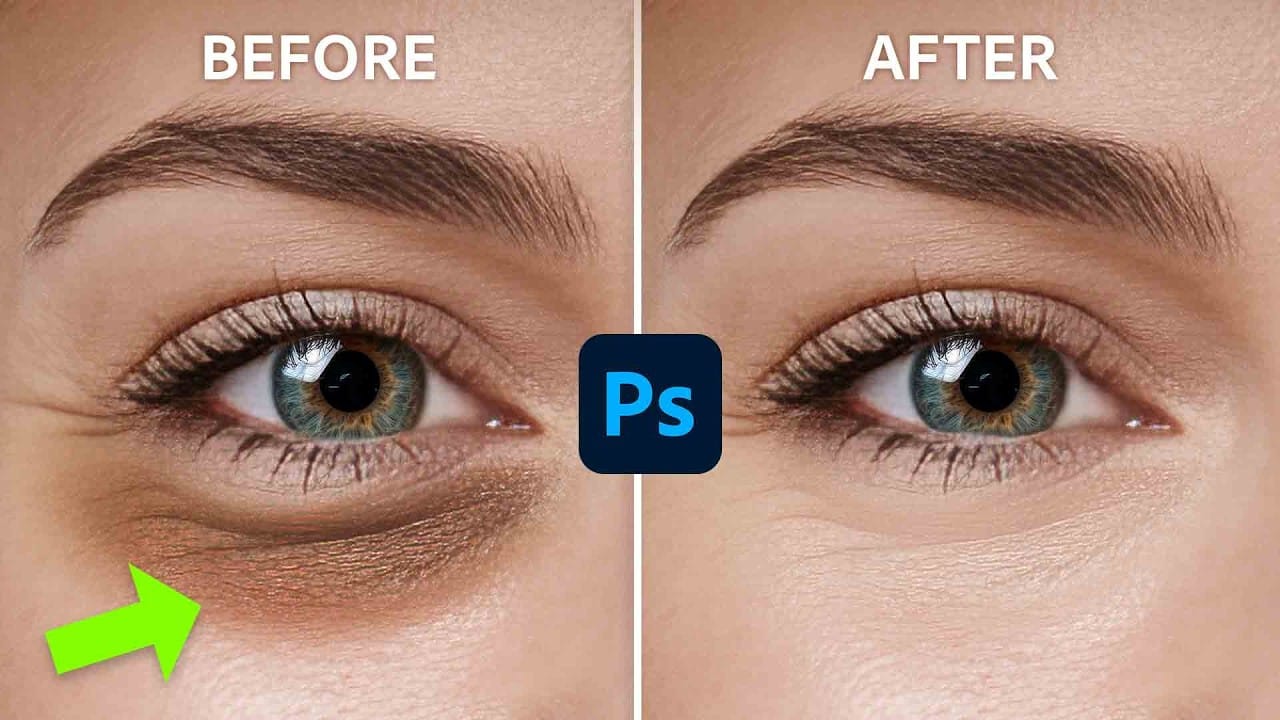
How to Remove Dark Eye Circles Using Frequency Separation in Photoshop

How to Remove Dark Eye Circles Using Frequency Separation in Photoshop

Dark under-eye circles can make portrait subjects look tired or unhealthy, even when they're not. Traditional brightening methods often create unnatural results or destroy important skin texture. This tutorial demonstrates frequency separation, a professional retouching technique that removes dark circles while preserving natural skin texture and realistic lighting Read the full article here: How to […]

Read more: How to Remove Dark Eye Circles Using Frequency Separation in Photoshop
How to Create Perfect Black and White Photos Using Camera Raw Filter in Photoshop

How to Create Perfect Black and White Photos Using Camera Raw Filter in Photoshop

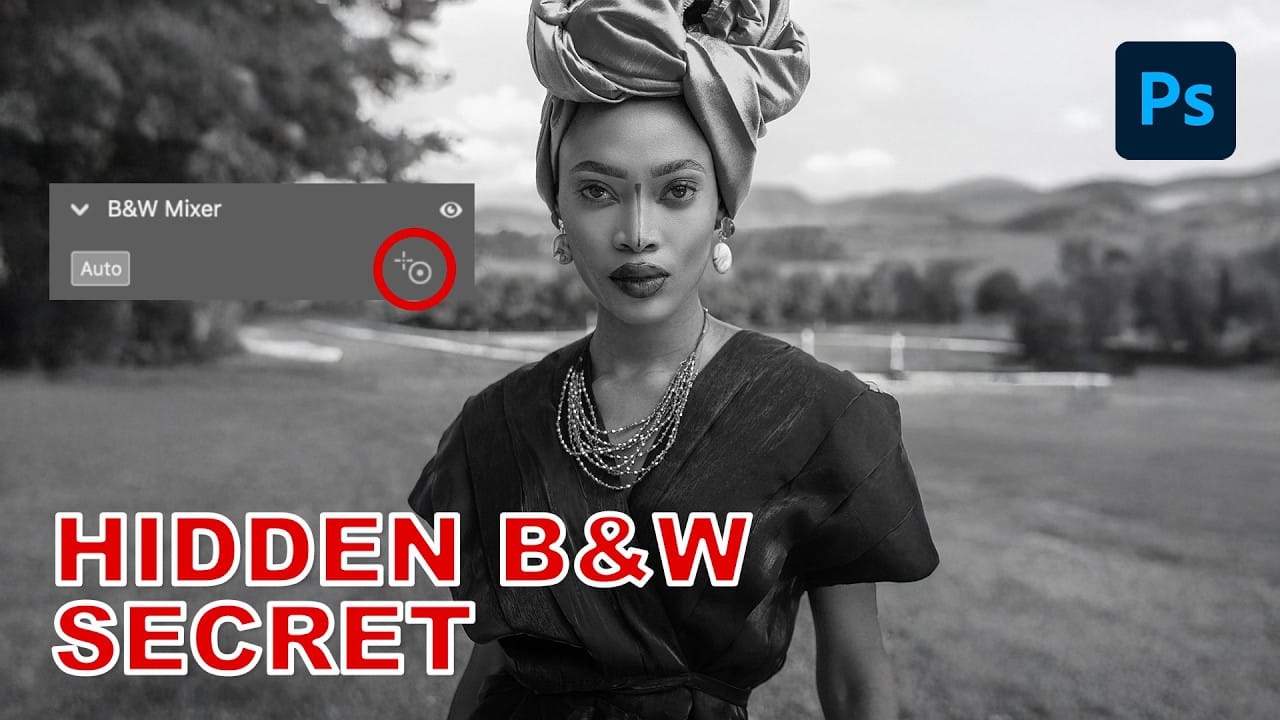
Camera Raw's black and white mixer transforms color photos into striking monochrome images with precision control. The built-in adjustment tool lets you click and drag directly on your image to lighten or darken specific tones. This non-destructive method preserves your original photo while giving you complete creative control Read the full article here: How to […]

Read more: How to Create Perfect Black and White Photos Using Camera Raw Filter in Photoshop
How to Create Reusable Drag & Drop Mockup Templates in Photoshop

How to Create Reusable Drag & Drop Mockup Templates in Photoshop

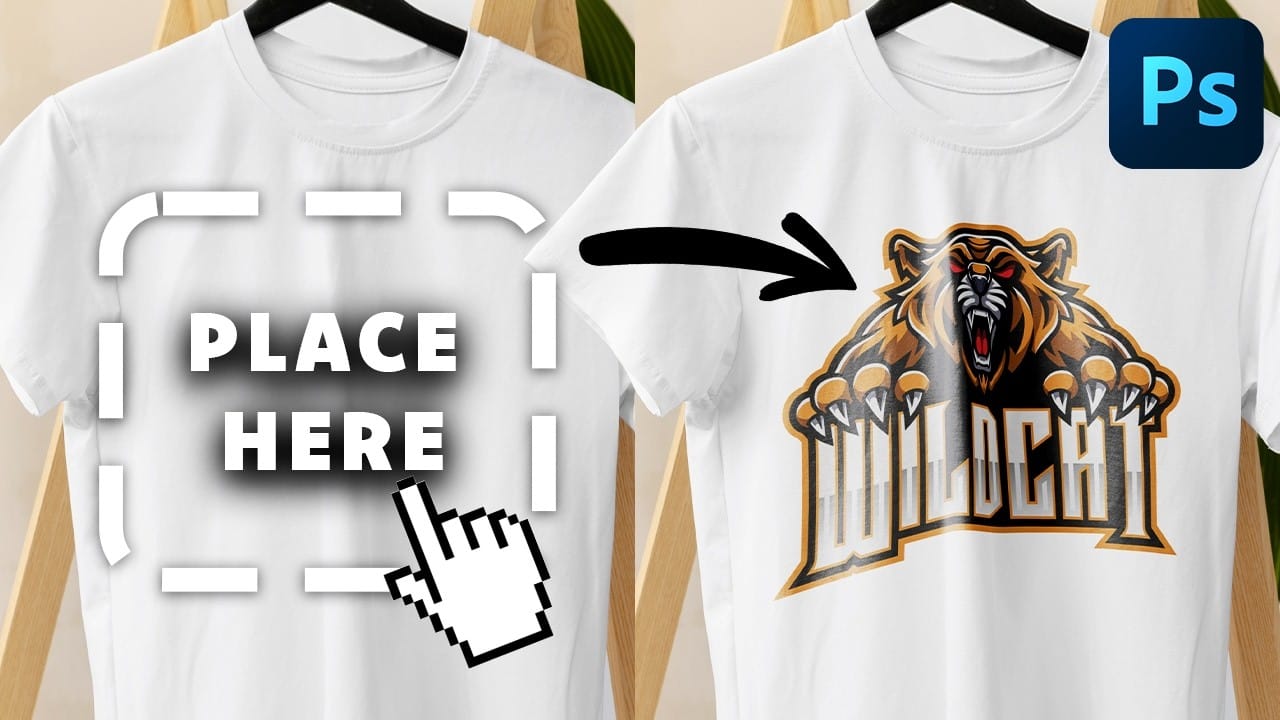
Manually warping and blending logos onto product photos takes 15-30 minutes each time. Smart objects in Photoshop transform this repetitive process into a one-time setup that creates reusable templates. This technique lets you drag and drop any design into a pre-configured mockup that automatically applies warping, blending, and lighting effects. Read the full article here: […]

Read more: How to Create Reusable Drag & Drop Mockup Templates in Photoshop
15 Fantastic Photoshop Portrait Effects You’ll Want to Slap on Every Selfie Right Now

15 Fantastic Photoshop Portrait Effects You’ll Want to Slap on Every Selfie Right Now

Sure, the title says you’ll want to slap these effects on every selfie (that was me trying to grab your attention 😅) — but let’s be honest: these aren’t one-tap filters. Every tutorial here is built on real Photoshop craftsmanship — lighting, masking, blending, and a good dose of creative Read the full article here: […]

Read more: 15 Fantastic Photoshop Portrait Effects You’ll Want to Slap on Every Selfie Right Now
Creating Pixelated Dither Effects in Photoshop

Creating Pixelated Dither Effects in Photoshop

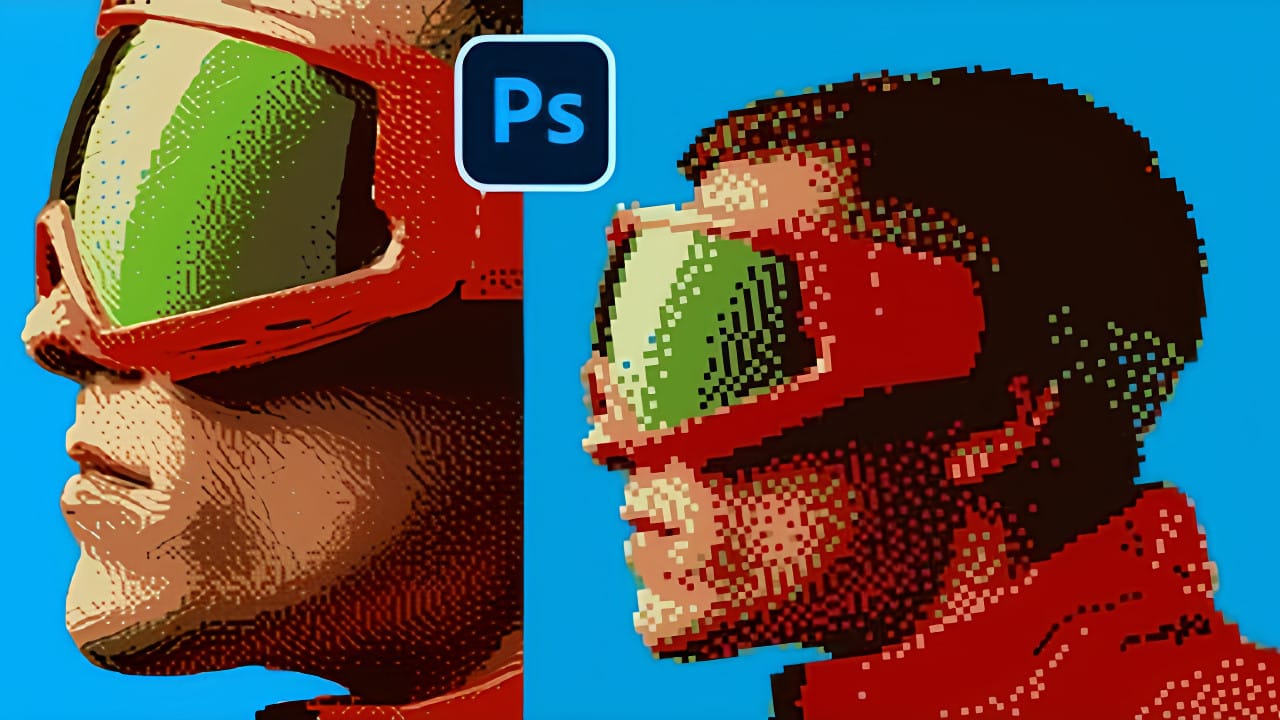
The pixelated dither effect transforms modern photographs into retro-inspired artwork reminiscent of early video games and vintage computer graphics. This distinctive visual style uses controlled color reduction and strategic pixelation to create images that balance nostalgic charm with contemporary design appeal. The technique relies on Photoshop's export settings Read the full article here: Creating Pixelated […]

Read more: Creating Pixelated Dither Effects in Photoshop