Schenectady Photographic Society

Menu

Photoshop Tutorials

Photoshop's Dynamic Text Feature: Automatic Text Alignment and Resizing

Photoshop's Dynamic Text Feature: Automatic Text Alignment and Resizing

Text alignment in Photoshop has long been a tedious process of manual adjustments, multiple layers, and constant realignment whenever you change font sizes or content. The traditional workflow forces designers to work with separate text layers and spend valuable time fine-tuning positions with transform tools and guides. Photoshop's Read the full article here: Photoshop's Dynamic […]

Read more: Photoshop's Dynamic Text Feature: Automatic Text Alignment and Resizing
How to Use Photoshop's New AI-Powered Actions Panel

How to Use Photoshop's New AI-Powered Actions Panel

Photoshop's actions just became significantly smarter with AI integration. The new Actions panel understands natural language searches, automatically suggests relevant effects based on your image content, and provides live previews before you commit to changes. This revolutionary update transforms how designers work with automated processes. Instead of browsing Read the full article here: How to […]

Read more: How to Use Photoshop's New AI-Powered Actions Panel
How to Create Professional PSD Templates in Photoshop

How to Create Professional PSD Templates in Photoshop

PSD templates transform complex Photoshop effects into reusable presets that save hours of repetitive work. While many designers download templates online, creating your own gives you complete control over the final result and builds valuable technical skills. This tutorial demonstrates how to build a professional plastic texture effect template from Read the full article here: […]

Read more: How to Create Professional PSD Templates in Photoshop
Learn Photoshop in 40 Minutes: Complete Beginner Tutorial

Learn Photoshop in 40 Minutes: Complete Beginner Tutorial

Photoshop's reputation as a complex, overwhelming program keeps many beginners from diving in. The endless array of tools, panels, and settings can feel impossible to master without proper guidance. This comprehensive tutorial breaks down Photoshop learning into four clear phases that work for any project. From document setup Read the full article here: Learn Photoshop […]

Read more: Learn Photoshop in 40 Minutes: Complete Beginner Tutorial
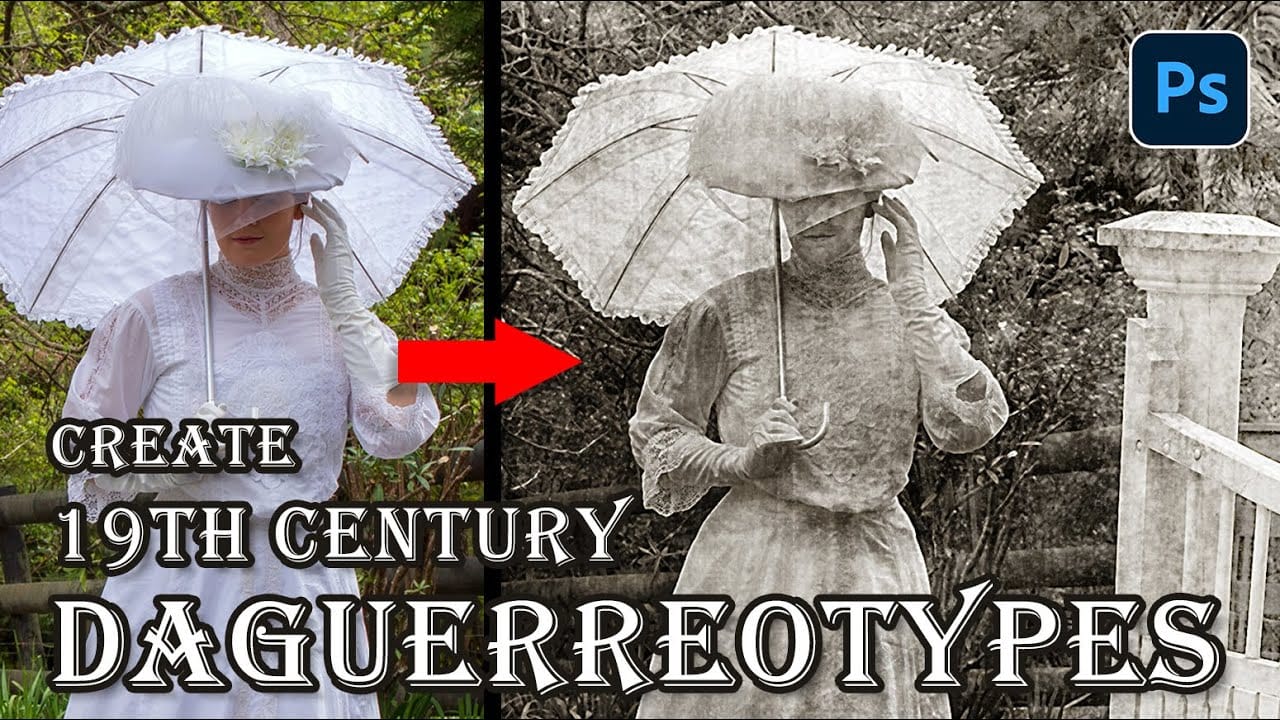
How to Create a Daguerreotype Photo Effect in Photoshop

How to Create a Daguerreotype Photo Effect in Photoshop

The mirror-like daguerreotypes of the 1840s and 1850s represent photography's earliest commercial success, capturing portraits with an ethereal quality unmatched by modern digital images. These delicate silver-plated photographs developed a distinctive aesthetic through their unique chemistry and fragile surfaces that scratched easily from dust, fingerprints, and handling. This Read the full article here: How to […]

Read more: How to Create a Daguerreotype Photo Effect in Photoshop
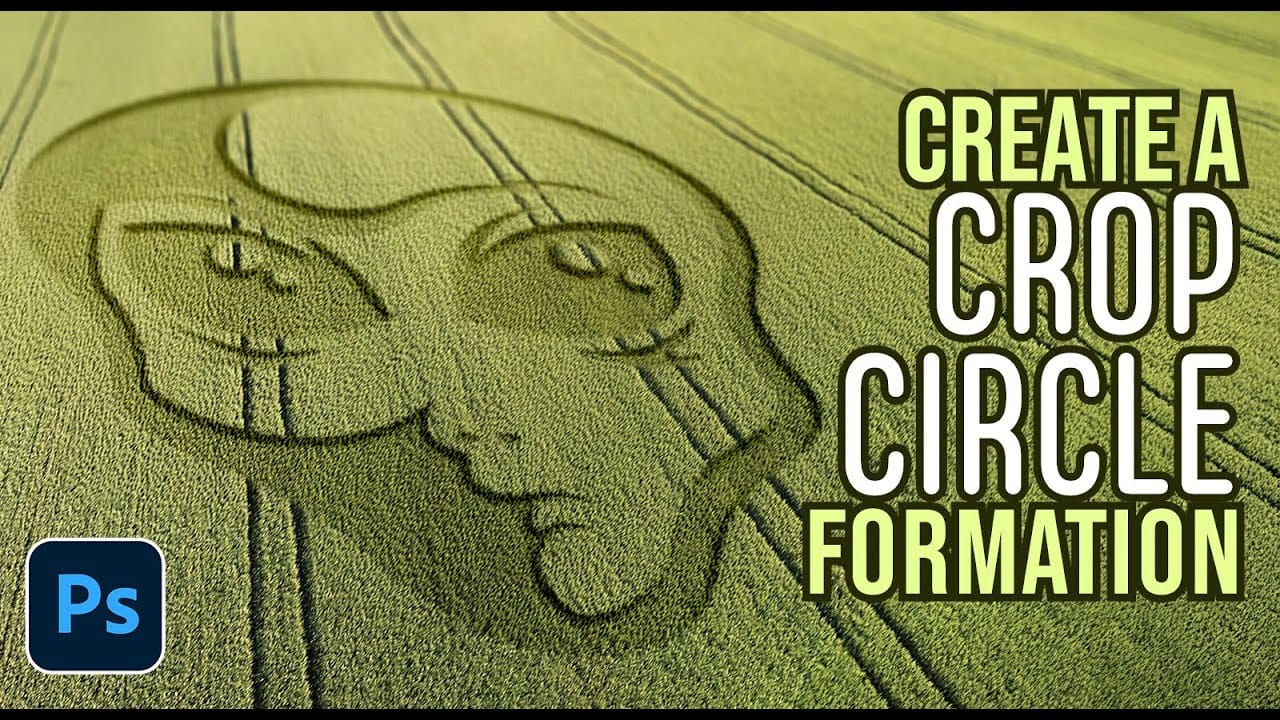
How to Create Realistic Crop Circles in Photoshop

How to Create Realistic Crop Circles in Photoshop

Ancient mysteries meet modern design in the world of crop circles. These intricate patterns carved into fields have captured imaginations for decades, inspiring countless theories about their origins. The geometric precision and otherworldly appearance of crop circles make them compelling subjects for digital art projects. This tutorial demonstrates how to Read the full article here: […]

Read more: How to Create Realistic Crop Circles in Photoshop
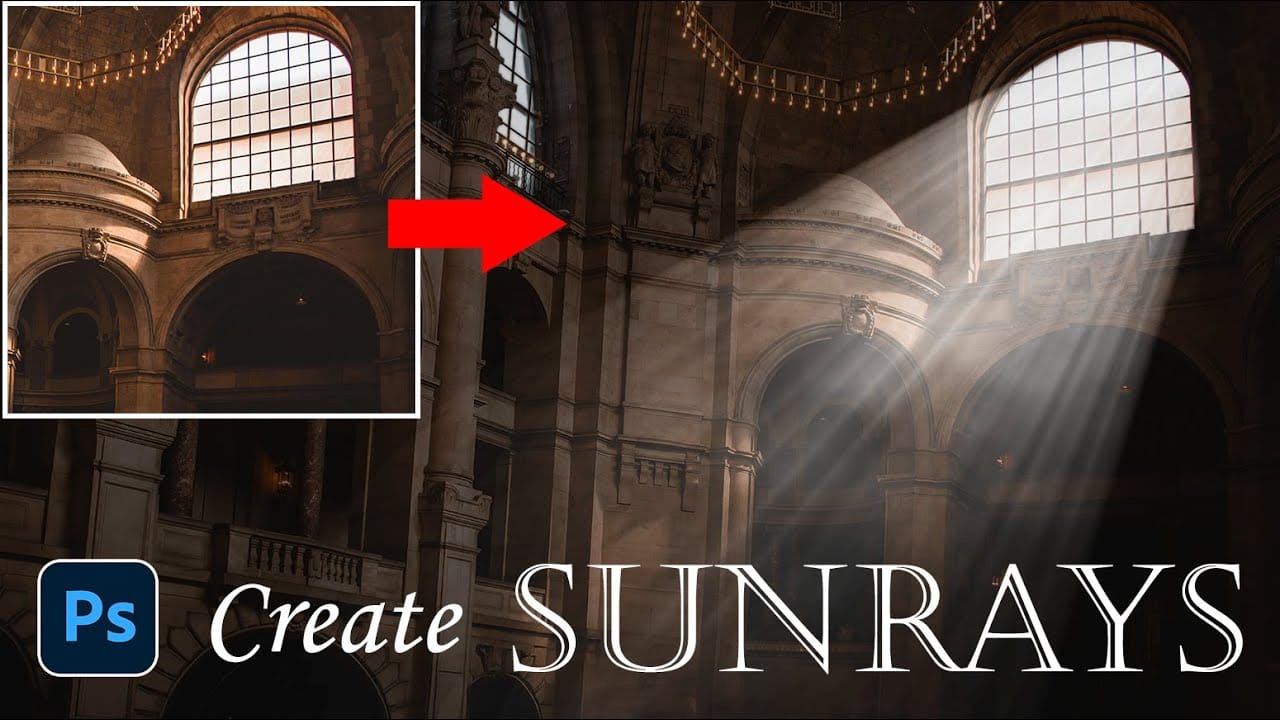
How to Add Dramatic Sunrays and Sunbeams to Photos in Photoshop

How to Add Dramatic Sunrays and Sunbeams to Photos in Photoshop

Sunrays streaming through windows create some of photography's most captivating moments. Natural sunbeams add drama, warmth, and visual interest that can transform an ordinary interior scene into something magical. This tutorial demonstrates how to recreate those stunning light effects in Photoshop using selection techniques, radial blur, and layer Read the full article here: How to […]

Read more: How to Add Dramatic Sunrays and Sunbeams to Photos in Photoshop