Schenectady Photographic Society

Menu

Photoshop Tutorials

Creating AI-Enhanced Autumn Fantasy Images in Photoshop

Creating AI-Enhanced Autumn Fantasy Images in Photoshop

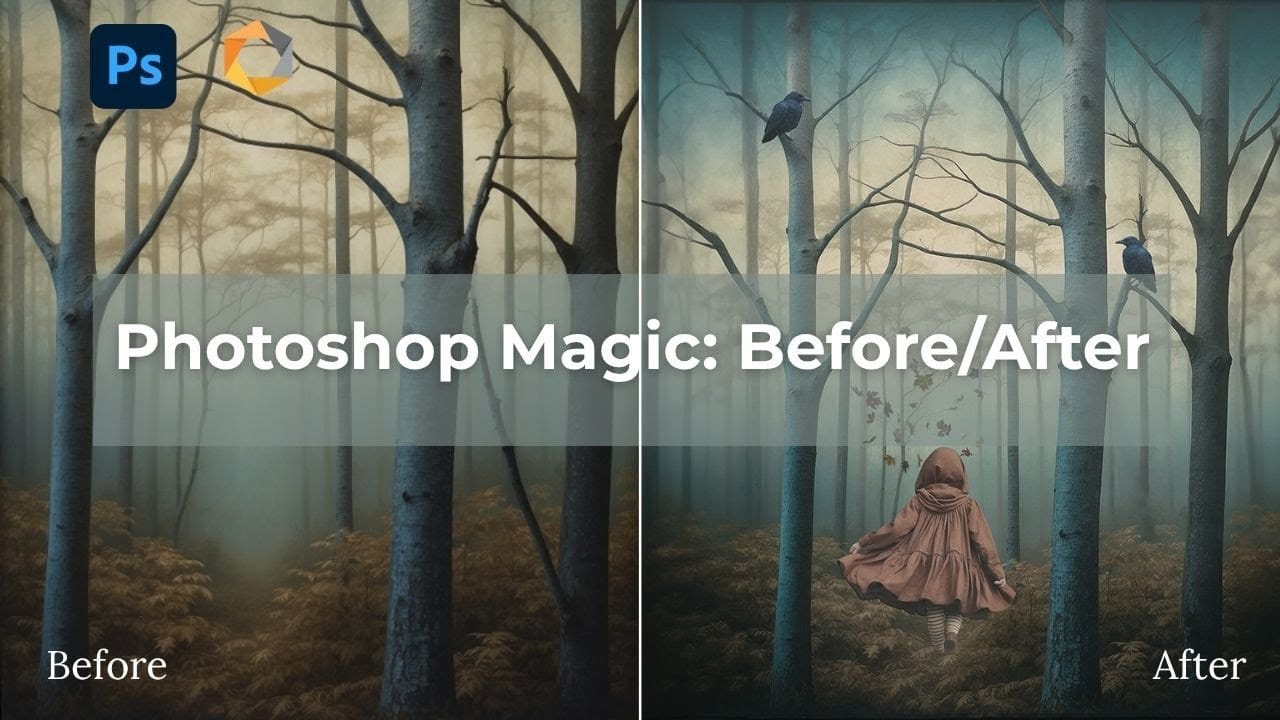
Fantasy imagery comes alive when artificial intelligence meets traditional photo manipulation techniques. AI-generated backgrounds provide the perfect foundation for creating moody, atmospheric scenes that would be difficult or impossible to capture with a camera alone. This approach combines the creative potential of AI image generation with Photoshop's precise Read the full article here: Creating AI-Enhanced […]
Read more: Creating AI-Enhanced Autumn Fantasy Images in Photoshop
Create Motion Blur Text Effect in Photoshop with Path Blur

Create Motion Blur Text Effect in Photoshop with Path Blur

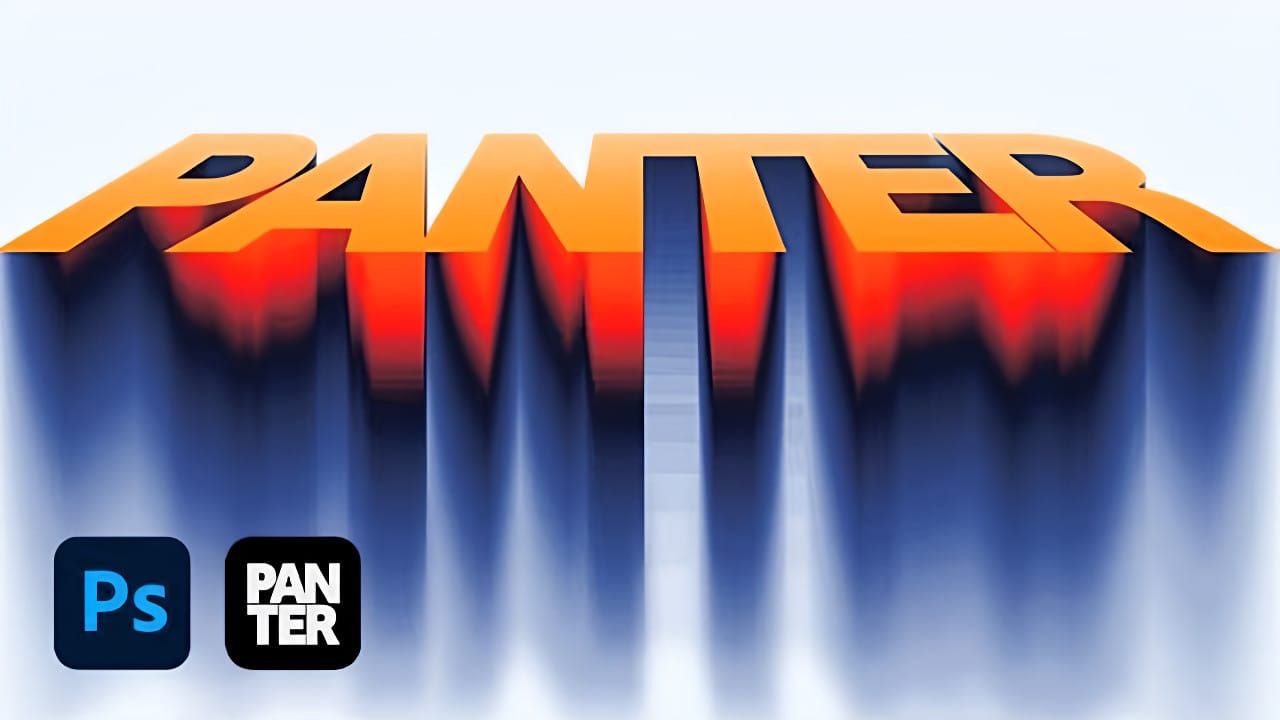
Motion blur transforms static typography into dynamic visual elements that appear to race across the screen. This effect creates the illusion of speed and movement, perfect for sports graphics, action posters, and modern designs. The technique combines Photoshop's Path Blur filter with strategic layering and color gradients to Read the full article here: Create Motion […]

Read more: Create Motion Blur Text Effect in Photoshop with Path Blur
How to Create a Hologram Text Effect in Photoshop

How to Create a Hologram Text Effect in Photoshop

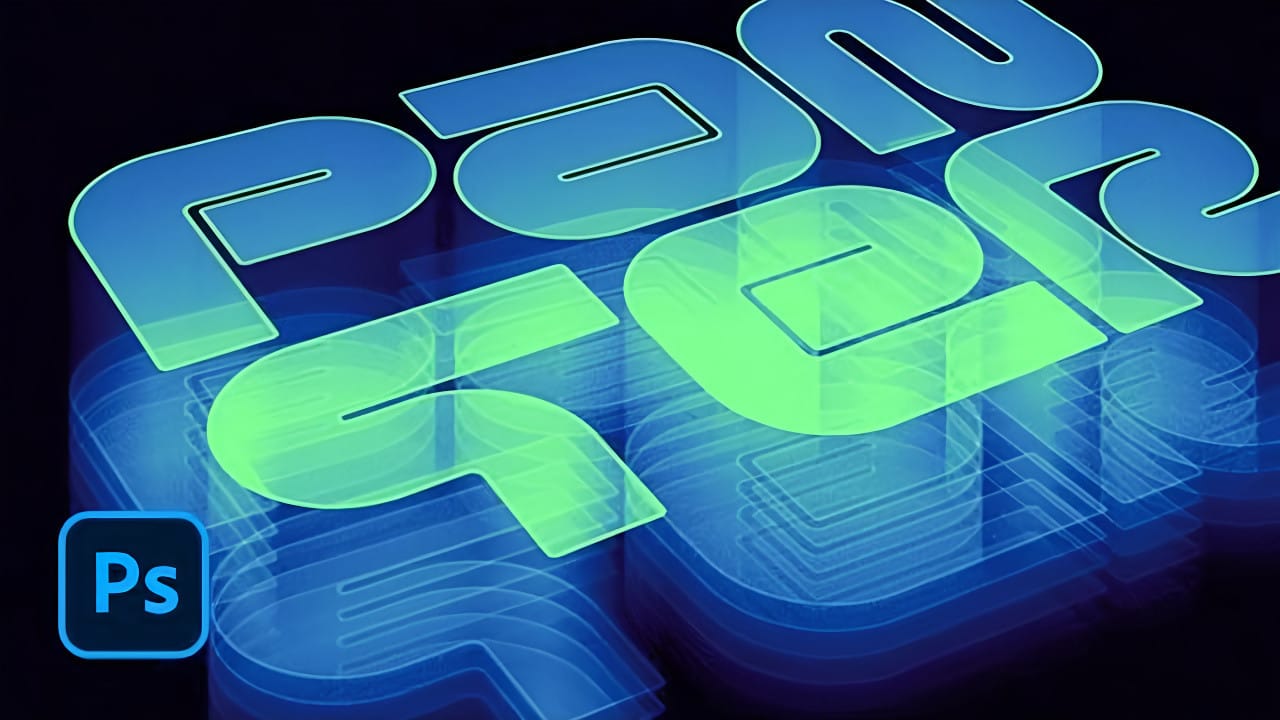
Holographic effects bring futuristic appeal to text designs with their distinctive translucent appearance and rainbow color shifts. This tutorial demonstrates creating convincing hologram text using perspective distortion, layer opacity adjustments, and gradient mapping techniques. The process combines 3D extrusion with motion blur and color gradients to achieve the signature holographic Read the full article here: […]

Read more: How to Create a Hologram Text Effect in Photoshop
Photoshop Selection Tools: Quick Methods for Better Cutouts

Photoshop Selection Tools: Quick Methods for Better Cutouts

Clean cutouts and precise selections form the foundation of professional composite work in Photoshop. The difference between amateur and polished results often comes down to mastering the right selection techniques for each situation. Sandra demonstrates several quick selection methods that can streamline your workflow and improve your results. These techniques Read the full article here: […]

Read more: Photoshop Selection Tools: Quick Methods for Better Cutouts
How to Create a Professional Thriller Book Cover in Photoshop

How to Create a Professional Thriller Book Cover in Photoshop

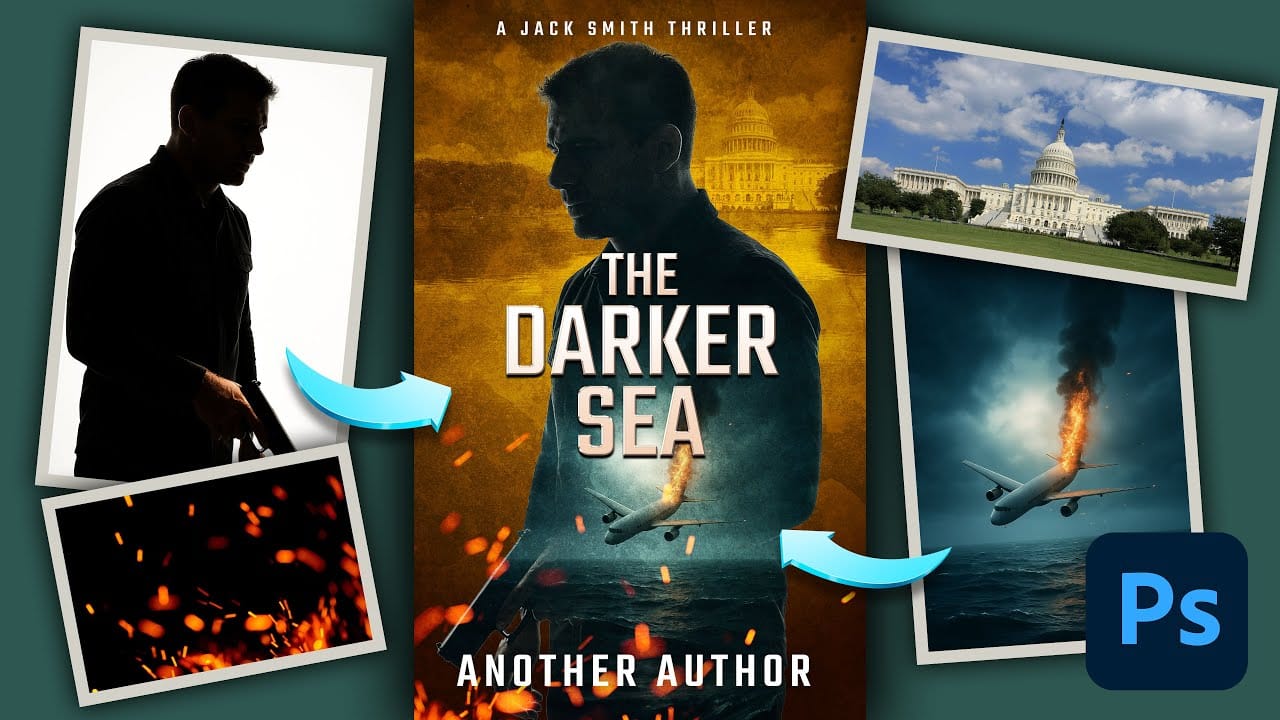
Effective book cover design combines visual storytelling with technical precision to capture a reader's attention in seconds. Thriller covers rely on atmospheric elements, dramatic lighting, and compelling typography to convey suspense and intrigue. This tutorial demonstrates the complete process of recreating a professional thriller book cover using fundamental Read the full article here: How to […]

Read more: How to Create a Professional Thriller Book Cover in Photoshop
Photoshop's New Adjust Colors Feature vs Traditional Hue/Saturation

Photoshop's New Adjust Colors Feature vs Traditional Hue/Saturation

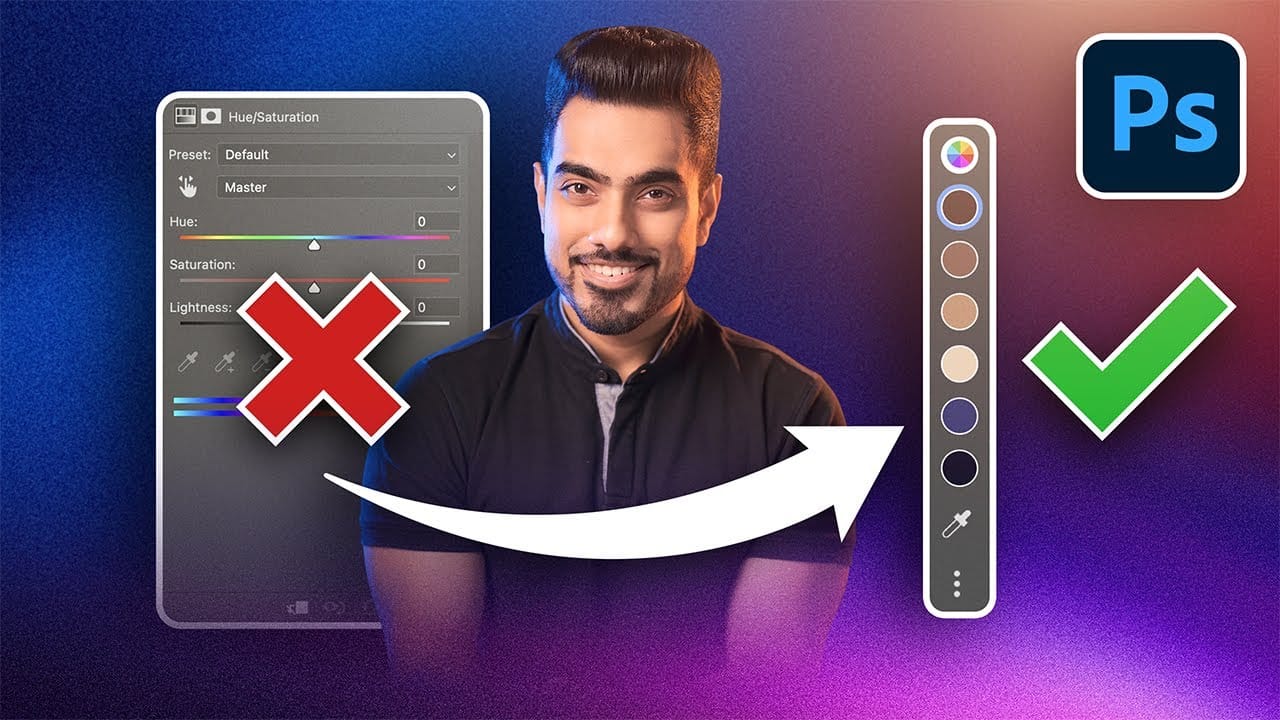
Color adjustments just became dramatically simpler in Photoshop. The new Adjust Colors feature automatically detects the six most prominent colors in any image, letting you target and modify specific hues with a single click. No more guessing which color range to select or struggling with imprecise selections. This intuitive approach Read the full article here: […]

Read more: Photoshop's New Adjust Colors Feature vs Traditional Hue/Saturation
How to Create Realistic Water Droplets on Glass in Photoshop

How to Create Realistic Water Droplets on Glass in Photoshop

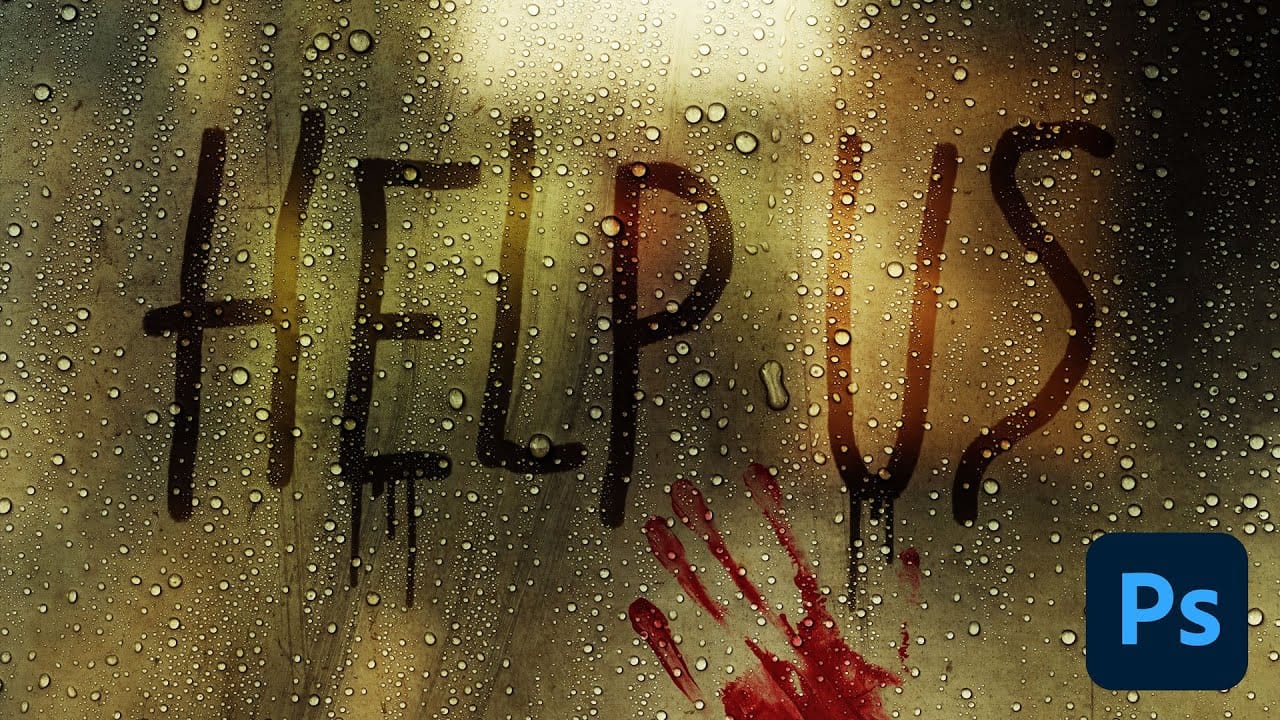
Water droplets on glass create one of the most captivating visual effects in photography and digital art. The interplay of refraction, reflection, and transparency transforms ordinary scenes into atmospheric masterpieces that draw viewers into the story. This comprehensive tutorial demonstrates how to recreate this cinematic effect using photographic textures, blend Read the full article here: […]

Read more: How to Create Realistic Water Droplets on Glass in Photoshop
How to Cut Out Objects from Backgrounds in Photoshop

How to Cut Out Objects from Backgrounds in Photoshop

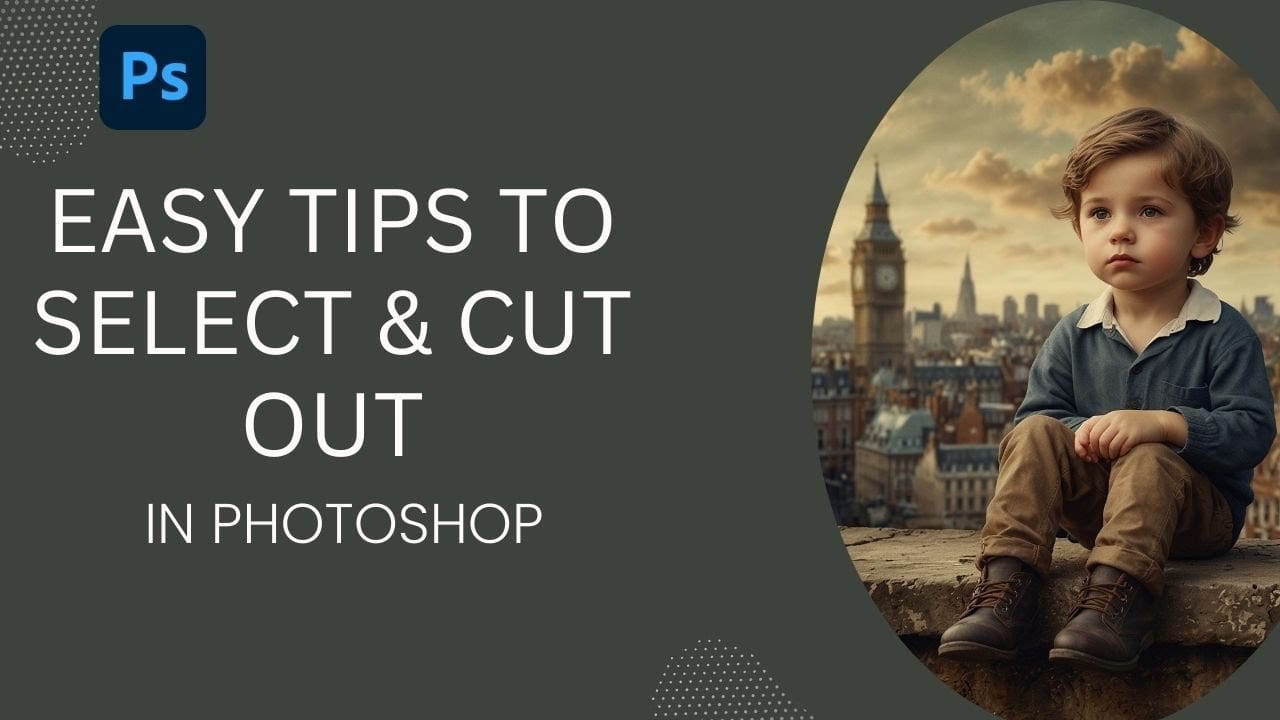
Perfect cutouts can transform ordinary photos into stunning composites. Photoshop's automated tools have revolutionized background removal, making complex selections accessible to photographers at any skill level. This tutorial demonstrates a practical approach to object extraction that balances speed with quality, perfect for creating composite images where elements need Read the full article here: How to […]

Read more: How to Cut Out Objects from Backgrounds in Photoshop