Schenectady Photographic Society

Menu

Photoshop Tutorials

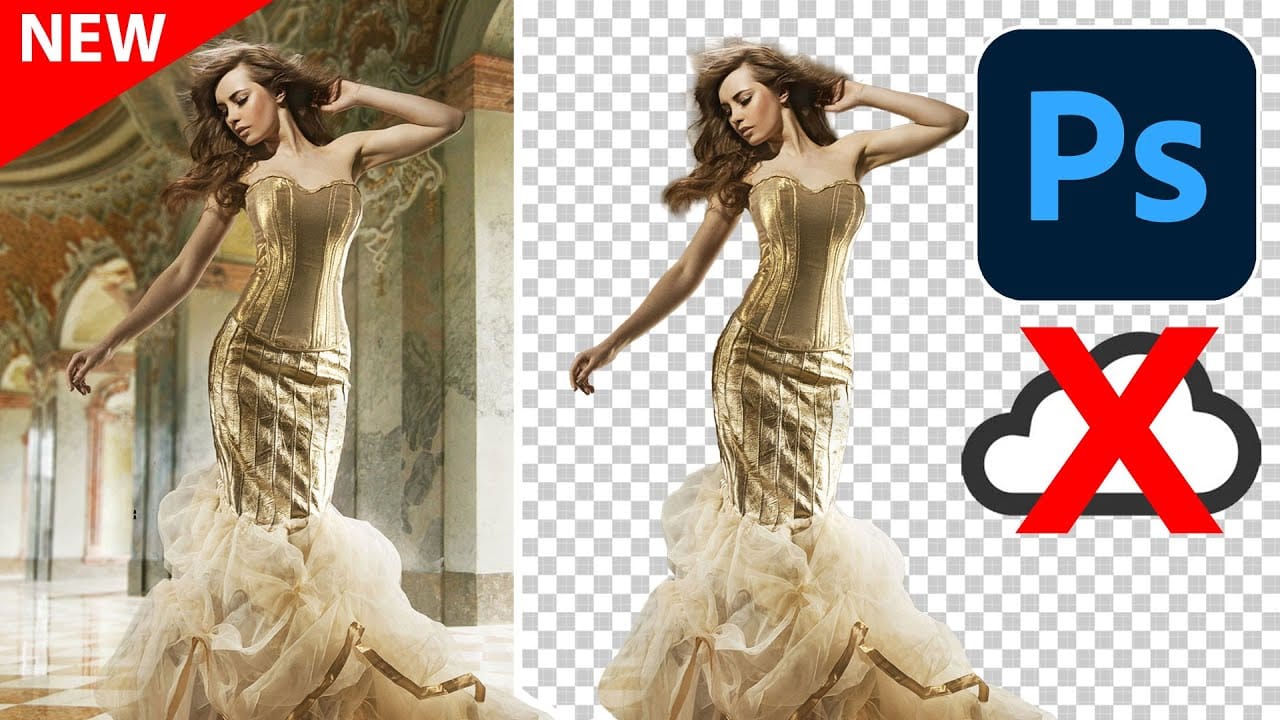
Photoshop's New On-Device Select Subject Tool Matches Cloud Quality

Photoshop's New On-Device Select Subject Tool Matches Cloud Quality

Photoshop's latest update brings cloud-quality selection algorithms directly to your device. This means precise subject selection without internet connectivity or sending images to Adobe's servers. The new on-device algorithm rivals the cloud version's accuracy, handling complex subjects like bicycle spokes, hair details, and backlit Read the full article here: Photoshop's New On-Device Select Subject Tool […]


Read more: Photoshop's New On-Device Select Subject Tool Matches Cloud Quality
100+ Brilliant Photoshop Text Effects: The Ultimate 2025 Roundup

100+ Brilliant Photoshop Text Effects: The Ultimate 2025 Roundup

You won't admit this: You spend hours making text look like liquid gold. Not for clients. Not for your portfolio. Just because. Here's the thing: Text effects are your guilty pleasure. You tell yourself you're "practicing." You say you're " Read the full article here: 100+ Brilliant Photoshop Text Effects: The Ultimate 2025 Roundup Photoshop […]

Read more: 100+ Brilliant Photoshop Text Effects: The Ultimate 2025 Roundup
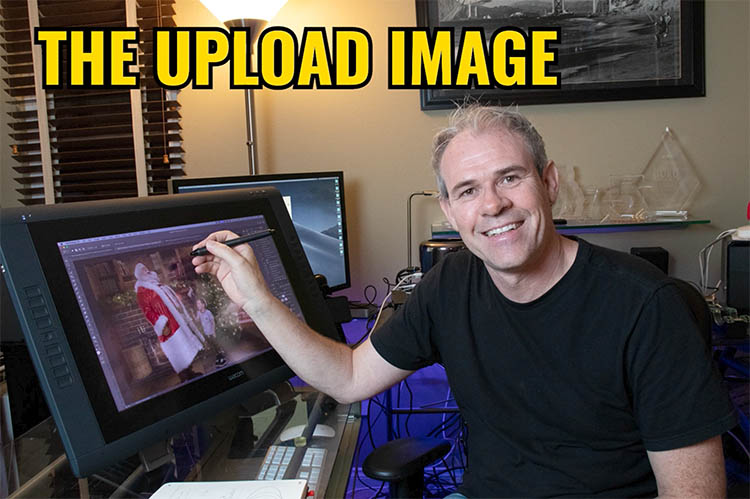
On-device Select subject in Photoshop, improved ai selections without the cloud

On-device Select subject in Photoshop, improved ai selections without the cloud

Excellent auto selections in Photoshop, right on your device Five months ago, Adobe made some huge improvements to their auto selections in Photoshop. Select subject and remove background got a new algorithm, but only for cloud-based processing. This means your photo is (invisibly, behind the scenes) uploaded to the Adobe cloud and processed (this has […]

Read more: On-device Select subject in Photoshop, improved ai selections without the cloud
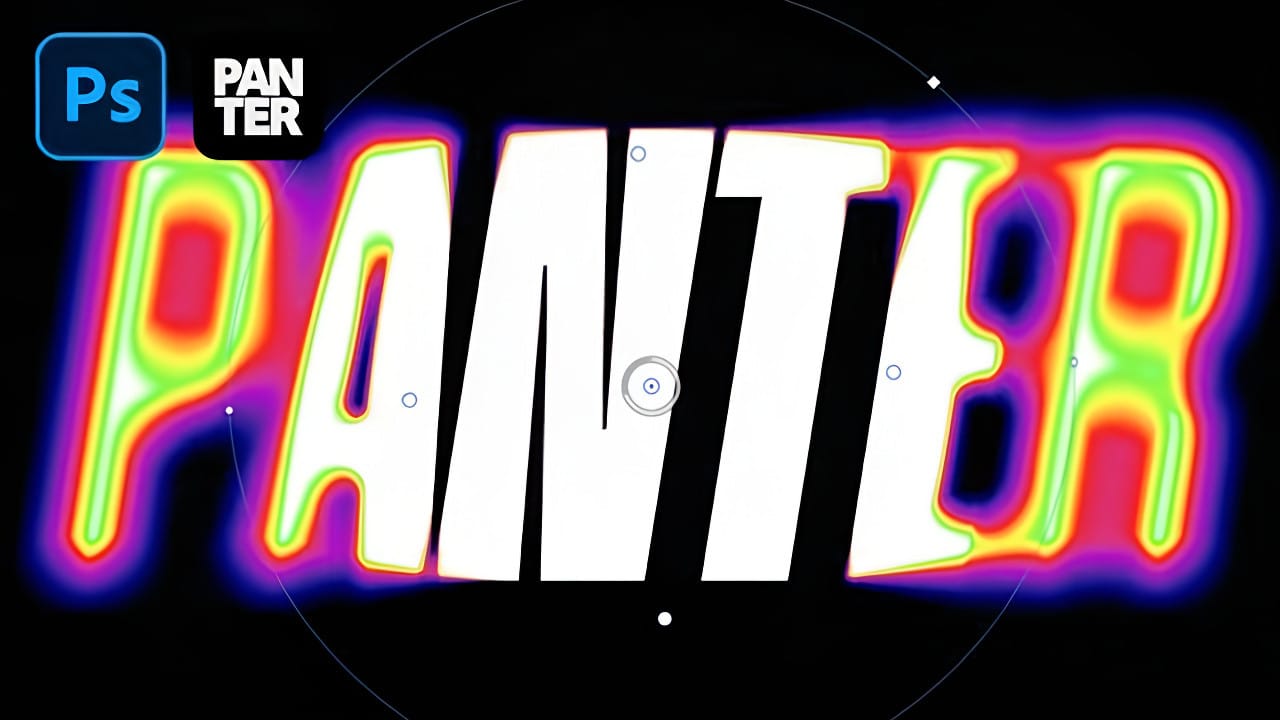
Creating a Blurry Heatmap Text Effect with Gradient Maps in Photoshop

Creating a Blurry Heatmap Text Effect with Gradient Maps in Photoshop

Heatmap effects transform ordinary text into dynamic, energy-filled visuals that pulse with color and movement. These vibrant gradients suggest thermal imaging or data visualization, making them perfect for tech presentations, gaming graphics, or modern branding projects. This technique combines Photoshop's gradient mapping with strategic blur effects to create Read the full article here: Creating a […]

Read more: Creating a Blurry Heatmap Text Effect with Gradient Maps in Photoshop
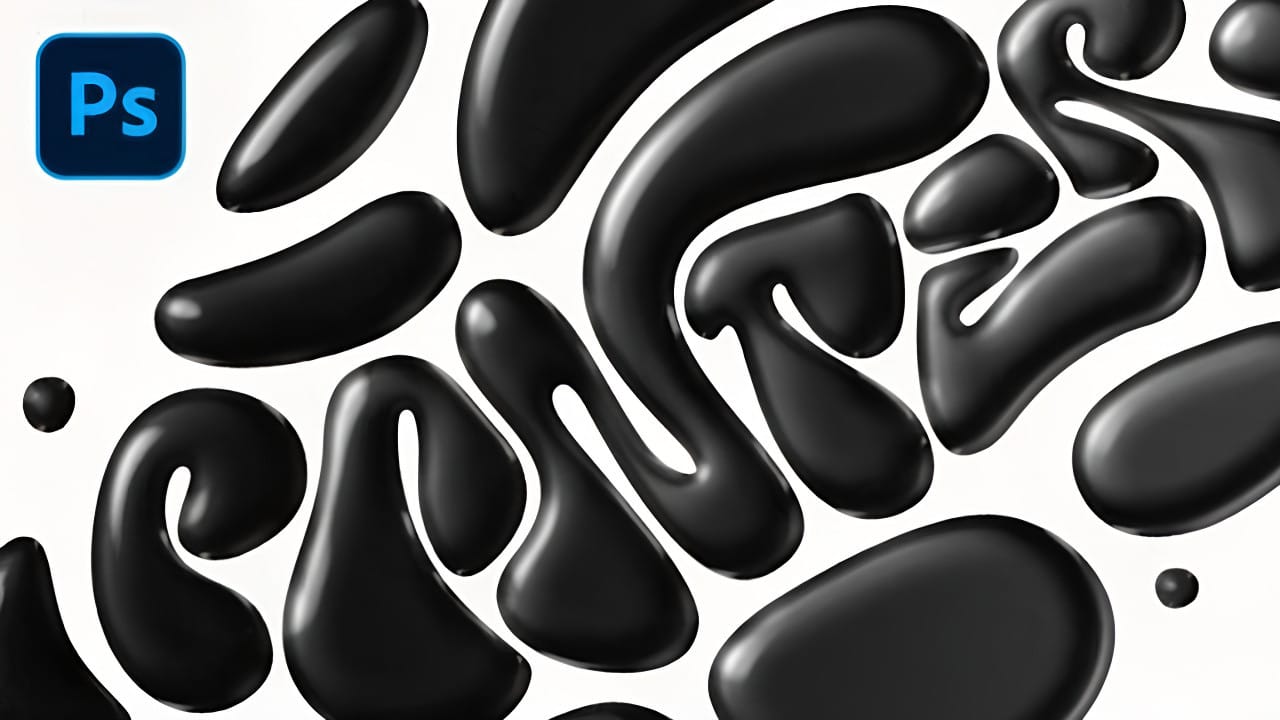
How to Create a Black Liquid Text Effect in Photoshop

How to Create a Black Liquid Text Effect in Photoshop

Black liquid typography creates a mysterious, viscous aesthetic that flows between elegant and edgy. This striking effect transforms ordinary text into something that appears to drip, bubble, and shine like thick ink or oil. The technique combines vector shapes with strategic layer effects to build depth and dimension. Multiple duplicated Read the full article here: […]

Read more: How to Create a Black Liquid Text Effect in Photoshop
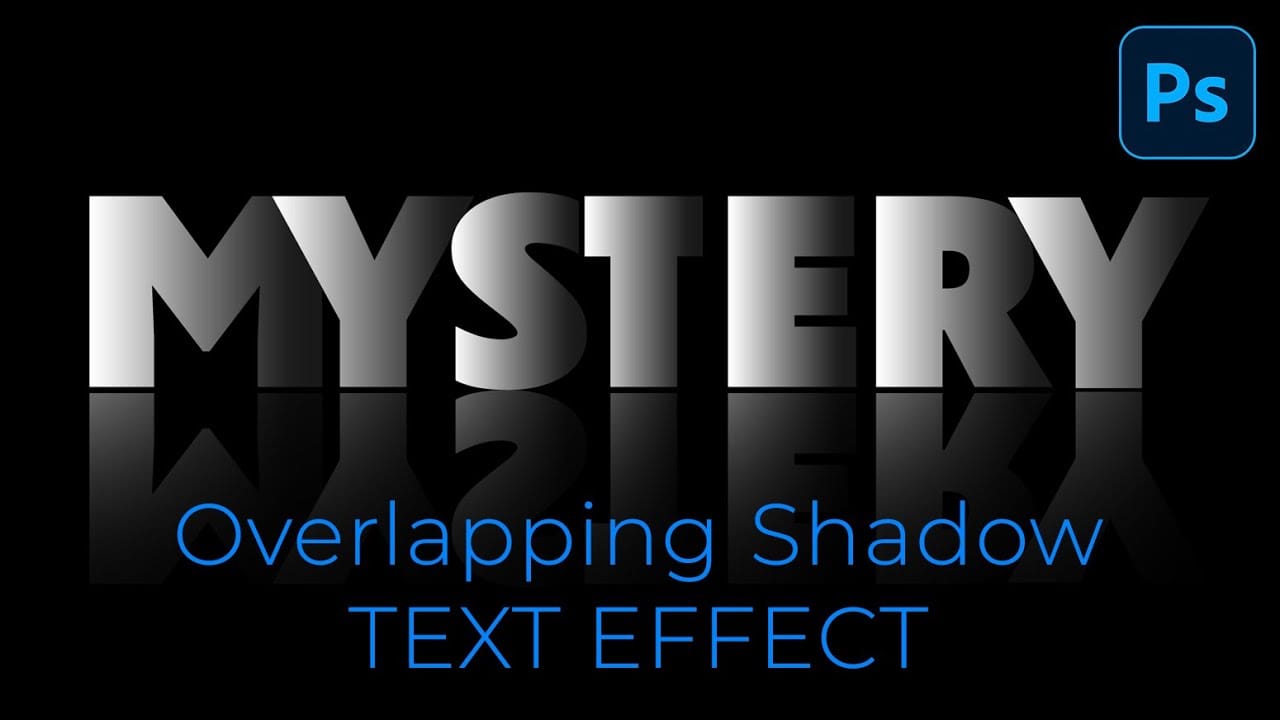
How to Create Overlapping Shadow Text Effect in Photoshop

How to Create Overlapping Shadow Text Effect in Photoshop

Dramatic text effects transform ordinary typography into striking visual statements that command attention. The overlapping shadow technique creates depth and dimension by layering individual characters with gradient overlays and reflections. This effect works particularly well for movie titles, album covers, and promotional graphics where bold, cinematic impact matters most. Watch Read the full article here: […]

Read more: How to Create Overlapping Shadow Text Effect in Photoshop
How to Create a Wood Burn Effect in Photoshop

How to Create a Wood Burn Effect in Photoshop

Wood burning transforms simple text and graphics into rustic, branded designs that carry the authenticity of crafted woodwork. This timeless aesthetic connects digital art with traditional craftsmanship, creating visuals that feel both handmade and professional. Photoshop's layering and blending capabilities make it possible to simulate the charred, weathered Read the full article here: How to […]

Read more: How to Create a Wood Burn Effect in Photoshop