Schenectady Photographic Society

Menu

Photoshop Tutorials

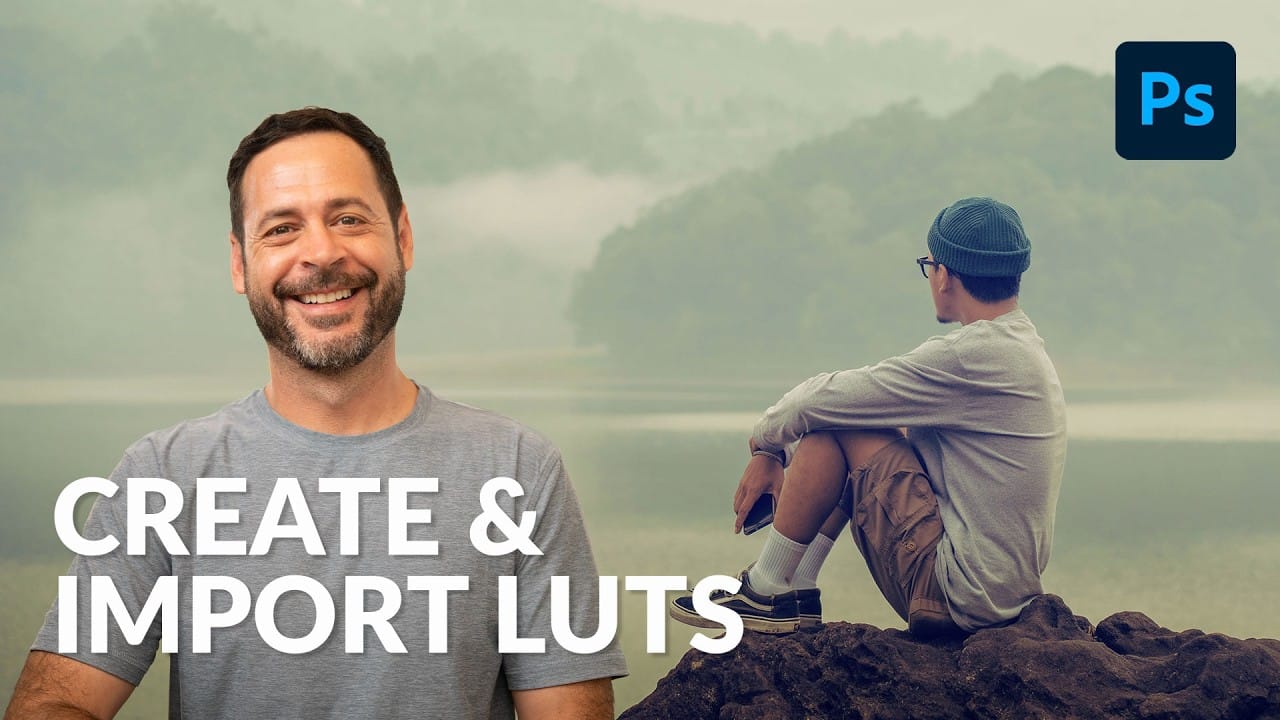
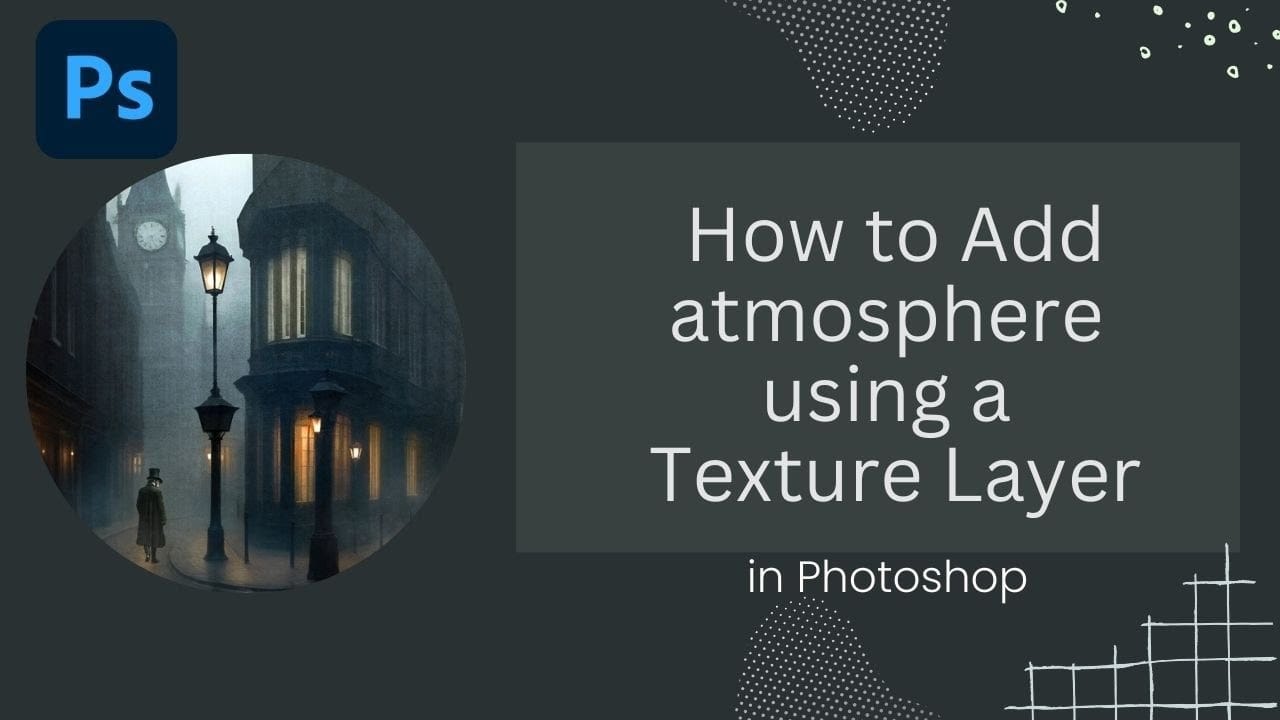
How to Add Atmospheric Effects to Images Using Texture Layers in Photoshop

How to Add Atmospheric Effects to Images Using Texture Layers in Photoshop

Victorian London streets shrouded in fog create an unmistakable mood that transforms ordinary scenes into cinematic masterpieces. The interplay of light, shadow, and atmospheric haze gives images the kind of depth and character that draws viewers into another world. This video demonstrates how texture layers can become powerful tools for Read the full article here: […]

Read more: How to Add Atmospheric Effects to Images Using Texture Layers in Photoshop
Cutting Out Complex Images in Photoshop: 3 Professional Refinement Techniques

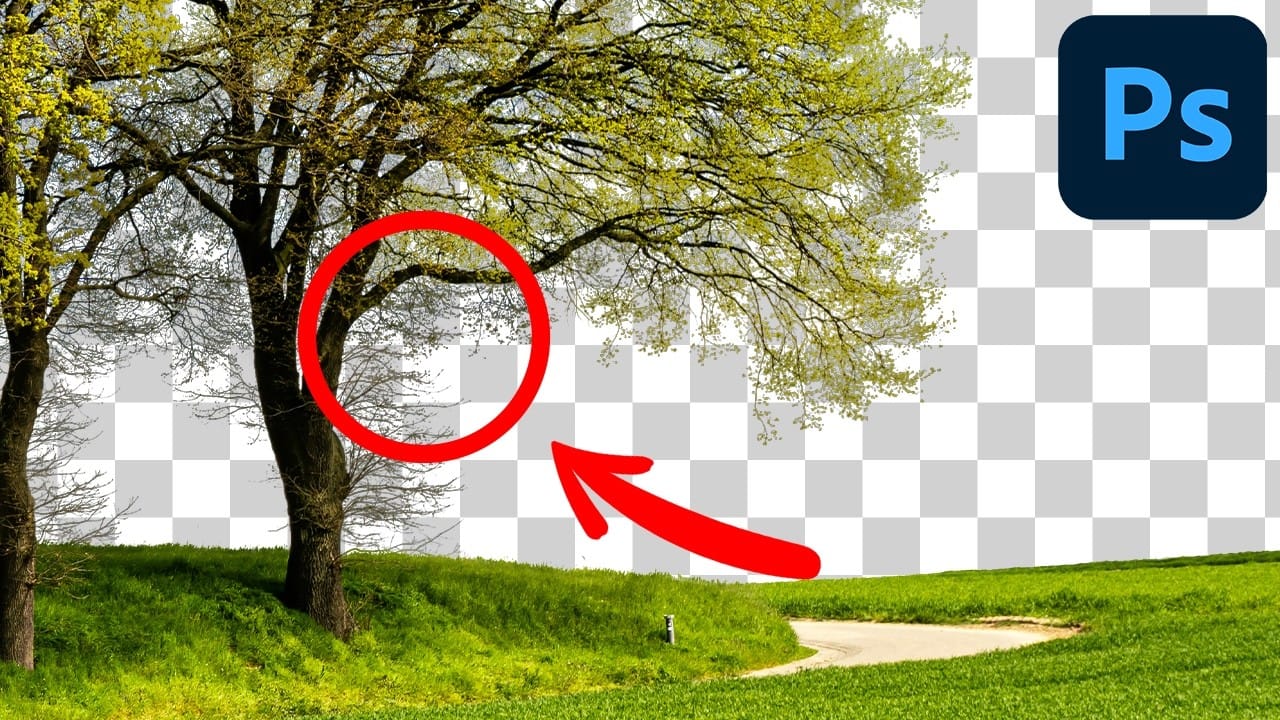
Cutting Out Complex Images in Photoshop: 3 Professional Refinement Techniques

Complex cutouts with intricate details like tree branches or hair often suffer from visible fringing and rough edges that make them look unprofessional. These three refinement techniques transform basic channel selections into clean, realistic cutouts. Master these methods to eliminate fringing, restore natural colors, and achieve seamless integration with any Read the full article here: […]

Read more: Cutting Out Complex Images in Photoshop: 3 Professional Refinement Techniques
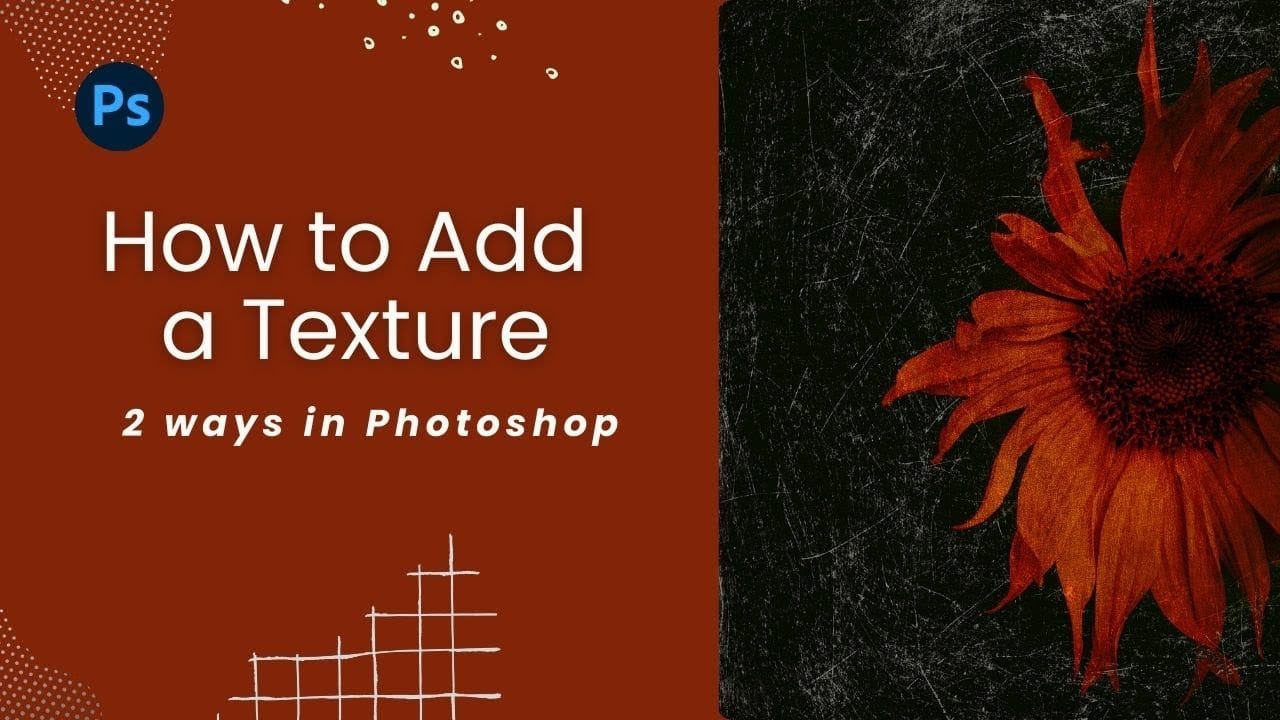
How to Add Texture Overlays in Photoshop: Two Essential Methods

How to Add Texture Overlays in Photoshop: Two Essential Methods

Texture overlays transform ordinary photos into compelling artistic images with depth and visual interest. The right texture can add warmth, grunge, or subtle mood changes that elevate your creative work. This tutorial demonstrates two reliable methods for applying texture overlays, showing you when and how to use each technique in Read the full article here: […]

Read more: How to Add Texture Overlays in Photoshop: Two Essential Methods
Gemini Nano Banana vs Photoshop: A Detailed Performance Comparison

Gemini Nano Banana vs Photoshop: A Detailed Performance Comparison

Modern AI tools promise instant photo editing magic with simple text prompts. Gemini's Nano Banana and similar platforms can generate impressive results for basic tasks, but professional work demands precision and consistency. This comprehensive comparison tests AI capabilities against traditional Photoshop techniques across skin retouching, compositing, background removal, Read the full article here: Gemini Nano […]

Read more: Gemini Nano Banana vs Photoshop: A Detailed Performance Comparison
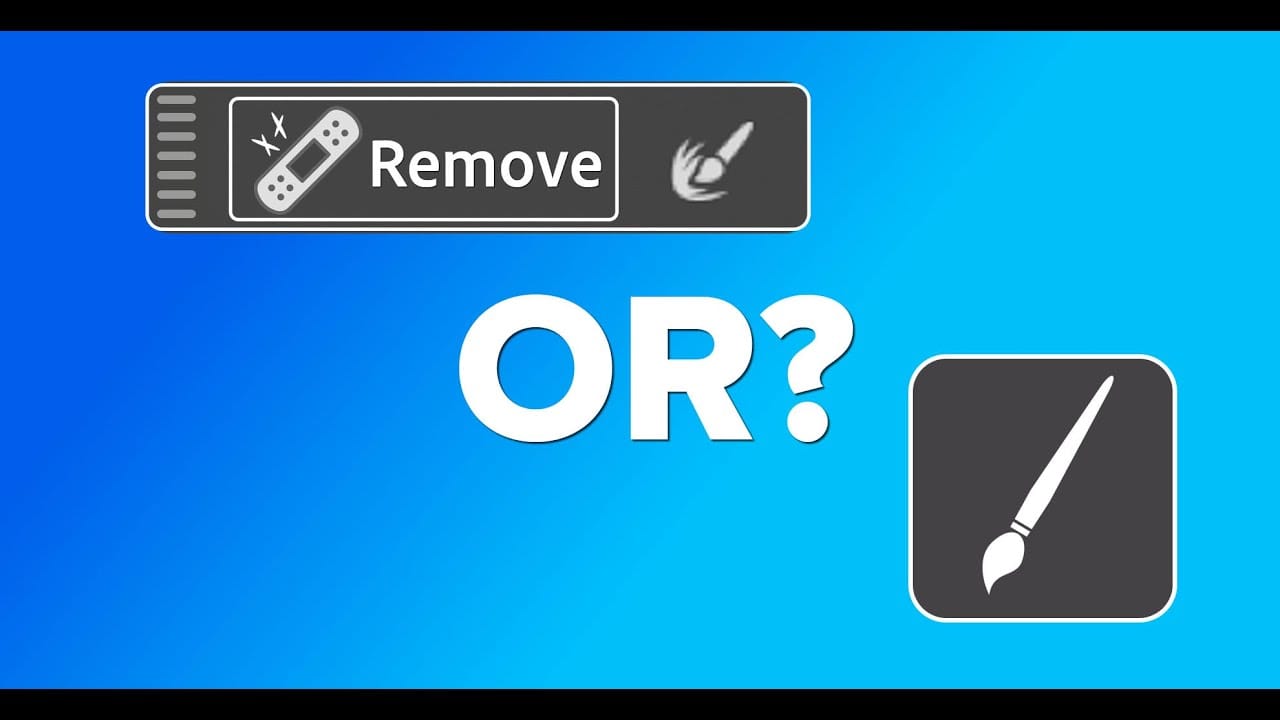
Photoshop Object Removal: Remove Tool vs Contextual Remove Button Compared

Photoshop Object Removal: Remove Tool vs Contextual Remove Button Compared

Photoshop offers two main approaches for removing unwanted objects: the Remove Tool brush and the contextual Remove button that appears after making selections. Each method has distinct advantages depending on your image and workflow needs. This comparison explores both techniques across multiple real-world examples to help you choose the most Read the full article here: […]

Read more: Photoshop Object Removal: Remove Tool vs Contextual Remove Button Compared
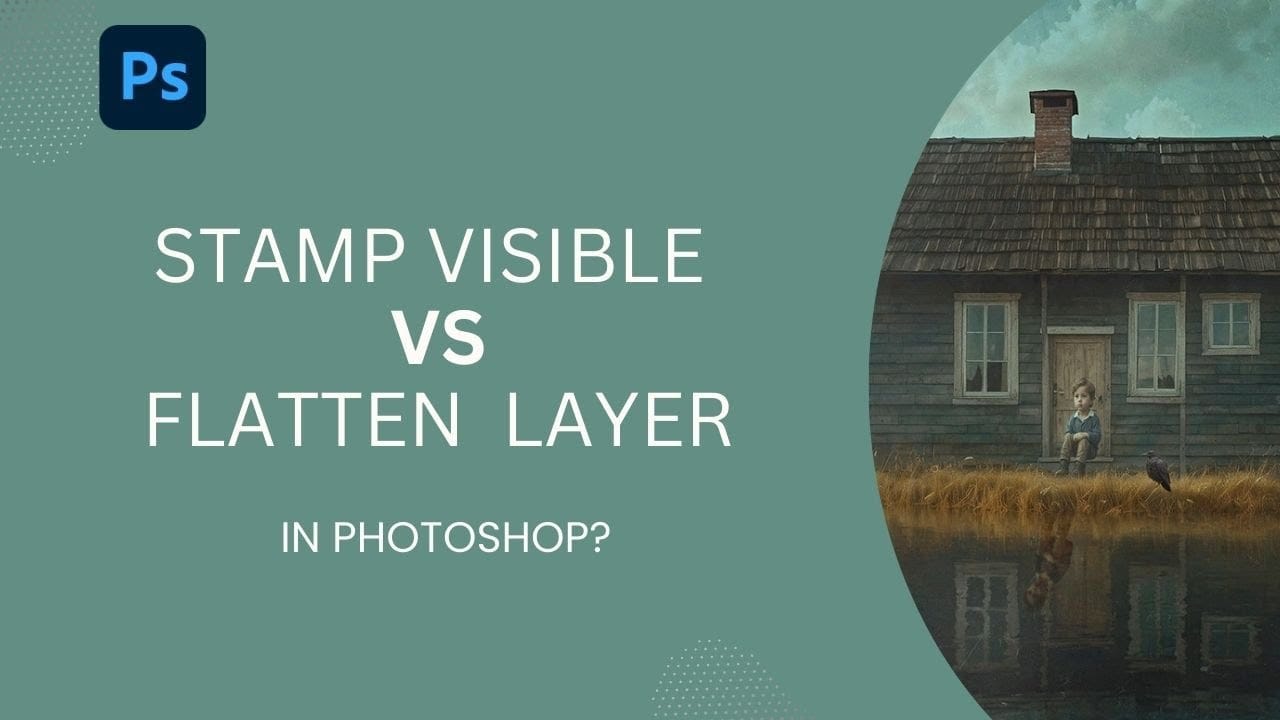
How to Use Stamp Visible Layer vs Flatten Image in Photoshop

How to Use Stamp Visible Layer vs Flatten Image in Photoshop

Professional photo editing requires flexibility to make adjustments without destroying your original work. Photoshop's Stamp Visible feature combines all visible layers into one new layer while preserving your adjustment layers underneath. This approach keeps your workflow intact and allows you to continue editing, unlike flattening which destroys all Read the full article here: How to […]

Read more: How to Use Stamp Visible Layer vs Flatten Image in Photoshop