Schenectady Photographic Society

Menu

Photoshop Tutorials

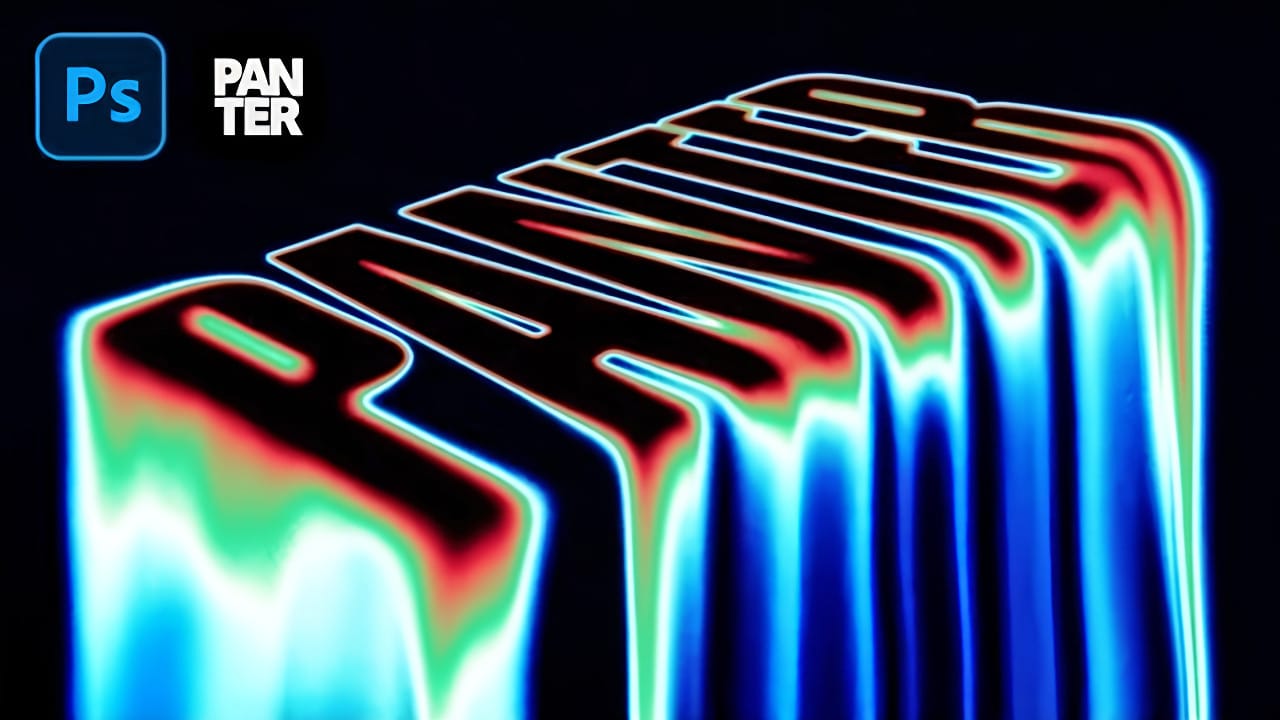
Create Liquid Melting Acid Text in Perspective in Photoshop

Create Liquid Melting Acid Text in Perspective in Photoshop

Acid text effects capture the raw energy of corrosive transformation, turning ordinary typography into flowing, organic shapes that appear to melt and dissolve. This distinctive visual style suggests powerful forces reshaping matter itself, creating text that seems alive with chemical reaction. The technique transforms flat letters into dimensional, perspective-distorted forms Read the full article here: […]
Read more: Create Liquid Melting Acid Text in Perspective in Photoshop
Create a Neon Text Effect in Photoshop with Blur and Layer Styles

Create a Neon Text Effect in Photoshop with Blur and Layer Styles

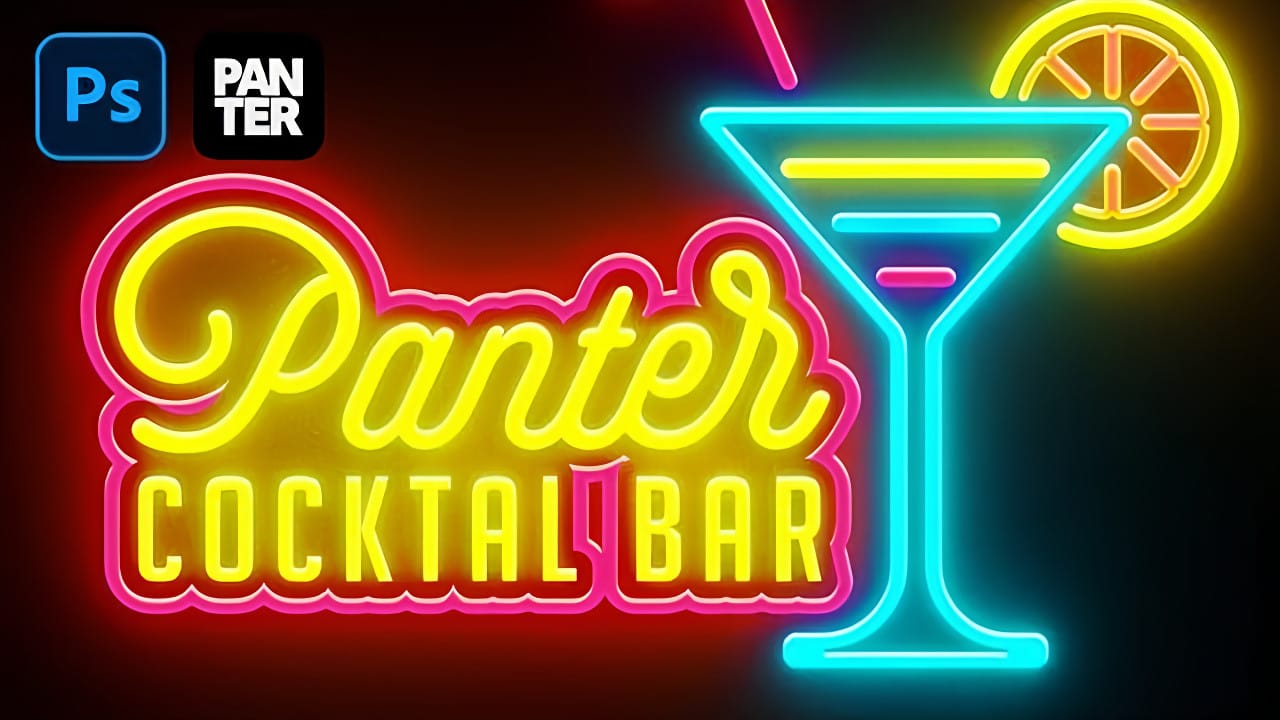
Neon signs bring instant energy to any design with their electric glow and vibrant colors. The luminous quality that makes real neon so captivating can transform ordinary text into something that feels alive and pulsing with light. This video demonstrates how to recreate that distinctive neon look using Photoshop' Read the full article here: Create […]

Read more: Create a Neon Text Effect in Photoshop with Blur and Layer Styles
Grungy Ink Bleed Text Effect Tutorial in Photoshop

Grungy Ink Bleed Text Effect Tutorial in Photoshop

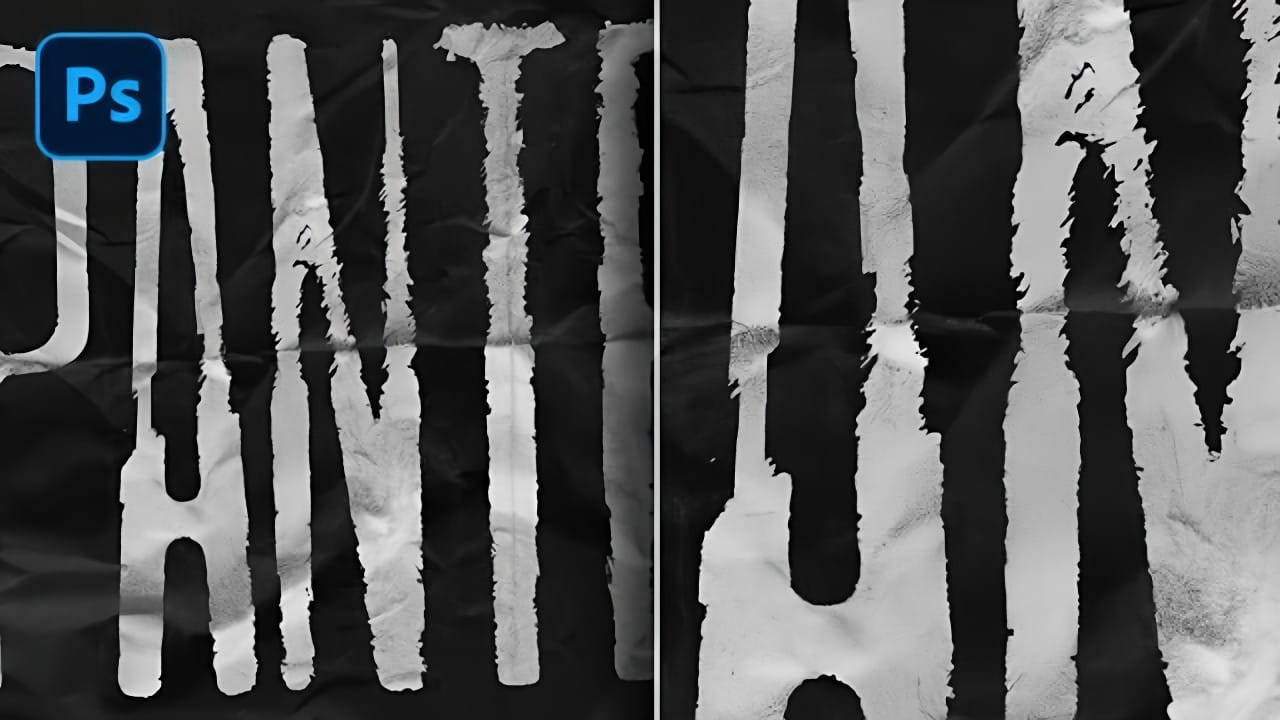
Street art and underground design capture attention through their raw, imperfect textures that feel authentic and rebellious. The ink bleed effect transforms clean typography into something that appears weathered and organic, as if ink has spread naturally on wet paper. This technique combines blur effects with texture overlays to create Read the full article here: […]

Read more: Grungy Ink Bleed Text Effect Tutorial in Photoshop
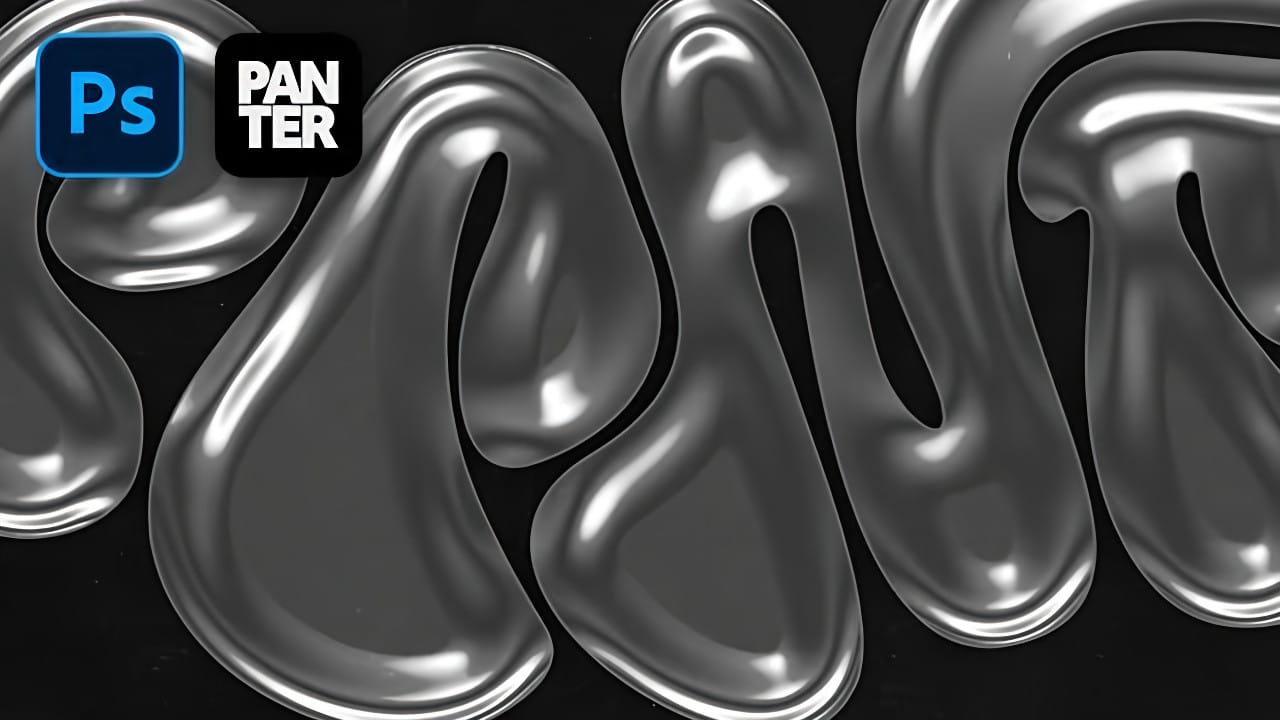
How to Create a Foil Text Effect in Photoshop

How to Create a Foil Text Effect in Photoshop

Foil text effects bring luxurious shine and metallic depth to typography, mimicking the reflective quality of embossed metallic lettering. This dimensional effect works perfectly for premium branding, elegant invitations, or any design that needs an upscale metallic finish. The technique relies heavily on Photoshop's layer styles, particularly bevel Read the full article here: How to […]

Read more: How to Create a Foil Text Effect in Photoshop
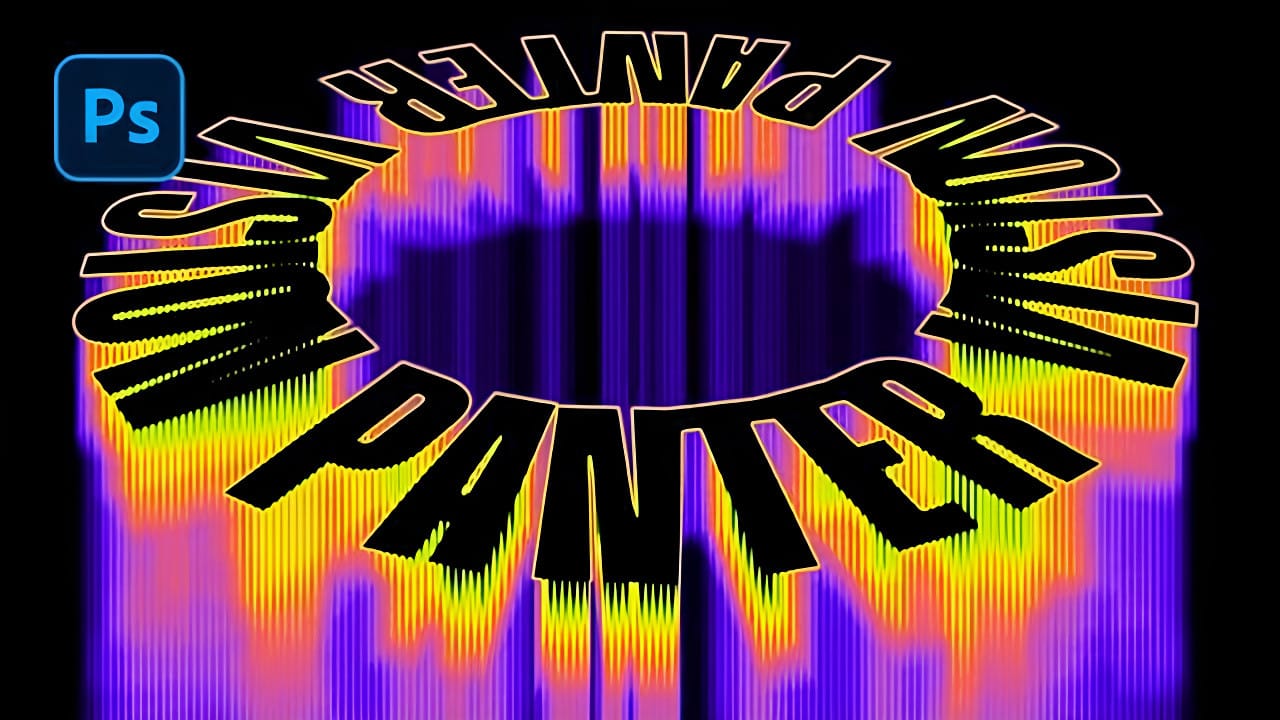
Creating Circular Text with Motion Blur Effects in Photoshop

Creating Circular Text with Motion Blur Effects in Photoshop

Spinning text effects with motion blur create the illusion of dynamic movement and energy in digital designs. This visual technique transforms static typography into something that appears to be rotating rapidly through space, leaving trailing blur patterns that catch the eye. The combination of circular text arrangement, perspective distortion, and Read the full article here: […]

Read more: Creating Circular Text with Motion Blur Effects in Photoshop
12 Visually Striking Photoshop Effects You'll Want to Add to Your Portfolio Right Now

12 Visually Striking Photoshop Effects You'll Want to Add to Your Portfolio Right Now

Most people learning Photoshop quit way too early. Here's why: You start with excitement. Finally getting your hands on the world's most powerful image editing software. 'You'll create amazing things with just one click', they said. You eagerly dive into generative fill, Read the full article here: 12 Visually Striking Photoshop Effects You'll Want to […]

Read more: 12 Visually Striking Photoshop Effects You'll Want to Add to Your Portfolio Right Now
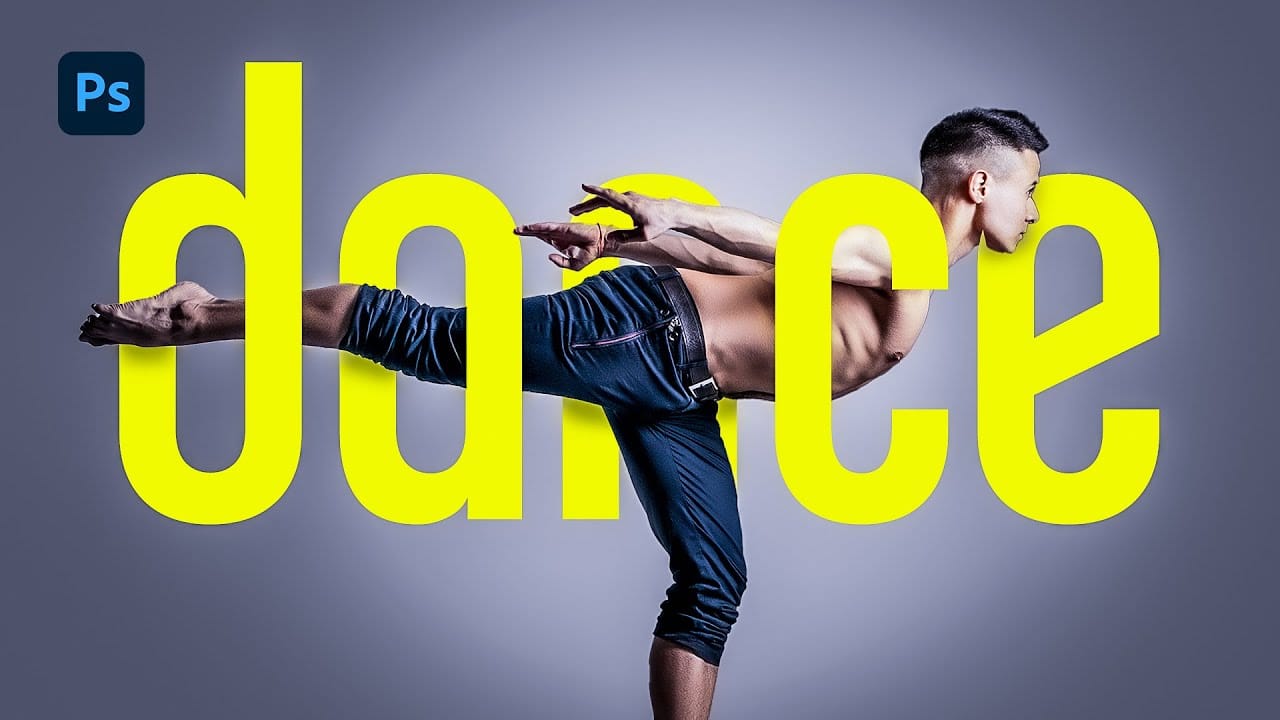
How to Merge Text with Images in Photoshop Using Layer Masks

How to Merge Text with Images in Photoshop Using Layer Masks

Text effects can transform ordinary typography into striking visual elements that capture attention and convey meaning beyond words. When text appears to weave seamlessly through images, it creates a professional, dimensional look that suggests depth and craftsmanship. This technique combines the precision of layer masks with strategic brushwork to achieve Read the full article here: […]

Read more: How to Merge Text with Images in Photoshop Using Layer Masks
Transform Photos into Abstract Expressionist Portraits in Photoshop

Transform Photos into Abstract Expressionist Portraits in Photoshop

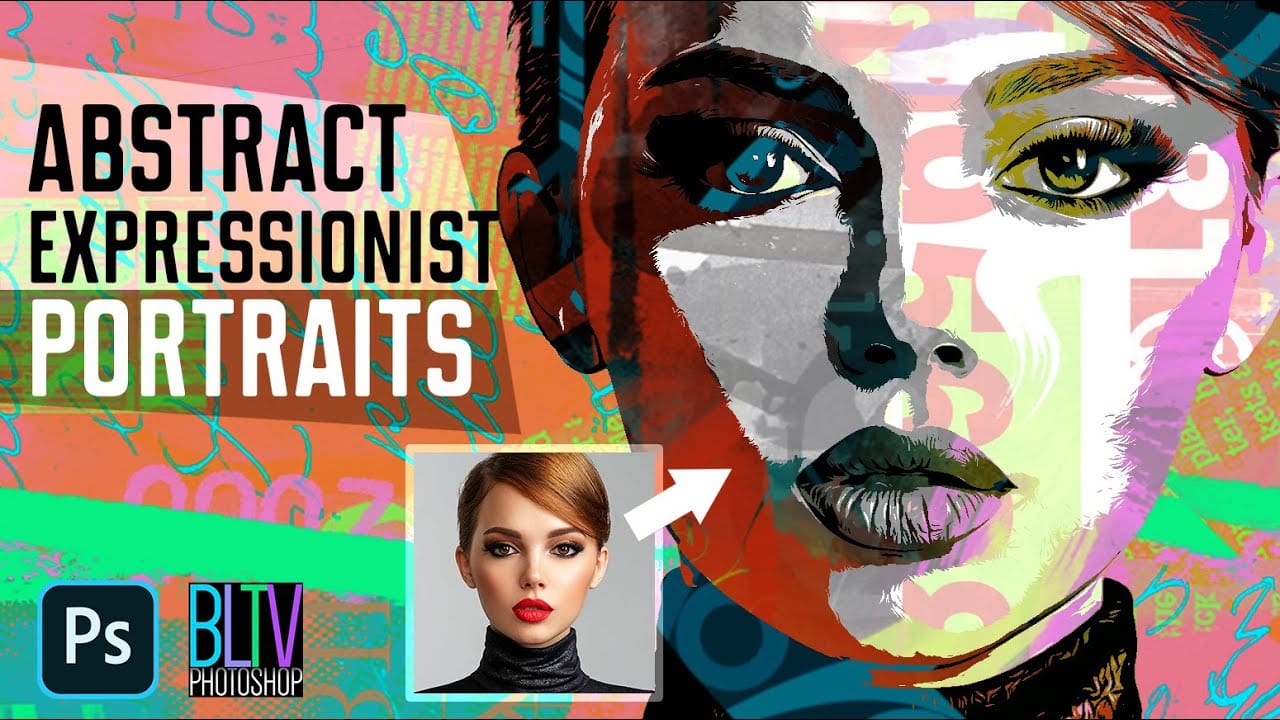
Abstract expressionism transforms raw emotion into bold visual statements through powerful brushstrokes, dramatic textures, and expressive color palettes. This painting movement emphasizes spontaneity and artistic freedom over realistic representation. This technique converts ordinary portraits into dynamic abstract expressionist artworks by combining multiple texture layers with strategic masking. The process creates Read the full article here: […]
Read more: Transform Photos into Abstract Expressionist Portraits in Photoshop