Schenectady Photographic Society

Menu

Photoshop Tutorials

How to Add Realistic Light and Shadow Effects to Portraits in Photoshop

How to Add Realistic Light and Shadow Effects to Portraits in Photoshop

The difference between a flat portrait and one with captivating depth often comes down to how light and shadow play across the subject's features. Professional photographers spend thousands on studio lighting equipment, but digital artists can achieve dramatic lighting effects using only Photoshop tools. This technique transforms ordinary Read the full article here: How to […]
Read more: How to Add Realistic Light and Shadow Effects to Portraits in Photoshop
How to Create a Split Water Effect in Photoshop Using Smart Objects

How to Create a Split Water Effect in Photoshop Using Smart Objects

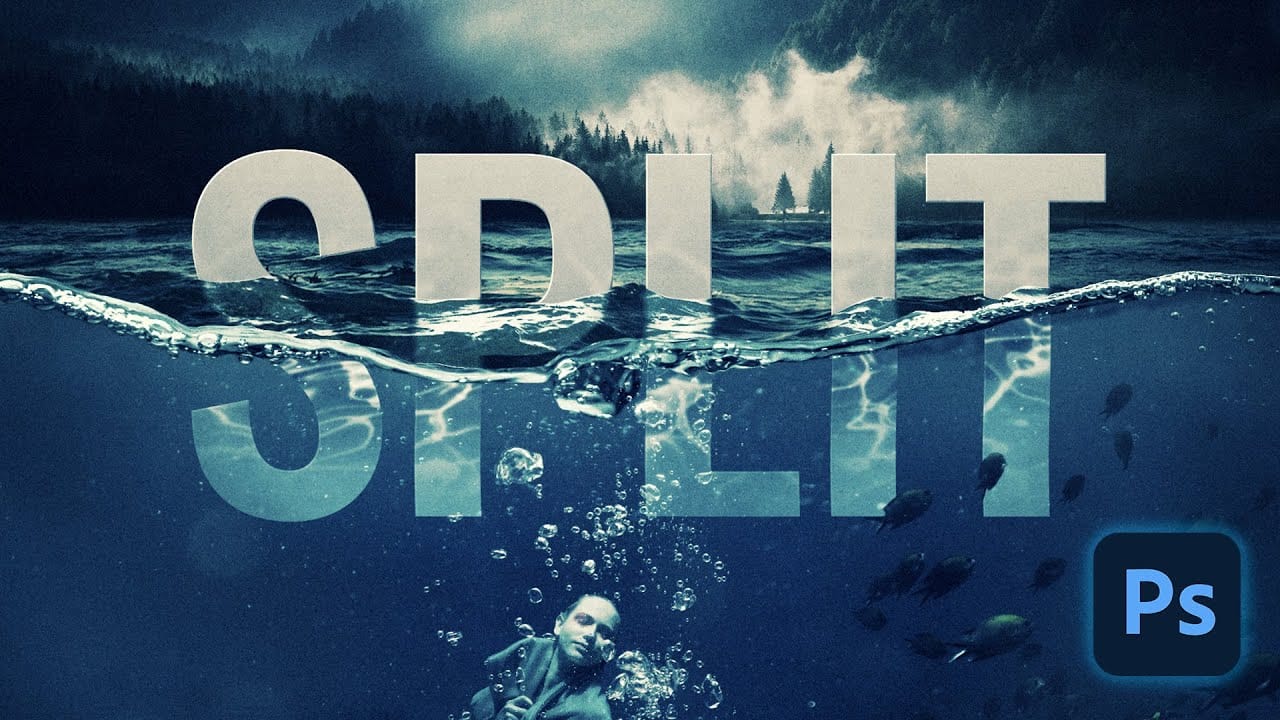
Split water photography creates dramatic visuals that reveal both the underwater and above-water worlds in a single frame. This technique captures the mysterious boundary where light bends, visibility drops, and subjects take on an otherworldly quality beneath the surface. The process combines multiple images and advanced Photoshop techniques to recreate Read the full article here: […]

Read more: How to Create a Split Water Effect in Photoshop Using Smart Objects
Create Grungy Retro Halftone Effect in Photoshop

Create Grungy Retro Halftone Effect in Photoshop

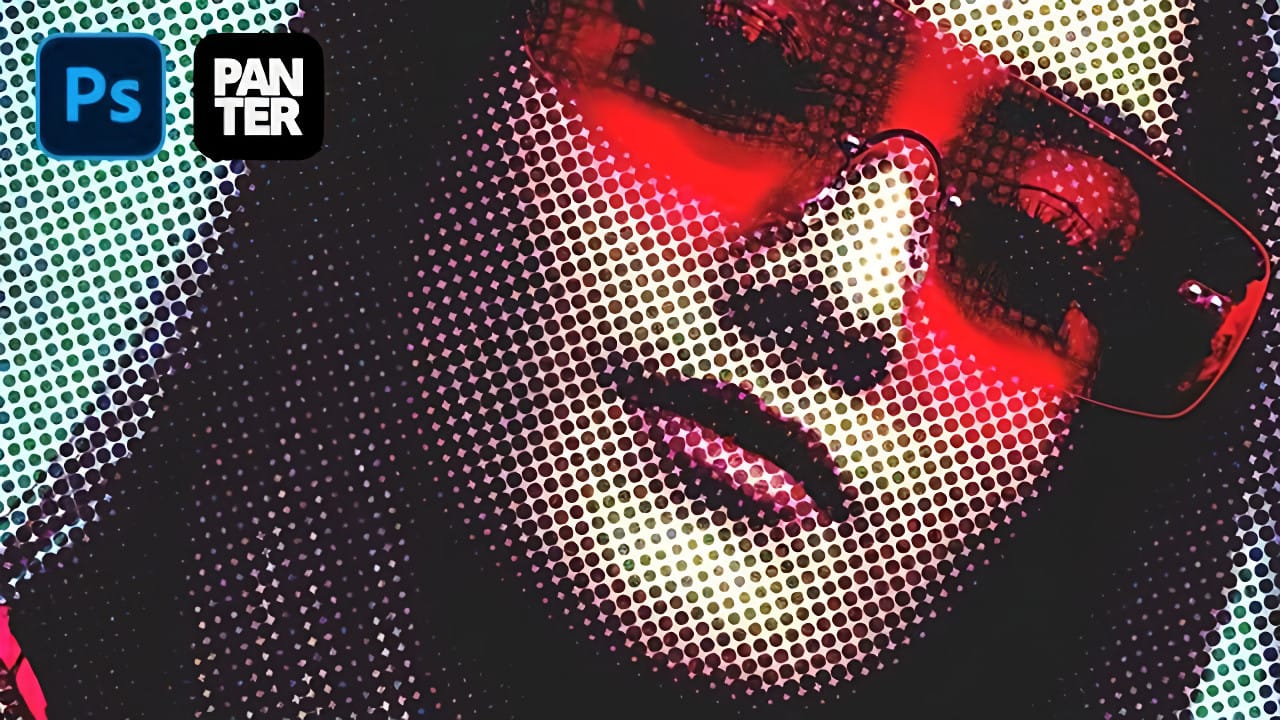
Vintage poster art captured attention through bold contrasts, visible printing dots, and rough textures that gave images character. The halftone effect recreates this aesthetic by breaking up continuous tones into distinct dots, mimicking old-school printing techniques. This technique transforms clean digital photos into gritty, retro-style artwork. The method combines Photoshop& Read the full article here: […]

Read more: Create Grungy Retro Halftone Effect in Photoshop
Transform Photos into Realistic Watercolor Paintings in Photoshop

Transform Photos into Realistic Watercolor Paintings in Photoshop

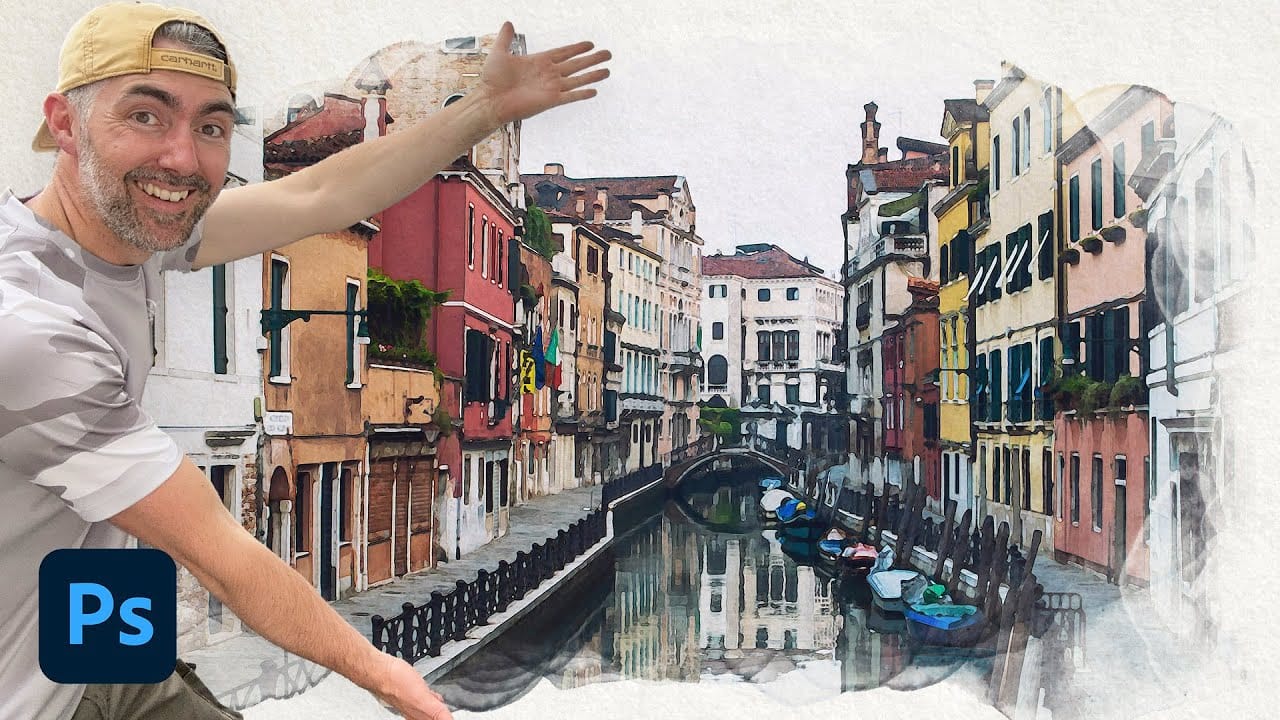
Watercolor paintings capture a unique blend of spontaneity and control that's instantly recognizable. The way pigments blend and flow creates organic textures that feel both deliberate and accidental, with soft edges that seem to breathe life into static images. This tutorial demonstrates how to recreate that distinctive watercolor Read the full article here: Transform Photos […]

Read more: Transform Photos into Realistic Watercolor Paintings in Photoshop
How to Create a Stippled Ink Drawing Effect in Photoshop

How to Create a Stippled Ink Drawing Effect in Photoshop

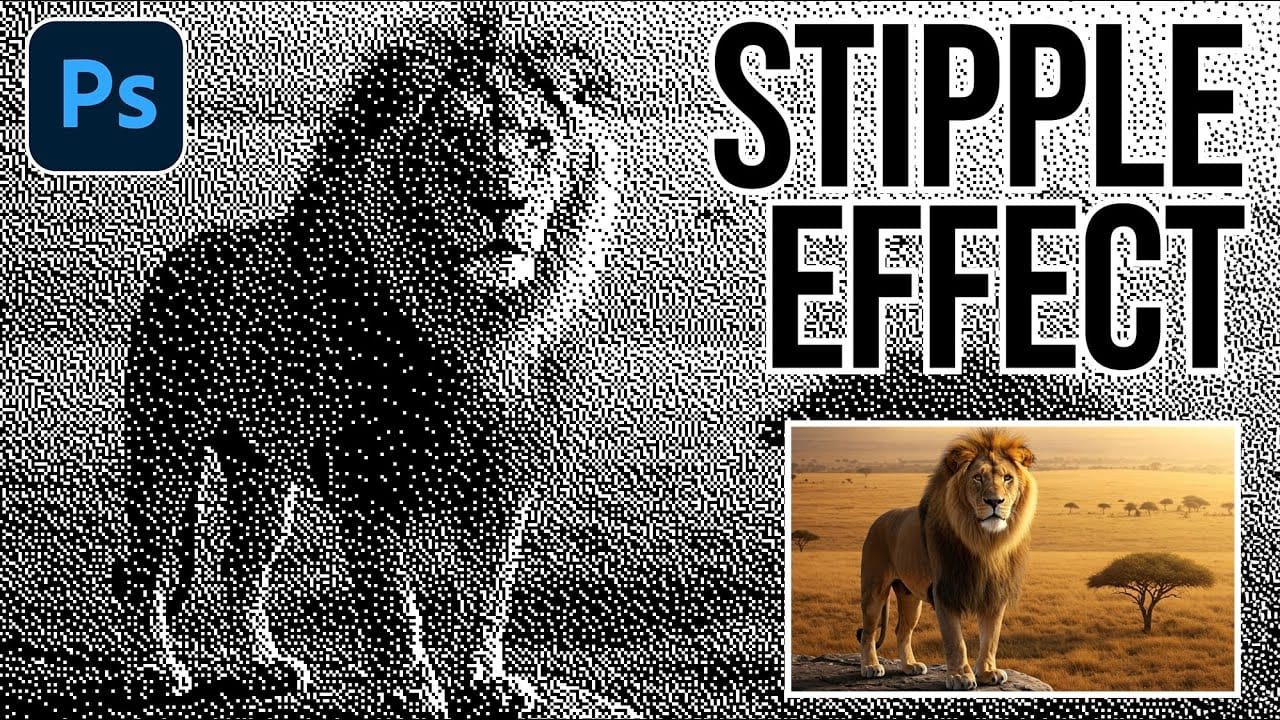
Hand-drawn stippled portraits have captivated artists for centuries with their unique texture created entirely from dots and speckles. This pointillistic technique transforms smooth photographic surfaces into artwork that feels both timeless and distinctly handcrafted. This tutorial demonstrates how to recreate that classic stippled ink effect digitally, giving you complete control Read the full article here: […]

Read more: How to Create a Stippled Ink Drawing Effect in Photoshop
Photoshop Dynamic Text Feature Tutorial: Auto-Fitting Typography Design

Photoshop Dynamic Text Feature Tutorial: Auto-Fitting Typography Design

Typography design often involves endless manual adjustments to make text fit perfectly within defined spaces. Every resize means recalculating font sizes, line breaks, and spacing to maintain clean alignment and readability. Photoshop's new Dynamic Text feature automatically handles these calculations, creating pixel-perfect left and right margins while intelligently Read the full article here: Photoshop Dynamic […]

Read more: Photoshop Dynamic Text Feature Tutorial: Auto-Fitting Typography Design
How to Create a Grungy Splatter Text Effect in Photoshop

How to Create a Grungy Splatter Text Effect in Photoshop

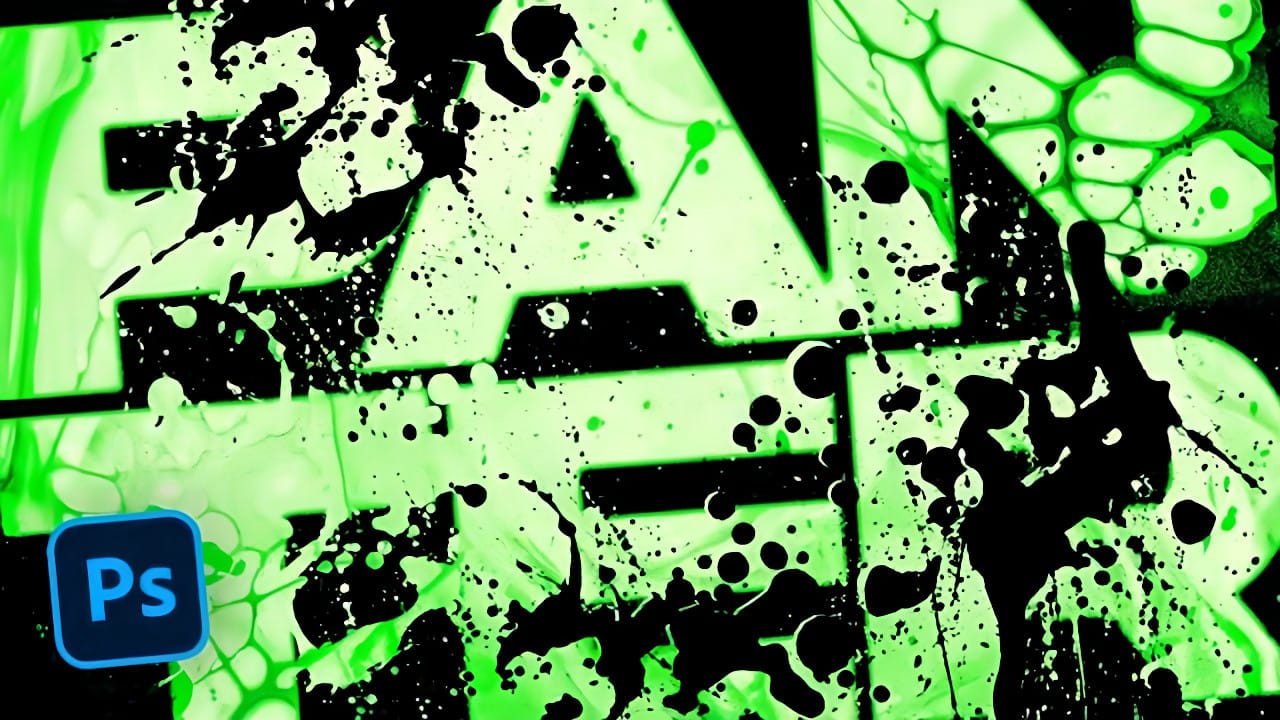
Grungy text effects capture the raw energy of street art and underground design movements. The weathered, distressed look adds character and rebellion to typography, making it perfect for band posters, urban branding, and edgy graphic projects. This video demonstrates how to combine custom splatter brushes, texture overlays, and adjustment layers Read the full article here: […]

Read more: How to Create a Grungy Splatter Text Effect in Photoshop
How to Create a Realistic Sun from Scratch in Photoshop

How to Create a Realistic Sun from Scratch in Photoshop

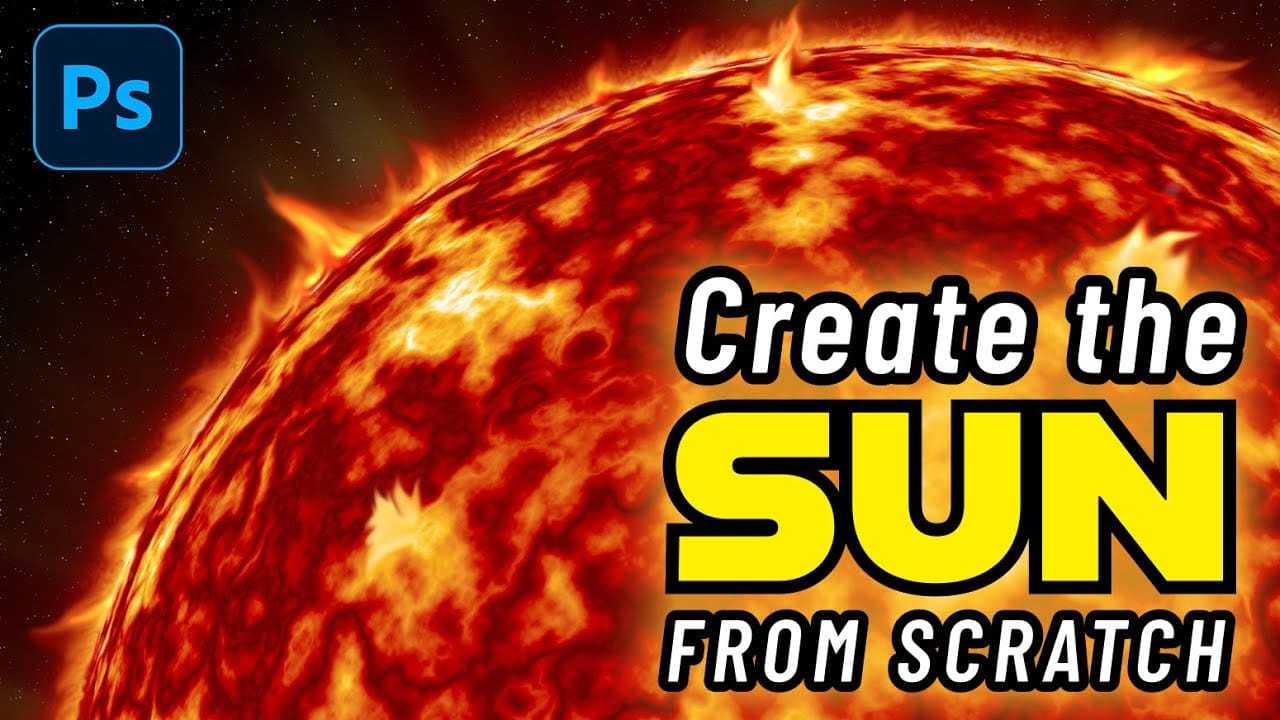
The sun remains one of the most challenging celestial objects to recreate digitally. Its complex surface textures, radiant glow, and dynamic solar flares require a combination of precise techniques and creative approaches. This comprehensive tutorial demonstrates how to build a photorealistic sun using Photoshop's rendering filters, gradient mapping, Read the full article here: How to […]
Read more: How to Create a Realistic Sun from Scratch in Photoshop