
Schenectady Photographic Society

Menu

Photoshop Tutorials

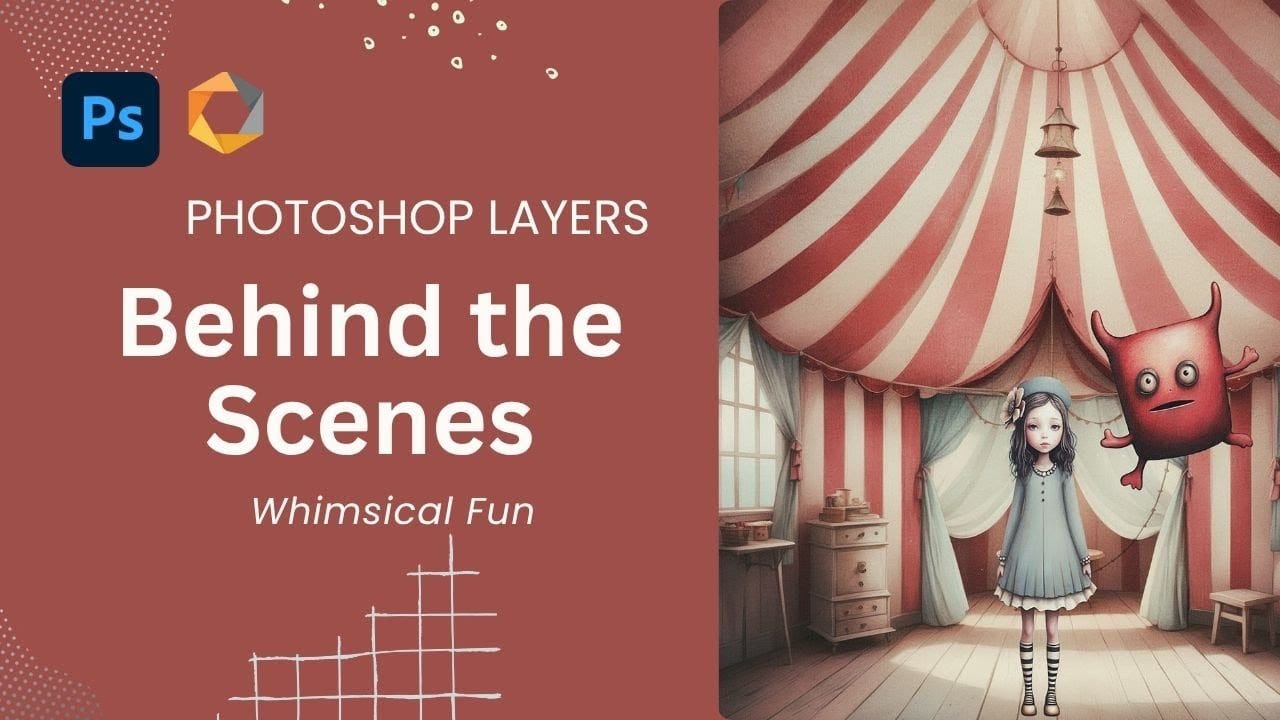
Create a Whimsical Vintage Image in Photoshop: Complete Layer Breakdown and Color Matching Technique

Create a Whimsical Vintage Image in Photoshop: Complete Layer Breakdown and Color Matching Technique

The magic of vintage circus imagery lies in its ability to transport viewers to a world of wonder and nostalgia. Soft, muted tones paired with whimsical characters create compositions that feel both timeless and enchanting. This tutorial demonstrates how to build a complete vintage-inspired scene using strategic layering, color grading Read the full article here: […]

Read more: Create a Whimsical Vintage Image in Photoshop: Complete Layer Breakdown and Color Matching Technique
How to Cut Out Complex Hair and Fur in Photoshop Without Fringing

How to Cut Out Complex Hair and Fur in Photoshop Without Fringing

Sharp, clean cutouts separate amateur photo edits from professional composites. Subjects with hair or fur challenge even experienced Photoshop users because standard selection tools often leave noticeable color fringing around delicate edges. This tutorial demonstrates a complete workflow that combines Photoshop's cloud-powered selection tools with manual refinement techniques Read the full article here: How to […]

Read more: How to Cut Out Complex Hair and Fur in Photoshop Without Fringing
How to Create a VHS Glitch Effect in Photoshop

How to Create a VHS Glitch Effect in Photoshop

VHS glitch effects capture the nostalgic charm of analog video distortion, transforming clean digital images into retro masterpieces. These effects recreate the visual artifacts of old videotapes — horizontal scan lines, color channel separation, and pixelated interference that defined an entire era of visual media. This tutorial demonstrates how to build Read the full article […]

Read more: How to Create a VHS Glitch Effect in Photoshop
Creative Uses of Photoshop's Difference Blending Mode

Creative Uses of Photoshop's Difference Blending Mode

The Difference blending mode often gets overlooked in Photoshop, dismissed as too unpredictable or harsh for creative work. Most designers know it as a utility tool for layer alignment, but this powerful mode can create striking effects when used thoughtfully. From grungy texture overlays to vintage solarized looks, Difference mode Read the full article here: […]

Read more: Creative Uses of Photoshop's Difference Blending Mode
How to Create a Long Exposure Glow Effect in Photoshop

How to Create a Long Exposure Glow Effect in Photoshop

Motion blur and glowing light trails create some of photography's most captivating visual effects. The ethereal quality of long exposure photography transforms ordinary subjects into dreamlike compositions with flowing energy and luminous movement. This technique recreates that signature glow digitally, allowing you to achieve stunning motion effects without Read the full article here: How to […]

Read more: How to Create a Long Exposure Glow Effect in Photoshop
Essential Type Tool Techniques in Photoshop

Essential Type Tool Techniques in Photoshop

Text in Photoshop offers far more creative potential than basic typing and font selection. Advanced type tool techniques unlock professional-level text manipulation, from precise warping control to custom character distortion and knockout effects. These methods transform ordinary text into dynamic design elements that integrate seamlessly with complex compositions and visual Read the full article here: […]

Read more: Essential Type Tool Techniques in Photoshop
How to Create a Blurry Halftone Text Effect in Photoshop

How to Create a Blurry Halftone Text Effect in Photoshop

Comic book aesthetics and vintage print textures bring a distinctive visual punch to modern digital typography. The halftone effect—those characteristic dot patterns from traditional printing—creates instant nostalgia and graphic impact when combined with strategic blur techniques. This technique transforms simple text into dynamic graphic elements that capture the Read the full article here: How to […]

Read more: How to Create a Blurry Halftone Text Effect in Photoshop
Create an Abstract Liquid Glass Dispersion Effect in Photoshop

Create an Abstract Liquid Glass Dispersion Effect in Photoshop

Abstract liquid glass effects combine the ethereal beauty of flowing water with the crystalline clarity of glass, creating mesmerizing visual compositions. These effects transform simple geometric shapes into complex, organic forms that appear to bend and flow like liquid while maintaining the reflective qualities of glass surfaces. This technique opens Read the full article here: […]

Read more: Create an Abstract Liquid Glass Dispersion Effect in Photoshop