Schenectady Photographic Society

Menu

Photoshop Tutorials

Complete Guide to AI Photo Editing with Photoshop's Generative Fill

Complete Guide to AI Photo Editing with Photoshop's Generative Fill

Modern photo editing has entered a new era where artificial intelligence can solve complex visual problems in seconds. Tasks that once required hours of manual work—removing unwanted objects, changing skies, adding realistic elements—can now be accomplished with simple selections and text prompts. This comprehensive tutorial demonstrates 37 practical Read the full article here: Complete Guide […]

Read more: Complete Guide to AI Photo Editing with Photoshop's Generative Fill
Creating a Colorful Pixelated Effect in Photoshop

Creating a Colorful Pixelated Effect in Photoshop

The colorful pixelated effect transforms ordinary photographs into vibrant, retro-style artwork reminiscent of 8-bit video games and digital pop art. This distinctive visual style combines traditional mosaic filtering with advanced color manipulation to create bold, simplified imagery that captures attention. This technique works particularly well for portraits, creating striking poster-like Read the full article here: […]

Read more: Creating a Colorful Pixelated Effect in Photoshop
Create a Distorted Photocopy Scan Effect in Photoshop

Create a Distorted Photocopy Scan Effect in Photoshop

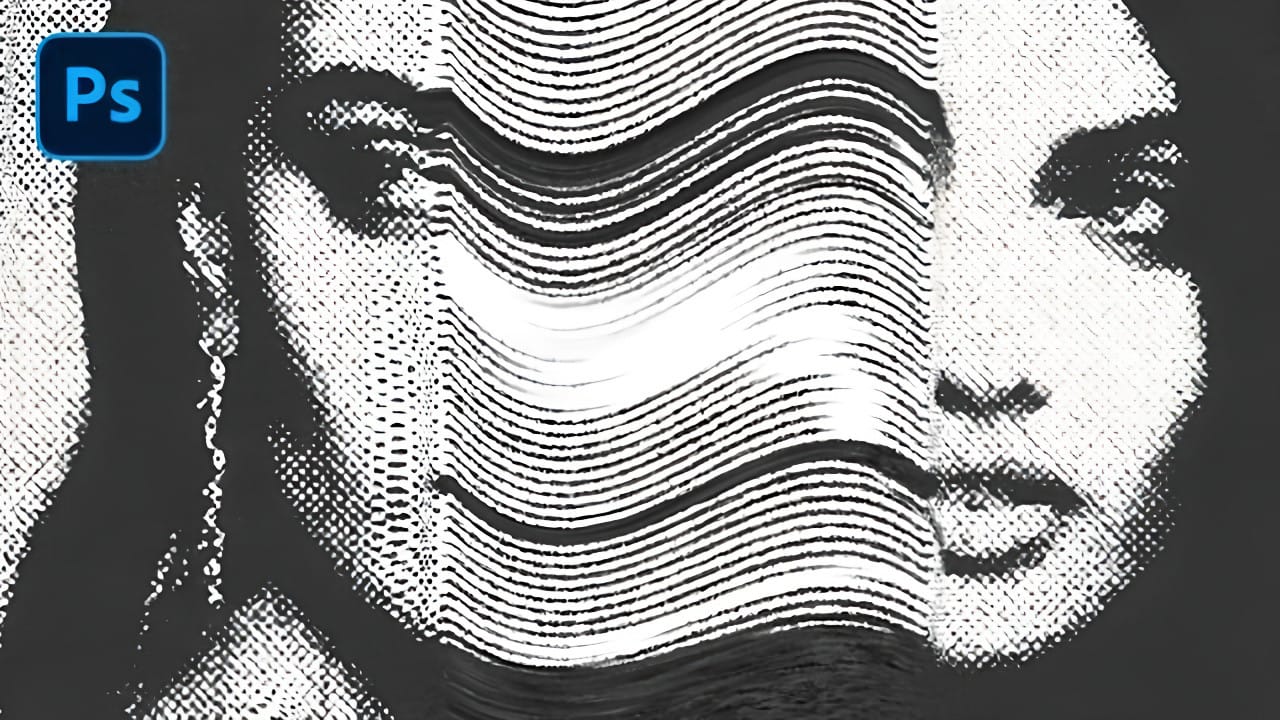
Vintage photocopy effects capture the imperfect charm of analog reproduction—those streaky scan lines, halftone dots, and mysterious distortions that made every copy slightly different. These gritty, mechanical textures add authentic character to digital designs, evoking the era when photocopiers were the primary way to duplicate documents and images. This Read the full article here: Create […]

Read more: Create a Distorted Photocopy Scan Effect in Photoshop
10 little-known Photoshop features you should really learn (2025 Update)

10 little-known Photoshop features you should really learn (2025 Update)

Photoshop's true power isn't just in its headline features—it's in the hidden gems that can transform your workflow overnight. While everyone knows about layers and the healing brush, these lesser-known capabilities can save you hours and open up creative possibilities you never knew Read the full article here: 10 little-known Photoshop features you should really […]

Read more: 10 little-known Photoshop features you should really learn (2025 Update)
Advanced Color Grading with Apply Image Layer Masks in Photoshop

Advanced Color Grading with Apply Image Layer Masks in Photoshop

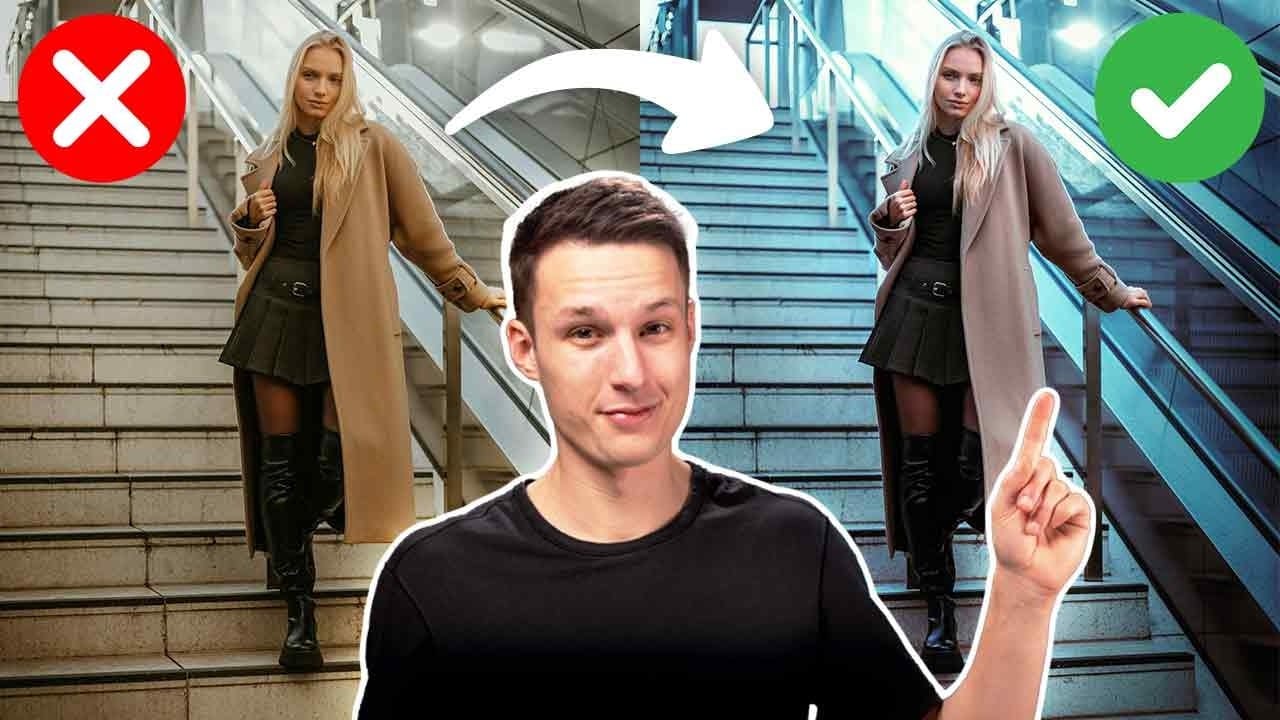
Professional color grading can transform ordinary photos into cinematic masterpieces, but heavy adjustments often create that obvious "filtered" look that screams amateur editing. The difference between natural-looking color enhancement and overdone processing lies in how the adjustments interact with your image's existing tonal structure. This advanced Read the full article here: Advanced Color Grading with […]

Read more: Advanced Color Grading with Apply Image Layer Masks in Photoshop
How to Create a Dark Chrome Text Effect in Photoshop Using Advanced Layer Styles

How to Create a Dark Chrome Text Effect in Photoshop Using Advanced Layer Styles

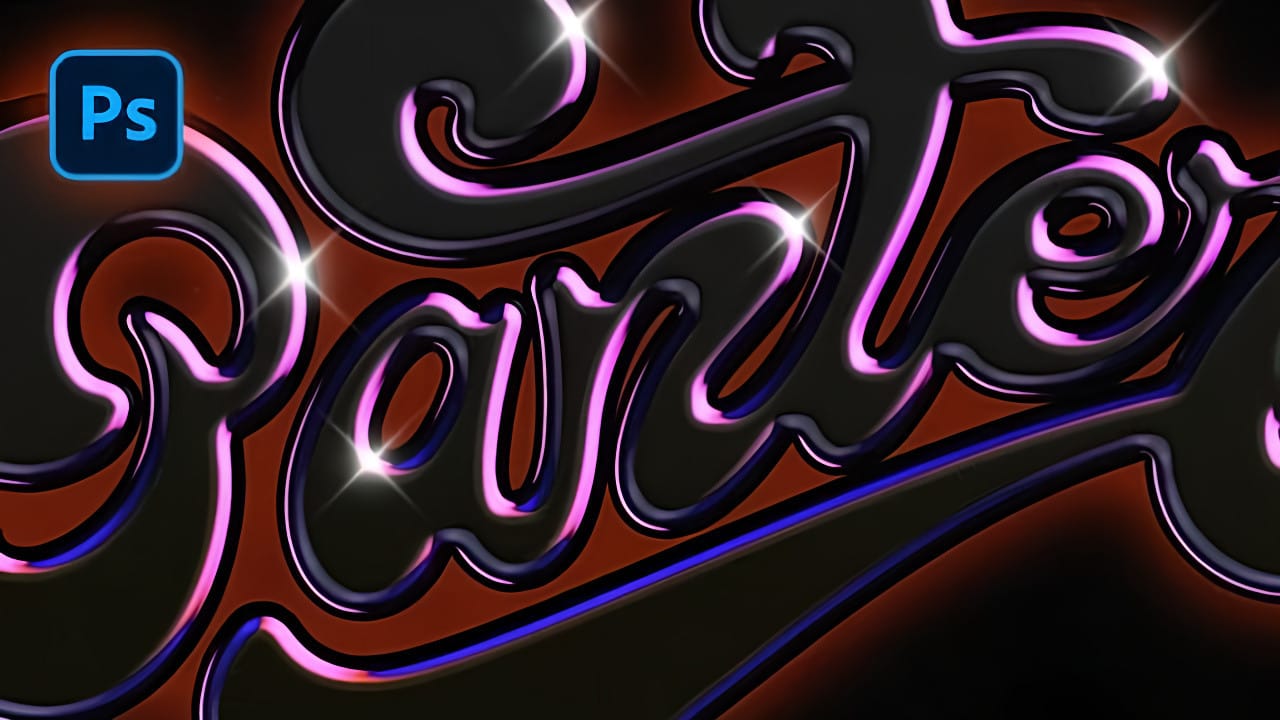
Chrome effects transform ordinary text into polished, metallic masterpieces that command attention. The reflective surfaces and dimensional depth create that premium, high-end look perfect for logos, headlines, and promotional graphics. This tutorial demonstrates a layered approach using multiple bevel and emboss effects, strategic color choices, and gradient overlays to build Read the full article here: […]

Read more: How to Create a Dark Chrome Text Effect in Photoshop Using Advanced Layer Styles
Creating Pixel Stretch Effects With Polar Coordinates in Photoshop

Creating Pixel Stretch Effects With Polar Coordinates in Photoshop

Digital artists often seek unique ways to extend and manipulate image elements beyond their original boundaries. The polar coordinates filter in Photoshop offers a powerful method for transforming linear pixel selections into curved, organic shapes that can enhance portraits and creative compositions. This technique combines strategic pixel sampling with coordinate Read the full article here: […]

Read more: Creating Pixel Stretch Effects With Polar Coordinates in Photoshop
Create a Spinning Melting Fire Text Effect in Photoshop

Create a Spinning Melting Fire Text Effect in Photoshop

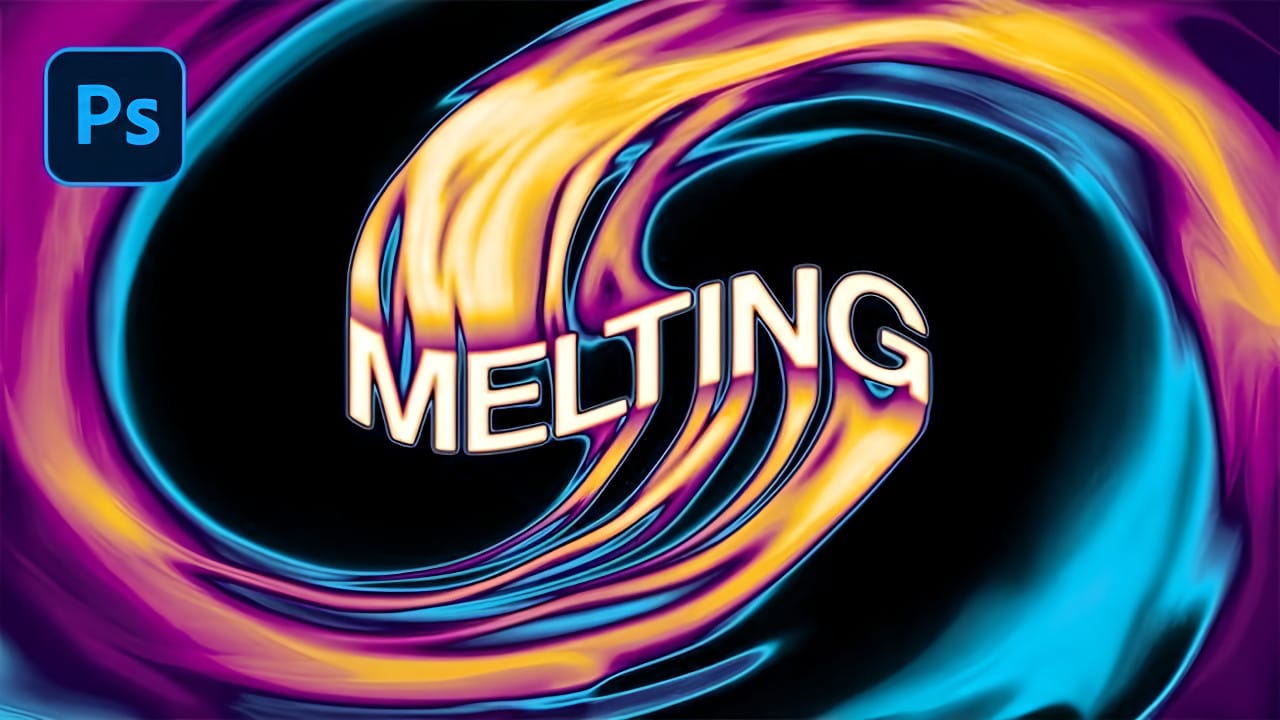
Fire effects transform ordinary text into dynamic visual statements that command attention. The melting, flowing appearance mimics liquid fire or molten metal, creating depth and movement that static text simply cannot achieve. This technique combines warping, gradient mapping, and strategic blurring to build layers of flowing color. The smudge tool Read the full article here: […]

Read more: Create a Spinning Melting Fire Text Effect in Photoshop