Schenectady Photographic Society

Menu

Photoshop Tutorials

Create a Colorful Xerox Photocopy Effect in Photoshop

Create a Colorful Xerox Photocopy Effect in Photoshop

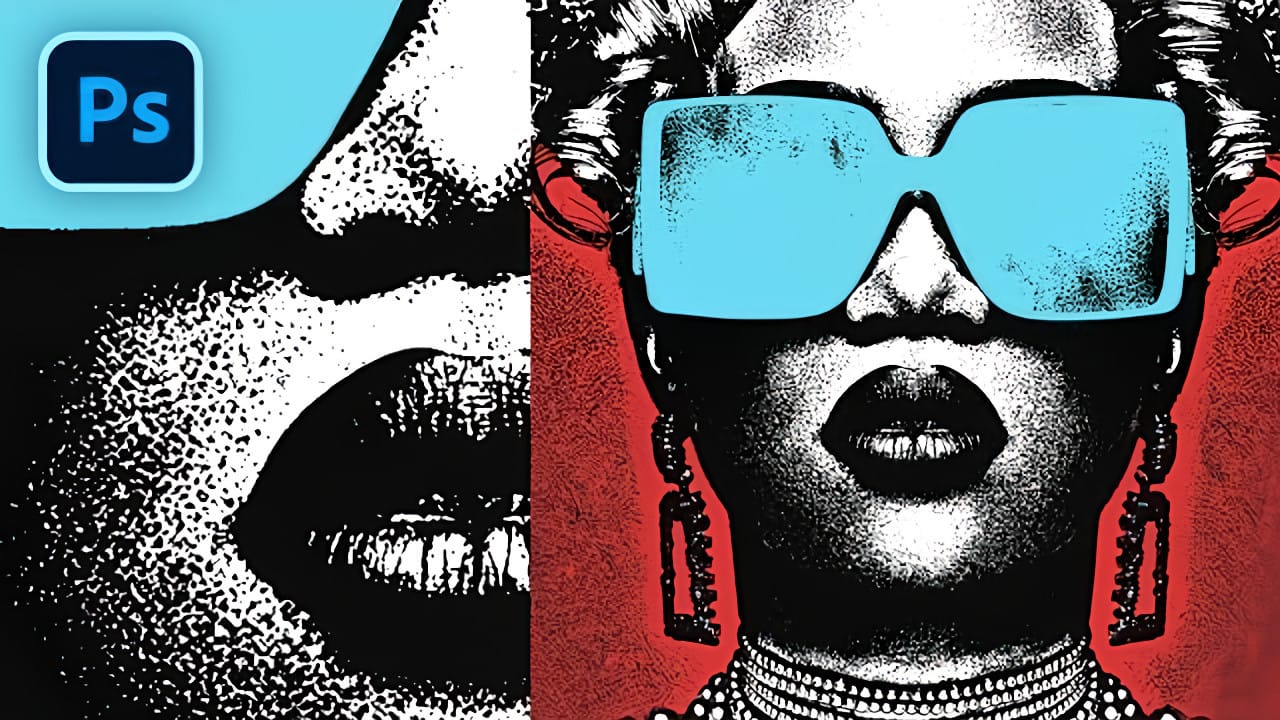
The distinctive look of vintage photocopying machines creates a unique aesthetic that blends sharp contrasts with colorful accents. This retro effect transforms ordinary photographs into stylized artwork reminiscent of 1980s design and underground art movements. This tutorial demonstrates how to recreate that classic xerox appearance using Photoshop's adjustment Read the full article here: Create a […]

Read more: Create a Colorful Xerox Photocopy Effect in Photoshop
Create a Vintage CRT Text Effect in Photoshop

Create a Vintage CRT Text Effect in Photoshop

The distinctive visual qualities of vintage CRT monitors—with their characteristic color separation, scanlines, and analog blur—have become a powerful design element in modern digital art. These old television and computer displays created a unique aesthetic through their phosphor-based technology and analog signal processing. This technique recreates that nostalgic Read the full article here: Create a […]
Read more: Create a Vintage CRT Text Effect in Photoshop
How to Create a Torn Paper Portrait Effect in Photoshop

How to Create a Torn Paper Portrait Effect in Photoshop

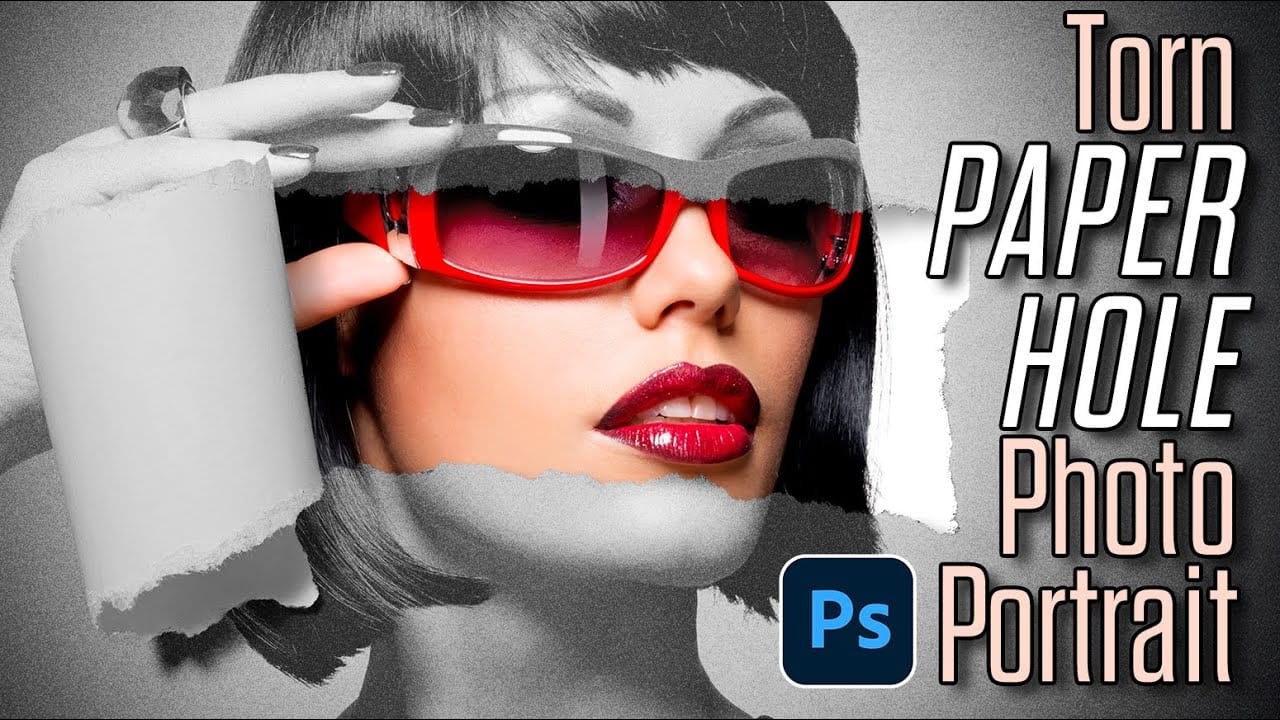
Torn paper portraits create dramatic visual storytelling by revealing layers of meaning beneath the surface. This artistic technique transforms ordinary portraits into compelling compositions that suggest hidden depths, contrasts, or dual perspectives. The effect works particularly well when combining different treatments of the same subject—such as color and black-and-white Read the full article here: How […]

Read more: How to Create a Torn Paper Portrait Effect in Photoshop
Create Fire Text with Motion Blur and Gradients in Photoshop

Create Fire Text with Motion Blur and Gradients in Photoshop

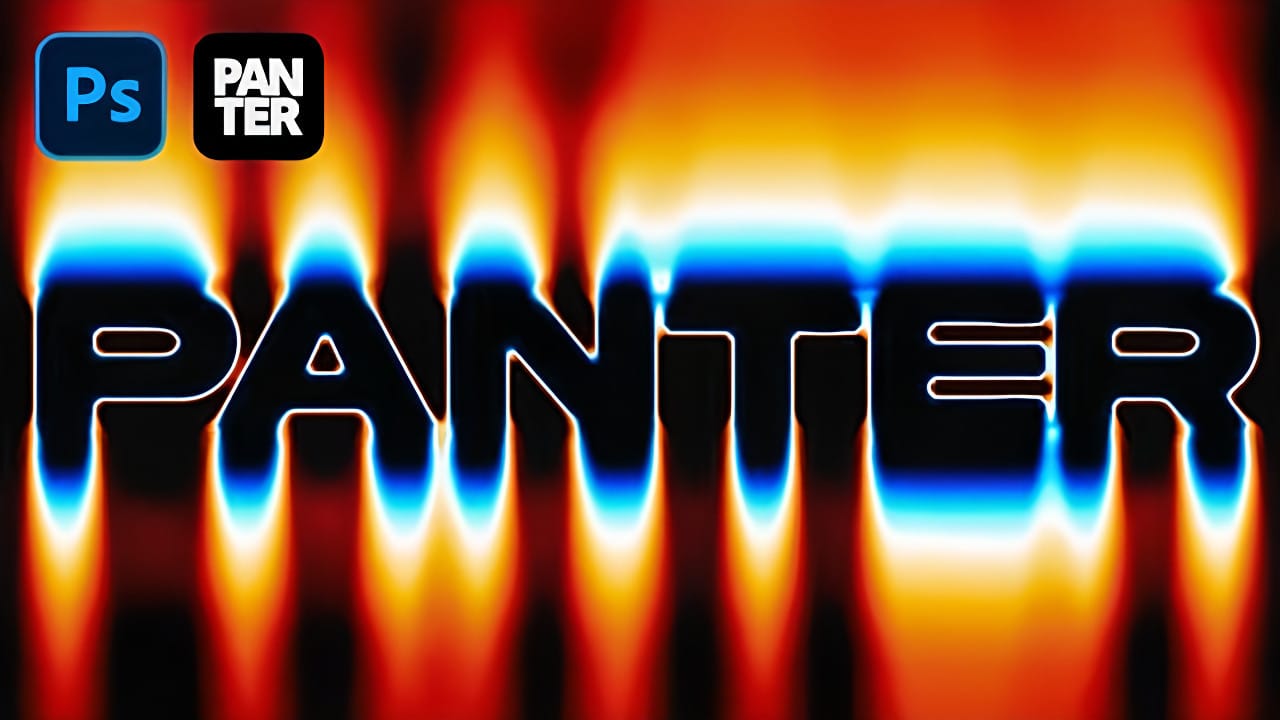
Fire text effects bring raw energy and dynamic movement to any design project. The combination of motion blur and colorful gradients creates the illusion of blazing flames trailing behind text, perfect for logos, posters, and dramatic typography. This technique transforms static lettering into something that appears to be racing across Read the full article here: […]

Read more: Create Fire Text with Motion Blur and Gradients in Photoshop
How to Remove White or Black Backgrounds Using Blend If in Photoshop

How to Remove White or Black Backgrounds Using Blend If in Photoshop

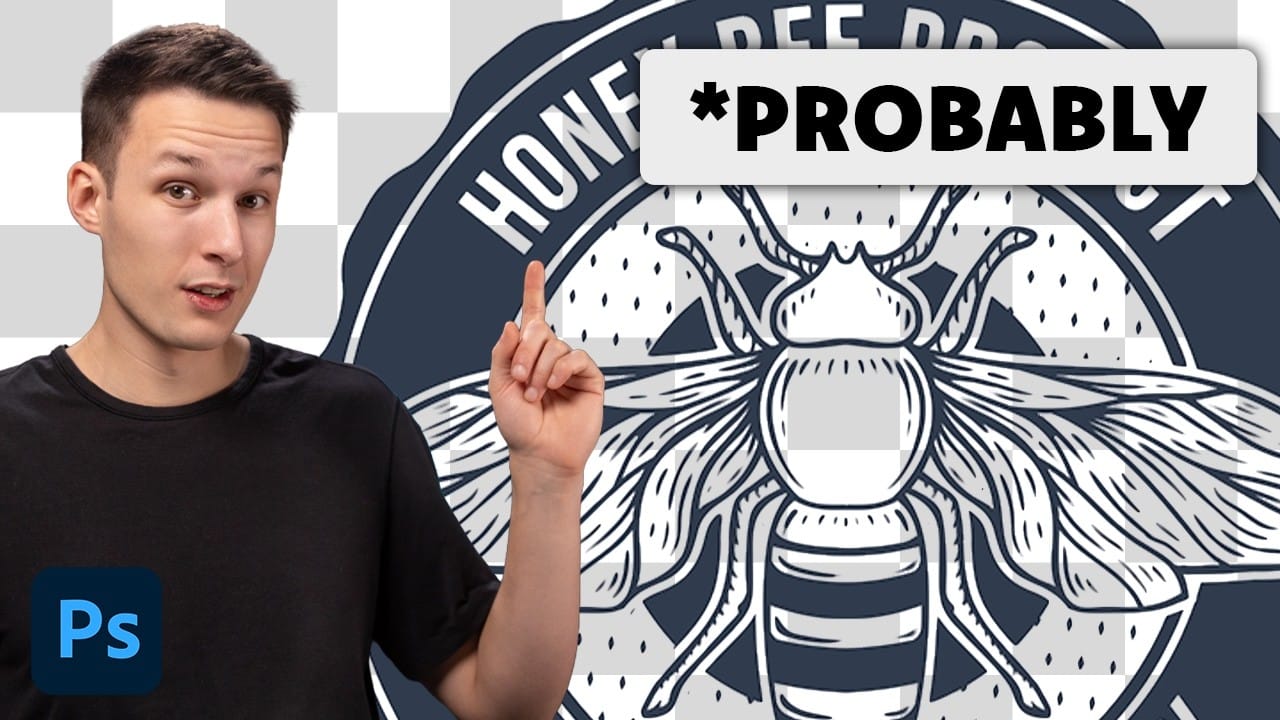
When standard selection tools fail to cleanly remove backgrounds from logos, icons, or graphics, you need a different approach. White edges, missed details, and poor selections can ruin what should be a simple task. The Blend If feature offers a direct solution for images with solid white or black backgrounds. Read the full article here: […]

Read more: How to Remove White or Black Backgrounds Using Blend If in Photoshop
Distressed Ink Bleed Text Effect in Photoshop

Distressed Ink Bleed Text Effect in Photoshop

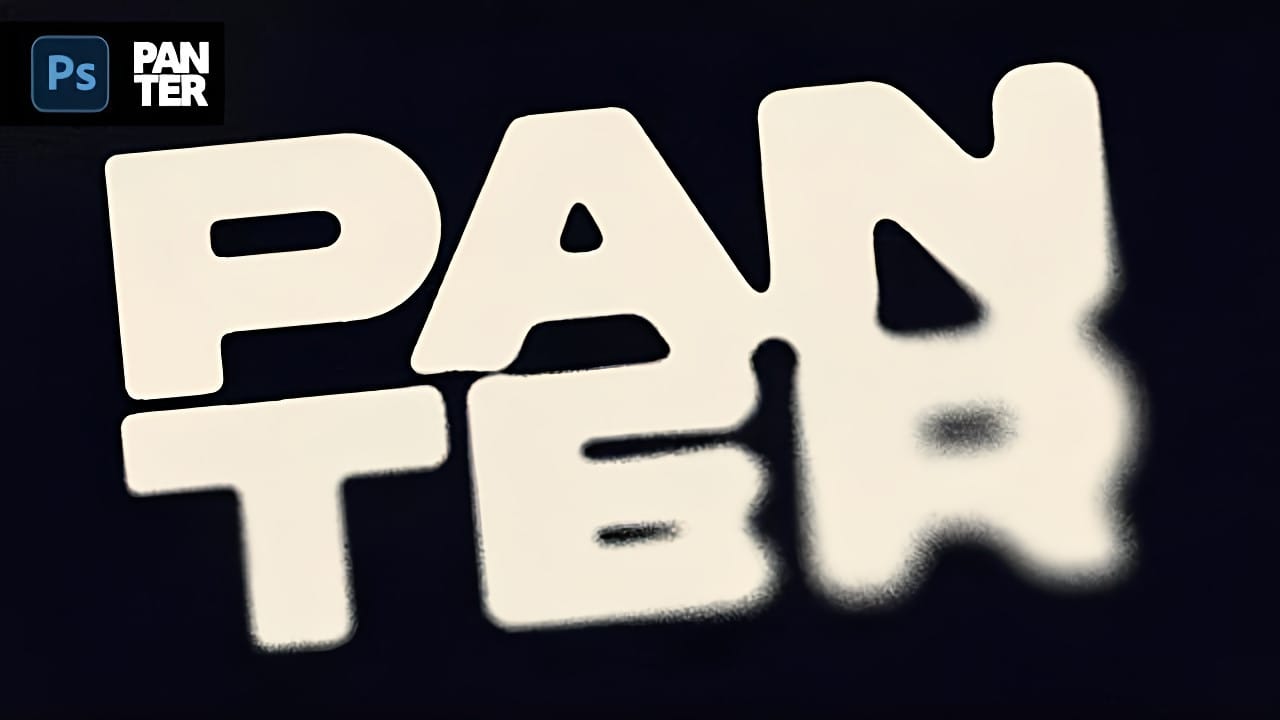
Street art and underground design aesthetics have a raw, rebellious quality that draws the eye and commands attention. The distressed ink bleed effect captures this energy by transforming clean typography into something that looks weathered, organic, and authentically gritty. This technique combines blur effects with threshold adjustments to create text Read the full article here: […]

Read more: Distressed Ink Bleed Text Effect in Photoshop
How to Create Chromatic Aberration Text Effect in Photoshop

How to Create Chromatic Aberration Text Effect in Photoshop

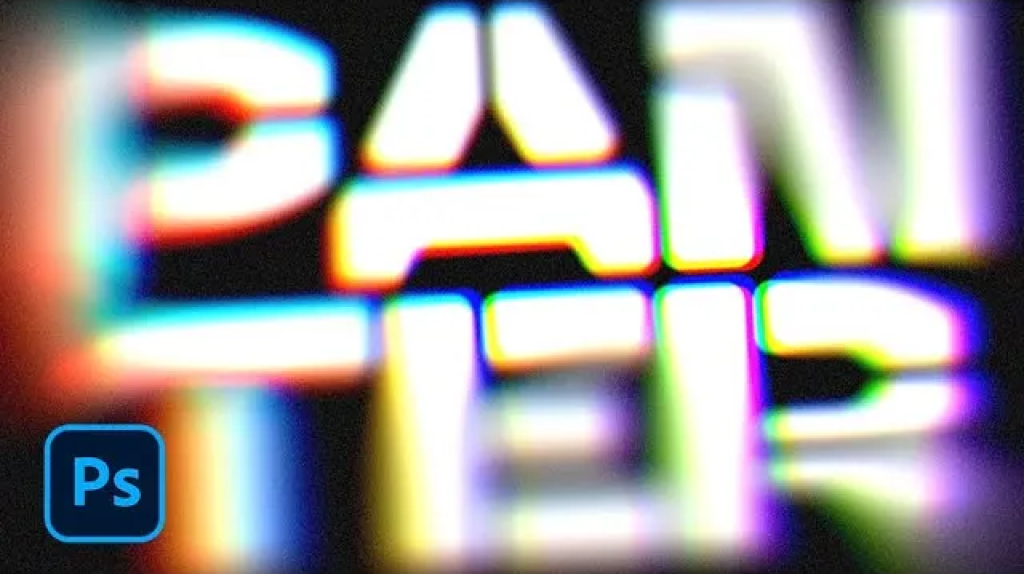
Chromatic aberration brings that dreamy, vintage camera lens distortion that makes text pop with separated color channels. This optical effect mimics how cheaper lenses struggle to focus all colors at the same point, creating those signature red, green, and blue edges that drift apart. This technique transforms ordinary text into Read the full article here: […]

Read more: How to Create Chromatic Aberration Text Effect in Photoshop