Schenectady Photographic Society

Menu

Photoshop Tutorials

Creating Cylindrical Glowing Text Effects in Photoshop

Creating Cylindrical Glowing Text Effects in Photoshop

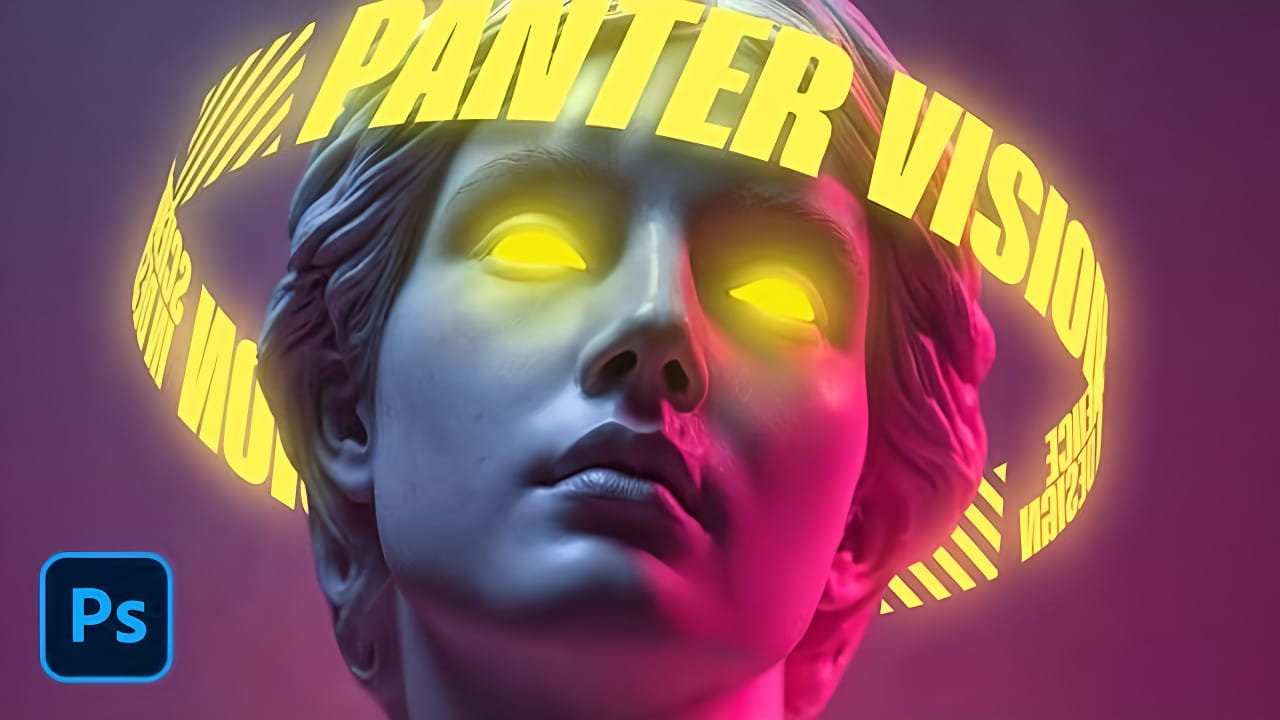
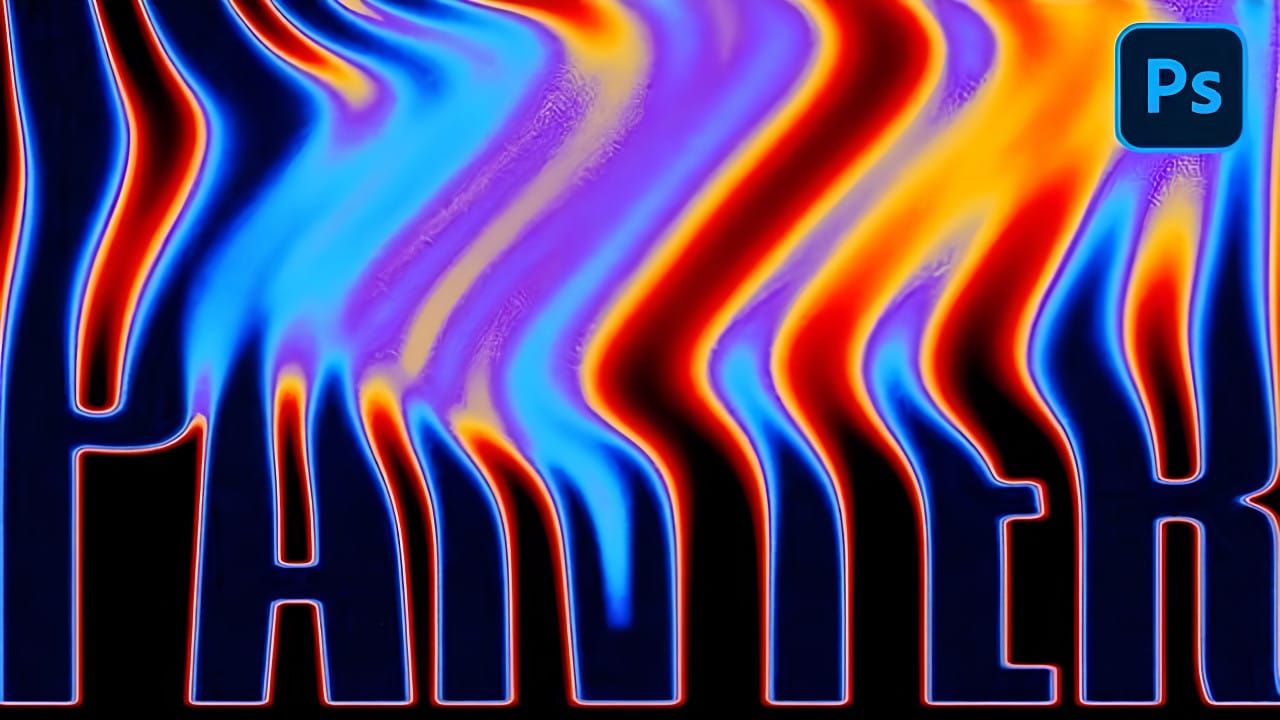
Text that curves around an invisible cylinder creates the illusion of depth and dimension that flat typography simply cannot match. The technique transforms ordinary words into dynamic visual elements that appear to wrap around three-dimensional space. This approach combines Photoshop's warp tools with strategic layer effects to build Read the full article here: Creating Cylindrical […]
Read more: Creating Cylindrical Glowing Text Effects in Photoshop
How to Create Glitch Effects in Photoshop Using the Wave Filter

How to Create Glitch Effects in Photoshop Using the Wave Filter

Digital glitches transform ordinary images into striking visual disruptions that capture attention instantly. The aesthetic of broken pixels, stretched sections, and fragmented visuals has become a powerful design element in contemporary digital art. This tutorial demonstrates a hidden technique using Photoshop's Wave filter to create authentic-looking glitch effects. Read the full article here: How to […]

Read more: How to Create Glitch Effects in Photoshop Using the Wave Filter
How to select and remove specific colors from images in Photoshop

How to select and remove specific colors from images in Photoshop

Color removal can transform any image, from isolating subjects against clean backgrounds to creating dramatic artistic effects. The challenge lies in making precise selections that capture only the colors you want to eliminate while preserving the integrity of your main subject. The Magic Wand tool offers powerful solutions for color-based Read the full article here: […]

Read more: How to select and remove specific colors from images in Photoshop
How to Create Dramatic Colors in Photoshop: A 5-Step Color Grading Process

How to Create Dramatic Colors in Photoshop: A 5-Step Color Grading Process

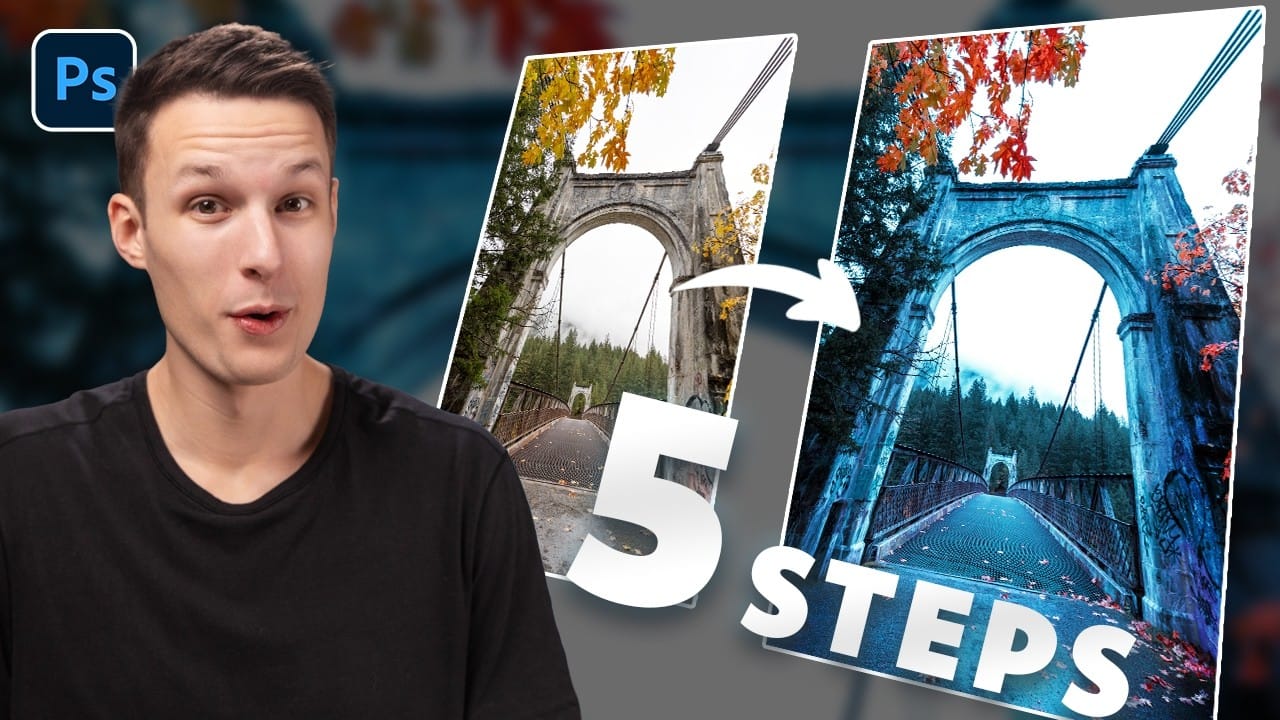
Photography often captures moments in natural tones, but sometimes an image calls for something bolder. Dramatic color grading transforms ordinary photos into striking visual statements that grab attention and evoke emotion. This comprehensive approach combines Camera Raw adjustments with Photoshop's powerful color tools to create rich, cinematic looks. Read the full article here: How to […]

Read more: How to Create Dramatic Colors in Photoshop: A 5-Step Color Grading Process
Create Grungy Halftone Line Effects in Photoshop

Create Grungy Halftone Line Effects in Photoshop

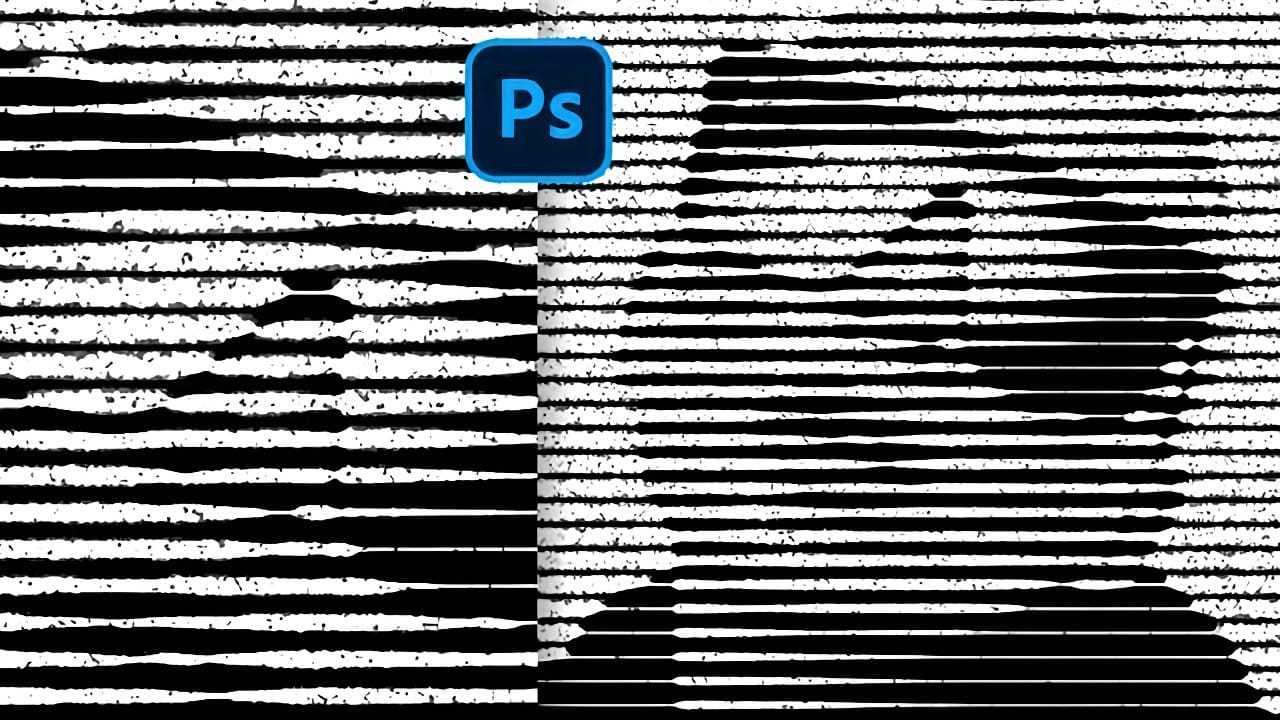
Classic halftone line patterns evoke the raw aesthetic of vintage print media, from underground zines to punk rock posters. These gritty textures transform clean digital photos into pieces that feel authentically analog, complete with the imperfections that make print work compelling. This technique combines Photoshop's halftone filters with Read the full article here: Create Grungy […]

Read more: Create Grungy Halftone Line Effects in Photoshop
How to Create a Liquid Acid Melting Effect in Photoshop

How to Create a Liquid Acid Melting Effect in Photoshop

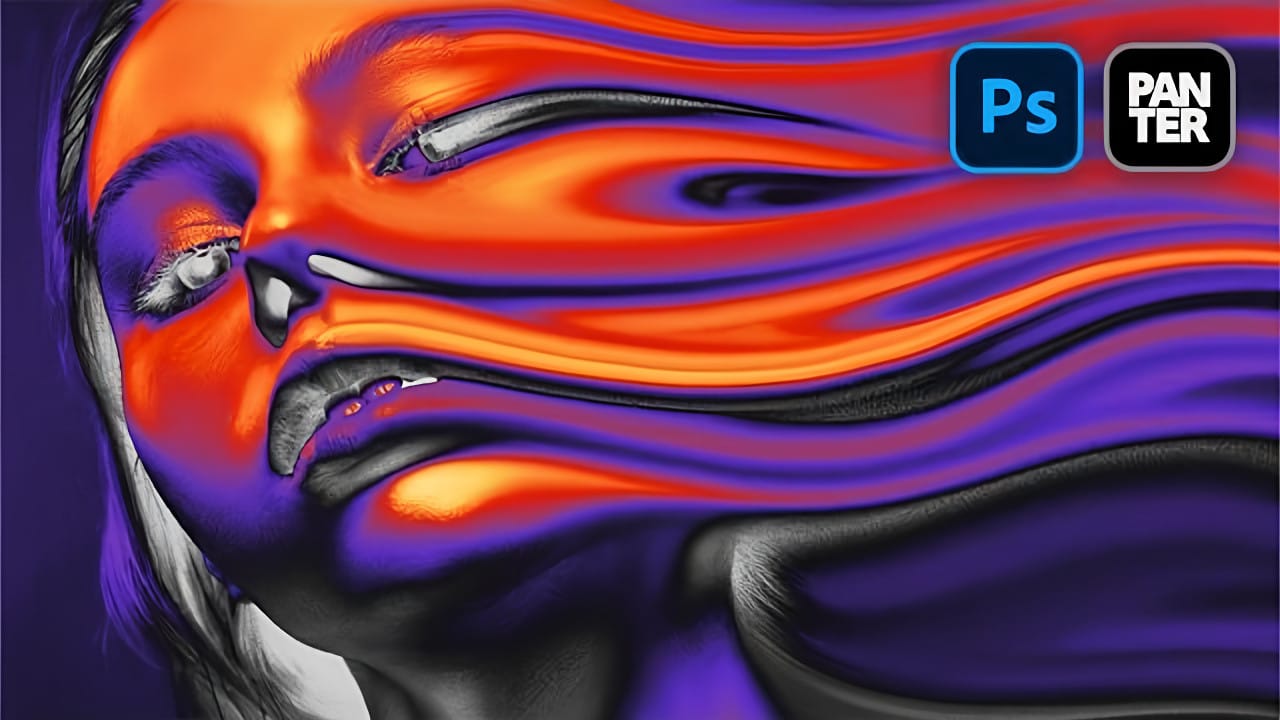
The liquid acid effect transforms ordinary portraits into surreal, otherworldly visuals that seem to melt and flow across the canvas. This distinctive distortion technique creates an organic, fluid appearance that suggests corrosive forces reshaping reality itself. This tutorial demonstrates how to achieve this striking visual using Photoshop's smudge Read the full article here: How to […]

Read more: How to Create a Liquid Acid Melting Effect in Photoshop
How to Create 3D Cylindrical Text Around a Model in Photoshop

How to Create 3D Cylindrical Text Around a Model in Photoshop

Wrapping text around a three-dimensional cylinder creates dynamic visual effects that make designs pop off the page. This technique transforms flat typography into engaging dimensional elements that appear to curve naturally around objects or models. The process combines Illustrator's 3D revolve capabilities with Photoshop's masking and Read the full article here: How to Create 3D […]

Read more: How to Create 3D Cylindrical Text Around a Model in Photoshop