Schenectady Photographic Society

Menu

Photoshop Tutorials

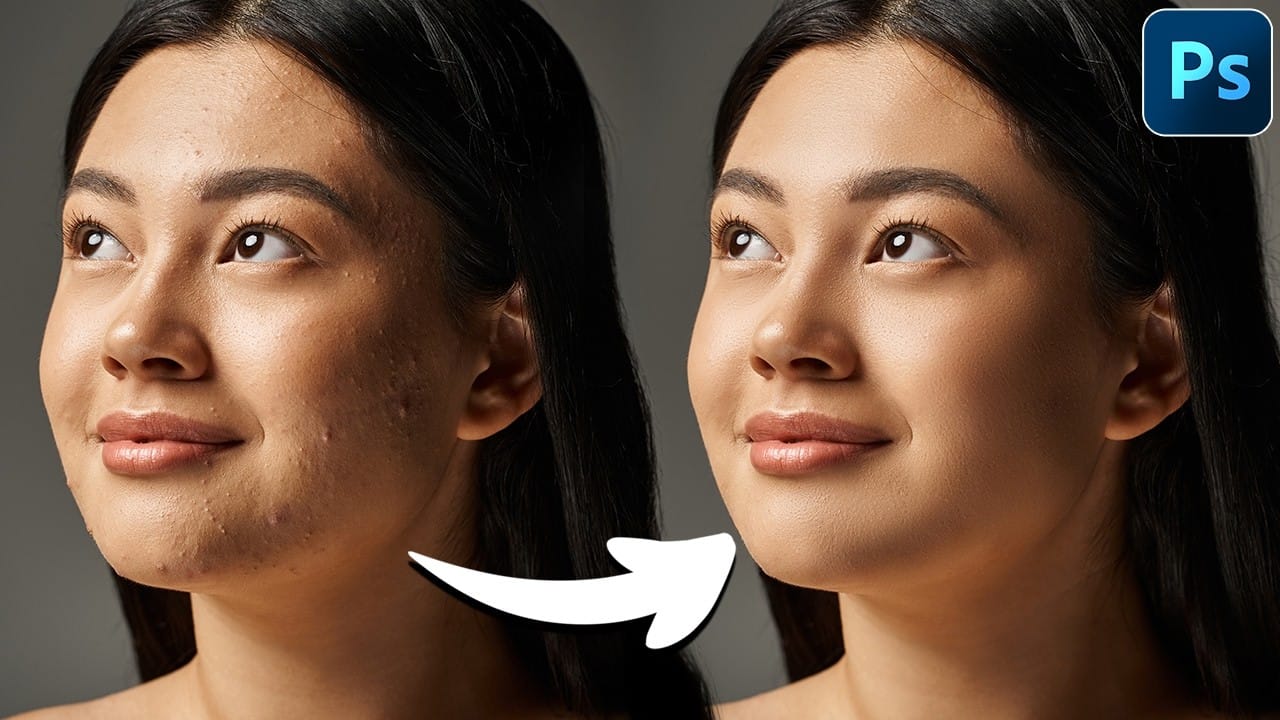
Mastering Skin Smoothing with Frequency Separation

Mastering Skin Smoothing with Frequency Separation

In photography, achieving flawless subject skin can often be a challenge. Blemishes, uneven tones, and harsh shadows frequently detract from an otherwise great photo, leading to frustration for both photographers and subjects. This guide explores frequency separation, a powerful technique that allows precise skin retouching without sacrificing natural texture. Learn how to apply this method, […]

Read more: Mastering Skin Smoothing with Frequency Separation
How to Professionally Remove Glare from Eyeglasses in Photoshop

How to Professionally Remove Glare from Eyeglasses in Photoshop

Glare on eyeglasses is a persistent and frustrating problem in photography, often obscuring the subject's eyes and facial features. This common issue can detract from an otherwise perfectly composed portrait, making it appear unprofessional or distracting due to bright reflections. This tutorial demonstrates a robust hybrid approach to tackling eyeglass glare in Photoshop, combining the […]

Read more: How to Professionally Remove Glare from Eyeglasses in Photoshop
Exploring the Latest Features in Photoshop 2025

Exploring the Latest Features in Photoshop 2025

Designers and digital artists frequently encounter challenges with precise selections, efficient object manipulation, and keeping workflows streamlined. As creative software evolves, staying current with the latest features can be daunting, yet it is essential for enhancing productivity and expanding creative possibilities. This article and accompanying video delve into the significant new features introduced in the […]

Read more: Exploring the Latest Features in Photoshop 2025
Rotate and Flip Images and Layers with Precision in Photoshop

Rotate and Flip Images and Layers with Precision in Photoshop

Often in image editing, photographs or design elements are not oriented correctly or require a creative re-orientation for a new composition. This common challenge can be frustrating when simple rotation tools affect the entire canvas, disrupting other layers, or when precise control over individual elements is needed. This tutorial demonstrates two distinct methods for rotating […]

Read more: Rotate and Flip Images and Layers with Precision in Photoshop
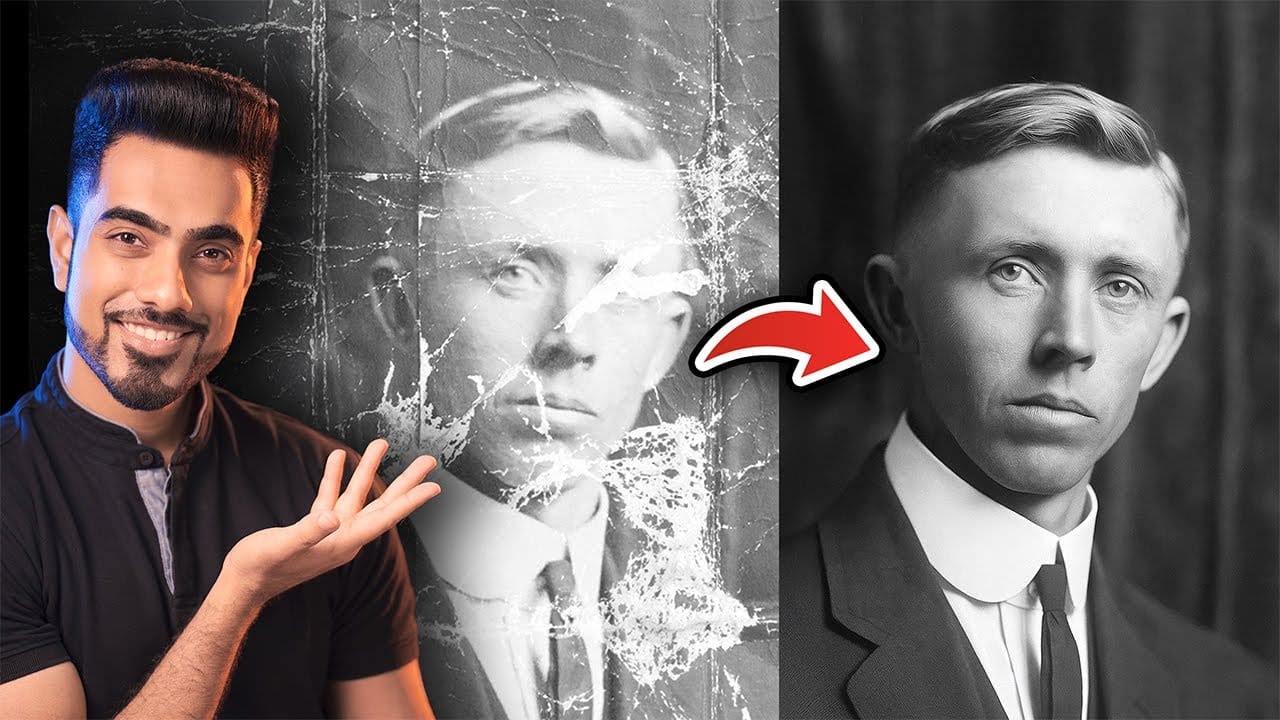
Photo Restoration: Combining AI with Photoshop for Optimal Results

Photo Restoration: Combining AI with Photoshop for Optimal Results

Restoring old, damaged photographs can be a challenging endeavor. While many AI-powered tools promise to breathe new life into vintage images, they often fall short, either over-sharpening details, neglecting certain areas, or, most critically, altering the original likeness of individuals. This often leads to frustrating and uncanny results that strip the photos of their authentic […]

Read more: Photo Restoration: Combining AI with Photoshop for Optimal Results
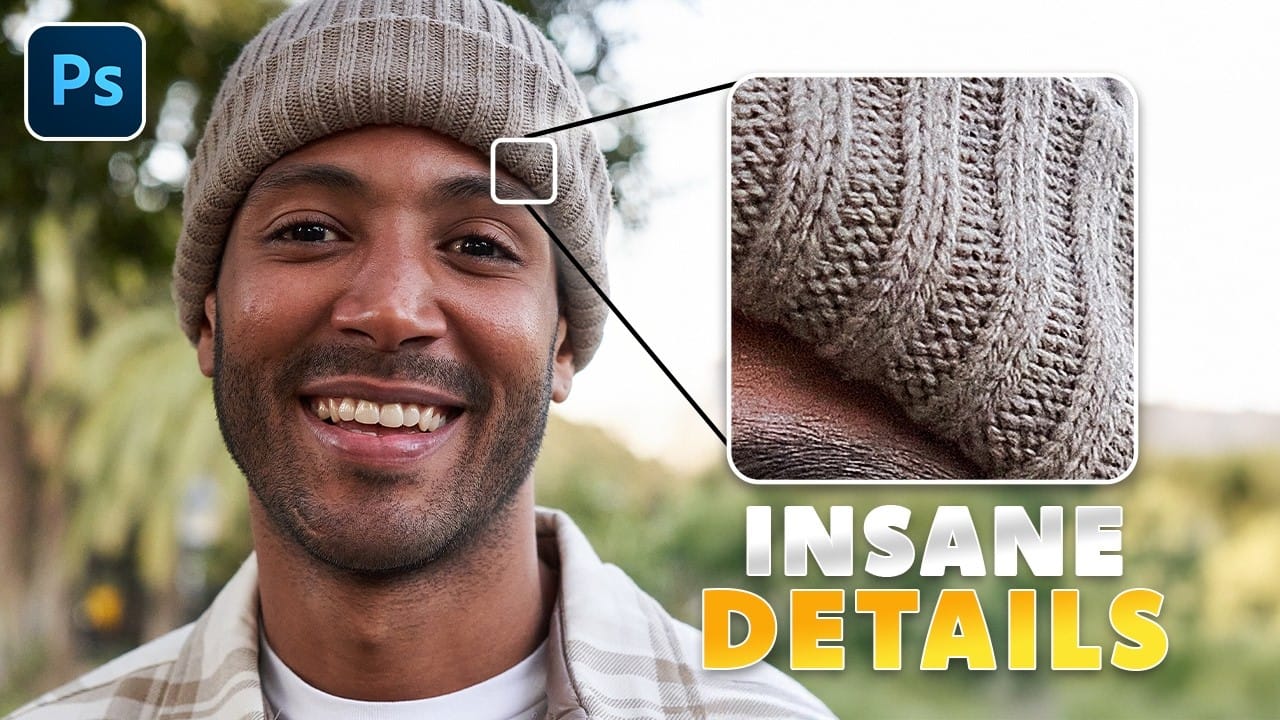
The only Photohop Sharpening Tool You Need

The only Photohop Sharpening Tool You Need

Sharpening images in Photoshop doesn’t have to be complicated. The High Pass Filter offers a simple yet powerful way to enhance details without over-processing your photos. Unlike traditional sharpening tools, it gives you precise control over edge definition while keeping the edit non-destructive. This method works well for portraits, landscapes, and product shots—anywhere you need […]

Read more: The only Photohop Sharpening Tool You Need