Schenectady Photographic Society

Menu

Photoshop Tutorials

Curves vs Levels in Photoshop: Learn The Difference

Curves vs Levels in Photoshop: Learn The Difference

In this Photoshop tutorial, you will learn the key differences between using Curves and Levels for image adjustment. Aaron Nace from Phlearn provides a clear and effective approach to enhance your photos and graphics. Throughout the lesson, techniques like the Super Zoom feature are highlighted, allowing you to upscale graphics without losing resolution, ensuring that […]

Read more: Curves vs Levels in Photoshop: Learn The Difference
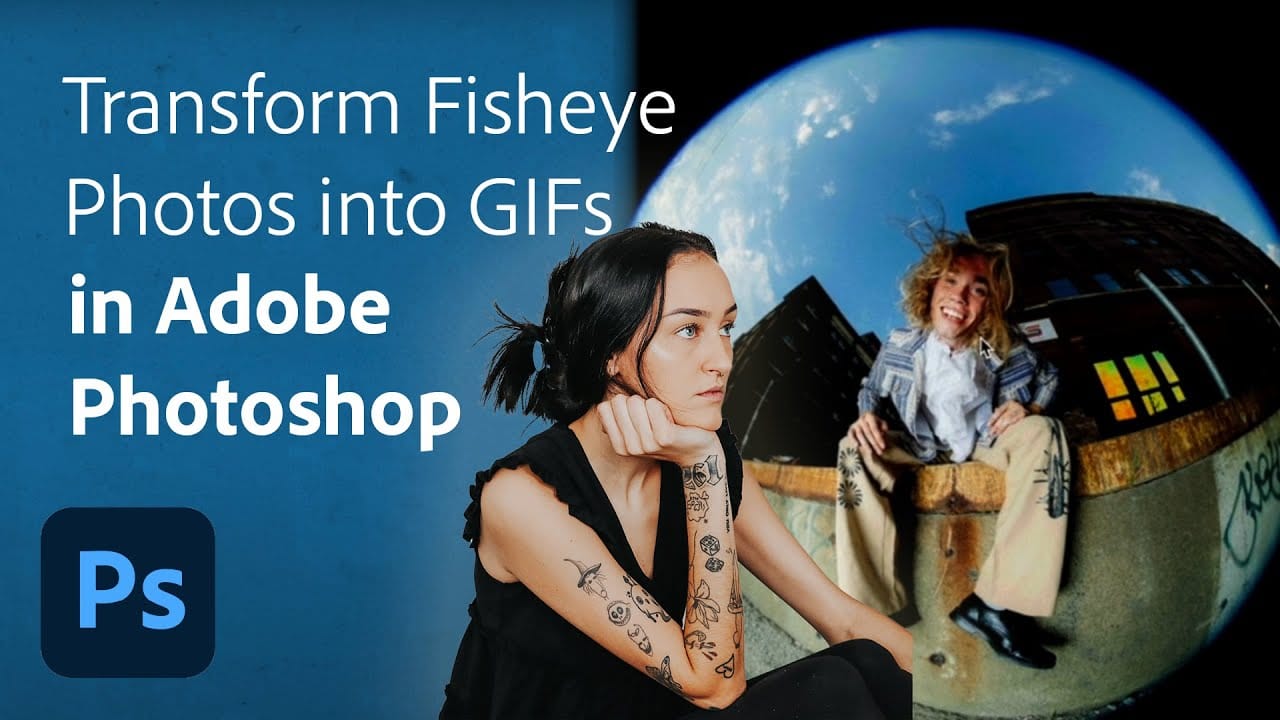
Turn Your Fisheye Photos into Breathing GIFs in Adobe Photoshop

Turn Your Fisheye Photos into Breathing GIFs in Adobe Photoshop

Are you looking to add a unique twist to your fisheye photos? This tutorial offers an exciting opportunity to transform ordinary images into dynamic breathing GIFs using Adobe Photoshop and Lightroom Classic. Led by the creative portrait photographer Quinlyn Tosh, it presents a step-by-step process that is both approachable and informative. Beginning with basic adjustments, […]

Read more: Turn Your Fisheye Photos into Breathing GIFs in Adobe Photoshop
Generative Fill vs Clone Stamp vs Spot Healing Brush Photoshop Tools

Generative Fill vs Clone Stamp vs Spot Healing Brush Photoshop Tools

In this tutorial by Aaron Nace from Phlearn, you will explore the essential Photoshop tools: Generative Fill, Clone Stamp, and Spot Healing Brush. Each tool serves distinct purposes, allowing you to enhance and refine your images effectively. The tutorial focuses on seamlessly blending graphics with portrait photography, making it ideal for various creative projects. You […]

Read more: Generative Fill vs Clone Stamp vs Spot Healing Brush Photoshop Tools
The Single Best Color Tool in Photoshop

The Single Best Color Tool in Photoshop

In this tutorial, you will uncover the often-overlooked capabilities of Photoshop’s Selective Color Adjustment Layer. This powerful tool allows you to perform both subtle and dramatic color grading, giving your images a polished look similar to fine art. You’ll learn techniques to intensify colors, separate various hues for added depth, and achieve better overall color […]

Read more: The Single Best Color Tool in Photoshop
3 Powerful Techniques to Create Seamless Patterns in Photoshop

3 Powerful Techniques to Create Seamless Patterns in Photoshop

This tutorial by Jesus Ramirez from the PTC Photoshop Training Channel introduces three effective techniques for creating seamless patterns in Photoshop. If you have ever wanted to transform a simple photo into a beautiful repeating design, this is a great place to start. You will become familiar with essential tools such as Pattern Preview and […]

Read more: 3 Powerful Techniques to Create Seamless Patterns in Photoshop