Schenectady Photographic Society

Menu

Photoshop Tutorials

Perfect Skin in Minutes Acne and Smooth Skin Retouching in Photoshop

Perfect Skin in Minutes Acne and Smooth Skin Retouching in Photoshop

Achieving flawless skin has become more accessible than ever. This tutorial presents a straightforward Photoshop technique that allows you to remove acne, smooth skin, and enhance texture with just a few clicks. Designed for beginners, this method is not only time-efficient but also delivers professional-looking results. You will learn how to create a natural and […]

Read more: Perfect Skin in Minutes Acne and Smooth Skin Retouching in Photoshop
Vaporwave Neon Effect Photoshop Tutorial

Vaporwave Neon Effect Photoshop Tutorial

The combination of classic Renaissance sculptures with the vibrant neon colors of the Vaporwave aesthetic creates an intriguing mix of styles that captivates the eye. This unique blend has gained popularity in the world of abstract art, showcasing how contrasting elements can work together harmoniously. In this tutorial, readers will discover how to enhance a […]

Read more: Vaporwave Neon Effect Photoshop Tutorial
Create a Depth Waves Scan Photo Effect in Photoshop

Create a Depth Waves Scan Photo Effect in Photoshop

This tutorial guides readers through creating a Depth Waves Scan Photo Effect in Photoshop using the Displace Filter. Throughout the video, essential techniques are revealed, allowing you to produce impressive wireframe-style wave scan images. The tutorial emphasizes generating Depth Maps within Photoshop, offering a step-by-step approach to mastering this unique effect. You will learn how […]

Read more: Create a Depth Waves Scan Photo Effect in Photoshop
How to Dodge and Burn in Photoshop

How to Dodge and Burn in Photoshop

In this tutorial by Aaron Nace from Phlearn, you will learn essential techniques for dodging and burning in Photoshop. This process is vital for enhancing portrait images and ensuring graphic elements integrate seamlessly. The tutorial covers the use of the Super Zoom feature, which allows you to upscale graphics without compromising their resolution. Another key […]

Read more: How to Dodge and Burn in Photoshop
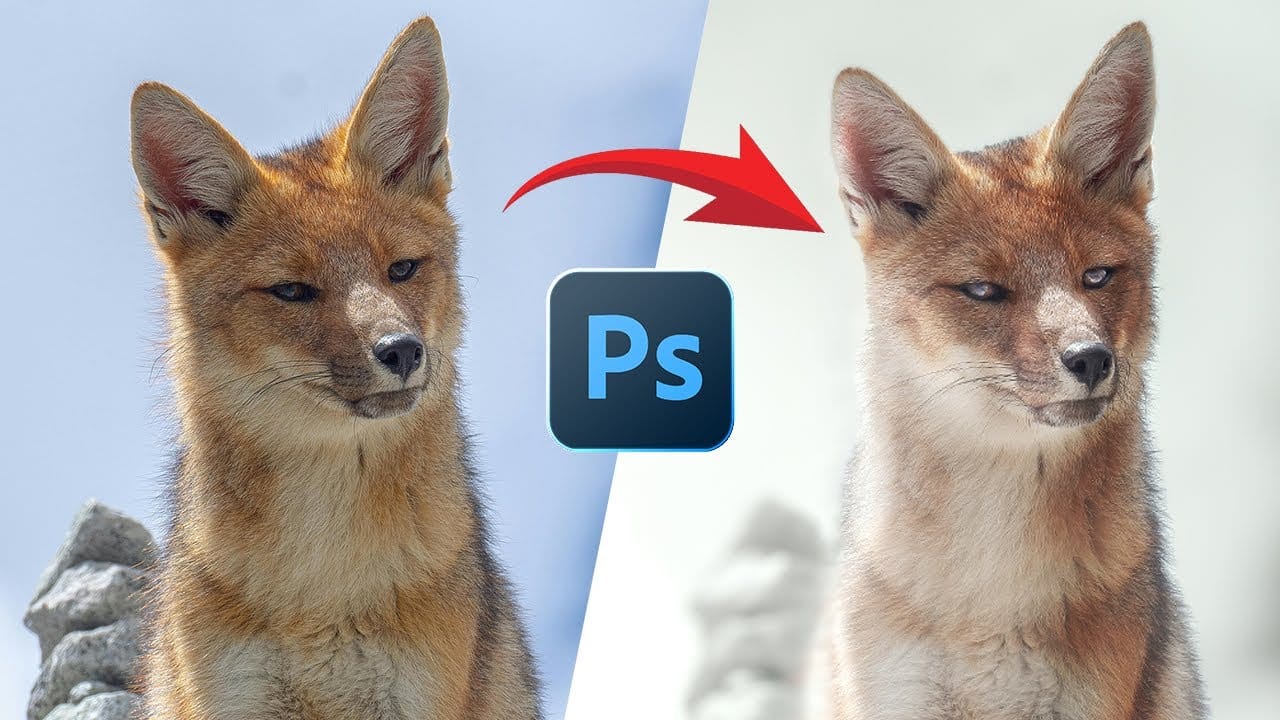
Turn a Wildlife Photo Into a Creative Piece of Fine Art

Turn a Wildlife Photo Into a Creative Piece of Fine Art

This video provides a comprehensive guide on transforming wildlife photos into creative works of art using Adobe Photoshop. If you're looking to enhance your wildlife photography but feel stuck, this tutorial is perfect for you. It walks through the process of editing a wildlife photo, showcasing techniques that can significantly elevate the visual impact of […]

Read more: Turn a Wildlife Photo Into a Creative Piece of Fine Art
How To Create A Seamless Backdrop In Photoshop

How To Create A Seamless Backdrop In Photoshop

When working with smaller backgrounds, especially on location, it can be challenging to achieve a professional studio look. Fortunately, Photoshop offers simple techniques to transform your images effectively. While generative fill may seem like an easy option, it often leads to unexpected results, such as distorted limbs or mismatched backgrounds. Instead, a manual approach can […]

Read more: How To Create A Seamless Backdrop In Photoshop