Schenectady Photographic Society

Menu

Photoshop Tutorials

How to create a neotribal 3D chrome text effect

How to create a neotribal 3D chrome text effect

In this tutorial, you will explore the fascinating concept of cybersigilism while creating a striking neotribal 3D chrome text effect. This engaging process combines the creative functionalities of Adobe Illustrator, Blender, and Photoshop to produce an impressive visual result. You will begin by forming the foundational 3D text effect in Adobe Illustrator. This step sets […]
Read more: How to create a neotribal 3D chrome text effect
Using AI to Create Seamless Patterns For Photoshop

Using AI to Create Seamless Patterns For Photoshop

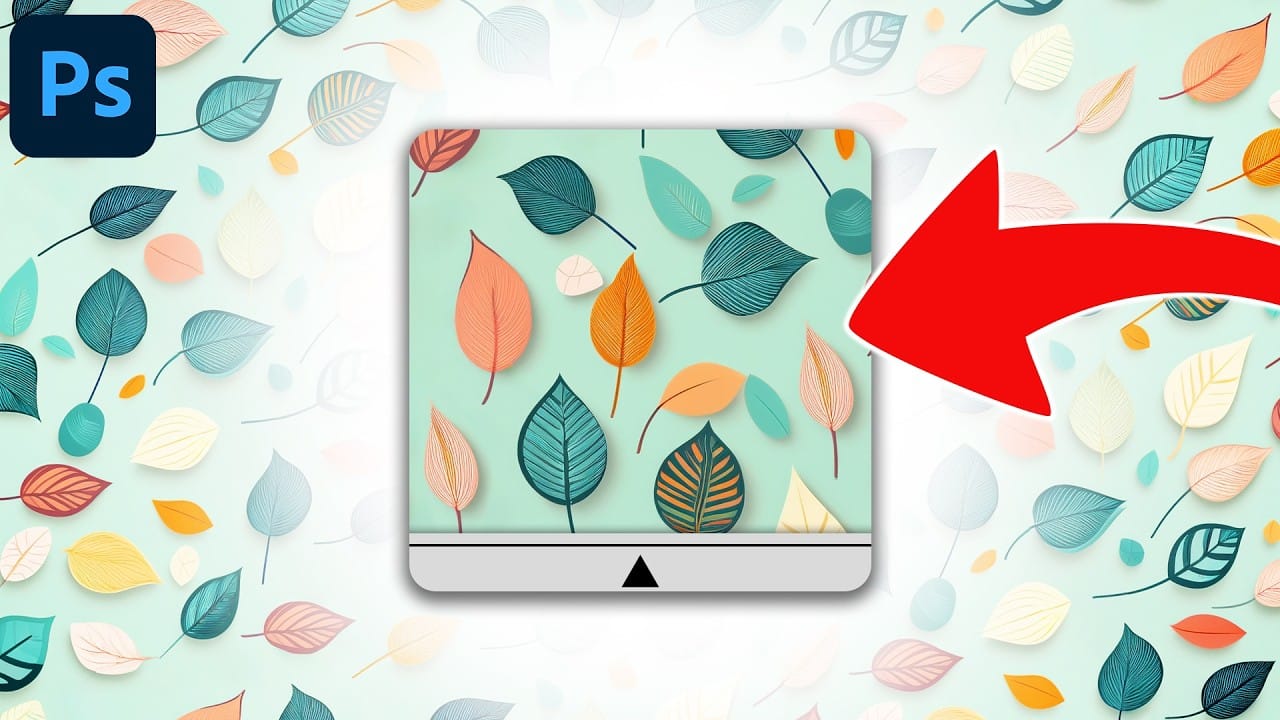
This Photoshop tutorial guides you through creating a seamless pattern using AI technology. By combining Adobe Firefly with Photoshop, you can generate unique pattern designs that can be easily transformed into usable patterns for your projects. This technique is especially useful for crafting new image backgrounds or enhancing your texture library with overlays. The process […]

Read more: Using AI to Create Seamless Patterns For Photoshop
Photoshop: How to Create Coffee Latte Art

Photoshop: How to Create Coffee Latte Art

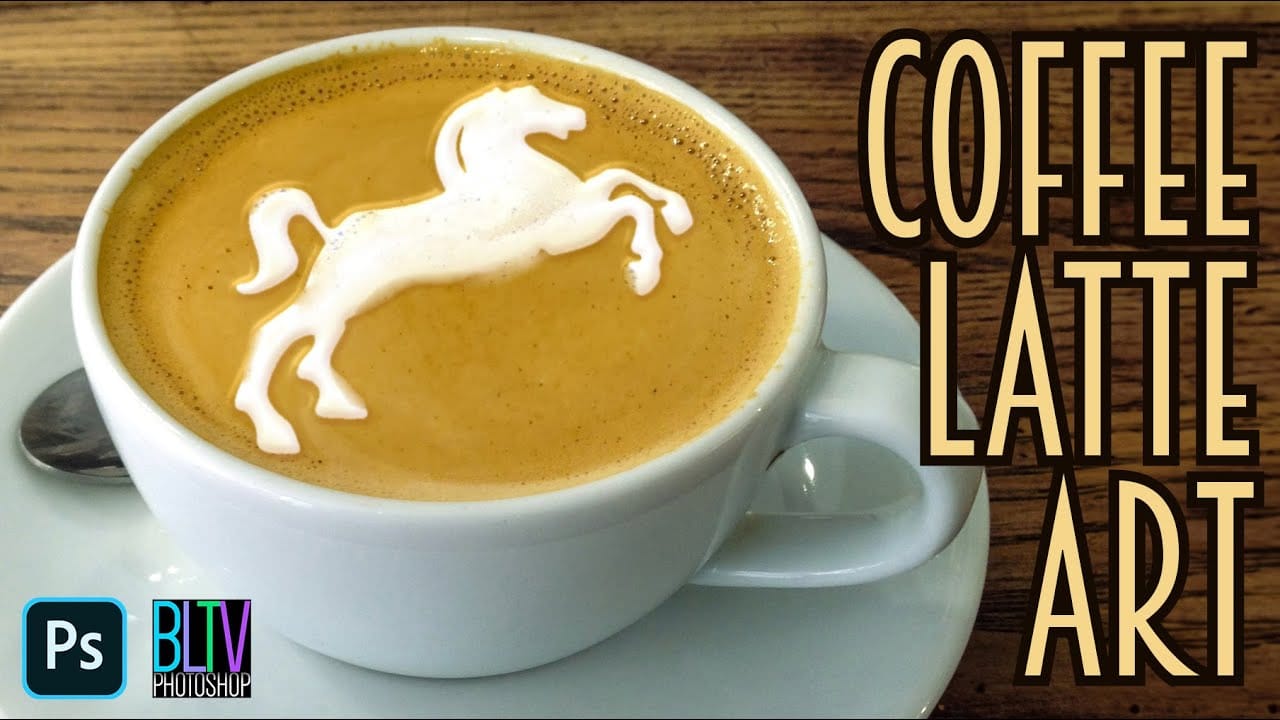
In this Photoshop tutorial by Marty Geller from Blue Lightning TV, you will learn to create stunning coffee latte art. This guide is designed to be straightforward, making it suitable for both beginners and those with some experience in Photoshop. Throughout the tutorial, Geller breaks down the process into easy-to-follow steps. He covers essential tools […]

Read more: Photoshop: How to Create Coffee Latte Art
How to Add Accessories Using AI in Photoshop

How to Add Accessories Using AI in Photoshop

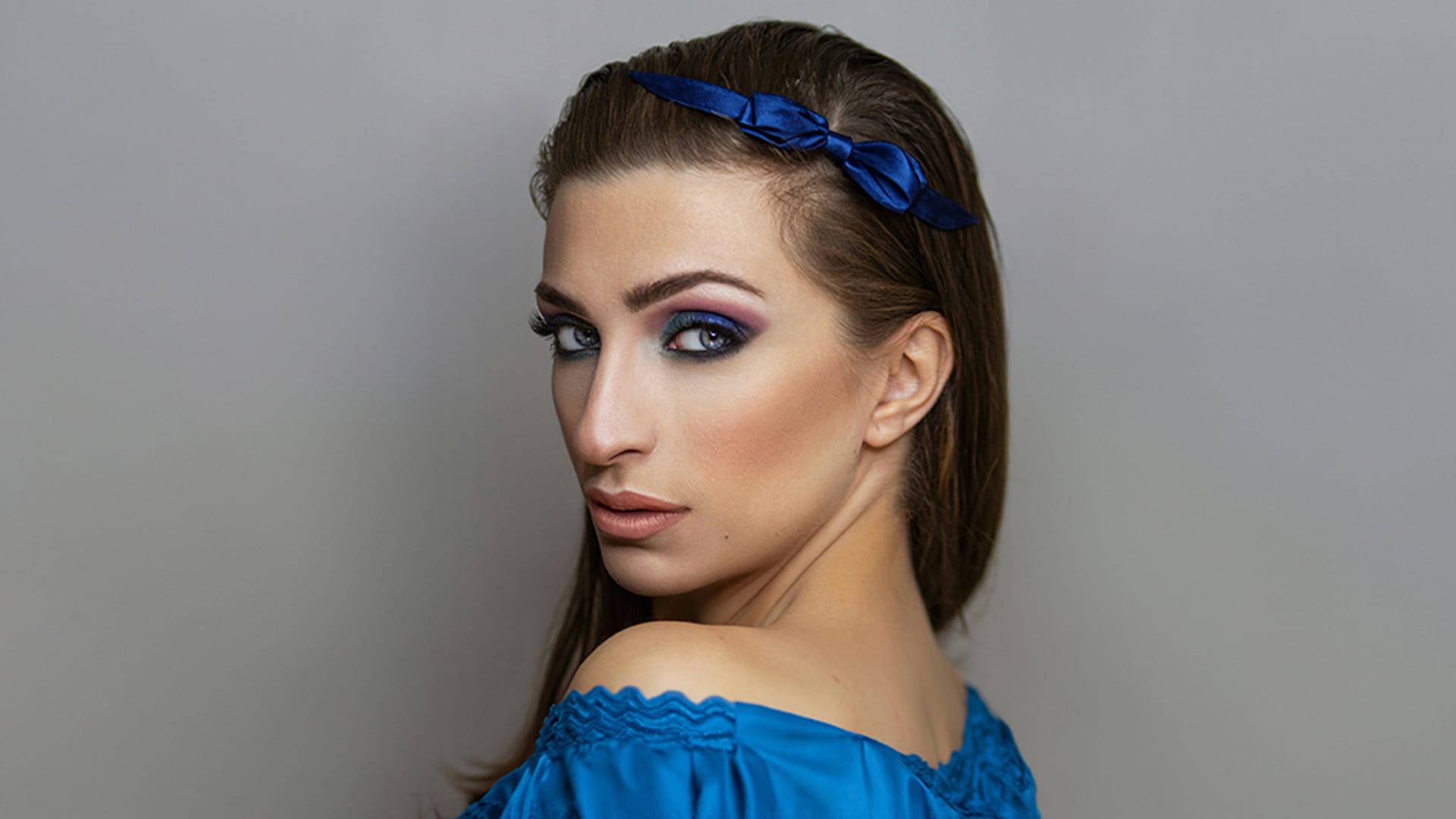
In this Photoshop tutorial, you will explore the process of blending graphics with portraiture for stunning visual results. The Super Zoom feature is highlighted, showing how to upscale graphics without losing resolution. This is crucial for maintaining quality when working with high-resolution images. You will also learn about applying Gradient Maps for effective color matching. […]

Read more: How to Add Accessories Using AI in Photoshop