Schenectady Photographic Society

Menu

Photoshop Tutorials

How to Edit Baby Photos in Photoshop

How to Edit Baby Photos in Photoshop

In this Photoshop tutorial, Aaron Nace from Phlearn provides valuable insights into blending graphics with portrait images effectively. You will discover how to use the Super Zoom feature, which allows for upscaling graphics without sacrificing resolution. This ensures that the quality of your images remains sharp. Additionally, Gradient Maps are introduced as a tool for […]

Read more: How to Edit Baby Photos in Photoshop
Artist creates a huge Star Wars Wallpaper With Every Character in Photoshop

Artist creates a huge Star Wars Wallpaper With Every Character in Photoshop

In this entertaining Photoshop tutorial, YouTuber Benny from Benny Productions decides to create an epic Star Wars wallpaper in celebration of May the 4th. He sets out to include as many characters as he can from across the entire Star Wars universe. Viewers will see John scour the internet to find images of hundreds of […]

Read more: Artist creates a huge Star Wars Wallpaper With Every Character in Photoshop
How to use Parametric Filters in Adobe Photoshop 2024 Beta

How to use Parametric Filters in Adobe Photoshop 2024 Beta

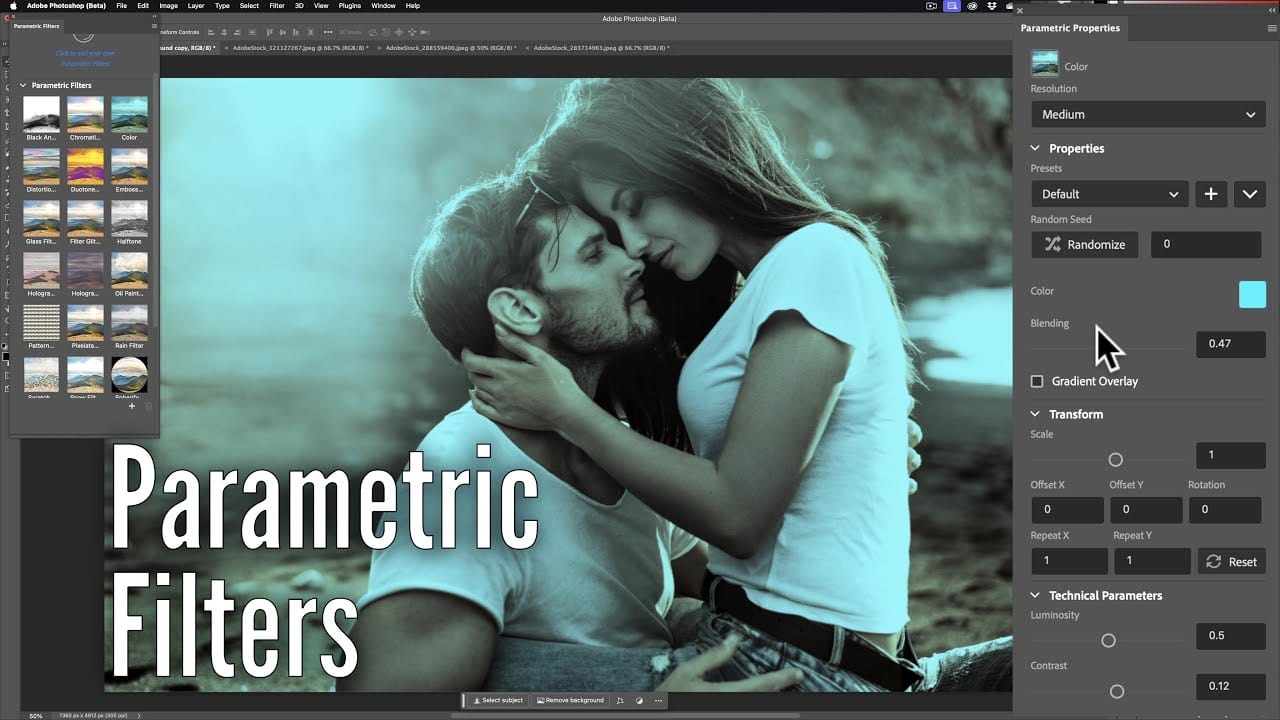
Photoshop’s latest beta version introduces a new feature called parametric filters that allows users to non-destructively modify images with various stylized filters. These filters can be used to add distinct looks to images by applying presets like sepia, vintage or oil painting effects. parametric filters are applied as adjustment layers so users can readjust or […]

Read more: How to use Parametric Filters in Adobe Photoshop 2024 Beta
How to Remove Unwanted Objects in Different Ways in Photoshop

How to Remove Unwanted Objects in Different Ways in Photoshop

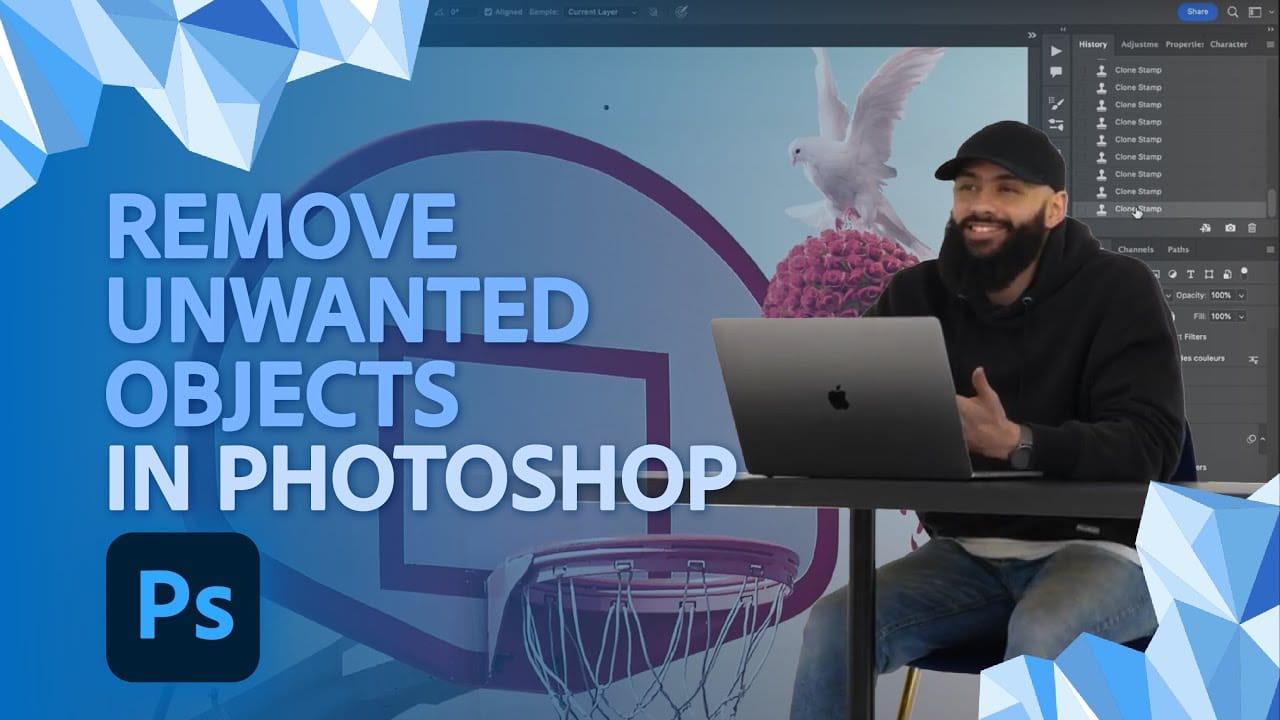
Do you have photographs with distracting elements that need removing? In this insightful Photoshop tutorial from artist Zak Eazy, viewers will learn several effective techniques for eliminating unwanted objects from their images. Whether it’s removing superfluous signs, wires or passersby, Zak walks through practical use cases that showcase the Patch and Clone Stamp tools as […]

Read more: How to Remove Unwanted Objects in Different Ways in Photoshop
Merge two photos in just a few clicks using Photoshop’s Generative Fill

Merge two photos in just a few clicks using Photoshop’s Generative Fill

Photoshop Training Channel presents a helpful guide for blending multiple images together with ease. Generative Fill is one of Photoshop’s most powerful but underutilized tools, and in this video PTC shows users how they can take advantage of its full capabilities. Through a simple step-by-step process, viewers will learn how to use Generative Fill to […]

Read more: Merge two photos in just a few clicks using Photoshop’s Generative Fill
Photoshop 2024 Reveals Major New Tools and Enhancements

Photoshop 2024 Reveals Major New Tools and Enhancements

For creative professionals, Photoshop is an indispensable part of the workflow. As the leading digital imaging software, each new version from Adobe brings excitement as artists and designers anticipate how their capabilities may be expanded. In this video preview, we get a sneak peek at some of Photoshop 2024’s standout new features. Elsewhere, the updated […]

Read more: Photoshop 2024 Reveals Major New Tools and Enhancements
How Generative Fill in Photoshop is Transforming Photo Editing

How Generative Fill in Photoshop is Transforming Photo Editing

In the ever-evolving realm of photo editing, a game-changing feature has emerged that promises to revolutionize the way we approach image enhancement. Enter Generative Fill, an innovative tool introduced in the Photoshop Beta, and it’s already making waves. Spearheaded by the renowned creative mind Aaron Nace from PHLEARN, this tool is poised to reshape the […]

Read more: How Generative Fill in Photoshop is Transforming Photo Editing