Schenectady Photographic Society

Menu

Photoshop

Camera Raw August 2026: AI Blemish Removal, Generative Expand, and More

Camera Raw August 2026: AI Blemish Removal, Generative Expand, and More

The August 2026 Camera Raw update adds an AI-powered blemish removal tool that handles skin imperfections automatically, treating blemishes and moles separately so editors stay in control. Alongside that, an improved Generative Expand in the crop tool and a few smaller additions round out a practical update worth knowing. Read the full article here: Camera […]

Read more: Camera Raw August 2026: AI Blemish Removal, Generative Expand, and More
9 Photoshop Tools That Still Outperform AI for Precision and Control

9 Photoshop Tools That Still Outperform AI for Precision and Control

AI generates images from descriptions, but it cannot hand you the brush. When a project demands exact colors, editable text, precise retouching, or seamless mockups, Photoshop's native tools remain the more reliable choice — not because AI is weak, but because these workflows require control that generative tools simply Read the full article here: 9 […]

Read more: 9 Photoshop Tools That Still Outperform AI for Precision and Control
How to Create a Vintage Film Look in Photoshop Using Adjustment Layers

How to Create a Vintage Film Look in Photoshop Using Adjustment Layers

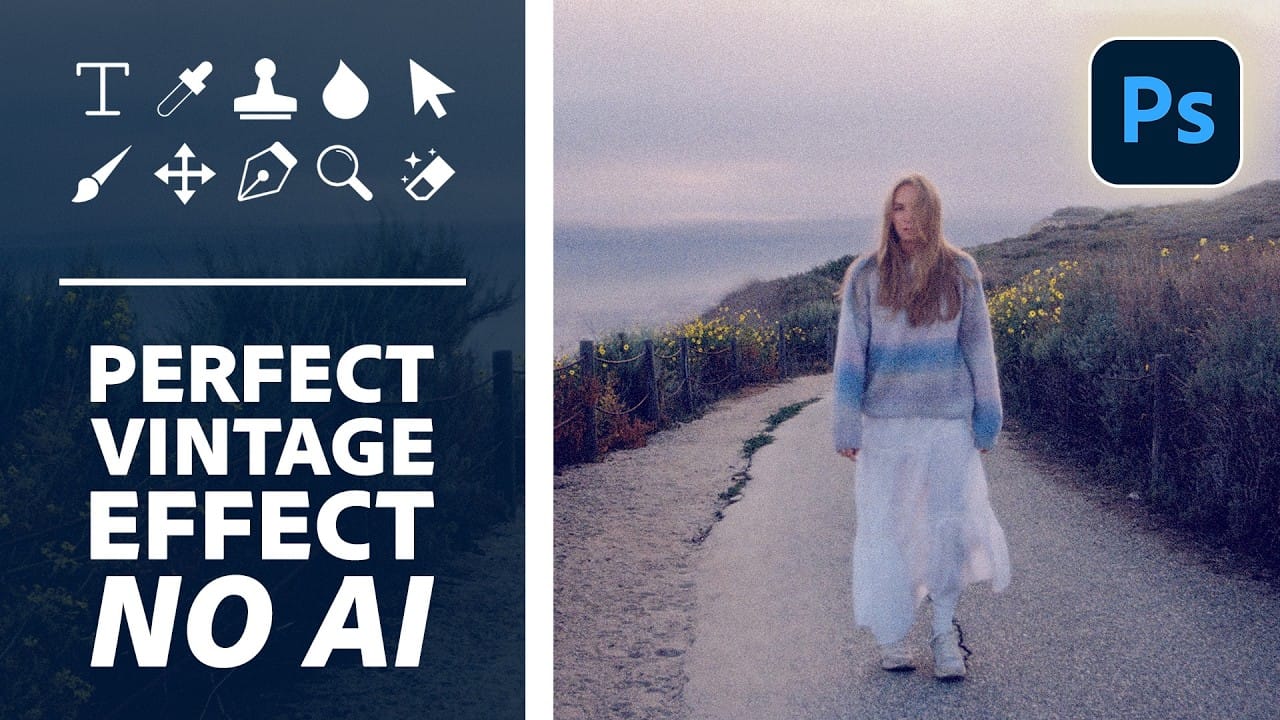
Aging a photo convincingly takes more than a preset — it requires control over highlights, color channels, and grain working together. This walkthrough covers a fully manual, non-destructive workflow for building a vintage film effect in Photoshop, using Color Range selections, Smart Filters, a Grain adjustment layer, and per-channel Read the full article here: How […]

Read more: How to Create a Vintage Film Look in Photoshop Using Adjustment Layers
How to Use the Object Selection Tool in Photoshop for Faster Edits

How to Use the Object Selection Tool in Photoshop for Faster Edits

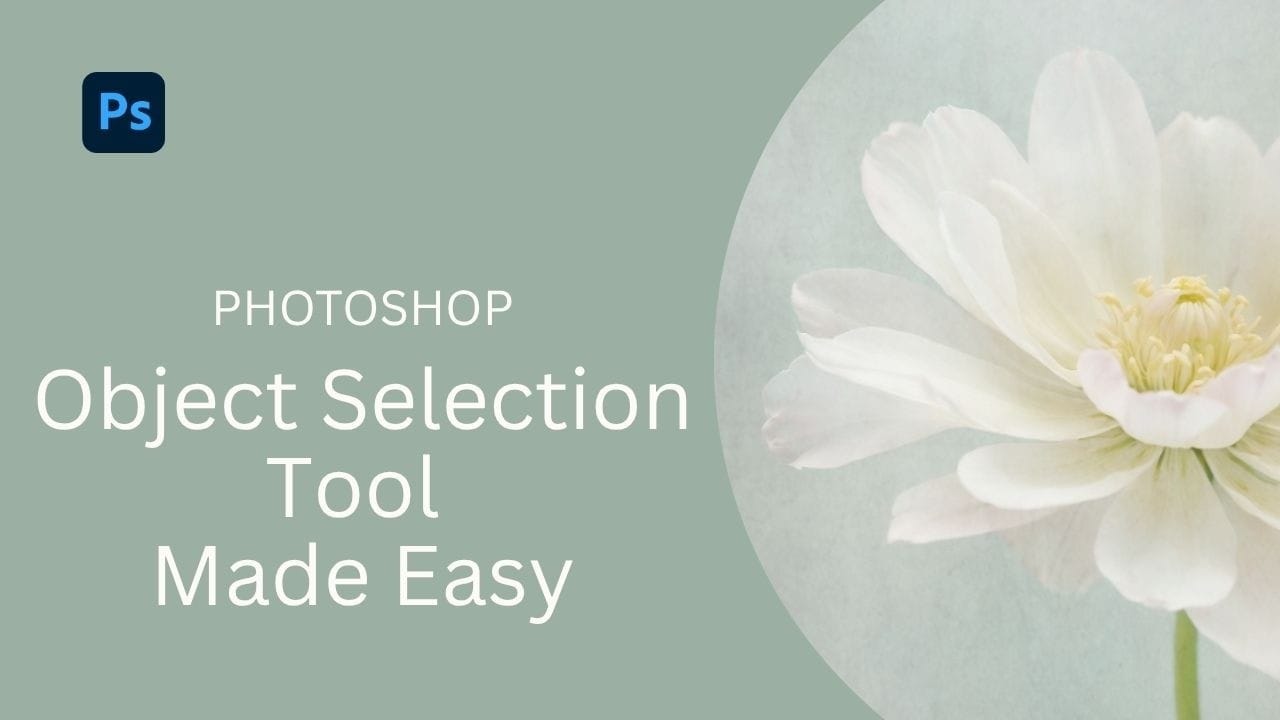
The Object Selection tool lets you isolate parts of an image with a simple drag, and it becomes even more useful when paired with adjustment layers and layer masks. These techniques are practical for targeted color edits, texture work, and building selections that cover multiple elements like a flower, stem, Read the full article here: […]

Read more: How to Use the Object Selection Tool in Photoshop for Faster Edits